





Join The Tinkerer on Whop. Membership gets you early releases, private tools and a bunch of extra stuff.
👉 Join on Whop
💬 Join the community for support, free tools and early news on Discord
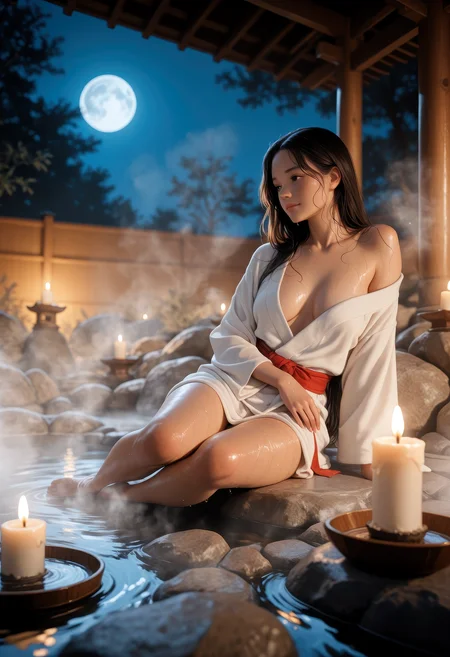
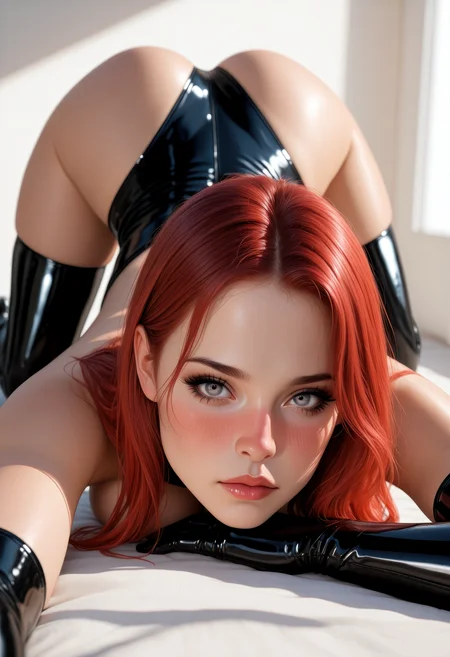
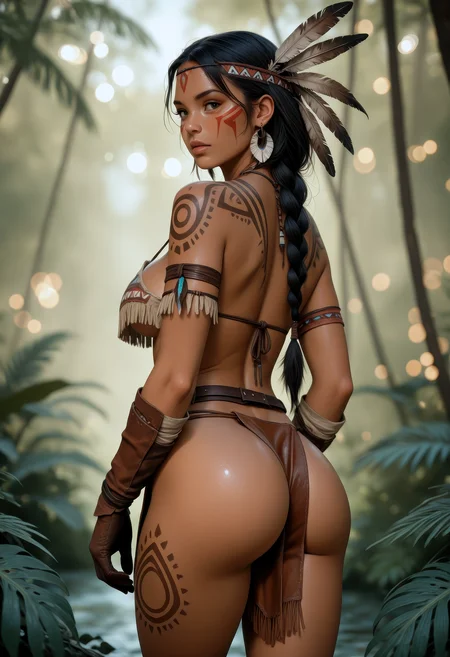
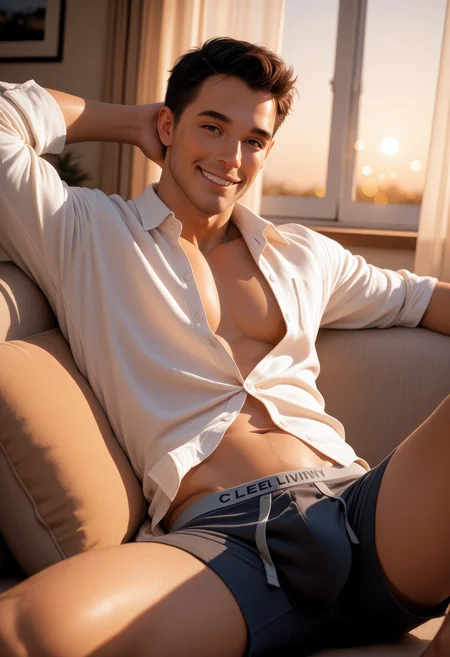
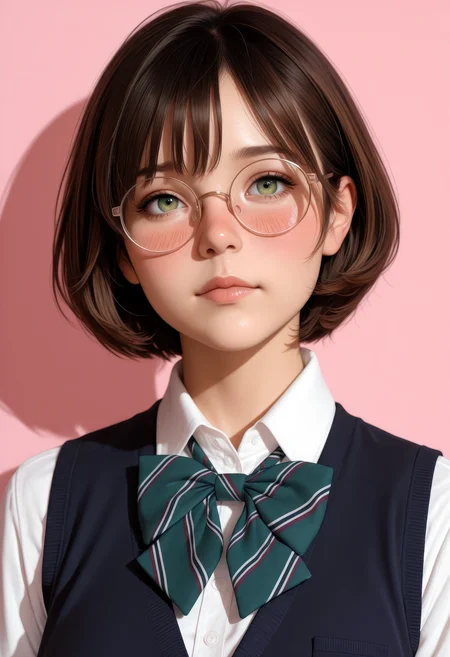
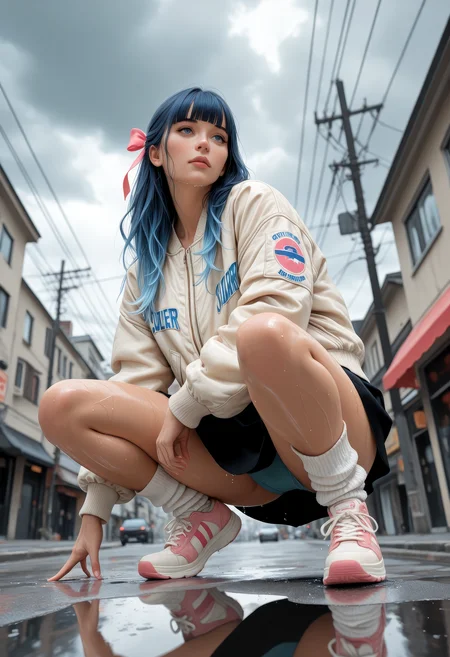
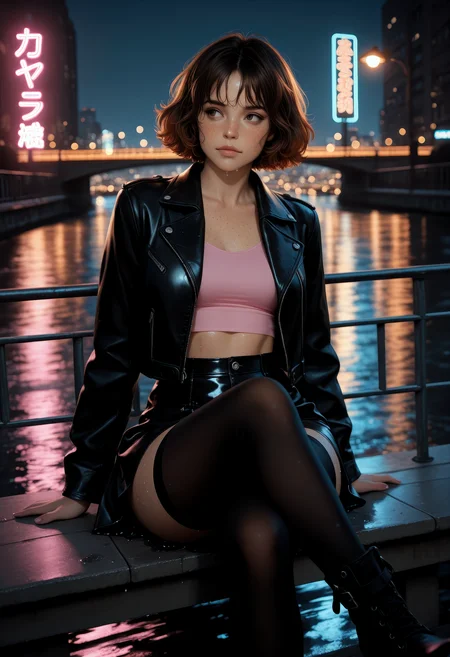
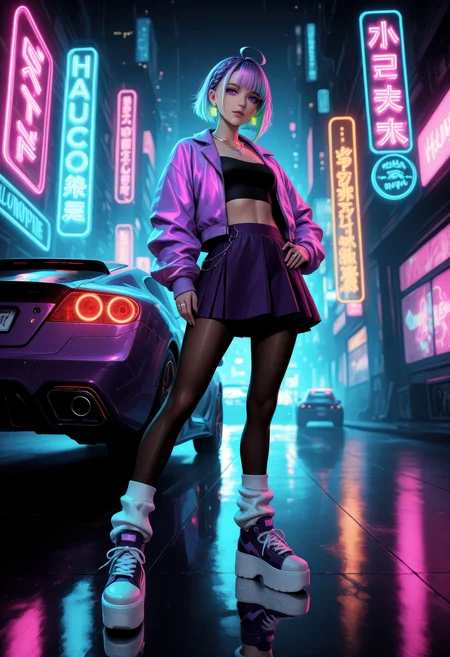
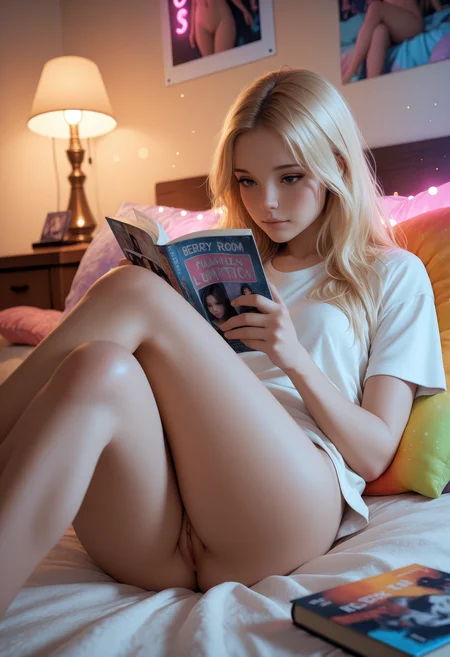
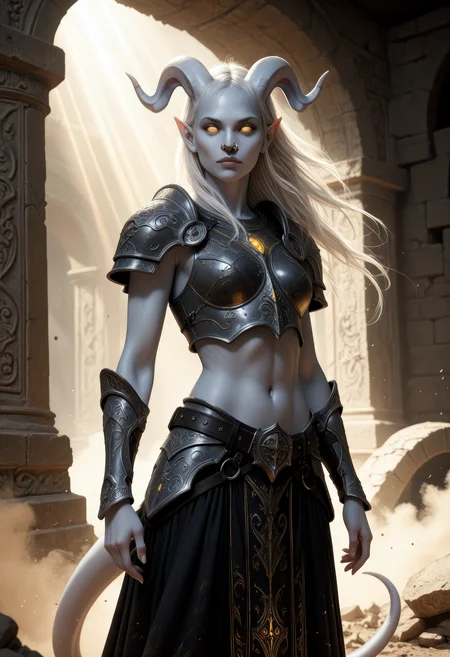
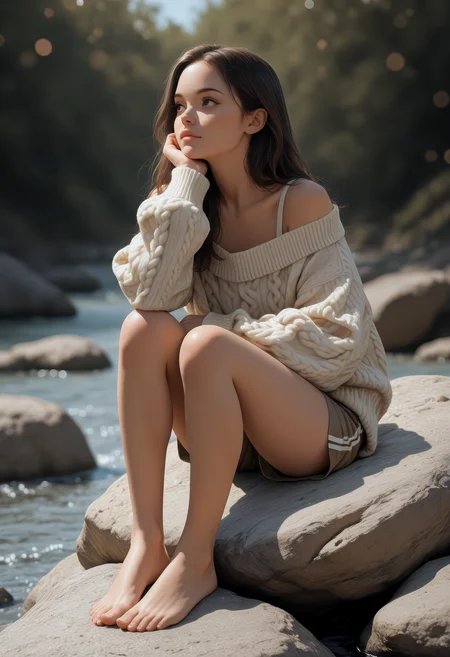
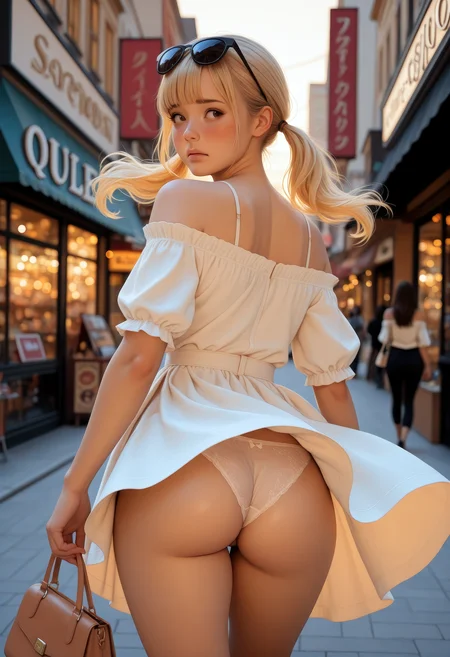
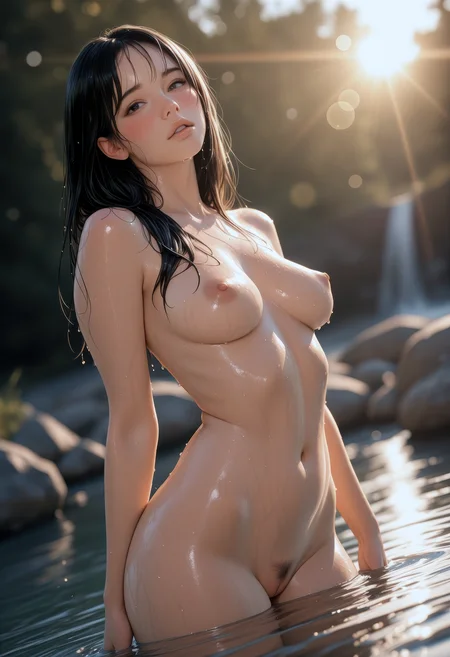
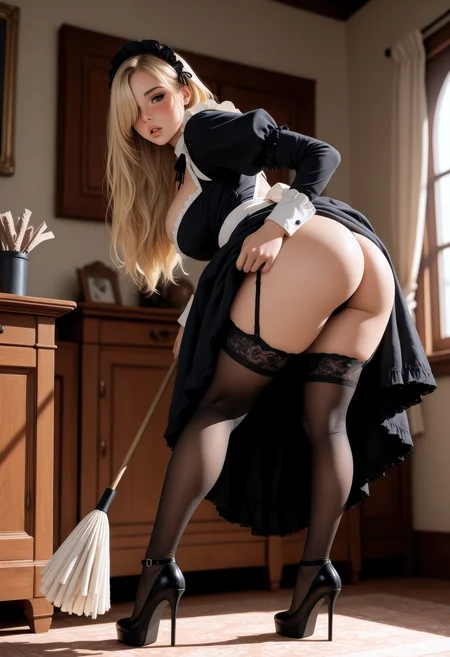
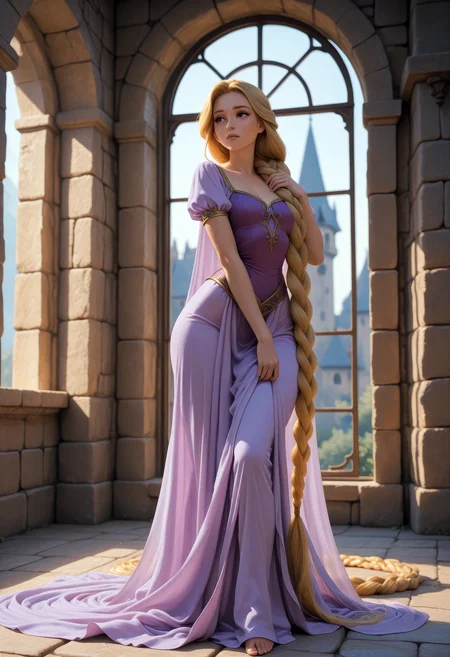
CyberIllustrious Semi-Realistic bridges the painterly elegance of Illustrious with the crisp, lifelike look of CyberRealistic.
Think: clean realism with a soft artistic touch - strong anatomy, polished skin and fabric detail, cinematic light, and smooth tag understanding for Illustrious-style prompts.
If you liked CyberIllustrious and CyberIllustrious Catalyst, this version goes further: clearer tag comprehension, steadier faces, better skin/detail handling, and more consistent semi-realistic renders - especially when paired with my Danbooru Prompt Crafter GPT.
📘 Get the most out of this model with the Illustrious / NoobAI Prompting: Master Guide.
What it’s great at
Semi-realistic portraits & fashion/editorial (soft glam → polished photoreal)
Character work that keeps a natural look while honoring Illustrious tag style
Cinematic lighting & moody color without over-baking effects
Cleaner hands, eyes, and hair with fewer artifacts at low CFG
Recommended Settings
Sampler: DPM++ SDE Karras / DPM++ 2M Karras / Euler a
Steps: 30–40
CFG: 4–5
Resolution: 896×1152 or 832×1216 (portrait-leaning works best)
VAE: Baked-in
Optional (face refiners):
ADetailer
face_yolov9c.ptIf you only want the main face refined, set “Mask only the top k largest” to 1.
Danbooru Prompt Crafter (GPT)
I’ve updated the Danbooru Prompt Crafter with a larger Danbooru tag list for more accurate, detailed prompts.
It’s built to write, clean, and optimize prompts for models that use Danbooru-style tags.
What it does
Converts descriptions to Danbooru tags: paste a natural sentence, messy tag list, or even an image → get a clean, copy-ready prompt.
Cleans up messy prompts: reorders tags, removes duplicates, and replaces vague terms with precise, valid Danbooru tags.
Multiple modes:
Strict Mode → accurate, clean Danbooru tagging.
Creative Mode (default) → adds aesthetic polish for more visually appealing results.
Output types:
Realism (default) → for photorealistic images.
Anime/Art → for stylized or illustrated outputs.
Tag validation & correction: fixes misspelled/invalid tags automatically.
Flexible formatting: choose commas, underscores, or spaces.
Understands images: upload an image; it analyzes character, pose, fashion, background, and lighting to generate a Danbooru-style prompt.
Notes & Etiquette
This model can generate mature content. Use responsibly and follow platform rules.
No explicit deepfakes of real people. Don’t be that person. 🙃
Description
CyberIllustrious V3.0 is here - this update is the result of giving my favourite model some extra love: tighter consistency, cleaner details, and a more “effortless” feel. It’s built to be a joy to work with.
FAQ
Comments (5)
isn't able to do anal at all
Can’t expect the checkpoint to know what the user skipped in real life 😏
I can see why this is one of your favorite checkpoints. It produces great results and can be pushed towards more realism or more artful illustrative styles because it works so well with many loras.
Hey, quick question regarding Illust_Semi-Real v1.5: your recommended settings prescribe face_yolov9c for ADetailer, but when I was checking the metadata for your generated images looking for resolution and Upscaler information so that I could try to test the checkpoint against my personal workflow, I noticed they were generated with yolov8n. Which one should I be using for the best results? Do I continue to use yolov8n, or should I switch over to v9c? Thanks for any help in clearing things up for me!
I have to say I hardly use ADetailer anymore, especially not with CyberIllustrious Semi-Real or Anime. But your question is about the difference between YOLOv8n and YOLOv9c. From my experience, YOLOv9c works better for realistic checkpoints, but it really comes down to personal preference. There’s no “you have to use this” or “never use that.” Just go with what works best for you - but again, for Semi-Real I wouldn’t use it.