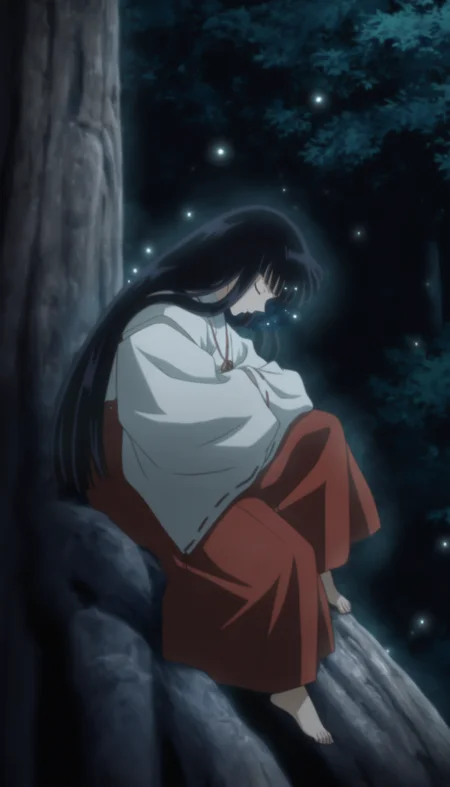
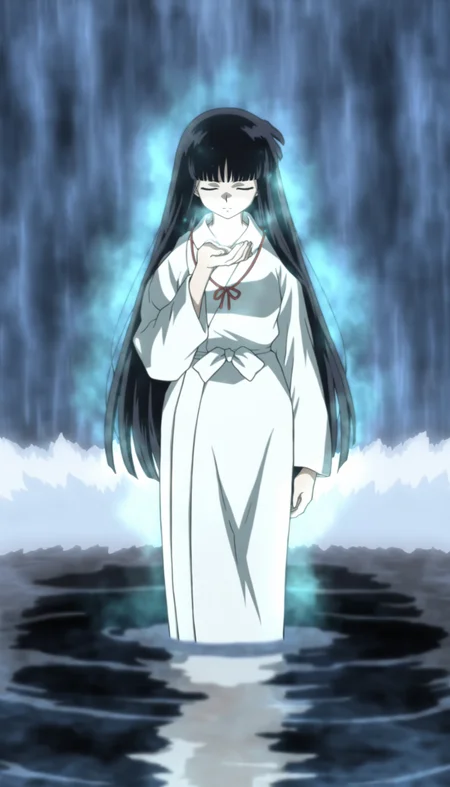
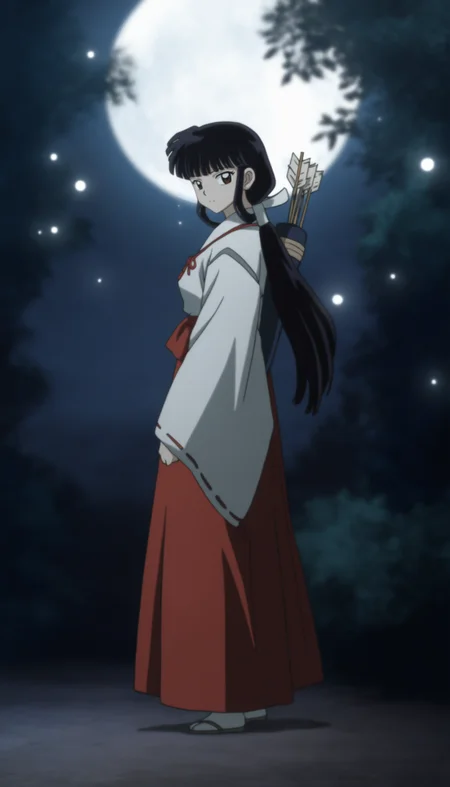
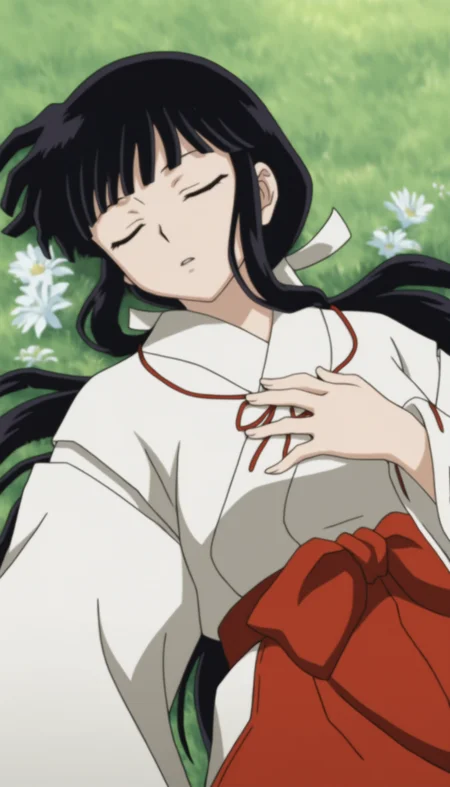
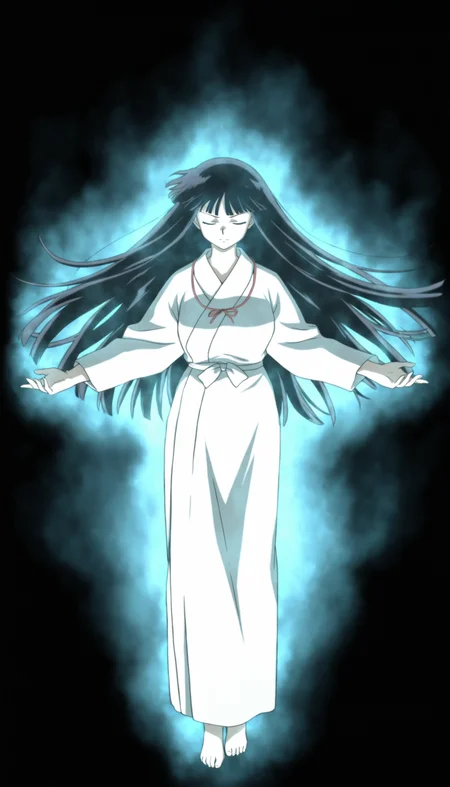
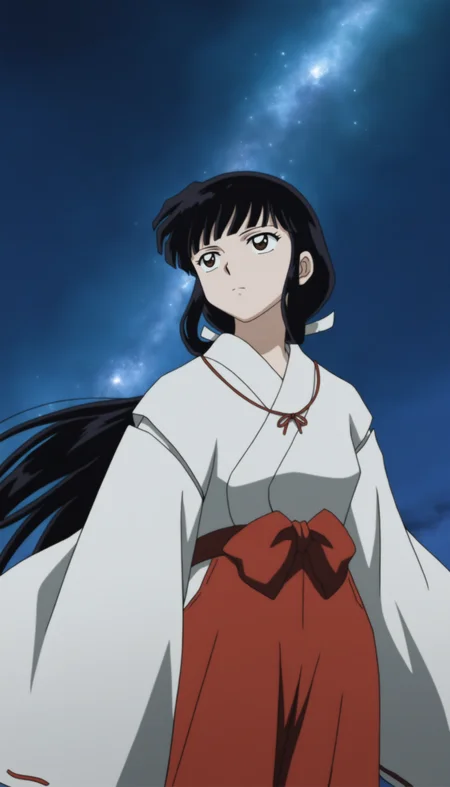
Come close to me
Read the contents below before use.
Trigger word and usage guide are listed below.
ABOUT THE MODEL
Kikyo from Inuyasha (The Final Act)
20250907v1
Trained on NoobAI-XL V-pred 1.0
The model is still not very refined at the moment, with issues including but not limited to: bad hands, blurriness, concept pollution, and unstable facial features.
Features
2+ outfits
Inuyasha (The Final Act) style
Issues
When the face becomes blurry, consider using ADetailer to fix it.
When the output becomes blurry, consider using Hire.fx to tix it.
Looks like NoobAI sometimes triggers censoring unexpectedly. Try adding “blank censor, mosaic censoring, censored, bar censor,” to the negative prompt — it might help.
TRIGGER WORDS
All trigger words are based on full body, you can modify them as needed.
Example
You could find the example prompts from my showcase.
My prompts are basically composed in the order of [character traits] + [clothing] + [customize content] + [background], and you can delete or modify them as needed.
Miko Outfit
k1ky0, black hair, bangs, low ponytail, white scrunchie, brown eyes, miko outfit, red ribbon necklace, red hakama, white tabi, straw-sandals,White Robe
k1ky0, black hair, bangs, long hair, brown eyes, white robe, barefoot,USAGE GUIDE
Tips
I recommend using SDXL's original resolution first and then pairing it with ADetailer to fix the face. To achieve better visual results, I recommend setting Upscale value to at least 1.4x or higher.
Requirement
Checkpoints: NoobAI-XL V-pred 1.0
Recommended Tools: Forge
Sample: Euler
CFG: 3~5.5
Recommended weight: 1~0.6
Hires.fix: Recommended Upscale value is around 1.2~2.0, denoising strength is 0.1~0.2.
Recommended size: 768*1344, 832*1216, 896*1156, 1024*1024, 1344*768, 1216*8
32, 1156*896
If blurriness appears on the face, please use ADetailer to fix it. The recommended denoising strength is 0.1~0.4.
I’ve set the gallery moderation of this post to “R”, so explicit content may not appear on this page