
V4 changes:
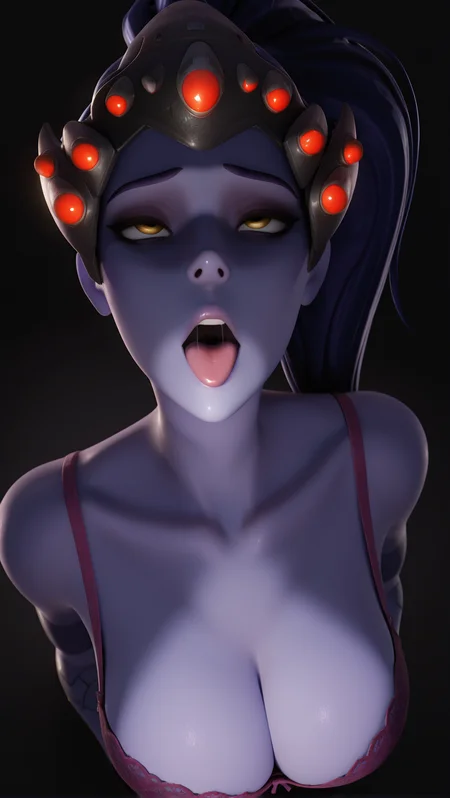
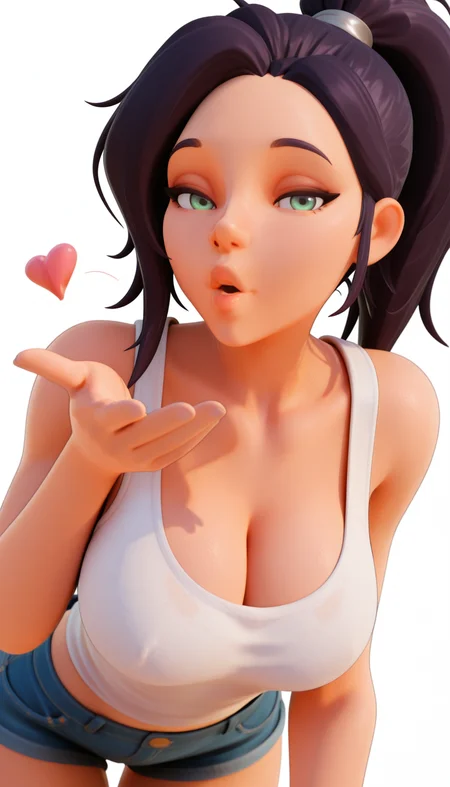
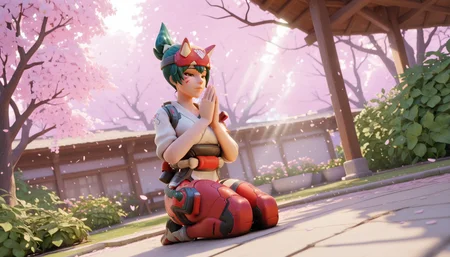
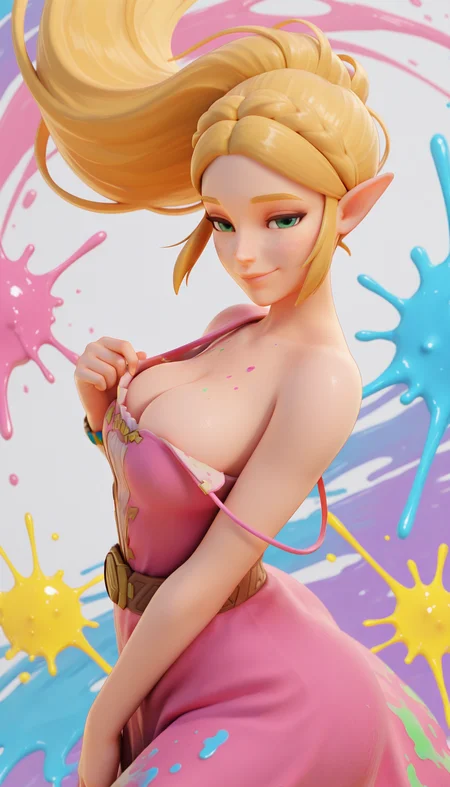
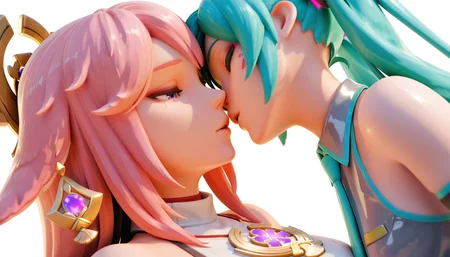
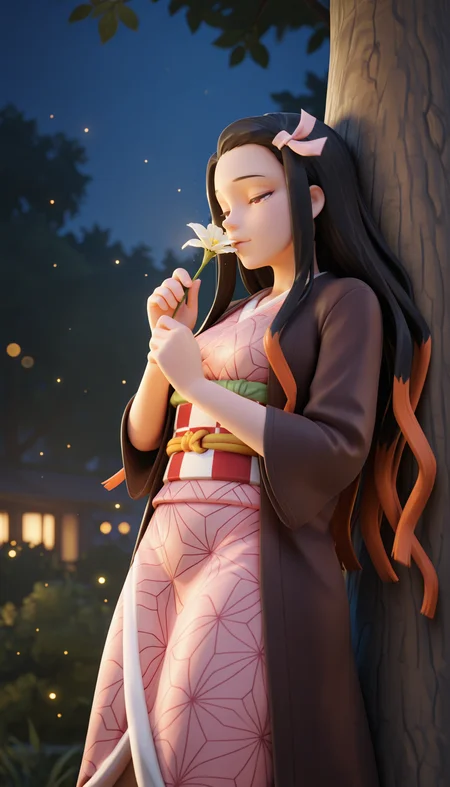
Used a very high quality dataset with different characters, backgrounds, lighting and angles. I merged the newly created lora and merged it with v3 of Overblend Illustrious. "3D" is more baked in this time around but using the usual positive and negative prompts work well. Using higher then usual resolutions like 1024 by 1876 help with faces. Adetailer is still need in some cases when using wide shots. The dataset has DVA and Kiriko meaning facial marks might appear, using "facial marks" in the negatives should solve this. Gallery images uses "1024 by 1876" or "1876 by 1024" resolutions.
✨ Tested Settings:
• Sampler: Euler A/DPM++ 2M
• Scheduler: Automatic/Simple/Karras
• CFG Scale: 5 - 7
• Steps: 20 - 30
• Using ADetailer: If doing full body/wide shots faces can be blurred or smudged. Using higher resolutions or ADetailer helps.
🎮 OverBlend – A fusion of Overwatch characters and Blender-style rendering seen on Rule34 videos!
Recommended Prompts & Negatives:
Prompt: masterpiece, best quality, absurdres
Negative: worst quality, bad quality, low quality, lowres, extra digits, facial marks
most images should come out 3D without having to use "3D" in the prompt. If it's not working adding can help.
Description
Used a very high quality dataset with different characters, backgrounds, lighting and angles. I merged the newly created lora and merged it with v3 of Overblend Illustrious. "3D" is more baked in this time around but using the usual positive and negative prompts work well. Using higher then usual resolutions like 1024 by 1876 help with faces. Adetailer is still need in some cases when using wide shots.