
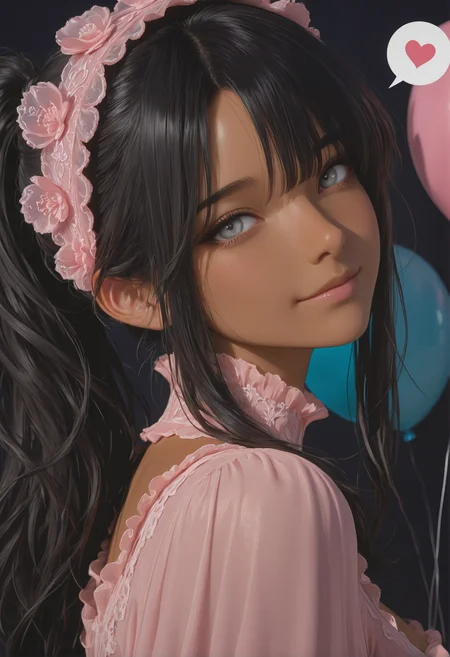

 🎀 What is Illustrij Evo?
Evo isn’t just an Illustrij update.
It’s not a patch. Not a sequel.
Evo is a NEW class. ♪
A second main.
A merge that doesn’t just work ~ it feels.
Right where things turn cozy, dreamy, soft ~ and yet detailed, expressive, and free.
If u know me as a gamer, u know: I was never just one main.
100% into more than one class ~ that’s my gamer setting.
And that’s exactly how Evo came to life.
🎀 Illustrij Evo Lvl3 NEW
| 🎀 | Specs: DPM++ 2M Karras· 30 Steps · 832×1216 CFG · 4-7 · Hires ×1.526 · SFW & NSFW
| 🎀 | update Lvl2
| 🎀 | with or without quality tags usable ☺ ur taste ~ UR CHOICE
quality tags option examples:
| + | masterpiece, best quality,
| ~ | worst quality, bad quality,
or
| + | masterpiece, best quality, ultra-detailed, 8k resolution, high dynamic range, absurdres, stunningly beautiful, intricate details, sharp focus, detailed eyes, cinematic color grading, high-resolution texture, nails,
| ~ | (worst quality:2), (low quality:2), (normal quality:2), bad anatomy, bad proportions, poorly drawn face, poorly drawn hands, missing fingers, extra limbs, blurry, pixelated, distorted, lowres, jpeg artifacts, watermark, signature, text, (deformed:1.5), (bad hands:1.3), overexposed, underexposed, censored, mutated, extra fingers, cloned face, bad eyes
I am happy if u enjoy and stay curious abt ur results ~♥ Reij
🎀 Illustrij Evo Lvl2
| 🎀 | no update !
A reinterpretation ~ back to the roots of my Illustrij, yet in a fresh new look. Striking a balance between anime and semi-realism, deeper, more tangible ~ walking the line between fantasy and real accents.
Less is more. And more is never enough?
That’s why: no quality tags, no negative prompts ~ just freedom for creatives, whether seasoned prompt pros or complete newcomers. The expression comes with the tags. A model made to inspire, not to restrict.
Specs: Euler a / DPM++ 2M Karras· 40 Steps · 832×1216 · Hires ×1.526 · SFW & NSFW
| 🎀 |💡 Extra tip: For minimal settings (e.g. 15-20 steps · DPM++ 2M Karras · CFG 4) I’d especially recommend using quality tags, as they can help stabilize and enrich the output.
| 🎀 | 💡 For those curious about the showcased ladies’ look:
Use tags like (mature) woman, perky breasts, large breasts, small waist, soft thighs, skin pressed, (...pick a COLOR...) lashes, long lashes, very awa ~ and then let ur imagination expand on it.
| 🎀 | 🔎 Quality Tags – simple example
My showcase runs without quality tags and without negative prompts.
But here’s how things might look with some common ones, inspired by Lizardon’s style:
+ Prompt:masterpiece, best quality, 1girl, face, portrait, looking at viewer, closed mouth
– Prompt:worst quality, bad quality
https://civarchive.com/posts/21048917👉 The difference? Adding tags like masterpiece or best quality often sharpens the render and gives a slightly more polished look. Negative tags like worst/bad quality help push the model away from low-res or unwanted outputs.
| 🎀 | The fun part: try it urself, compare with the clean version (no tags, no negatives), and see which style u vibe with most.
⚠️On Site Settings Evo Lvl 2 ❗?
I recommend using Euler a / DPM++ 2M Karras with 40 steps and Hires Fix at denoise 0.2, as it gives a more clean, detailed results ~ but of course, that’s a matter of taste. ☺
I am happy if u enjoy and stay curious abt ur reults ~♥ Reij
🎀 Illustrij Evo Lvl1
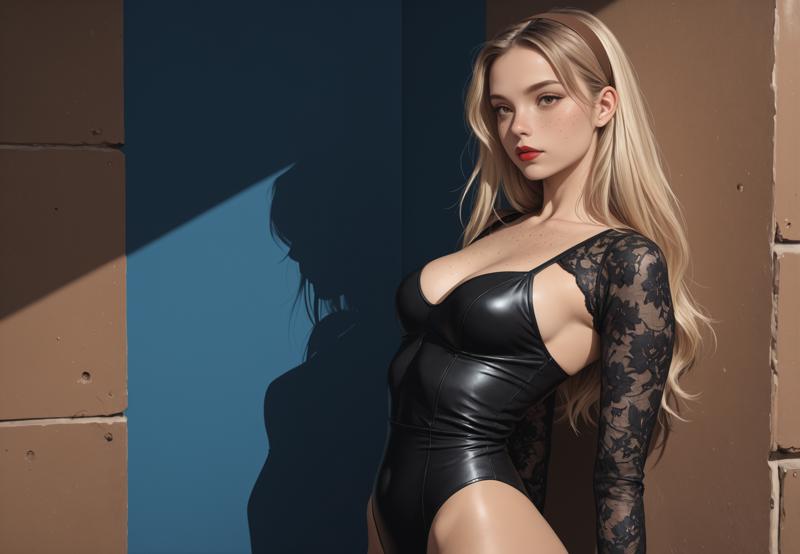
🎀 What makes Evo different
Evo doesn’t aim to impress ~ it wants to move with u.
It’s a merge for those who read between the lines.
Those who don’t just type “smile”, but feel which kind is meant:
❌ Cheeseface
✅ A gentle play in the eyes, real warmth, a cozy moment
Evo responds to emotion, gaze depth, subtle lighting.
Not overdone. Not overprocessed.
But intentionally thoughtful.
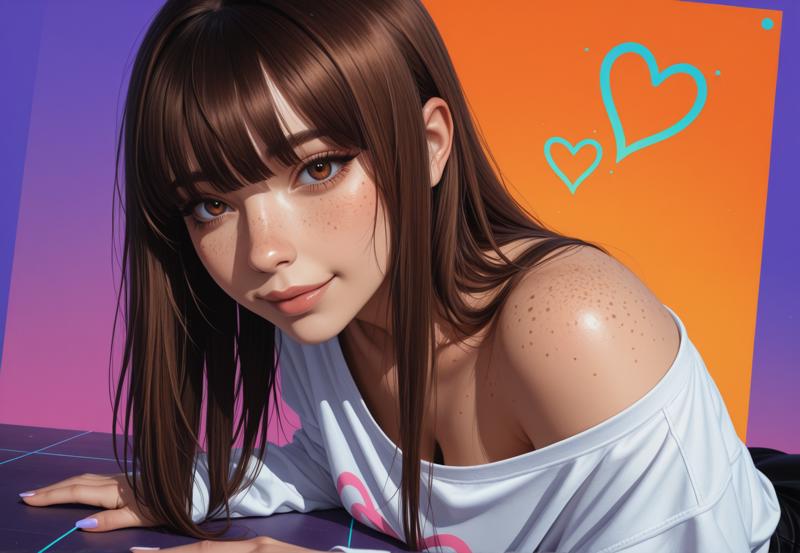
🎀 Flexible like a Skilltree
No quality tags?
Evo holds up. Strong identity. Clear style. No blur, no break.
Even with minimal prompts ~ it still feels cozy, soft, organic.
With quality tags?
Evo shows u its full magic:
cinematic detail, intricate texture, soft focus, dreamy lighting, expressive eyes
U decide how far u want to push ~
Evo listens, but stays true to itself.
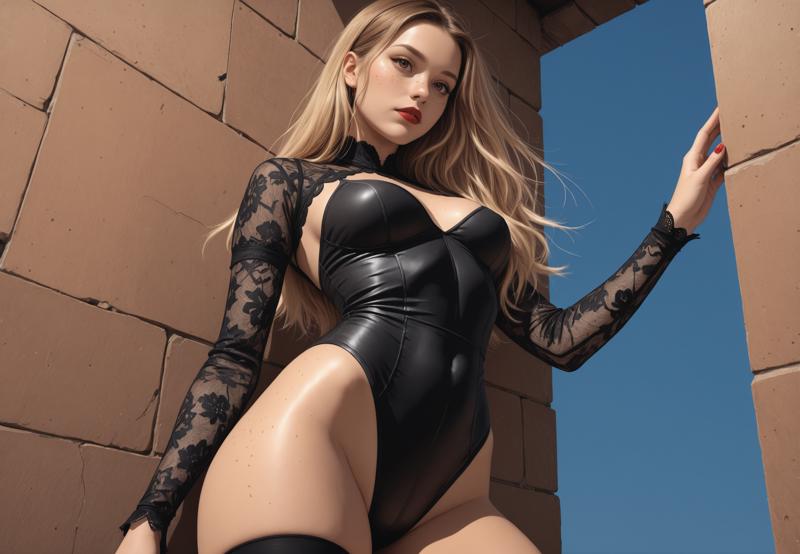
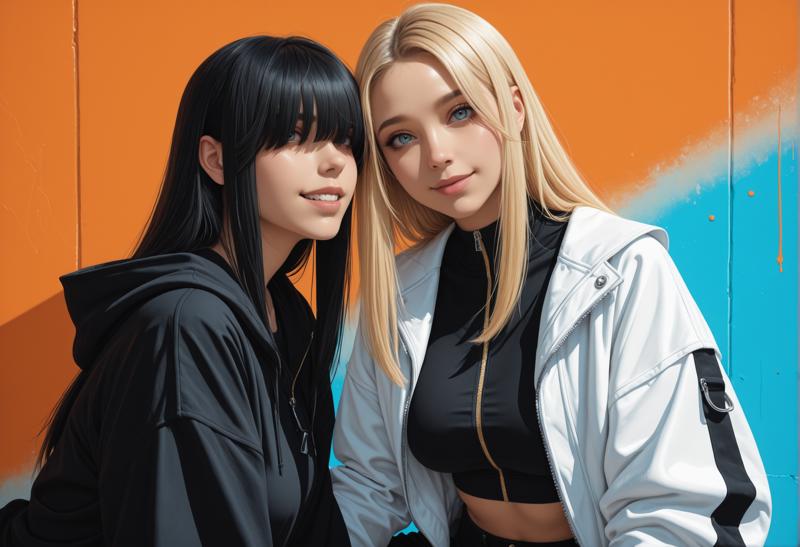
🎀 Who is Evo for?
| 🎀 | Prompt Newbies | Starts soft. Evo works even without prompt wizardry. |
| 🎀 | Prompt Experts | Emotional nuance? Tag precision? Evo scales with u. |
| 🎀 | Gamers & Character Creators | Build ur look like an RPG. Style ur Char. Design ur avatar dreamspace. |
| 🎀 | LoRA Tinkerers | Evo loves LoRAs. |
| 🎀 | Fashion Designers | Knit, silk, shimmer ~ Evo renders fashion with texture, elegance, and cozy depth. |
| 🎀 | Slice-of-Life Prompters | Cozy settings, warm glances, dreamy scenes ~ Evo brings softness to life. |
| 🔥 | NSFW Artists | Sensual, subtle, or bold ~ Evo keeps it playful, tasteful |
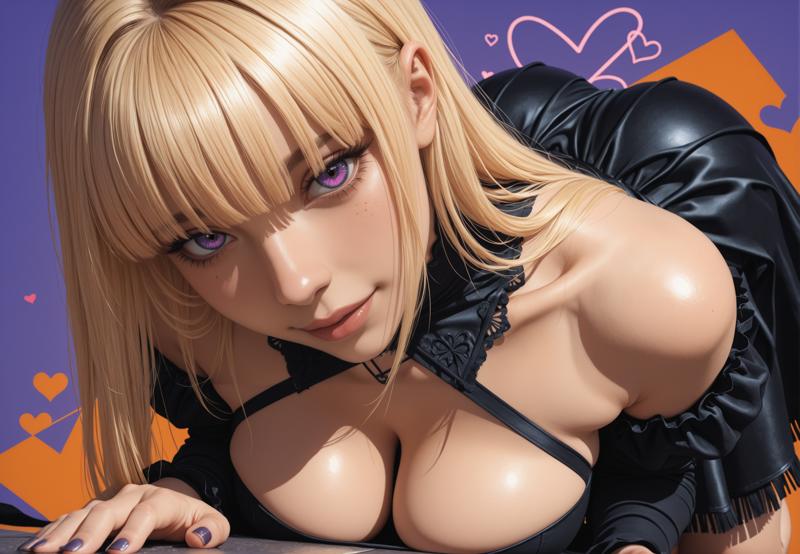
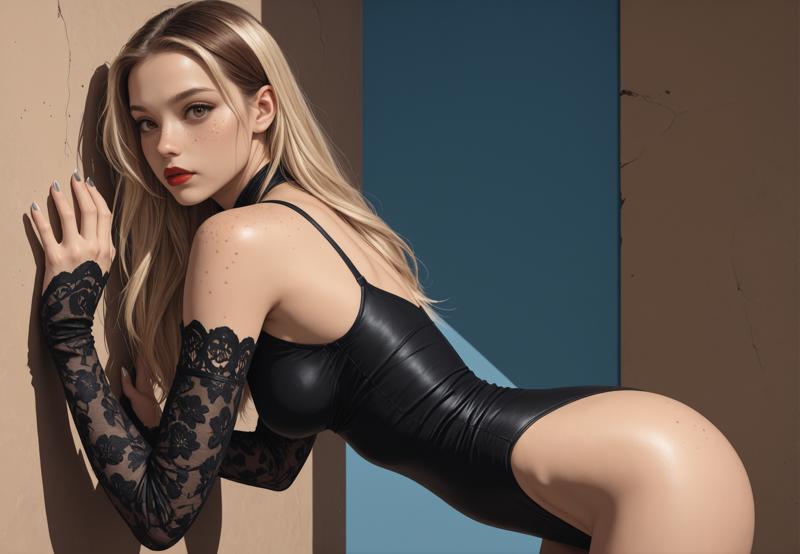
🎀 What Evo really is
Evo isn’t the loudest model.
Not the flashiest.
But it has depth. Warmth. Character.
It invites you to not just generate an image ~
but open up spaces. For u.
For our vision.
For our cozy home in the world of prompting.
Evo is a merge with soul.
A merge for discovery.
A merge to feel.
Maybe it’ll become ur new main.
Or ur beloved second character.
But it’ll stay with u ~ because it feels right.
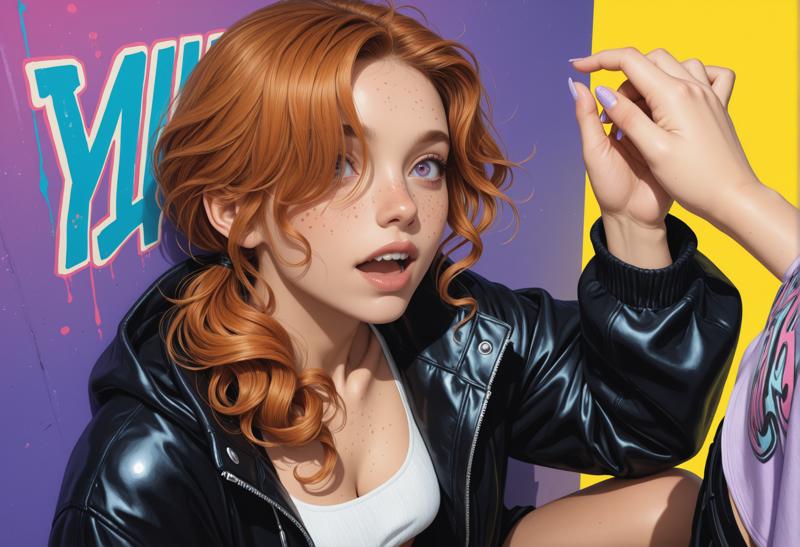
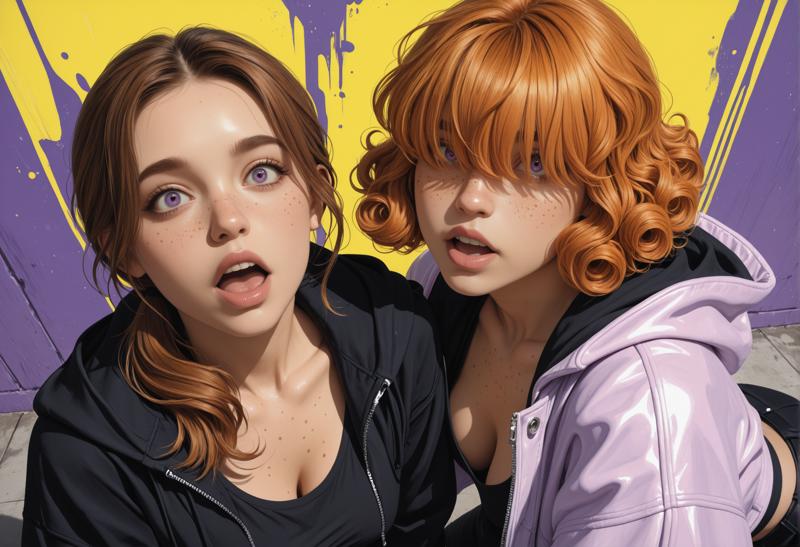
🎀 Evo ~ An Illustrij Through and Through ~ With a Hint of Surprise 🔥
Evo was meant to be something of its own.
A new main. An Evo.
A new class in the Merge-RPG.
But the more time you spend with Evo – the clearer it becomes:
Evo carries the heart of Illustrij.
She’s playful, cozy, detailed.
Stylish. Expressive. Emotional.
But Evo has her own twist:
Sometimes ~ only sometimes ~ she reveals a lil more than expected.
Never forced. Never loud.
But with the same delicate touch as her older sister ~
just with a touch more openness.
A little freer. A little bolder. A little more… Evo.
If u know Illustrij, u’ll recognize her in a heartbeat.
If u feel Evo, u’ll discover a new facet.
A merge with soul ~ and a playful wink.
Or maybe even a cheeky tongue-out moment? 😜
Evo is an Illustrij
Evo is the sister who dances a little more.
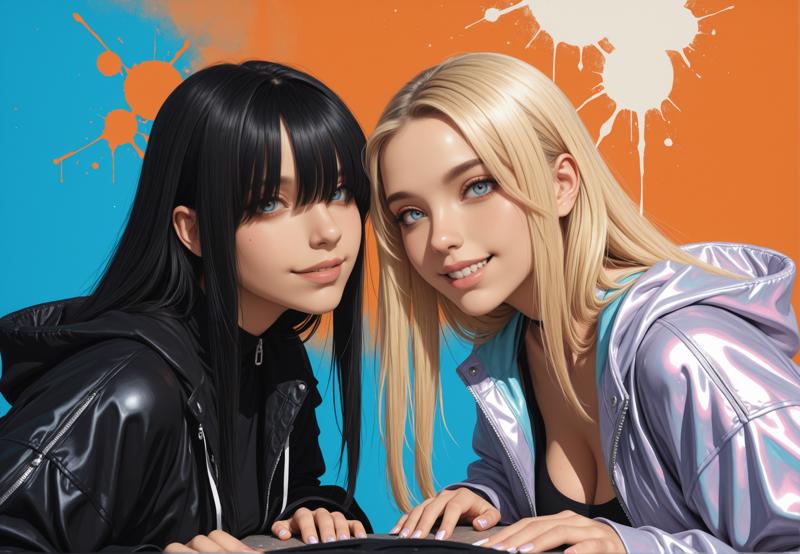
🎀 recommended setting examples
30 steps
Euler a
Clip skip 2
no extra VAE (VAE included)
tags / _tags
resolutions 832x1216 +++
+prompt:
masterpiece, best quality, ultra-detailed, 8k resolution, high dynamic range, absurdres, stunningly beautiful, intricate details, sharp focus, detailed eyes, cinematic color grading, high-resolution texture, Small mini upgrader for face focus images with hand motions, gives images a more focused touch regardless of the prompt:
photorealistic portrait, nails, -prompt:
(worst quality:2), (low quality:2), (normal quality:2), bad anatomy, bad proportions, poorly drawn face, poorly drawn hands, missing fingers, extra limbs, blurry, pixelated, distorted, lowres, jpeg artifacts, watermark, signature, text, (deformed:1.5), (bad hands:1.3), overexposed, underexposed, censored, mutated, extra fingers, cloned face, bad eyesI am happy if u enjoy and stay curious abt ur new adventures with Illustrij Evo.
with 💝 Reij
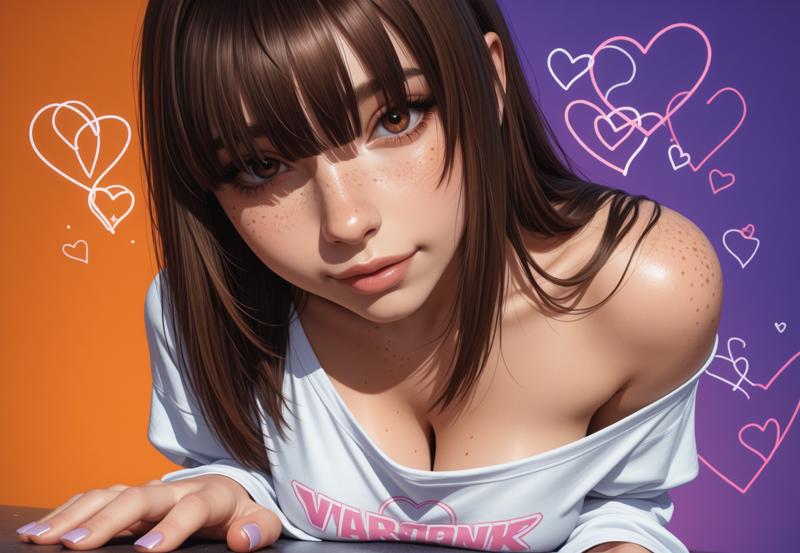
Description
VAE baked in
merge tinkered with love & my merges and selfcrafted Lora ~♥
FAQ
Comments (79)
Just very good work Thank for you model !
thank u very much 4 ur kind comment ☺
I am happy if u like EVO :)
Best model I’ve seen, an absolute masterpiece,my friend.
thank u very much 4 ur kind words ♥
means alot ☺ I am happy u like Evo ^.^
wow, best of the best
thank u very much 4 ur kind words ♥ I am very glad u like Evo ^-^
lvl 3 could almost be a new model. Colours are much flatter - you can tell just looking at the preview pics. lvl 2 is still the best.
Tinkering in a colorful playground: lots of flavors, lots of variety☺ I'm glad you like Lvl 2
Incredible model.
I absolutely love this model and I can't wait to share the posts in the coming days!
my renders are looking nothing like the pics at all and i'm using the same settings and everything
ur using an extra VAE maybe?
@reijlita hmm I was using one called purecolor.vae maybe that. just checked and that still doesn't seem to fix it I don't get what's wrong cos I'm using the settings listed
@Ellie2024
So regardless of whether it’s Forge, Comfy, or Onsite, the image should normally have a very similar output.🤔
My guess is that an additional VAE might be causing the difference ~ please avoid adding extra ones, since the model already includes one. 🙂
The showcase is set up so the images look almost identical to hires on site. That’s why I chose an upscale factor of 1.526 ^^
But even without hires, the results should look pretty similar.
If it’s not the VAE, then my next thought would be the denoising setting. The higher that value is, the more the output will deviate from the original seed.
@reijlita what type of denoise would you recommend as my first pass is 1 then 0.5 then 0.3
@Ellie2024 Has it worked now? :)
I use 0,2 mostly to keep the look :) sometimes 0,4. Depending on the upscale factor, the look can otherwise appear stretched
@reijlita sadly no
@Ellie2024
May I ask if you have already tried using my prompt with my settings without an extra VAE or Lora? I tested it again yesterday and got exactly the same image. On the site it looks slightly different but keeping the look, but that’s only because I’m using Forge, which handles the seeds a bit differently than on-site. However, that’s independent of the model itself.
@reijlita I tried that and it's still being odd
@Ellie2024 hm :I I’ve tested this multiple times myself, and both on site and locally the results look the same.
That’s why I assume the differences come from individual settings or extra components (like VAE, LoRA, or the denoise workflow) rather than from the model itself.
I only use hires with 1.526 and 0.2 denoise locally to stay close to the on-site settings, so the results are basically identical in both cases ~ just like in my showcase. 🙂
Even without hires, the image still looks stylistically the same as in my showcase.
To show exactly what’s possible, I keep my prompts visible so anyone can easily follow and understand the process.
At this point I really can’t add anything further ~ I don’t know your hardware or the base settings of the program you’re using, so I can’t tell what else might cause the difference.
Since I’ve tested everything on my side and the results are consistent, I’d kindly ask you to check your own setup in detail. To be honest, I'm not sure what else could be the reason. Thanks for understanding.
@reijlita honestly I wonder if it might be my entire workflow with the way it's setup but do you have any you could share so I can try it?
Sadly I can’t share workflows since I’m on Forge and not Comfy locally :( but to make up for it I did some extra testing ~ even without hires or adetailer ~ and ended up with two posts to show the results 💖✨
The first post shows local without hires, local with hires, and on site ~ so you can see the direct comparison. The second one is another test without hires/adetailer. 💖✨
https://civitai.com/posts/22081762
https://civitai.com/posts/22082447
For full-body images, though, I’d recommend using adetailer locally and/or hires, or increasing the resolution ~ since faces can look softer or blurrier at longer distances, and this helps keep the output sharp and consistent. ✨
I’m tinkering a lot to make adetailer more optional by using one of my models but since I’ve only been doing AI for about a year I wouldn’t call myself an expert yet 😅💕
Maybe if someone else here uses Comfy and sees this, they could help out with that side of things, since I don’t really know Comfy myself 💕
@reijlita ye they do look really good so I don't get why mine is being weird
@Ellie2024 I would love to help you, but I'm not familiar with comfy at all :I
Basically, I wouldn't say Comfy or Forge would be better, Comfy in particular seems to give you more space to influence the image. But it looked so complex that I said ... later :D I'm still at that point :D
@Ellie2024 If the problem is only not reproducing exact images it is because of differences in the way ComfyUI and Forge generate the initial noise
@PressWagon what does generate the initial noise mean?
@Ellie2024 Initially the image is all noise and the model turns that into an image. To get the same image out you need all settings the same but Forge and ComfyUI handle the seed setting differently so cannot produce the same image even when the seed is the same
Maybe you can try KSampler in inspire pack,set noise mode to GPU(=a1111).
Can I use it on iOS drawthings?
Strangely enough, when I generate an image, it comes out entirely black. I only get images when I select a custom VAE.
VAEs are included in LvL1-3. In this case, I am not using a second one. I suspect in this case the output could seem experimental
To be honest, I do not know why this would happen. for me it works as shown in the showcases, either locally or onsite.
maybe the sampler?
@reijlita I don't think it could be the sampler. I went with your recommended settings and got the black image.
I tried some different settings I use with other models, and the image was still black. When I selected the standard "illustriousXLV20_v10.safetensors" (which I at least think is the standard), it generated normal images with whatever settings I used (which isn't a problem to me; if I can use this model, I am happy).
I am not that knowledgeable about the inner workings of AI image generation, but when I open the black image (without VAE) on Notepad++, I get the standard initial data, which has the positive and negative prompts, settings, and all the nodes of ComfyUI used in the workflow, but below that, everything is "NUL". Just by using the external VAE, the image, and by consequence, the metadata, are the way they should be.
But all's well that ends well.
请问你解决这个问题了吗?
@dawushi I haven't tried with this specific model, but first try using the command line "--fp32-vae" without quotation marks in your ".bat" file, granted you are using ComfyUI.
If that doesn't help, you will need to download the VAE I wrote: "illustriousXLV20_v10.safetensors" instead of using the included one.
This is my favorite model but I'm getting terrible hands! I've tried lazy and smooth embeddings for hands with no luck.
hey ☺
thank you for your comment.
I'm glad if you like evo.
which version do you mean?
I usually don't use any tags for the hands at all in the latest version. Alternatively, I only write nails if I would like to bring them more into focus
@reijlita Turns out it may have been the stabilizer lora I was using. Results improved when i disabled that.
@GasparGames Thank you very much for letting me know ☺ I'm very happy if it works now ♥
One of my new favourites.
As always a stunning model, the quality is nice, but I figured that the hand output quality in lvl2 is a little better. Maybe it's just my perception.
If this looks neat, then I was so ready for it.
Decent model generator.
这个模型真的很好,是我使用频次最高的,但模型似乎不能理解手部弯曲的状态,有关弯曲手指之后就会烂手,希望作者能关注并修复这个问题~~
Love it!!!
there is a big prob lem for me perhaps?when i writting down "1boy,nude", then, it will give you that 1boy fuck female pose, mostly. Then i can not create any other pose without fuck. I dont know how to change it. (&_&)
Have you ever tried 1boy, (adult) man, nude and then a movement/emotion? So is he sitting? leg bent, hand on the knee or hand on the back of the head, is he laughing? hairstyle, eye color?
it's important to write down what you want to see. To get the desired output, it is the input that needs to be described - referring to both facial expression and movement
@reijlita Yes! i got it,you are right. we need more detail describe on character to get a good work.
My favorite one <3
the overall picture effect is good,but the fingers and toes still have incomprehensible flaws,
hey, thanks for ur comment. which version are we talking about? :)
This cannot be completely ruled out. If you find a model that can do this 100 percent, I would recommend using it - if this is the most important fact^^
my art and models breath in the flaws ~ for me its part of the creative process :)
Basically, I can recommend the following when depicting hands:
- test models raw (before adding loras, quality tags, etc)
- If the image works as a blank, add everything you imagine step by step
- Pay attention to wording about hands, i.e. choose tags carefully (refers to hand motion, if there are too many different ones this can lead to a hand wanting to make more of a movement), tags like "good hands" can help, but can also have the opposite effect. If I want to consciously depict hands, I usually leave it out completely, at most I write nails if I want more focus here.
- please pay attention to denoising when hiring (the higher the number, the higher the probability that fingers and toes will be added because the pixels are stretched - especially for models that are intended for 1024x1024 resolution, 0.4 can be far too much)
- by adding many Loras in the same image: please step by step depending on the strength - everything in one can mean metaphorically depending on the image: I paint with oil paints, chalk, pencil, watercolor at the same time, add confetti and individual geometric cardboard cutouts - can result in a masterpiece, but that remains a matter of taste ^^
get some good embeddings and you should clear that right up
@CyberCurves thank u for ur comment, that might help but belonging to the enbedding and model it can have the opposite effect.
nice
good
красивое
any LoRa recommendations for better skin?
just use Swin2SR Upscaler
RealSkin xxXL is pretty good. I've had good results on Pony and Illustrious models with it. Unless you hate the pony look.
https://civitai.com/models/1486921/real-skin-slider
This is also good. I combine and balance the two usually.
https://civitai.com/models/411088/detailed-perfection-style-hands-feet-face-body-all-in-one-xl-f1d-sd15-pony-illu
The overall skin though, is quite a range, from comic to semi realistic. Depends on what you call better.
I really like this model, but for some reason all my results get red eyeliner/mascara when I'm running it through SDXL? Any idea what the cause/fix might be?
hey, what do u mean by running it through sdxl? u mean using sdxl lora? just asking cause its an IL model ☺
For long i thought no one could compete with IlustMix but i am proven wrong, this right here is MASTERPIECE.
It's better than illustrij 18. It's really creative and handles more complex compositions really well.
This checkpoint is absolutely stunning, produces some really beautiful results
非常喜欢这个model,但是有人知道为何目前无法在civitai generate中使用个模型进行创作?这是最近的事情对吗?
It's due to Civitai's rule. Check here:
https://education.civitai.com/civitais-guide-to-checkpoint-coverage-featured-models-and-the-auction-system/
thank you both for your comment.
Currently only a limited number of models can be used for on site generations.
one of the possible spaces can be purchased in the auction house for a week at a time.
I have noticed, prices vary depending on the number of possible models.
Bidding on all of them would be unfair to other creators, in my opinion. I usually bid on a small number of models.
Besides, it would be too expensive for me too, to be honest^^
♥ Reij
我遇到了和评论区tubiriri一样的问题。我使用V3版本。第一次下载使用的时候正常。等我后面再使用的时候,在推理过程中一切正常,但是等推理结束保存图片的时候,图片就变成全黑了。不管我怎么设置都是全黑的。同样的设置其他大模型都是正常的。我现在完全不知道应该怎么解决。
This model is next level and incredible. Well done. Thank you for sharing.
thank you very much for your kindness ♥ I am glad if you like EVO
I highly appreciate this model; with just a simple configuration, it can deliver impressive quality. I wonder if there is a v4 version available.
hey, thank you for your kind feedback :) to be honest, I actually already thought about it today. But I can't say exactly when that will be
I've tried several model, most of them is heavily focused on something like forgeUI, I got bad result using comfyUI. but this model is the smartest that I've found, it understand the prompt better
I really love this model, it performs amazingly well and has become one of my daily go-to models. I especially enjoy using it as a base model to train LoRAs. May I ask when the V4 version will be released?
I've always loved your works. I wonder if you've considered creating a checkpoint version of Anima in a similar style? Thank you so much.
The face shapes of the evo model are the best I have seen so far. Unlike other realistic face shapes that tend to be overly homogenized, the generated images fall somewhere between 2D and 3D, retaining the beauty of 2D while maintaining the realism of 3D. It would be even better if it could continue to update to version V4.lol~