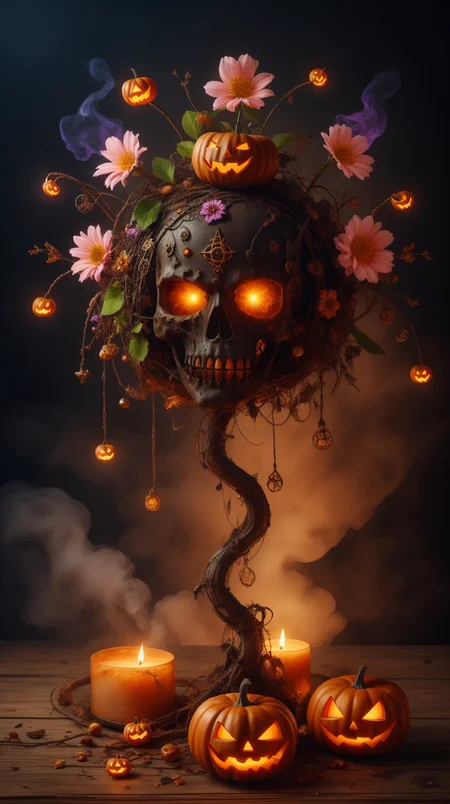
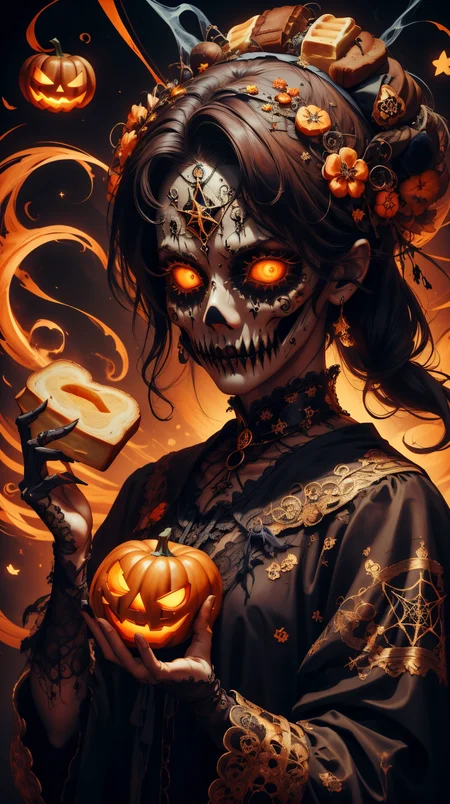
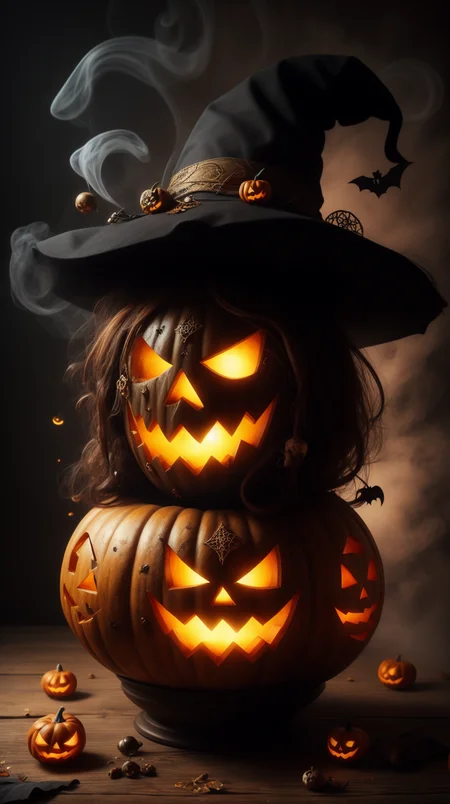
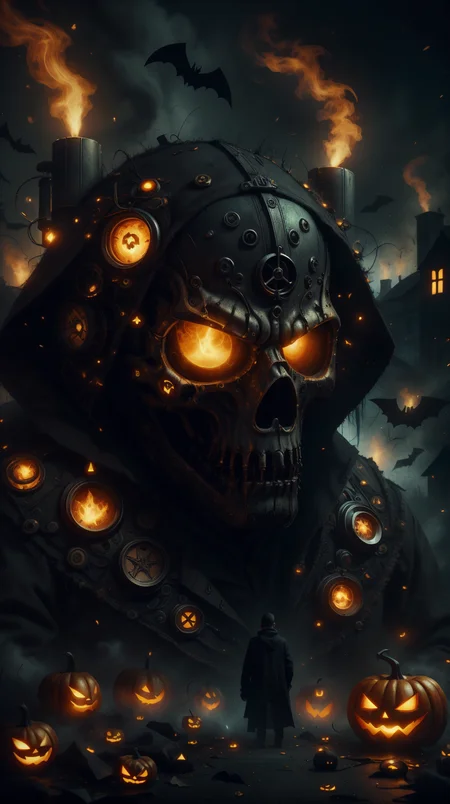
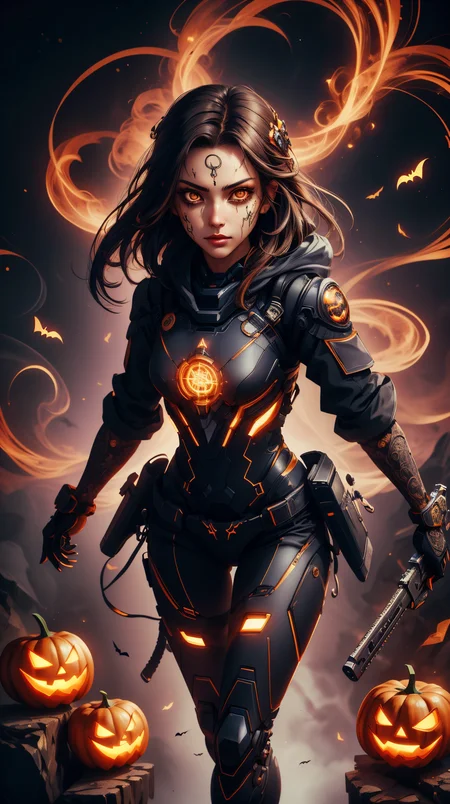

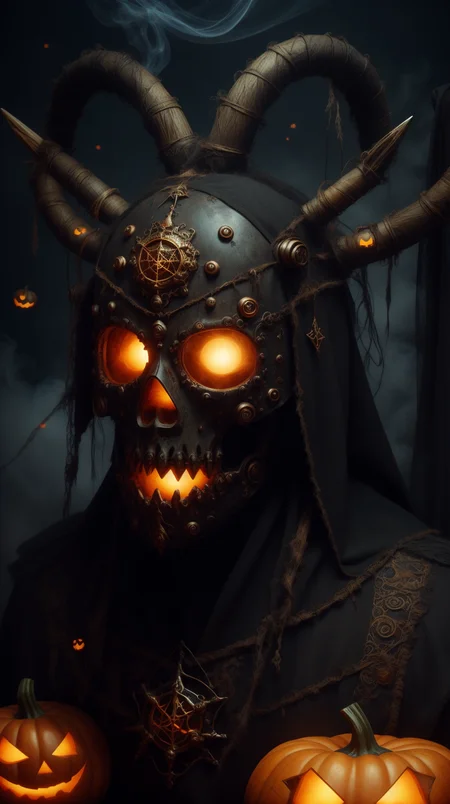
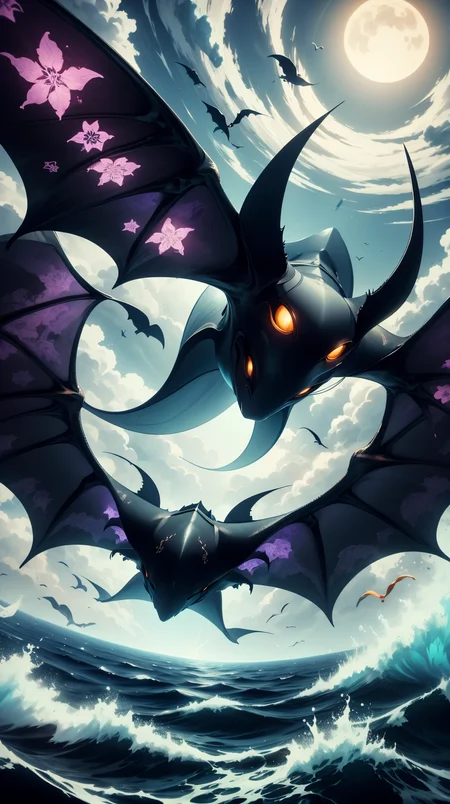
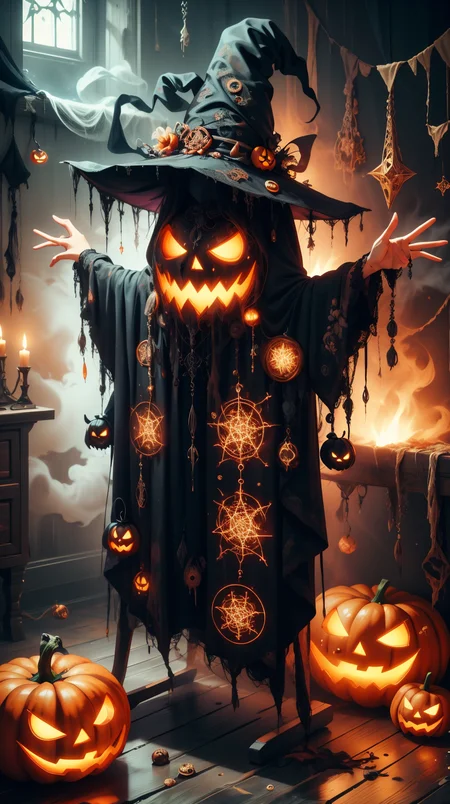
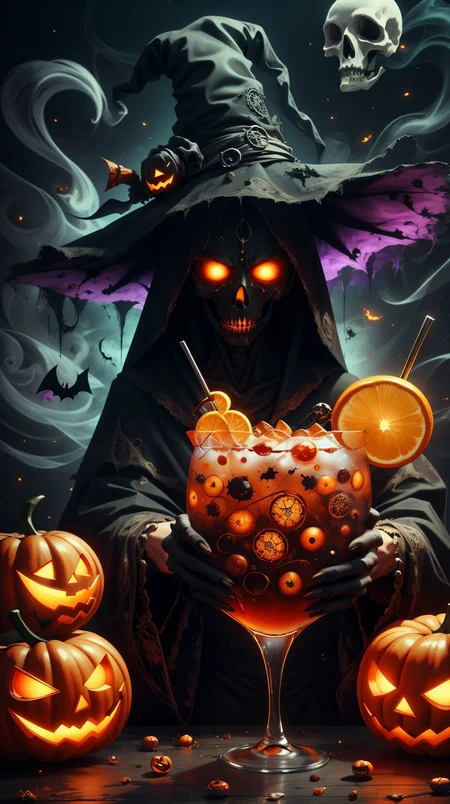

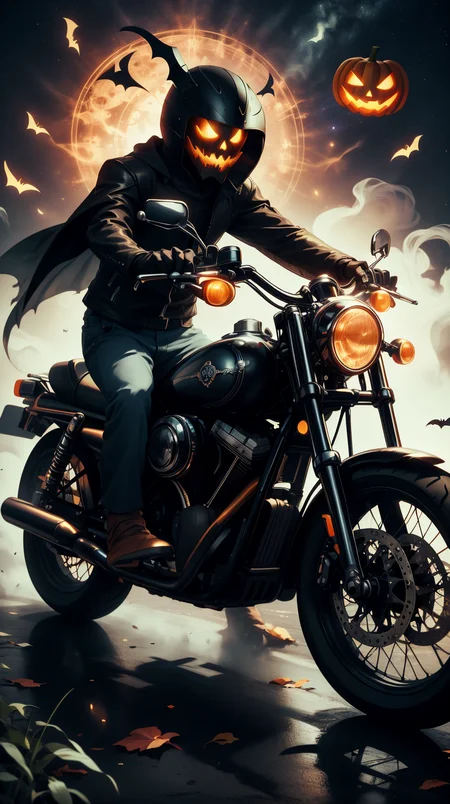
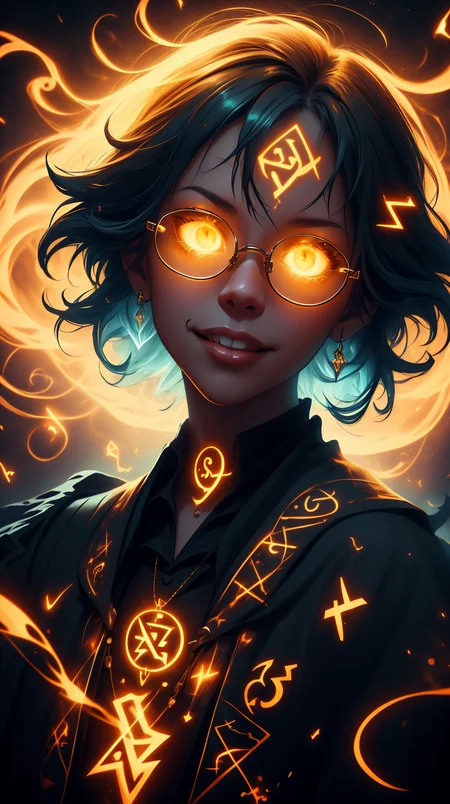
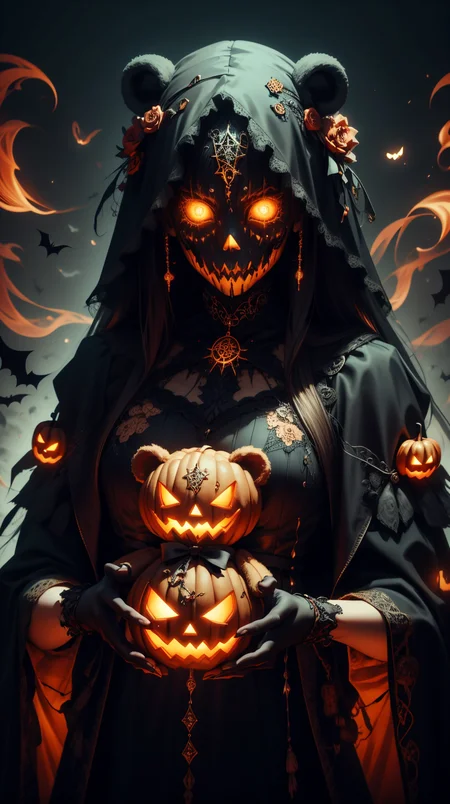
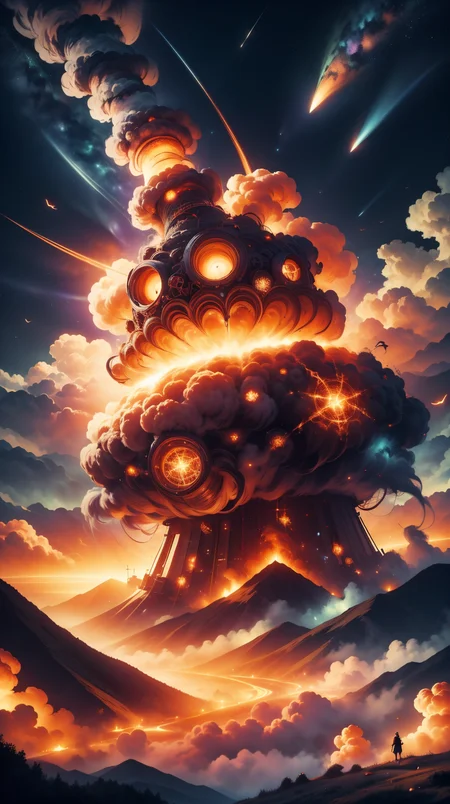
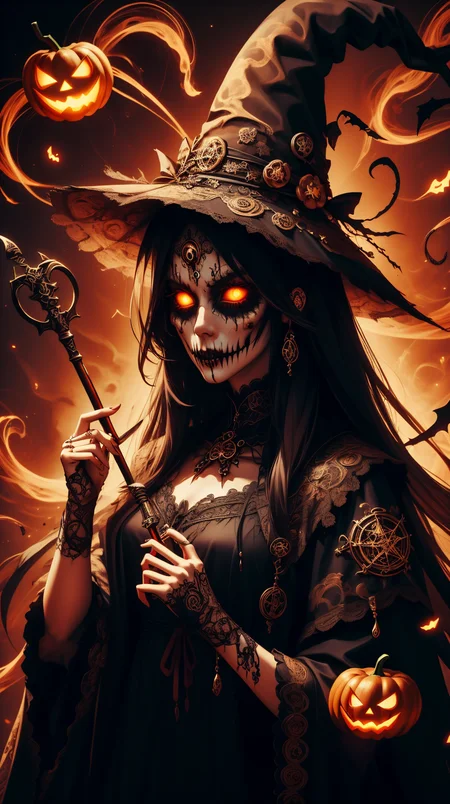
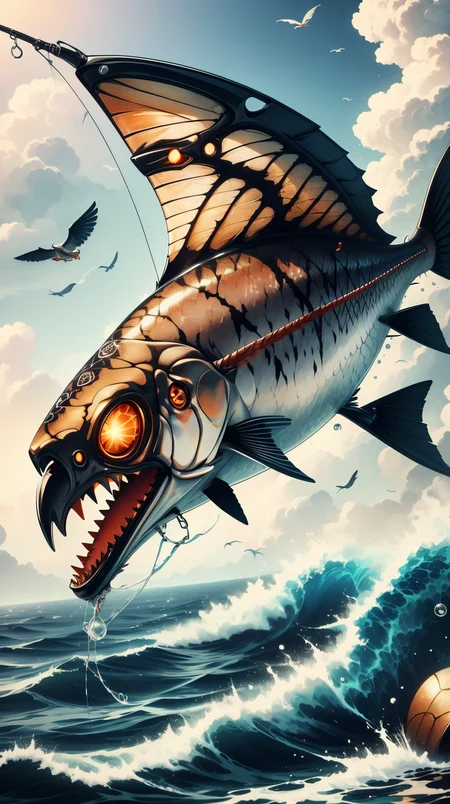
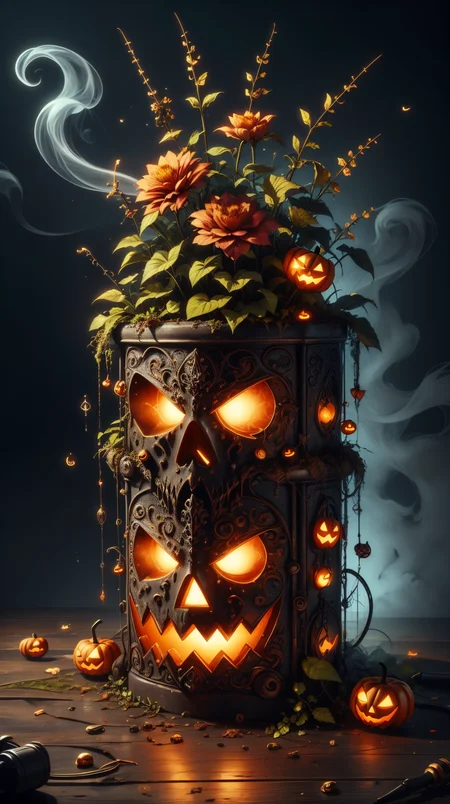
🎃 Halloween Collaboration Model 🎃
This model adds Halloween-style eyes and faces, and a generally scary atmosphere to your generations.
This model is a part of the Halloween Collaboration between:
mnemic - navimixu - DonMischo - taintedcoil2
Here are links to the other Halloween models:
Halloween Tech - Halloween Glow Style - Halloween Light/Colorful Pumpkin Overflow - Halloween Dark/Gloomy Version - Creepy Nightmare XL - Halloween Ghostly - Halloween Collaboration LoRA - Halloween Collaboration LoRA XL
Also check out the v1.1 Alternative Version. It gives slightly different results.
Usage
Use the trigger word: "h4l0w3n5l0w5tyl3M3rg34ll" along with the LoRA to activate it.
Example prompt: h4l0w3n5l0w5tyl3M3rg34ll watermelon <lora:h4l0w3n5l0w5tyl3M3rg34ll:1>
I've found that most settings work well with this model. No special samplers or CFG-scale.
Tips and tricks
Here's a list of keywords you can use to enhance the different effects of the model.
halloween
horror
scary
glowing
orange
Too many pumpkins? Try adding pumpkin to your negative prompt.
Like it?
Description
This version (1.1 Alternative Merge), is a merge of 3 of the LoRAs in our shared collaboration project. It is not trained separately, just merged.
It's a merge of Halloween Tech, Halloween Ghostly, and Halloween Glowing Style.
It gives a bit different result than the separate training one, so I decided to upload it here.
Each trigger word is separate for each of the 3 styles merged. You can try them out separately, or alltogether.
Prompt example with a random order of activation using the Dynamic Prompts extension:
<lora:h4l0w3n5l0w5tyl3:1> {halloweenglowstyle halloweentech hwghostly|hwghostly halloweenglowstyle halloweentech|halloweentech hwghostly halloweenglowstyle|h4l0w3n5l0w5tyl3|} cup of coffee
FAQ
Comments (4)
What's the checkpoint? Thanks
It depends on which image you mean.
A lot of them are tagged with this resource:
https://civitai.com/models/106055/photomatix?modelVersionId=181186
For many others, I would guess RevAnimated.
@mnemic How does the people with jack-o'-lantern face generate, I want to get as much as these images as possible. Such as the people on the motor. I will be appreciate if you can give any suggestions.
@qiyuqiyuqiyu They should come automatically if you just prompt for people.
You need to use the LoRA and use the trigger word.
You can see the prompts used at the image information, like here:
https://civitai.com/images/3254740
<lora:h4l0w3n5l0w5tyl3:1> hwghostly halloweenglowstyle halloweentech bread, (Masterpiece:1.3) (best quality:1.2) (high quality:1.1)