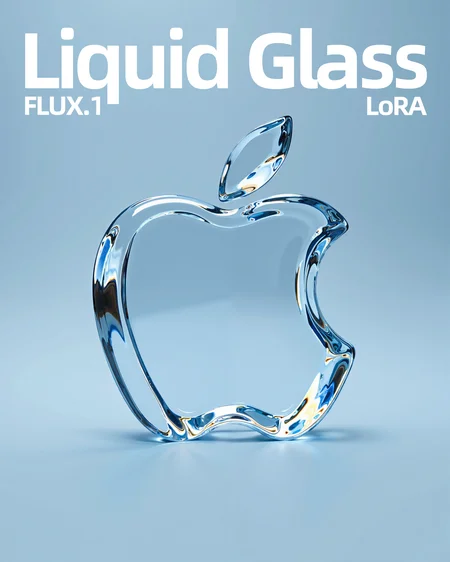
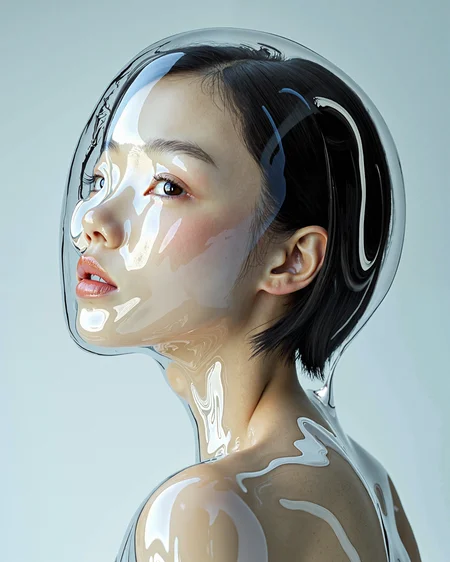
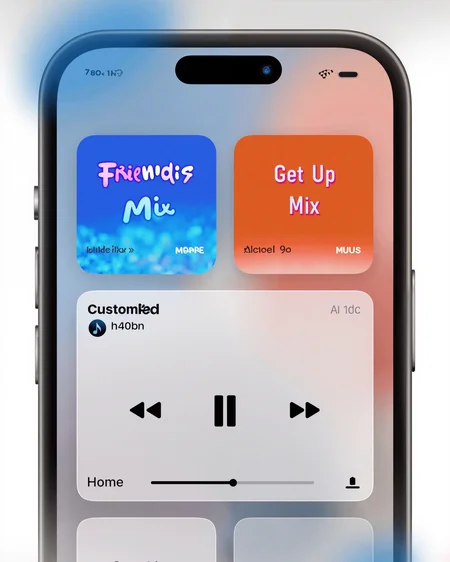
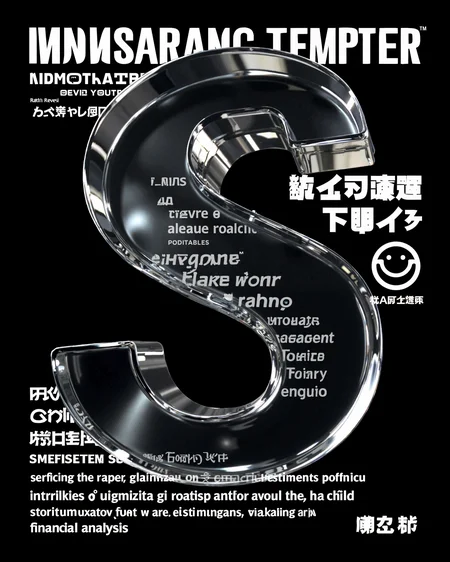


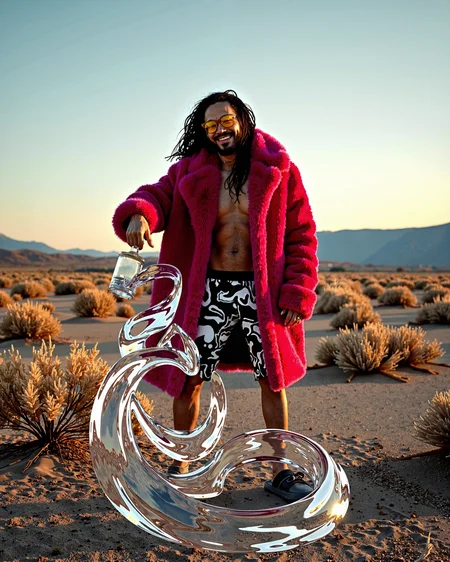

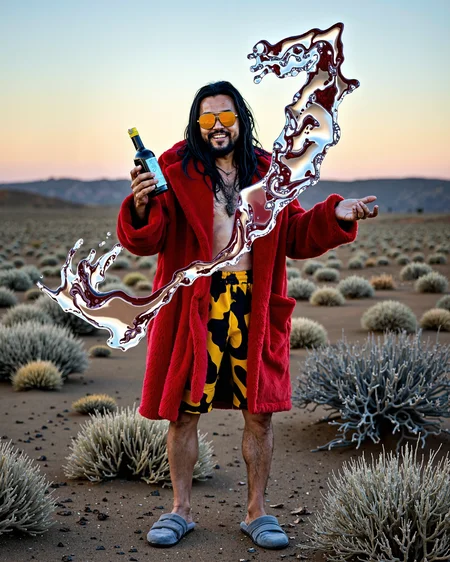
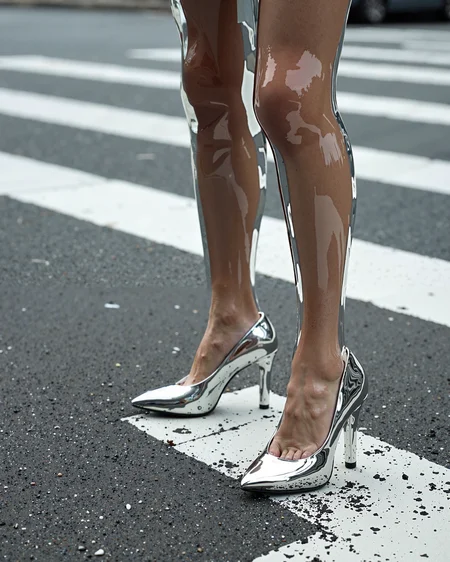
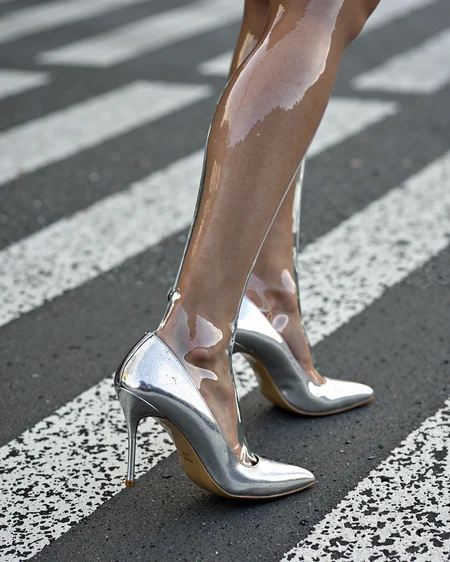
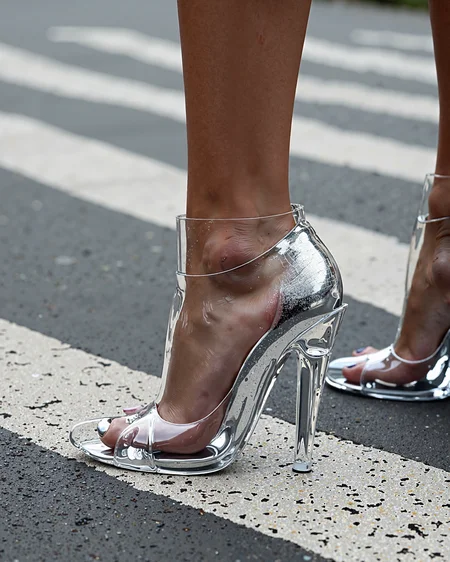


This is a model that simulates Apple's latest "Liquid Glass" effect. Although Apple defines it as a visual theme for the UI, after training it into a model, it is found that it can make the picture look more concise and design - oriented. The flowing glass texture is more transparent and has a stronger sense of fluidity compared to the original glass effect in FLUX. I hope you will like this effect. If you have any comments, please feel free to leave a message.
The trigger word is very flexible and does not need to be placed at the beginning of the prompt. You just need to add "transparent glass" to the part where you need to add the glass texture. For example: a red dress with a transparent glass texture.
Weight: 0.6 - 1.2 (default 0.9)
Size: 768/1024/1536 (default 1024)
Guidance Condition: 2.5 - 3.5 (default 3.5)
Steps: 20 - 40 (compatible with the turbo acceleration model, default 8 steps)
Sampler: euler (simple)
Support WebUI/ComfyUI. After testing, the effect of ComfyUI is better. It is recommended to use it together with my workflow.
OK! The above is all the content for this time. If you have any questions, welcome to leave a message/return pictures/like/follow. It would be great to have a combo of all these actions.
→→→→→→ Get more resources ←←←←←←
Description
This is a model that simulates Apple's latest "Liquid Glass" effect. Although Apple defines it as a visual theme for the UI, after training it into a model, it is found that it can make the picture look more concise and design - oriented. The flowing glass texture is more transparent and has a stronger sense of fluidity compared to the original glass effect in FLUX. I hope you will like this effect. If you have any comments, please feel free to leave a message.
The trigger word is very flexible and does not need to be placed at the beginning of the prompt. You just need to add "transparent glass" to the part where you need to add the glass texture. For example: a red dress with a transparent glass texture.
Weight: 0.6 - 1.2 (default 0.9)
Size: 768/1024/1536 (default 1024)
Guidance Condition: 2.5 - 3.5 (default 3.5)
Steps: 20 - 40 (compatible with the turbo acceleration model, default 8 steps)
Sampler: euler (simple)
OK! The above is all the content for this time. If you have any questions, welcome to leave a message/return pictures/like/follow. It would be great to have a combo of all these actions.
FAQ
Details
Available On (1 platform)
Same model published on other platforms. May have additional downloads or version variants.