


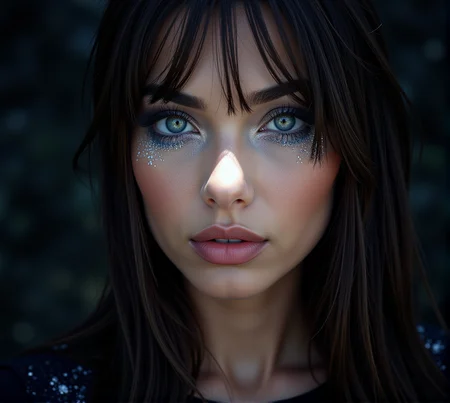



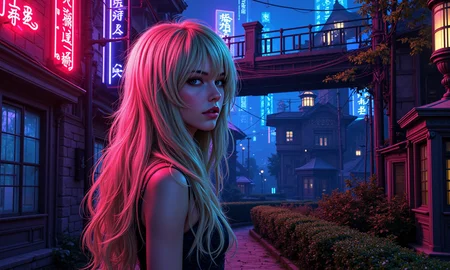



Load 1-100 random images from a selected directory
Create a grid from the loaded images
Using Gemini to create a prompt by using the grid as a single image
Load 1-100 images to use input image as Redux style reference
Creates 4 different images using Detail Daemon
Saves the image to Google Drive or OneDrive
INSTRUCTIONS
Preferable you want to make use of 2 different folders, one with images you want to use as reference for Gemini to create prompts, and another for images that would make good backgrounds.

Random Index
Minimum: Keep at zero
Maximum: Set at the same as many images you have in your "Prompt Reference" folder.
Load Batch From Dir ("Prompt Reference" and "Redux Reference Image" folder)
Directory: Put the path to your "Prompt Reference" folder.
Image load cap: How many images that together will make a single prompt
Start Index: Connect to the Random Index Node
Load always: Ignore this
Force rescan: Leave this at "Use Cache"
Redux Settings
Style Model Apply Simple

Best used at settings low-high (see examples)
Image Strength: Lowest

Image Strength: Low

Image Strength: Medium

Image Strength: High

Image Strength: Highest

Description
This version is using a conditional lora applier node that will load loras based on if keywords (that you set) is present somewhere in the prompt.
Format: keyword_phrase: lora_full_relative_path, lora_strength, clip_strength
Example (use forward slashes for paths):
portrait: Flux/Details/amateur_photo_v1.safetensors, 0.75, 1.0
cinematic scene: MyLoRAs/Styles/retro_cinematic_v2.safetensors, 0.8, 0.9
fantasy creature: Custom/Creatures/mythic_beast_lora.safetensors, 0.9, 0.9
Use comma-separated values for strength. Default is 1.0 if omitted.
Keep strength between -2.0 and 2.0.
The keyword_phrase should be found anywhere in the prompt (case-insensitive by default).
Use several keywords for each lora by separate them as: keyword_1, keyword_2: MyLoRAs/Styles/retro_cinematic_v2.safetensors, 0.8, 0.9 This will load the lora retro_cinematic_v2.safetensors from the path MyLoRAs/Styles/ if keyword_1 and/or keyword_2 is present anywhere in the prompt.