
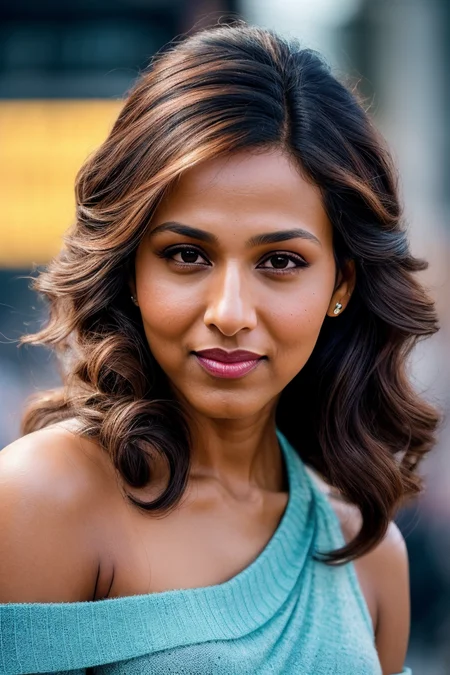

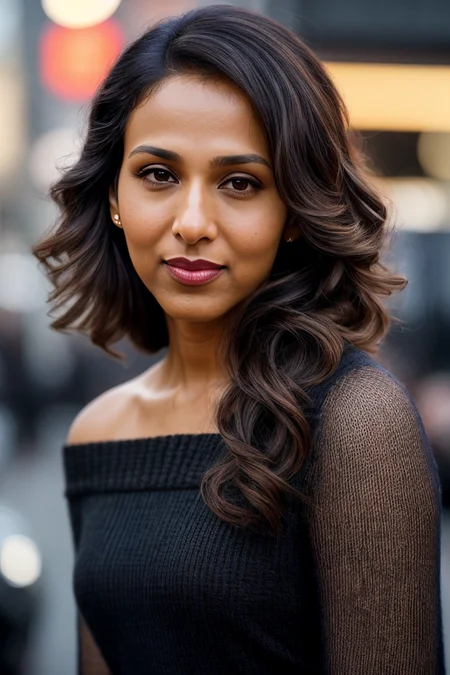

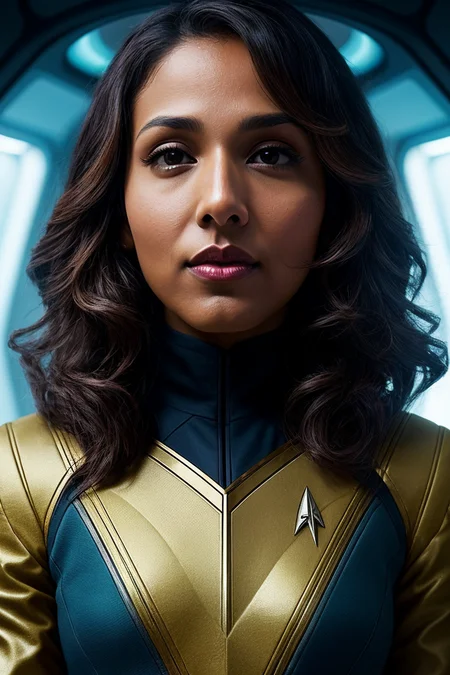
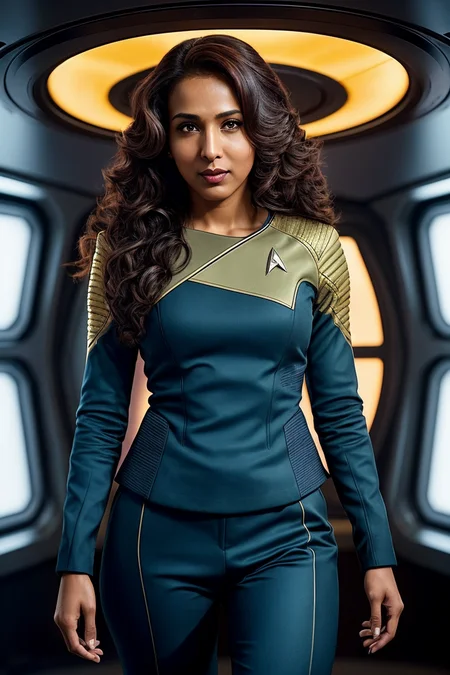

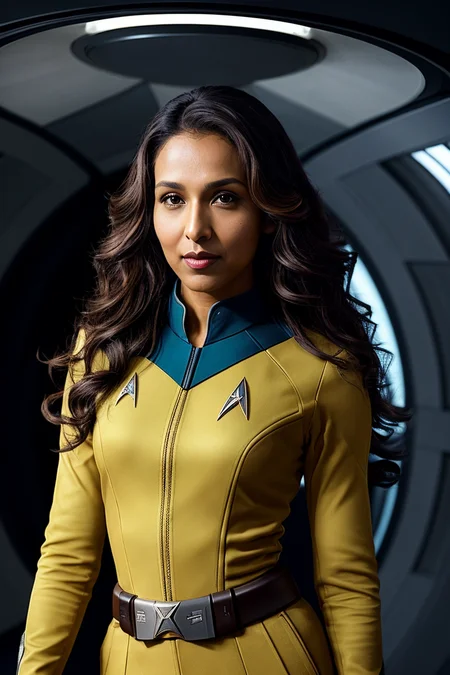
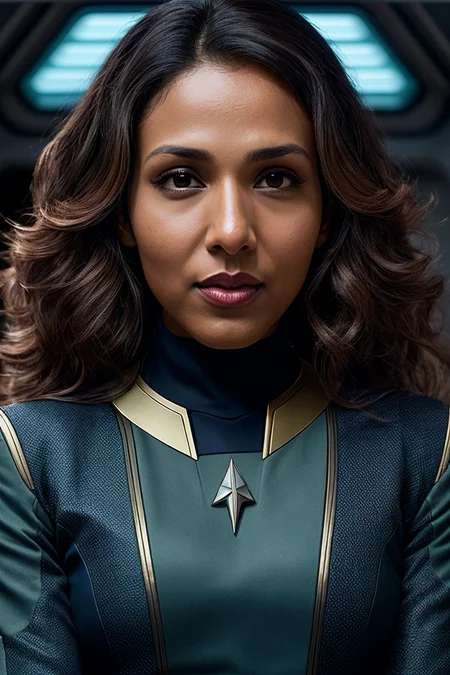
A commission of @Zorglub.
Rekha Sharma is a Canadian actress of Indian and Fijian descent. She's probably best know for her roles in TV series Battlestar Galactica and Star Trek: Discovery.
This is a 140-step TI trained on a dataset of 15 images with these settings.
Curious about my work process? I have summarized it here.
Do you have a specific idea for a TI in mind? Visit my website and let me know.
Building a good prompt with my TIs
You're obviously free to experiment, but bear in mind that my TIs are trained with a more or less fixed phrasing, that normally starts with:
"photo of EMBEDDING_NAME, a woman"
So I recommend always starting your prompt like that and then building the rest of the prompt from there. For instance, "photo of beautiful (rekhshrm:0.99), a woman with beautiful hair, as a star trek officer in a (star trek spaceship), spaceship interior, (crew deck), natural skin texture, (tight blue star trek uniform), long sleeve, trousers, 24mm, 4k textures, soft cinematic light, adobe lightroom, photolab, hdr, intricate, elegant, highly detailed, sharp focus, ((((cinematic look)))), soothing tones, insane details, intricate details, hyperdetailed, low contrast, soft cinematic light, exposure blend, hdr, faded, (painted lips:1.1), ((looking at viewer:1.1)), (medium shot)"
Description
140-step TI trained on a dataset of 15 images with these settings.
FAQ
Comments (9)
Ooh!
<thumbs up>
<:)
do you ever run into problems with the AI defaulting to white skin instead of the chosen race when using a TI? It happens about 1/5 of the time for me and I don't want to put the race in the prompt for fear of genericization
I haven't really had that issue with the TIs I trained, to be honest. I mean, I've certainly trained TIs that weren't as accurate as I desired, but I haven't noticed issues regarding skin color specifically, save for cases where the dataset material was really bad. In those cases, the best thing you can do is simply to retrain. Perhaps there are some LoRAs/embeddings that can help with this issue, but I've never investigated.
@JernauGurgeh my dataset is 8 images, mainly of the face. Would you say that is too small a dataset?
@formertwitteremployee Perhaps slightly small. I've experimented with datasets of 6 images and got mixed results. Sometimes they were neither accurate nor flexible enough. I guess a couple of images more might somewhat alleviate that, though, but I'd probably go at least for 10-12.
@JernauGurgeh I changed my dataset to 16. Do I need to set the batch size to 16 also or if I set it to 8 still it will be fine?
@formertwitteremployee You'll simply need to adjust depending on what batch size you choose. For instance, if you choose batch size 16 and gradient 1, you'll probably have to train for around 400 steps to get good results. In case you choose batch size 8 and gradient 1, it'll be around 800 steps or so (you should check several steps and decide which one looks better).
Gradient acts as a multiplier of batch size, so to speak. So, if you choose batch size 8 and gradient 2, it's basically the same as if you choose batch size 16 and gradient 1.
@JernauGurgeh what's the first parameter you would change if the embedding is close but not quite there? I'm assuming that less training is not it since I don't believe it is overtrained yet.
@formertwitteremployee If you think it's close but not quite there, the answer should be simple: keep training for a few more steps, see what happens. But yeah, it's not always easy to judge when an embedding has reached its best version. In case you wanna retrain, first I'd have a thorough look at the dataset, see if some pics could be replaced by other better images or even if the embedding would benefit by simply removing them.
Details
Available On (1 platform)
Same model published on other platforms. May have additional downloads or version variants.