
This Lora turns the background into a green screen to facilitate compositing in video editing software like After Effects. Remove any tags related to the background from the prompt. I recommend using tags like 'green background'. The recommended weight is 1.5.
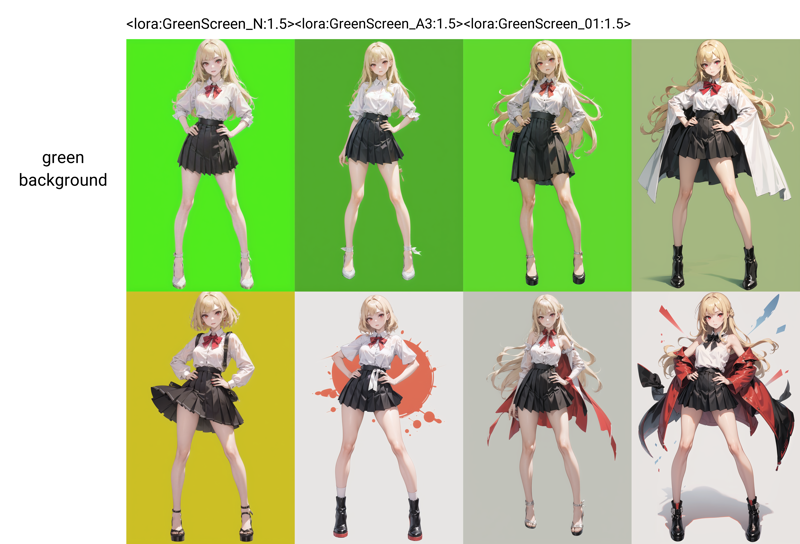
To make the background a green screen with more certainty, you can put a green image in an Img2Img or ControlNet Tille (low weight, short ending Control Step).

This Lora is useful for generating characters and backgrounds separately using AnimateDiff and then compositing them together.
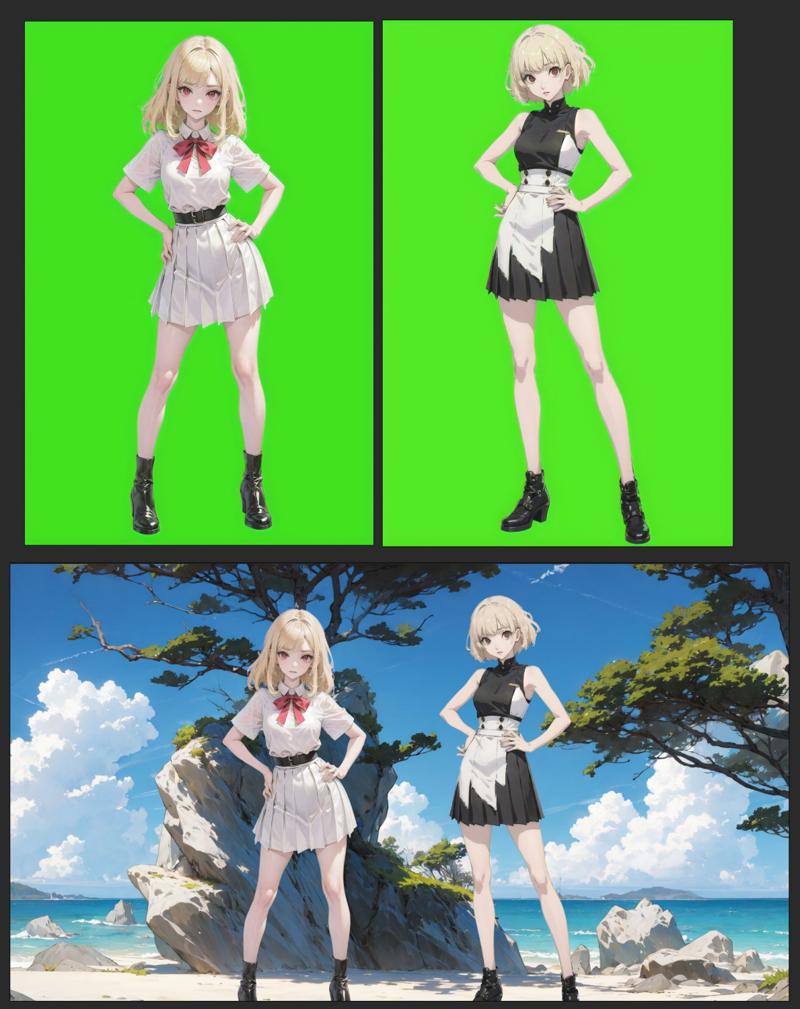
The method I used to create this Lora can be found here.
Description
FAQ
Comments (3)
Separation of background and character has become tremendously easy. Thank you for publishing this wonderful Lora.
it´s a great concept! Thanks for sharing. I managed to get great resuts with txt2img. but still struggling with img2img.
You might want to add the tags greenscreen and green screen to this model's page. I went searching for a green screen lora earlier on civitai, and nothing showed up. I stumbled onto this one via google instead.