
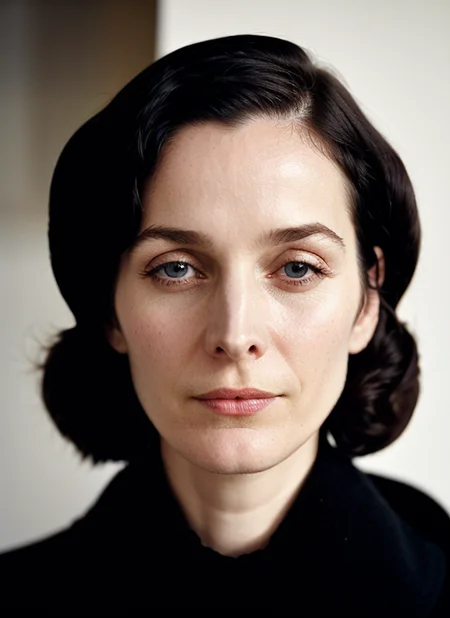
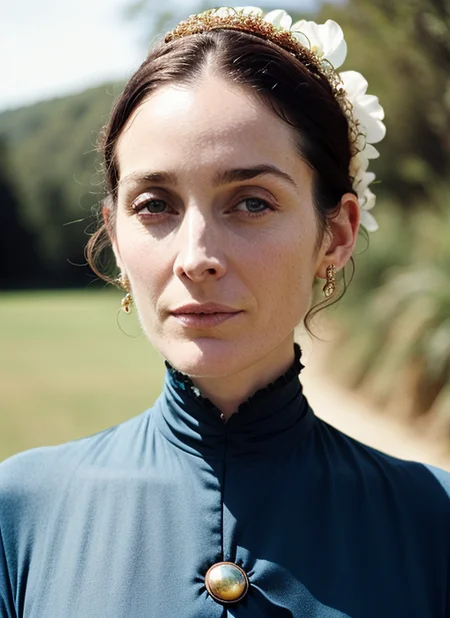
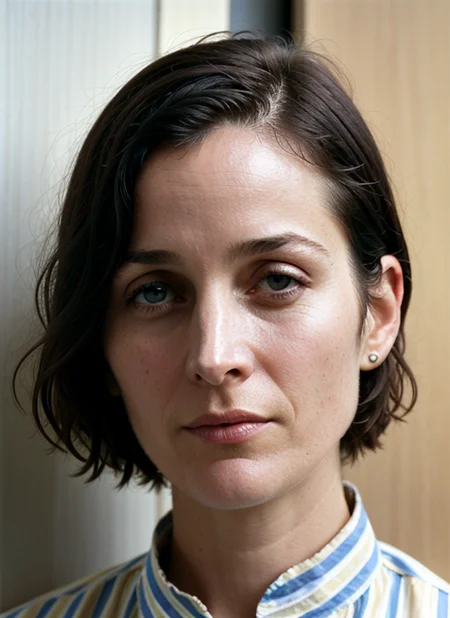
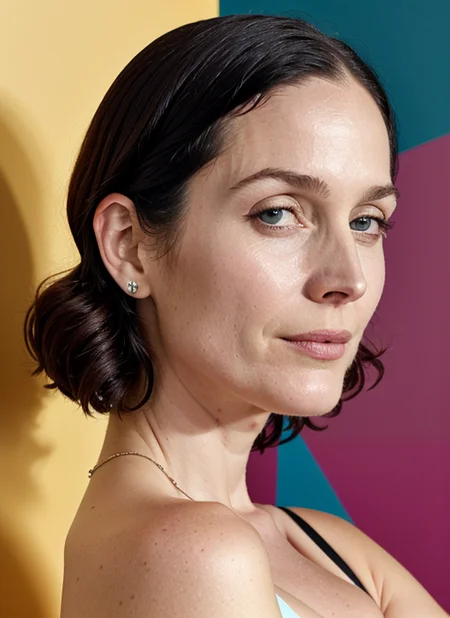

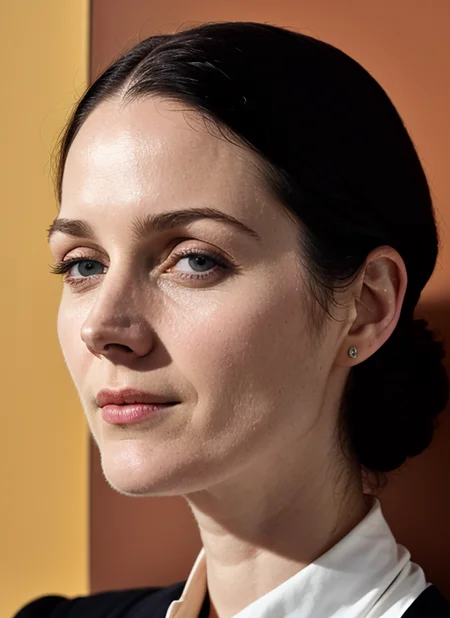
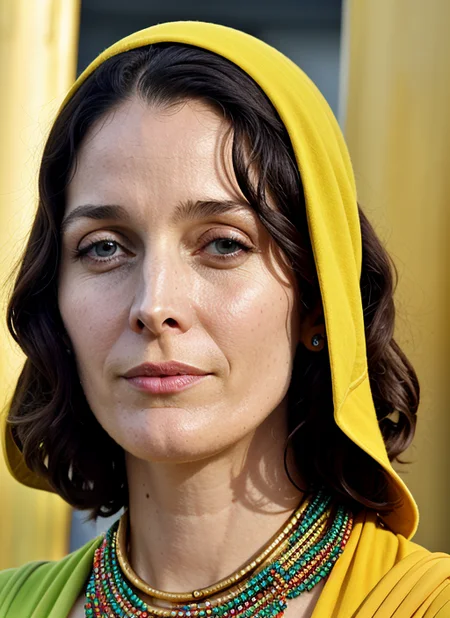
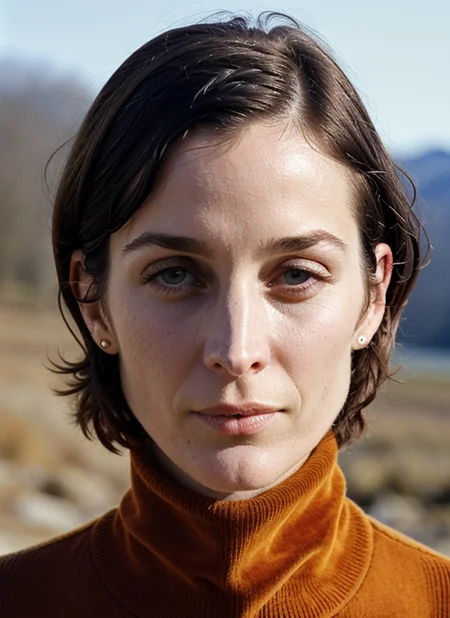
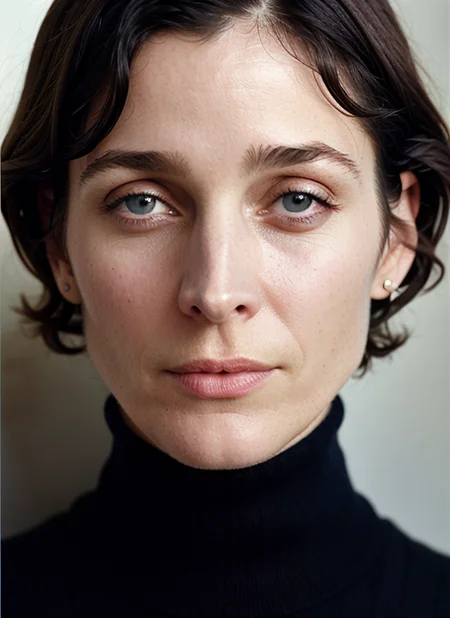
LoRA of Carrie-Anne Moss
If you wonder why this LoRA was uploaded please check my new article and be amazed: https://civarchive.com/articles/1721
I'm creating Dreambooths, LyCORIS, and LORAs. Here is my base model Serenity: https://civarchive.com/models/110426
I upload 2-3 times a week, however, I write down suggestions all the time. If you want to see someone made into a model just leave a comment :)
Suggestions left on my donation page ( https://www.buymeacoffee.com/malcolmrey ) are taken with the highest priority and you will be able to enjoy them way before they get released here. (I also accept custom requests)
The reason is that I can't keep up with uploading and the models are being made pretty much all the time :-)
As mentioned, via the donation page I accept custom requests, so feel free to engage with me there, I will answer all your questions :)
Description
FAQ
Comments (5)
Still experimenting a little with this one. I seem to get a little bit of noise on her face, and some facial deviation when I move out to a wider shot. Gonna try some different things and see if it persists.
here is my first try with this prompt:
photo of sks woman <lora:add_detail:0.7> <lora:lora-small-carrie-anne-moss-v1:0.7> <lora:locon_carrie_v1_from_v1_64_32:0.7>, natural lighting, by Gerda Taro Negative prompt: BadDream, (UnrealisticDream:1.2), realisticvision-negative-embedding Steps: 30, Sampler: DPM++ 2M Karras, CFG scale: 7, Seed: 1673342190, Size: 512x704, Model hash: 2e2afbf75c, Model: serenity_v1, Denoising strength: 0.25, Hires upscale: 2, Hires upscaler: 8x_NMKD-Faces_160000_G
https://imgur.com/gallery/sC3tY95
normal and upscaled.
Those loras can work on their own, but they won't get us the photorealism of lycoris/dreambooth, however they are great in combination (lora+lycoris) as written in my article: https://civitai.com/articles/1721/improving-results-by-using-multiple-models-of-the-same-concept-turning-it-to-11
Please try this and let me know if this helps you :)
as for the noise, i don't get it much but if i get and i don't want it, i can remove it usually with this negative: blemishes, moles, dimples, skin imperfections
and perhaps by adding "smooth skin" to the positive.
As for the wider shots -> stronger denoise in high res fix is needed or/ and ADetailer for faces
@malcolmrey YEah, I recognize the limitations of these. Simple "Detailed Face" prompt helps a lot. The noise I was talking about is more like a little bit of scratchy distortion up close - almost like the noise you see in upscaled images. It's very tiny.
@joakimkunzdesign128 would probably help seeing some examples
sometimes when there is some noise i just add to the negatives: film grain, noise, white noise
@malcolmrey Ohh, yeah - that's probably a good way to fix it. It could definitely be some grain from the source photos.