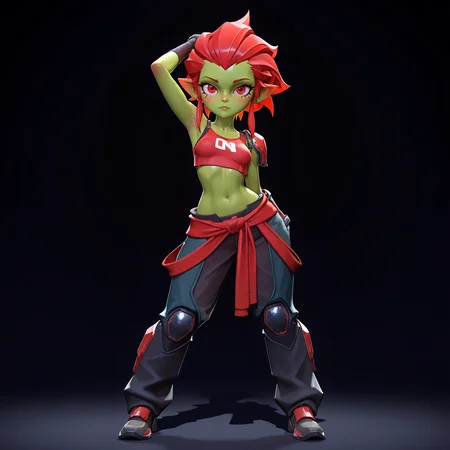
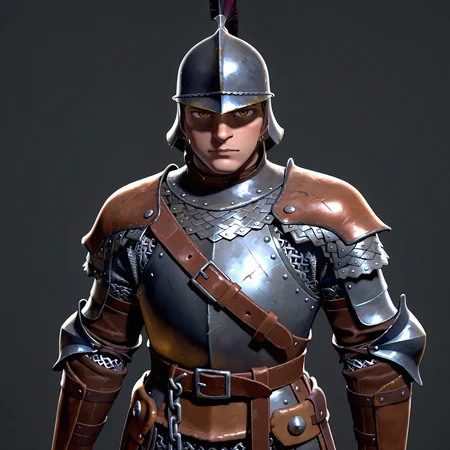

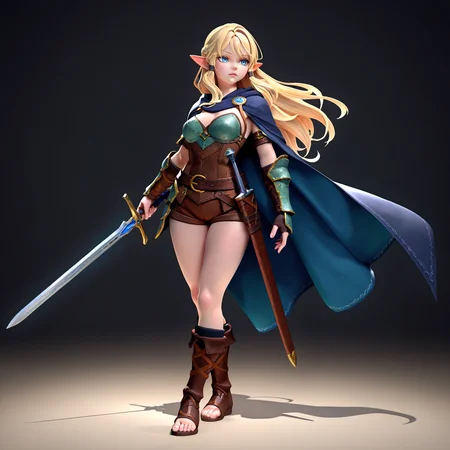


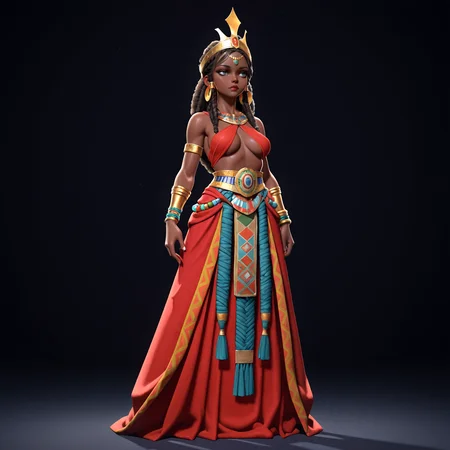
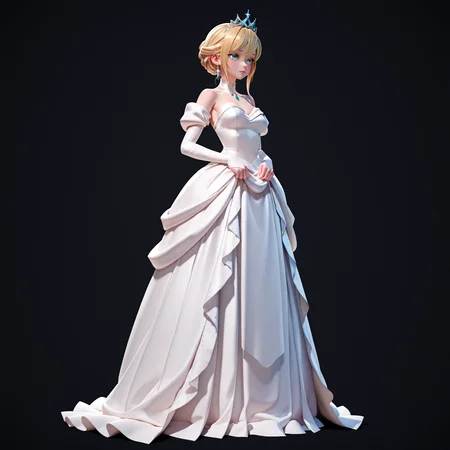
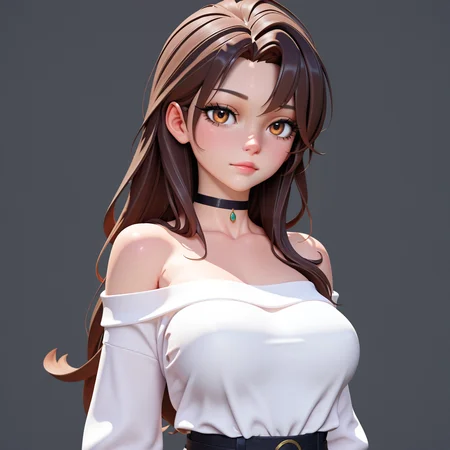
Ao3D is a model designed to generate stunning 3D-style rendered images
Here’s a simple guide to using Ao3D Lora:
Trigger Word: Include “Ao3D” in your prompt to activate the LoRA.
Style Keywords: For best results, add the keywords “stylized” or “realistic,” plus “rendered” to enhance the overall 3D quality.
Settings:
I used: waiNSFW-illustrious-v12 for testing
Sampler: Euler a, karras
CFG Scale: 6–8
LoRA Weight: A higher value (around 0.85–1.0) will make the final image more strikingly 3D.
Use High-Res and Face Detailer: Always use high-resolution upscaling and FaceDetailer to keep details sharp and ensure a clean final image.
That’s it! Tweak the settings to your liking, and enjoy creating vivid, 3D-rendered images with Ao3D.
Description
The standard Ao3D V1