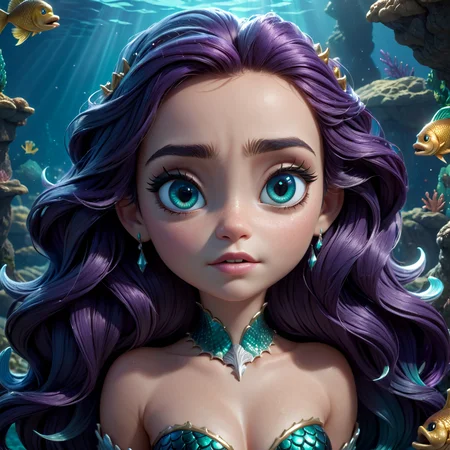
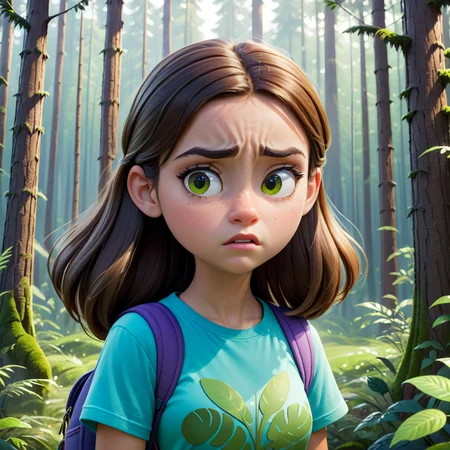

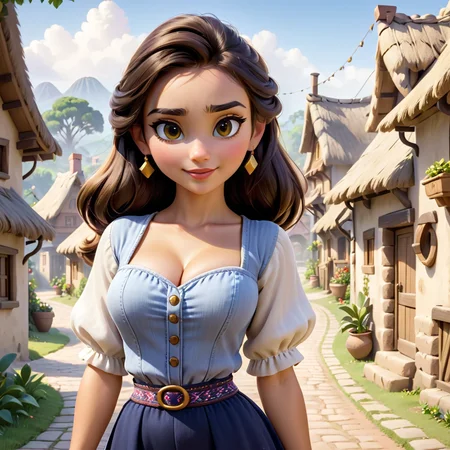
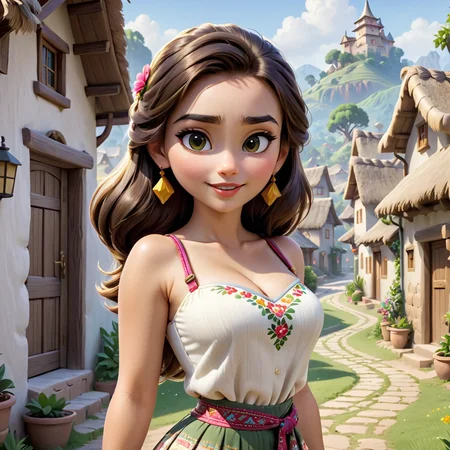
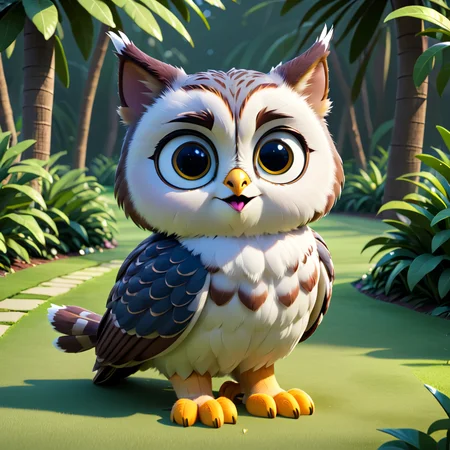
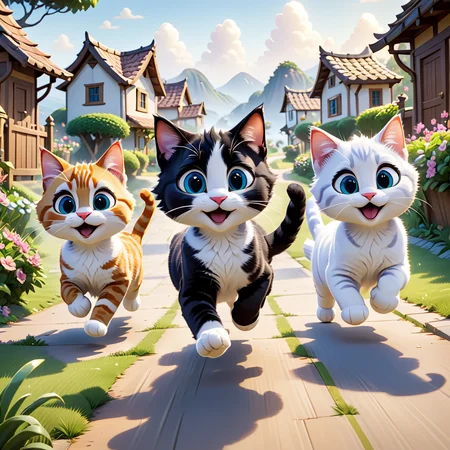
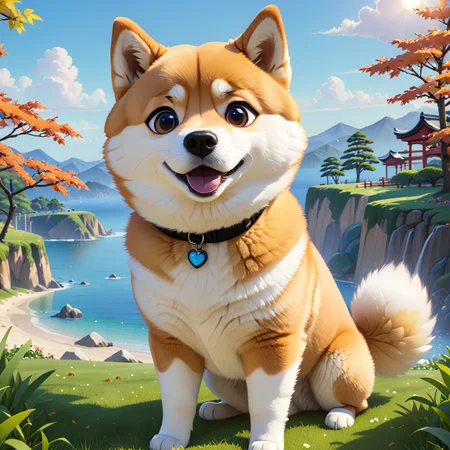
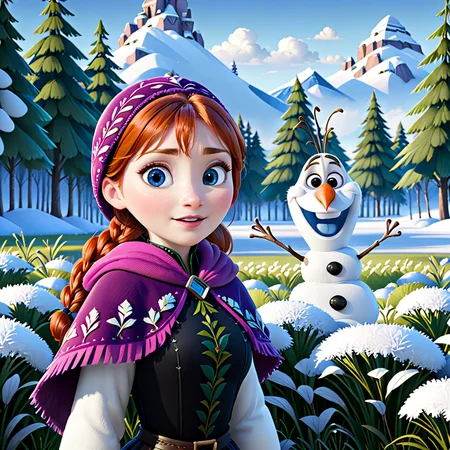
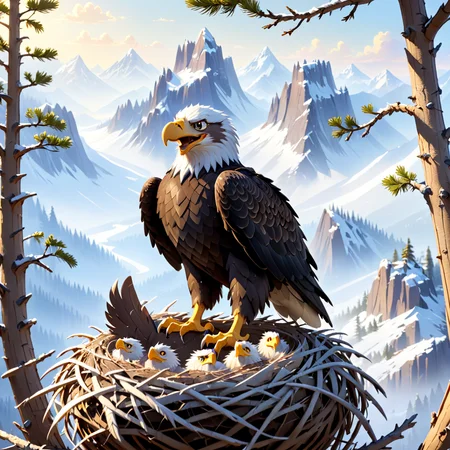
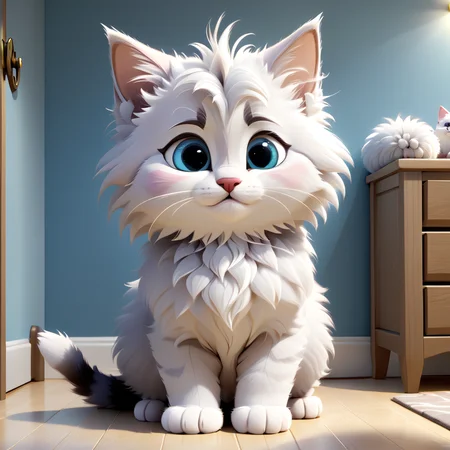
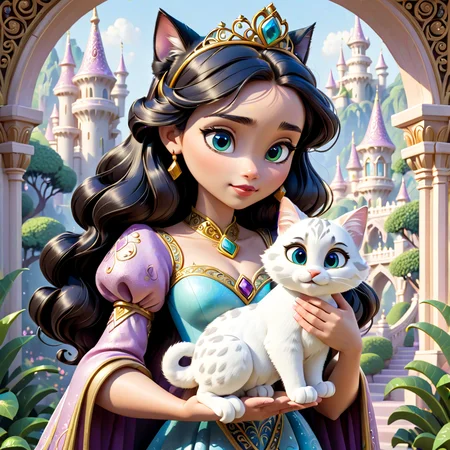
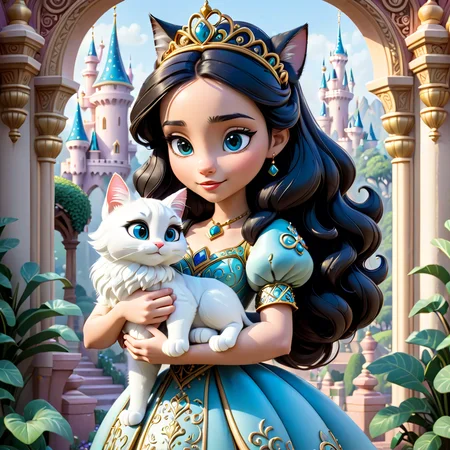
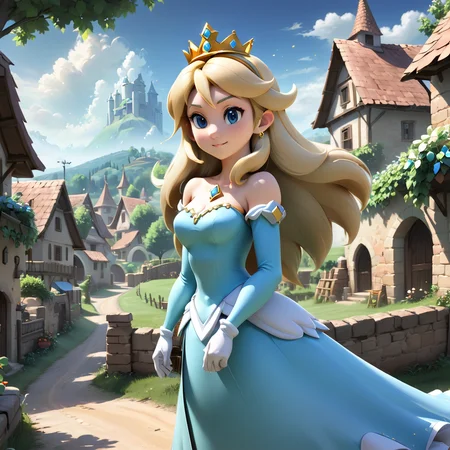

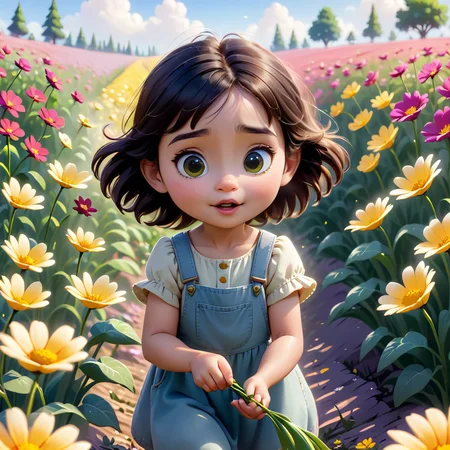
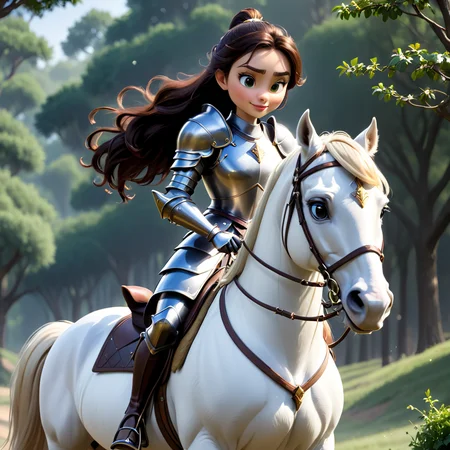
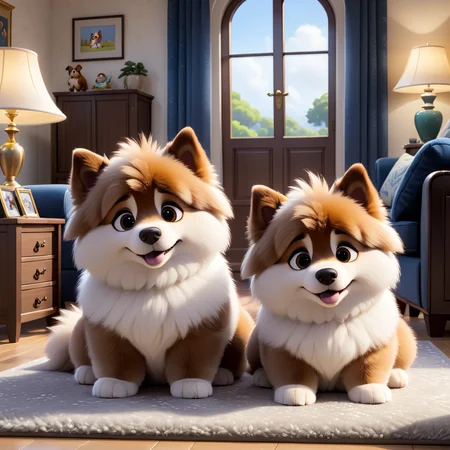
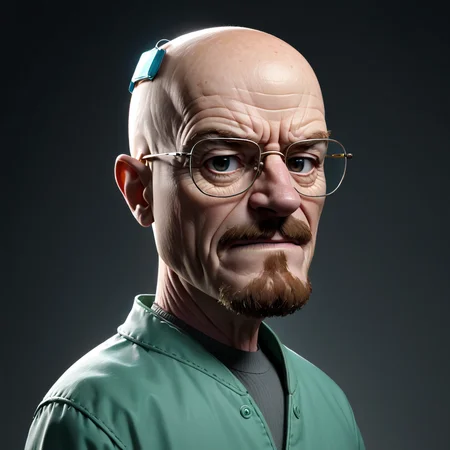

I added an inpainting version for this model, I recommend using the "color correction" option under the img2img tab in AUTO1111 settings. To do this "drop-in replacement" inpainting shown in the image, you need to set "Masked content" to "latent noise", and set "Denoising strength" to 1. I used Mask blur 16 and padding 8. Put "error" in negative prompt to suppress artifacts.
Version 3: I think this one is a major improvement to v2, I used the same prompts in the image showcase as a comparison.
The trigger tokens are in the model description to the right, they are not necessary but recommended for most cases. Try adding "pixar render" if you want more disney/pixar style images.
The now ancient "modern disney v1" model was one of my favorite, so I decided to carry on some of its legacy by training an SDXL version!
Img2img aka "Disneyfication":
Choose any image you want (realistic photos probably work best)
Resize your image so that its resolution fits within SDXL resolution bounds (e.g. resize to 1024px on the shorter side)
Use AUTO1111 img2img tab and load image (or the equivalent for any alternative UI)
Choose Euler sampler (usually best results), start with denoising 0.1, steps 40-120 (lower denoising needs higher steps to compensate)
Enter "modisn disney style" as a prompt (sometimes giving a general description of the image can help, e.g. "modisn disney style, girl holding a cat"). You can try working with the negative prompt but keep both prompts short
Hit generate and see what you get! Play around with the settings, higher denoising values allow for stronger Disney render effect but will also deviate more strongly from the original image. CFG also controls the strength of the effect.
(Optional) Choose AUTO1111 loopback script on the bottom, I recommend staying with only 2 loops, start with the first loop at 0.1 and the second at 0.15 or 0.2, and see what you can do from there. It will allow you to use higher denoising values while suppressing unwanted "mutations" in the image.
Description
FAQ
Comments (7)
Add onsite generation please 🫥
I think I have set the permissions so that you should be able to use this model with the Civitai generation service
@massOxygen that was hella west, thank you ❤️
Thanks for this! Which CLIP vision model has been used to train it? I'm trying to combine this with IP adapters :)
I trained it on the standard SDXL model architecture. The img2img "feature" did not require any special training, other models can generally do that as well.
this is an absolutely outstanding XL model - very diverse and lots of fun!
Thanks Huge! Long searched for pictures under Disney! You, the Gold Person also has found!. Successes to you!
Details
Available On (1 platform)
Same model published on other platforms. May have additional downloads or version variants.