






==========================================================
Recommend updating to Version 3 as it contains fixes for a few issues related to upscaling and Clip wiring that was dampening the effect of prompts and loras.
==========================================================
Are you tired of having to come up with all the ideas for your prompts? Do you want to let AI do the work for you, but still provide it some ideas about what you like? Do you want to come home from work to a folder full of amazing generations? This workflow is you.
This workflow is not efficient, it takes a while to produce a result, but the wait is worth it!
Load up some inspirational images in a folder.
The workflow will grab those images and create a prompt for you. The original image will be used to contribute to the latent image that will have an influence on your final result, the degree of this you can decide.
You will see your creations in an image chooser gallery, there will be variations so you don't waste your time running the same prompt over and over to get one good one. With this workflow they all might be amazing!
Note: I am a comfyui newbie so can provide very little troubleshooting support. Find missing nodes in ComfyUI manager, and following the links for the pre-requisites and their instructions.
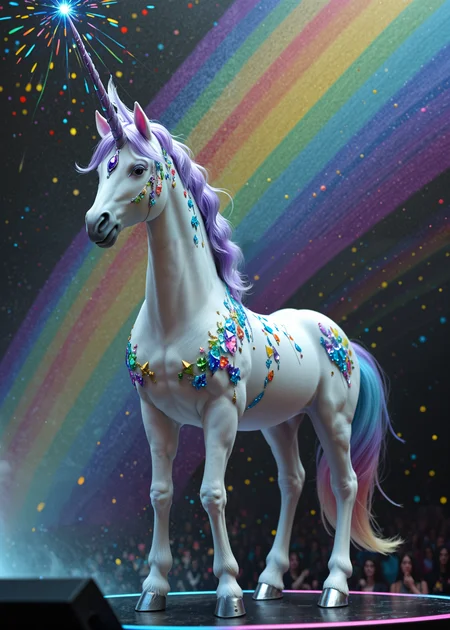
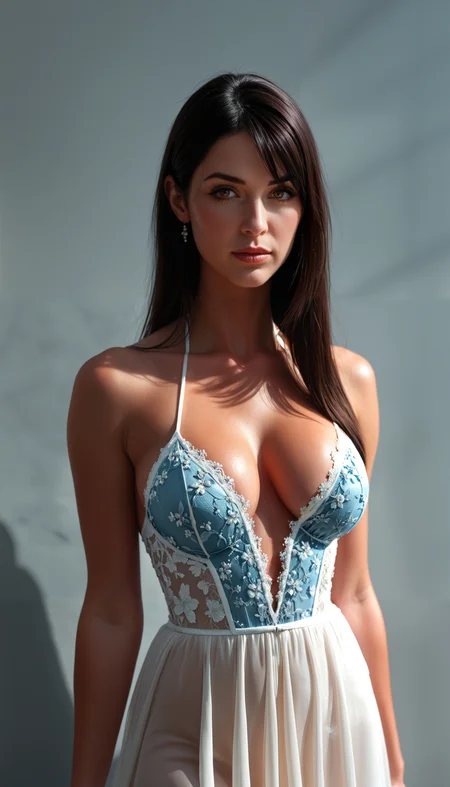
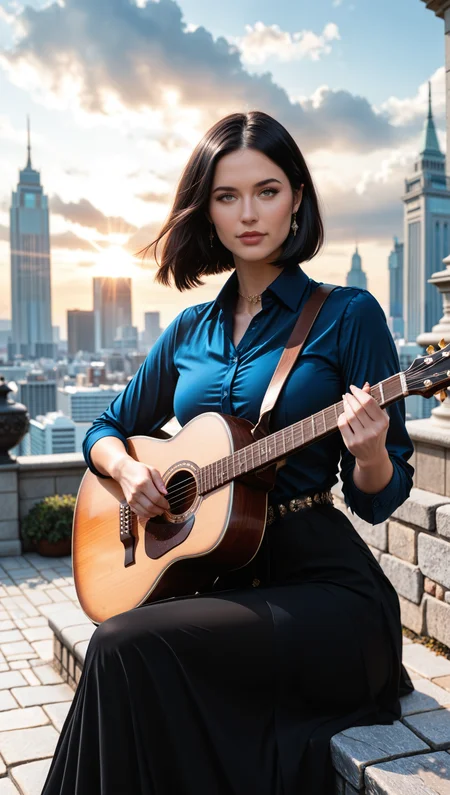
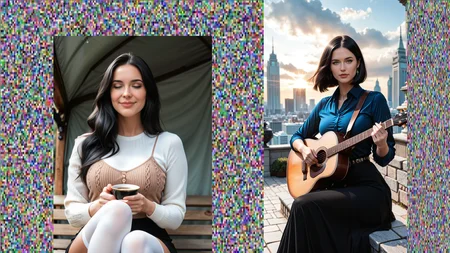
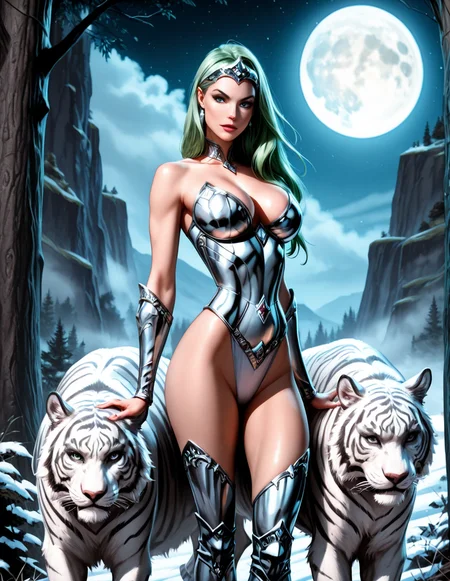
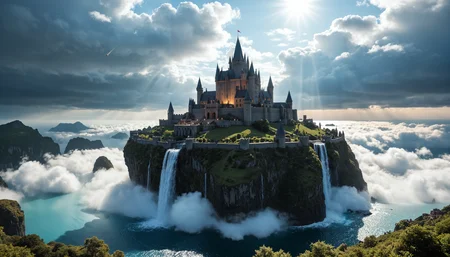
Here is an example of what this workflow can do:

 Prerequisites: I cannot provide support for how to make these work but the links below will help.
Llama - if you don't have this yet it will be necessary, and the guides for nodes that depend on it don't really explain this very well, so here you go, get it. Llama models can also be found on the site.
Florence2 - This will create prompts for your images so you don't have to
https://github.com/kijai/ComfyUI-Florence2
Searge LLM - This will make your prompts even better, and you can give it instructions to customize the kinds of prompts you get, it can amazify your prompts, it's worth it
https://github.com/SeargeDP/ComfyUI_Searge_LLM
Workflow Overview
1: Checkpoint: Should work with IllustriousXL and Pony.
With some simple tweaks it should work for SDXL.
Setup assuming your checkpoint has a baked VAE. If you want/need to use a standalone VAE then some re-wiring is necessary (I will work on an anywhere/wifi approach for a future version)
You can set a batch size to determine how many image variations each run will generate.
2: Image Loader: Choose a directory to be the source of your images.
This workflow depends on being fed images, point it to a directory
Important: set the maxium for the image loader to the total number of images in the targeted folder.
3: Auto prompt generation: using Florence2 and enhanced with Searge LLM
Lots of customization available through both Florence2 and Searge LLM to create the kind of prompts you desire. Searge really is amazing, its like having an AI assistant in your workflow.
4: Prompt Assembly & Loras & FreeU2: Want to add a "header" or "footer" to all your prompts, you can do it.
The auto generated prompt based on your image and instructions will be merged with your header and footer to form the final prompt.
Add as many Lora as you want with the power lora loader.
FreeU2 is in the default workflow, this can be by-passed if desired. I always use it.
5: Plasma infused latent and re-sampling: Pre-bake the latent images and bring forward some of the original image (you can decide how much by adjusting the blending). This approach can help your final result with details and resemblence to the original image to the extent you desire.
6: Sampler: Just the basic node
Since the latent is pre-baked the steps for the sampler could be lowered.
The denoise value should be kept around 0.5 if you want to keep the benefits of the img2img and pre-cooking, you can play with this value of course to suit your taste.
7: Image Chooser: This is where the wait becomes worth it. A gallery of your creations will appear here. You can choose just the ones you want to further process, or you can process them all. You can have the workflow pause here every time, or you can set it to process the images automatically based on your last selections. I just select all the images, and set it to Keep Last Selection.
8: Face and Eye Detailer: Standard stuff
9: Upscaling: Standard Stuff
10: Final result image comparer: This is so you can see if upscaling was worth it
11: Save image: preserve your creations. Currently meta data is not passing through to the image properly, hoping to fix this for a future update.
Enjoy

Description
V3 corrects Clip wiring that was causing depression of prompt and lora impact.
FAQ
Looks like we don't have an active mirror for this file right now.
CivArchive is a community-maintained index — we catalog mirrors that volunteers upload to HuggingFace, torrents, and other public hosts. Looks like no one has uploaded a copy of this file yet.
Some files do get recovered over time through contributions. If you're looking for this one, feel free to ask in Discord, or help preserve it if you have a copy.