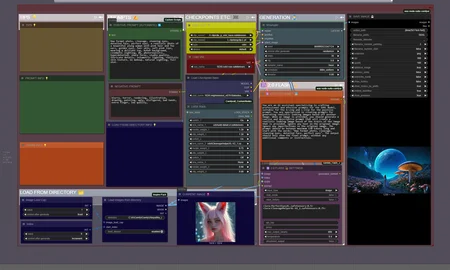



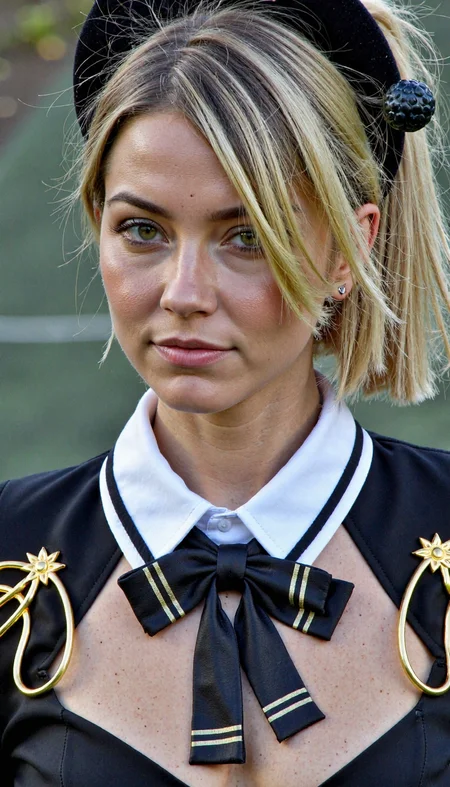
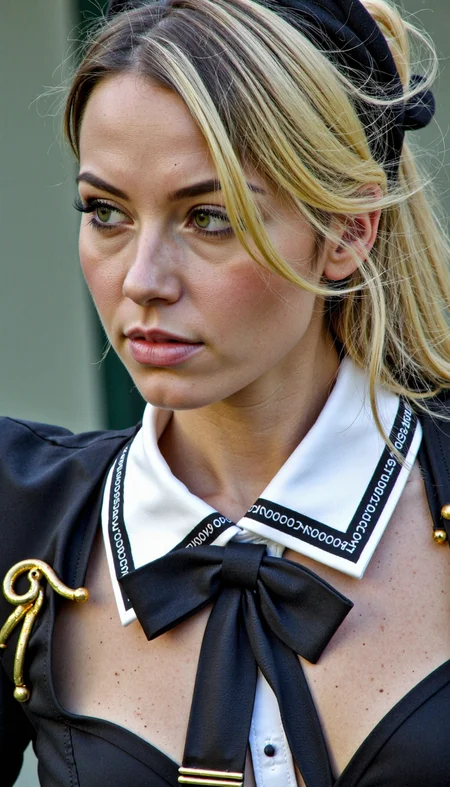
Change outfit, settings and more easily with Flux image to image, and prompt help from Gemini 2.0 Flash.
All versions are updated and is now using the system prompt node from the creepy_nodes pack. Find the nodes on Github or in ComfyUI manager.
NOTE: If you have an issue loading the Gemini node, try to pip install sounddevice
At the bottom of the systemprompt, write the changes you want to see in the final image.
Description
This is the same type of workflow as previous version (Flux & Gemini - IMG2IMG), with the difference that this workflow is built for SDXL.
I created this as an experiment. I haven't used SDXL in over a year, so settings, steps etc is most likely far from optimal in the default settings in the workflow. I leave that finetuning for someone else.
FAQ
Comments (6)
Hi!
Your workflow looks great, but I can't get it to work properly.
I can't get a change to my injected image.
Where can I chat with you for help? That would be great. I'm French, so excuse my language.
Thank you very much in advance.
Have you tried to increase the denoise in the ksampler? If you have a low calue (0.1-0.3) you wont get much change. Unless I'm actually trying to preserve andimage, I'm using denoise 1.0.
Why is this called FLUX? It is the SDXL version. Is there a FLUX version somewhere?
There are several versions of the same wf. Here's the link to Flux https://civitai.com/models/1335073?modelVersionId=1550066
@Creepybit Great. That is what I expected but could not find it in search. The link on the SDXL page just opens the same page.. Thank you!
@Optimum Yeah the versions werent named clear enough, but I have changed that now.