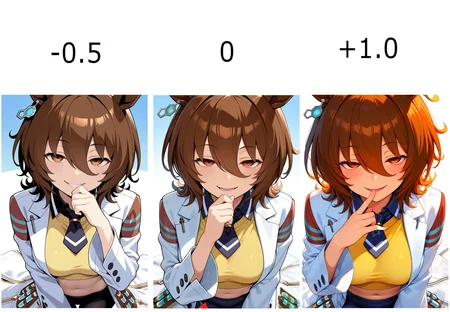
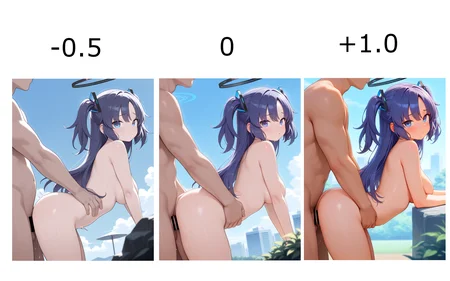
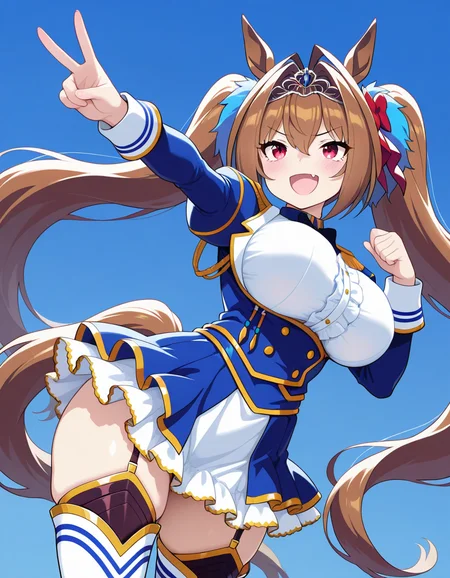
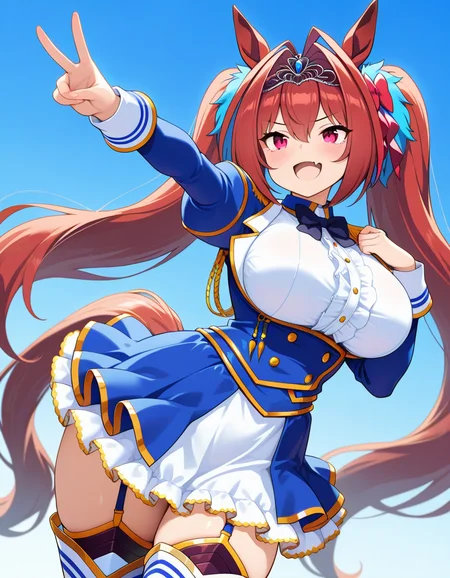
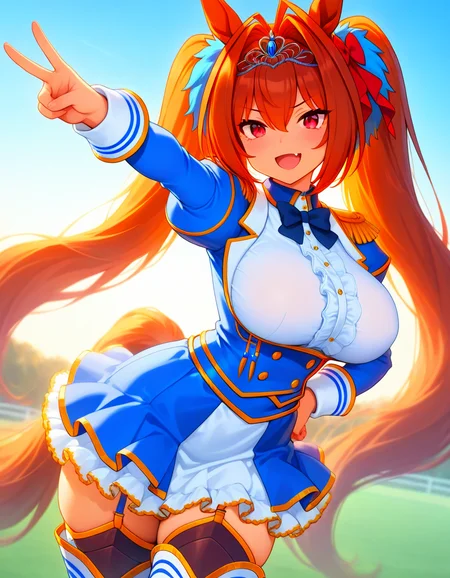

The saturation changes depending on the strength of the LoRA. The higher the value, the more saturated it becomes, and the lower the value, the less saturated it becomes.Trained using Multi-ADDiFT.
LoRAの強度によって彩度を変更します。+にすればするほど高彩度になり、-にすればするほど低彩度になります。Multi-ADDiFTを用いてトレーニングしました。
Description
FAQ
Comments (8)
Image > Adjustments > Vibrance
* Effectively lossless * Generations 100% uncorrupted by lora influence * Works on any image you've ever seen * Can be done repeatedly instantlybro, I don't want to do anything but webui🙃
If the strength of LoRA is kept within approximately ±1.0, there should not be a significant decline in image quality. The reason I created this LoRA is that I found the process of choosing a VAE during the SD1.5 era to be absurd.
it seems good tool through
@lolkemo Webui also has extensions and comfy has nodes to adjust color and edit images both. ClearVAE and others were also a mistake, yes. Picking a VAE or modifying how a checkpoint functions for 0 functional gain isn't even lazy, it's just wasting time. You can have literally 100% unaffected generations and get this affect. How about if you overdid the last gen and wanted to dial it back, dump even more carbon and regen (and the image would change!). Why?
It will be a downgrade always. The process, and the result.
@32Bitshifter Your opinion is valid. However, I am a lazy person who only ever uses the Generate button and Hires.fix.
For that reason, I want to merge this LoRA hierarchically to create an illustrious checkpoint. (As long as the quality is within ±1, it's acceptable for me.)
Also, the ADDifT technique used in this LoRA was released less than a week ago and is still in development. I will keep updating it as new discoveries are made, so please look forward to it! 😉
Since you seem to be creating models as well, please try this one if you'd like.
These slider are so useful! Thanks so much for making them! Works pretty dang well for uncensoring too, with the censor bar combined with mosaic censor, though for some images neither works for it, it's like ghosting effect? Best way I can describe it is sketchy and erased marks, like someone traced over it with a lighter mark but is off-center. Any idea what that would be called? sketch and similar in negs have no effect. Seems to mainly happen with fingers, and very detailed small areas.
It could be due to insufficient LoRA training. I'll test it later.
Details
Available On (1 platform)
Same model published on other platforms. May have additional downloads or version variants.