






==========================================================
Recommend updating to Version 3 as it contains fixes for a few issues related to upscaling and Clip wiring that was dampening the effect of prompts and loras.
==========================================================
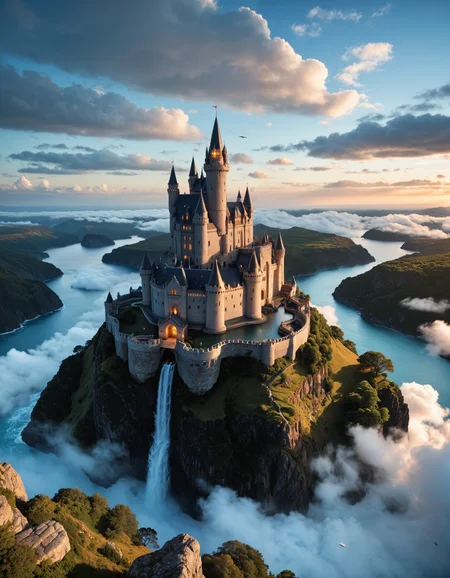
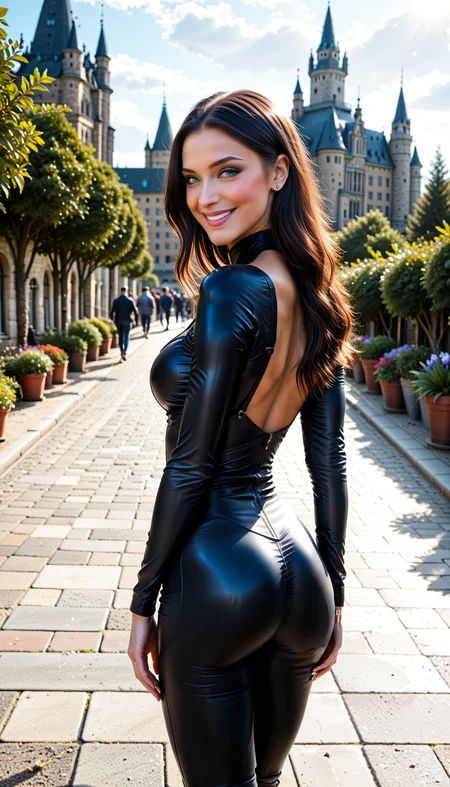
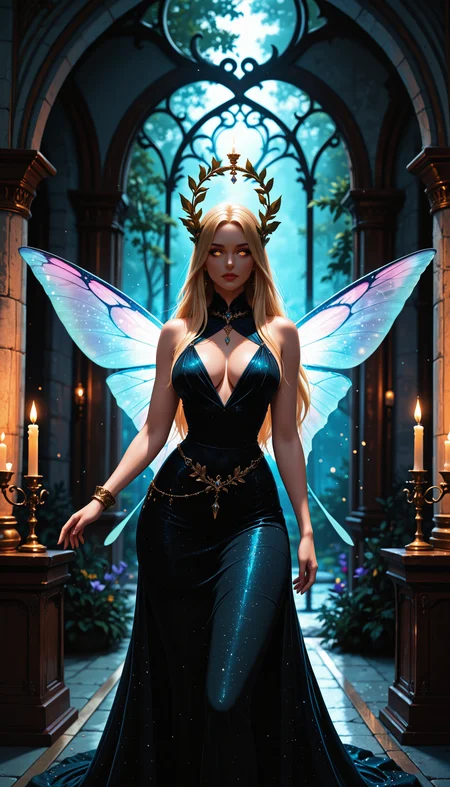
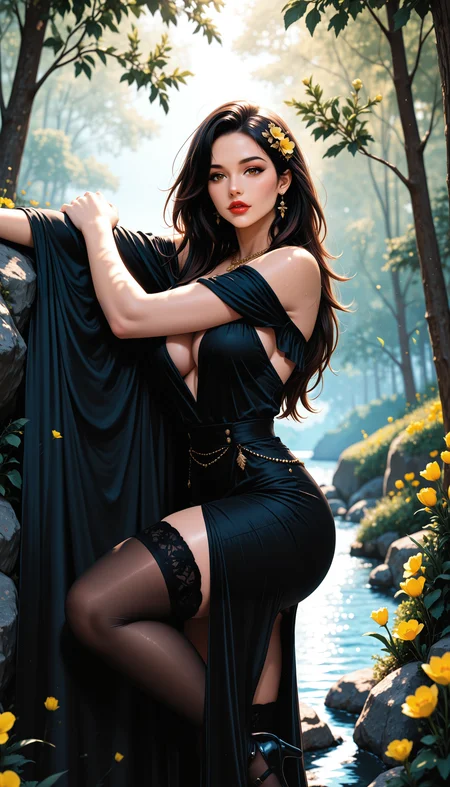
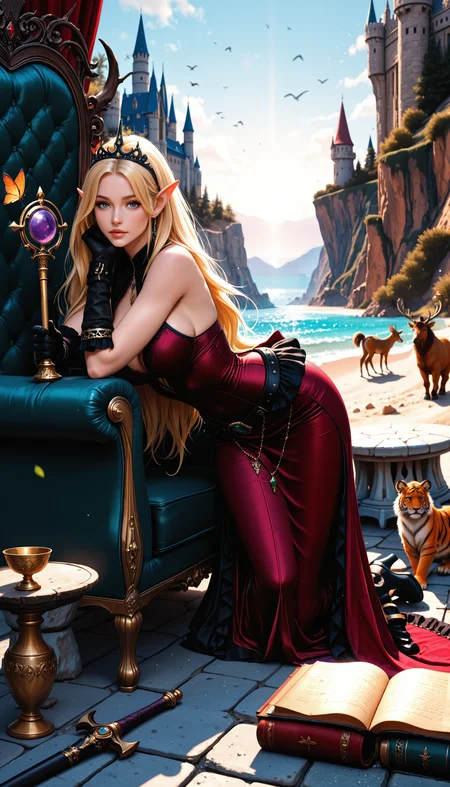
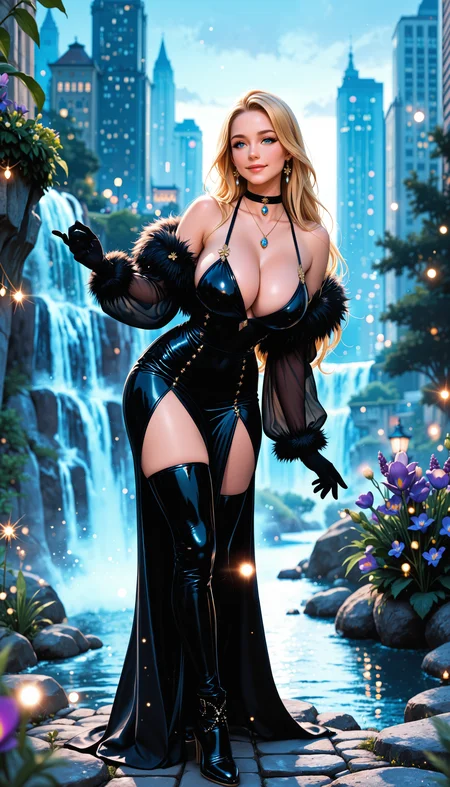
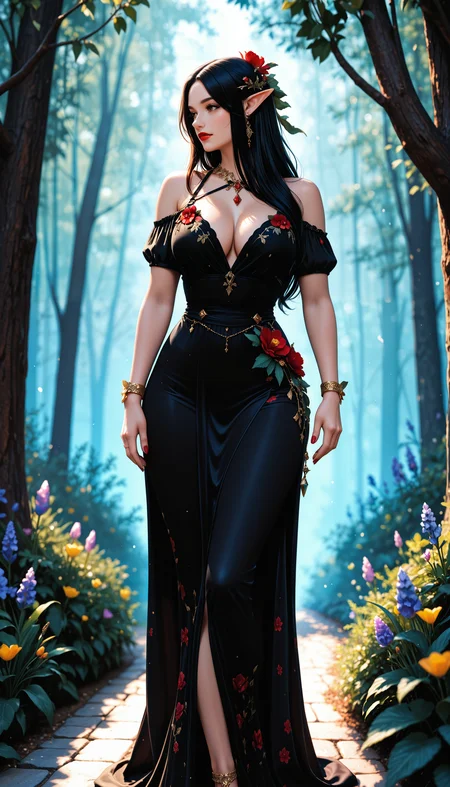
This workflow is incredibly inefficient, it takes over 2 minutes to get an image on a 3080. However, it produces AMAZING outputs, so if you are patient and are looking for top notch creative high quality results give it a try.
A key feature of this workflow is the use of plasma noise and sampling in combination with restart sampling to pre-bake the latent image that will then go into the primary sampler. This pre-processing of the latent seems to have a very significant effect on the overall detail of the results. This extra cooking time is worth it to me!
I am a ComfyUI beginner so I cannot really provide much support for anyone trying to make this work. In my experience the fix missing nodes feature will solve most issues, and if necessary directly get something missing from github or hugging face using google and pasting it in your custom_nodes folder.
Open to suggestions to improve, I am a novice and learner.
1: Checkpoints: confirmed working with IllustriousXL, Pony
Can select resolution
Can select batch size (important to feed number of images to the image chooser). The size of the batch will impact the time to generate of course.
Default is to use checkpoint VAE, if your checkpoint does not have a baked VAE it will be necessary to re-wire the VAE using the node provided to all VAE inputs across the workflow.
2: Supports Wildcards, Loras and FreeU2: (bypass if undesired)
Detailer lora(s) recommended
3: Restart latent image with Plasma infusion: to pre-cook the latent before going on to the main sampler
4: Samper / Scheduler:
The Denoise value for the Sampler is defaulted to 0.5, this is important since your latent image has already been pre-cooked and we want to refine it further not start from scratch.
Sampler - Scheduler Combos that are working well from my experience are:
ddim + sgm_uniform (this is my go to)
dpmpp_2m and dpmpp_3m (all variations work in my experience) + beta, karras, normal
euler + normal, beta
CFG: I like to use high CFG, it is set to 9, feel free to change it up or down, I have gone as high as 11 and it works great.
5: Image chooser:
I love this, if you haven't tried it check it out. The number chosen for batch size will determine how many variations of your image you get, you can choose some or all for further processing.
6: Face/Eye Detailer: Nothing special here just standard stuff
7: Upscaler: Nothing special here just standard stuff
8: Image comparer: so you can see if all the time was worth it
9: Save Image: meta data is not working great in the 1.0 version, hoping to fix that for future versions
Things I want to add in the future:
Proper meta data for saved images
Image2Image with auto prompt generation
Random image2image batches from file directory
Random lora + prompt
Wifi for VAE, clip etc
On/Off control panel to allow for various workflow components
Image post processing to balance colors, saturation, brightness etc.
Description
Version 3 corrects faulty Clip wiring, please update to version 3 and do not use previous versions.
FAQ
Looks like we don't have an active mirror for this file right now.
CivArchive is a community-maintained index — we catalog mirrors that volunteers upload to HuggingFace, torrents, and other public hosts. Looks like no one has uploaded a copy of this file yet.
Some files do get recovered over time through contributions. If you're looking for this one, feel free to ask in Discord, or help preserve it if you have a copy.