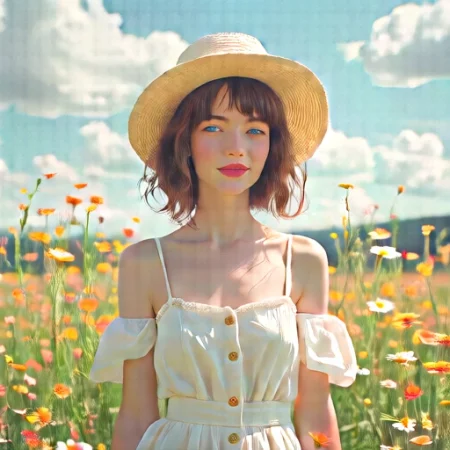
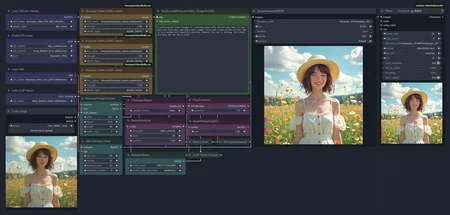
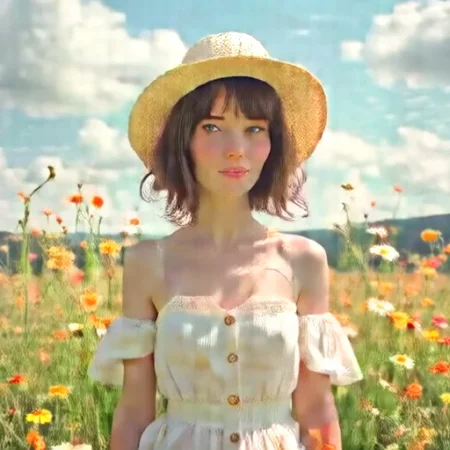
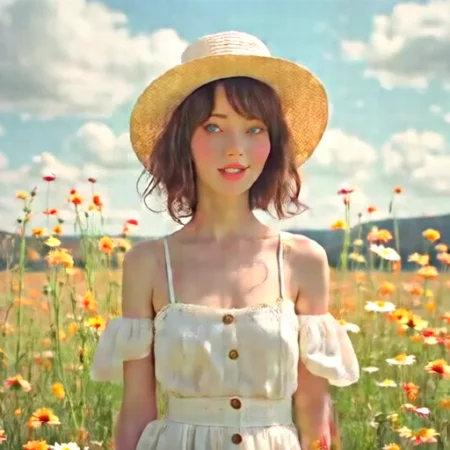
This workflow enables you to turn any image into a video using the official Hunyuan Image to Video models.
It is designed to be compact and simple to understand. Just zoom in a bit and you should be able to see everything important in one place without having to move around every time you need to change something.
Requirements:
Diffusion models: https://huggingface.co/Kijai/HunyuanVideo_comfy/tree/main
or
https://huggingface.co/Comfy-Org/HunyuanVideo_repackaged/tree/main/split_files/diffusion_models
Clip Vision:
Description
Initial Release
FAQ
Comments (3)
Thank you! Very tidy. Easy to change size, seed, start image without looking all over. Plus, it doesn't upscale 3 separate times. Definitely the cleanest workflow to start from.
The "save animated webp" node can just be removed if you don't want a webp.
How did you get to have results NSFW ? because mine dosnt come with nsfw
Can someone help me understand where i must found this nodes - HunyuanImageToVideo and
TextEncodeHunyuanVideo_ImageToVideo?