
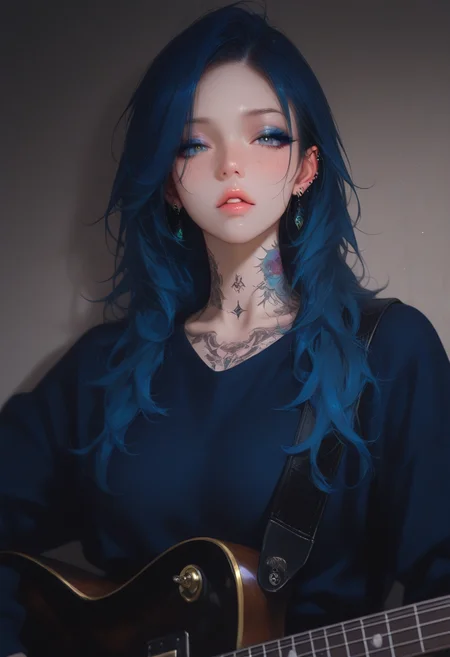
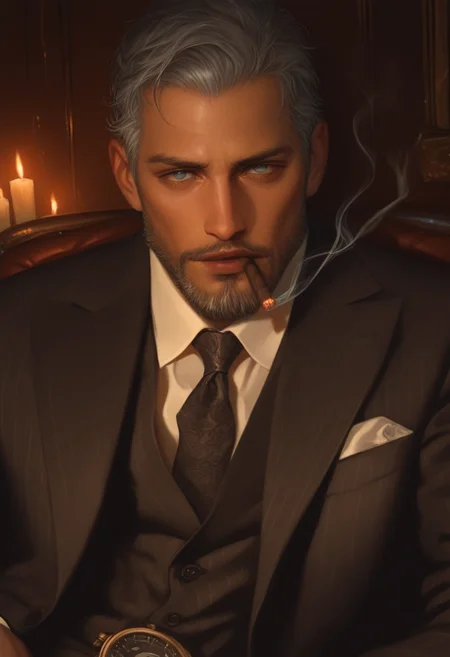

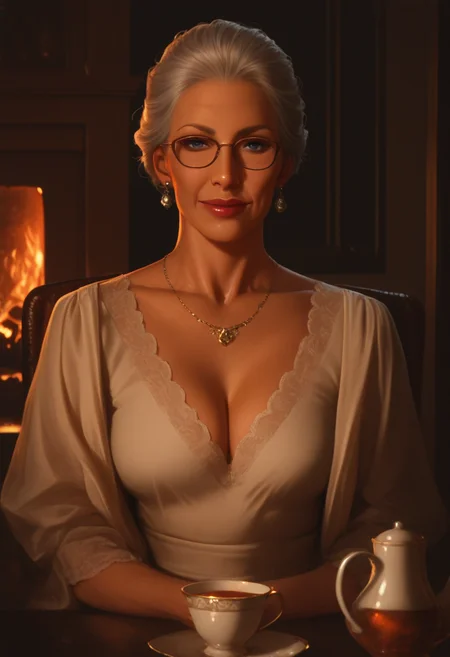

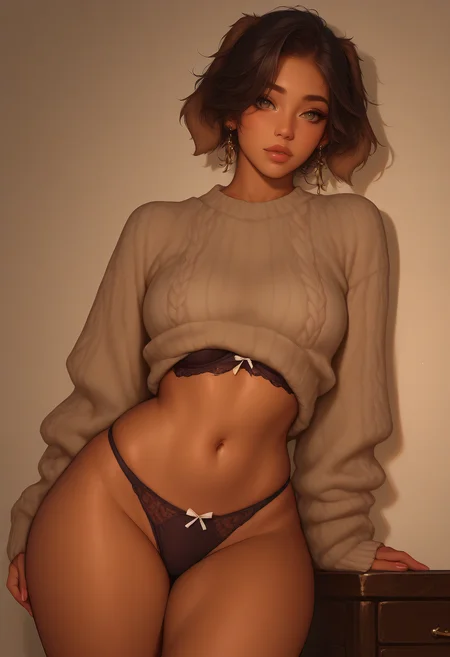
Styles LoRA based on IllustriousXL and NoobAi, inspired by the way I visualized characters from chatbots, visual novels, and choice-based games. This LORA tend to handle semi-real artstyle.
Using FallenIncursio's PaSanctuary/Incursio's Meme Diffusion model will get the more realistic result while other Pony, Illustrious and NAI will remain anime styles
Recommended weight and settings:
0.7 - 1.0 / 0.3 - 1.0 (v4)
Steps: 24 - 36
Sampler: Euler a
CFG Scale: 4
Version 4 Test:
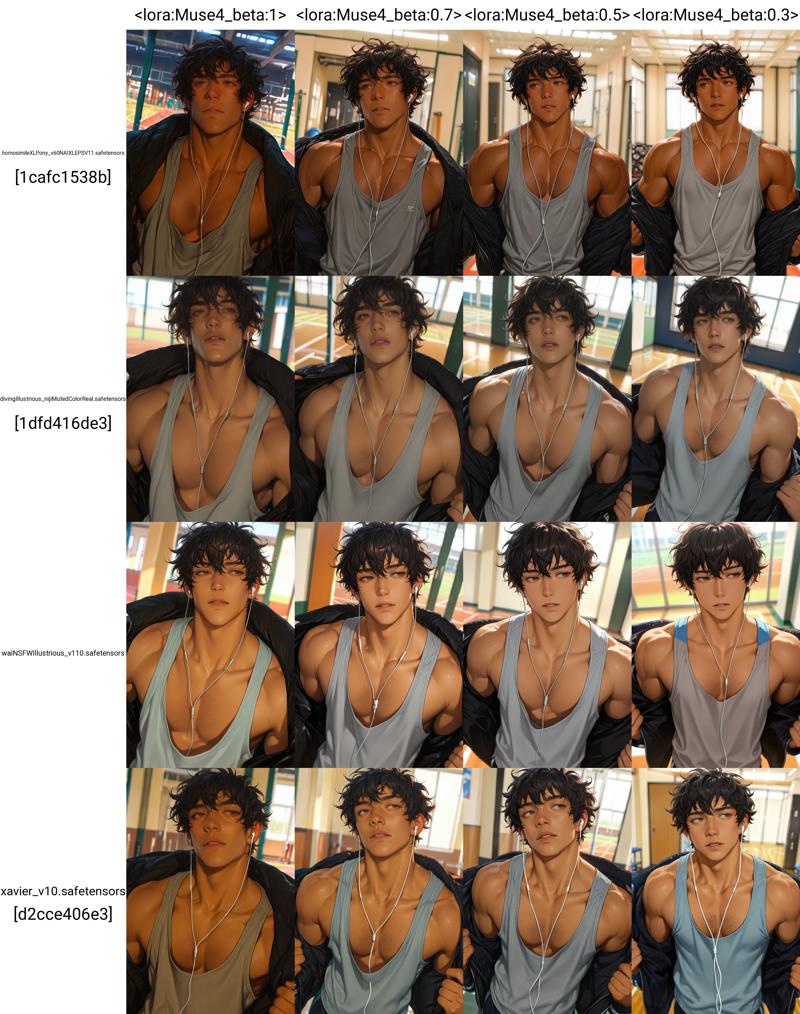

Triggered Prompt: muses_in_dark
Extended Prompt:
dark theme, low light, realistic, inconsistent lighting,
realism, semi-realism (v3-v4 only)
Note: Be aware! Mixing too much LORAs may cause derailment on the main style of the model and LORA itself.
Recommended Settings for Advanced Usage:
To achieve the best quality and distinct artistic styles, I recommend the following configurations. These settings utilize "anti-burn" tools to allow for higher CFG scales without degrading the image.
I do not recommend using DPM++ samplers with Karras, as this combination often causes artifacts or distorted results.
1. ComfyUI Configuration
Prerequisite: Install the Skimmed_CFG node by Extraltodeus, This node prevents image "burn" at high CFG scales.
Choose one node: 'Skimmed CFG'; 'Skimmed CFG - replace'; 'Skimmed CFG - linear interpolation'; 'Skimmed CFG - linear interpolation dual scales'
Skimming Scale: 4/6
Main CFG Scale: 8/10/12
Steps: 24 - 36
Sampler: Euler ancestral
Schedule Type: Exponential, Normal, Align Your Steps.
2. A1111 / ForgeUI Configuration
Prerequisite: Use Dynamic Thresholding by mcmonkeyprojects. (Note: This is a built-in feature in ForgeUI, but must be installed as an extension in A1111.)
General Generation Settings:
Steps: 24 - 36
Sampler: Euler a
Schedule Type: Exponential/Polyexponential, Normal, Align Your Steps.
Main CFG Scale: 8/10/12
Dynamic Thresholding Settings:
Click on Enabled in Dynamic Thresholding's tab
Mimic Scale: 4/6
Threshold Percentile: 0.96 ~ 0.999 (never set it to 1)
Mimic Mode: Constant/Linear Down/Cosine Down/Power Down (your choice)
Mimic Scale Min: 1~3
CFG Mode: Constant/Linear Down/Cosine Down/Power Down (your choice)
CFG Scale Min: 1~4
Sched Val: 1
Everything else we can set either like this:

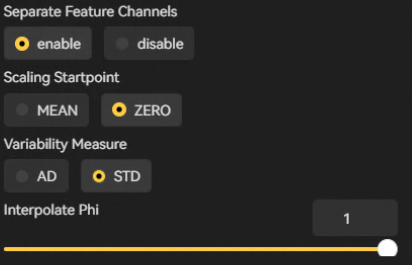
To further enhance image quality, consider using ADetailer and the Ultimate SD Upscale extension. Note that Ultimate SD Upscale is the only exception where DPM++ samplers are recommended.
If you love my works, please review them with images and consider tipping me some buzz. This would be my great motivation to release more Lora
Description
FAQ
Details
Files
Available On (1 platform)
Same model published on other platforms. May have additional downloads or version variants.