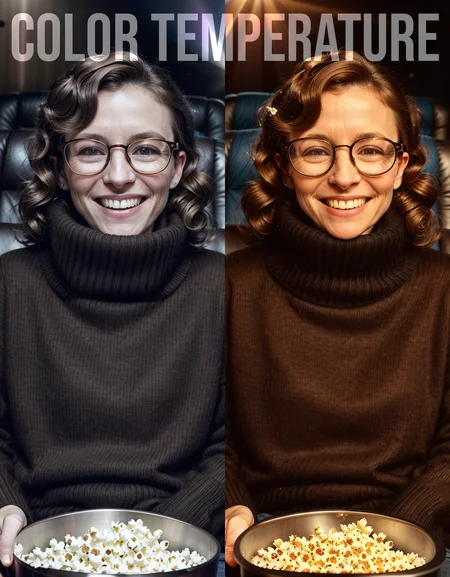


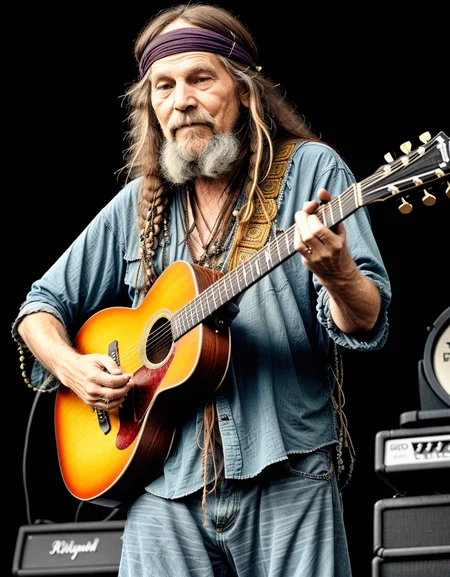
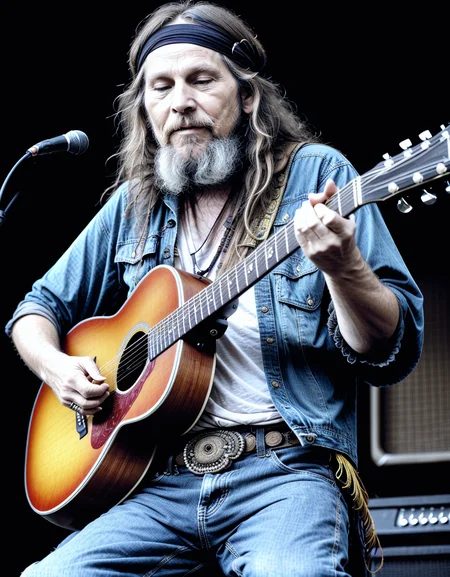
weight: -5.0 to 5.0
positive: warmer colors (orange)
negative: cooler colors (blue)
Yeah, you could just do some post processing. Sure. But why solve the problem with a tiny mallet when you can hit it with a giant sledgehammer?
I find some models have to many warm tones. Sometimes when I am inpainting or outpainting, the model struggles with color temperatures beyond its median. Some loras have side effects of making colors warmer and cooler. This is made to combat that without having to do post processing. It is also a new method I am working on for training these, so this was more of an experiment than anything else.
If you like my work, a kind review is always appreciated.
Description
FAQ
Comments (4)
Sorry it wasn't a kind review.
This LORA does not add warm/cold colors to the whole picture, but the image is like adding a blue/orange filter on top of the picture.
And with Weight:3, the effect is (confirmable) but thin. If you want to see it clearly, you need 4 or 5.
It's a little disappointing, because it's not what I personally imagined.
Thanks Ostris for the creative slider work as always! :) I look forward to experimenting with the new cool shit you come up with!
Can this be used in img2img workflow to change the color temperature of the existing image without modifying the objects, scene or person, if there's any, in it?
It's okay, as a sledgehammer... But it's usefulness with inpainting is virtually non-existent. I attempted using it to fix a skin tone mismatch (cool overall image color vs warm skin color). Even at 5.0 the effect wasn't noticeable.
This could be useful, but it needs further development.
Details
Available On (1 platform)
Same model published on other platforms. May have additional downloads or version variants.