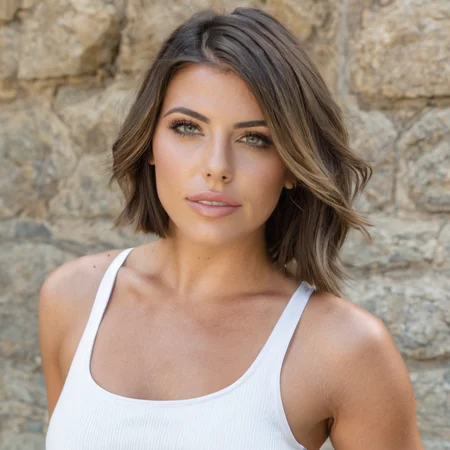
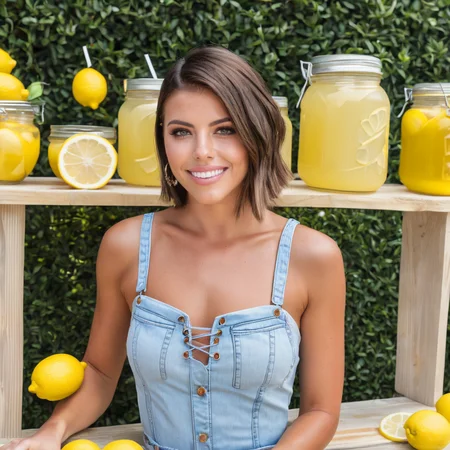
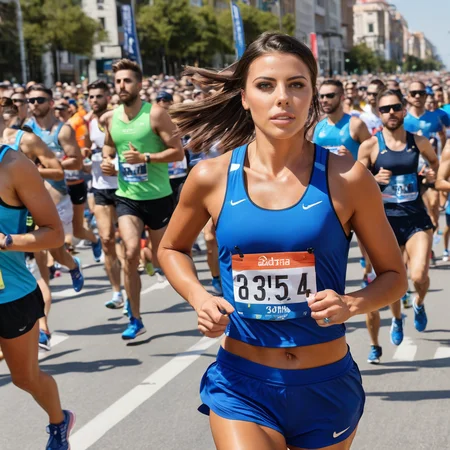
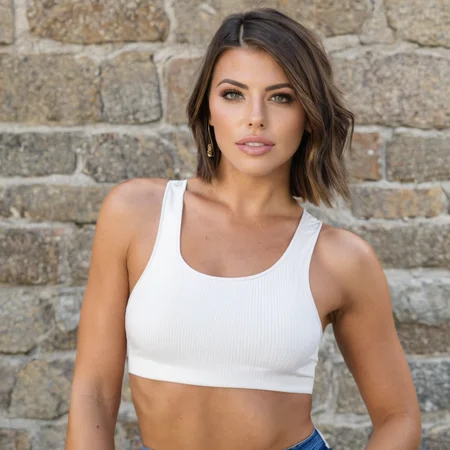
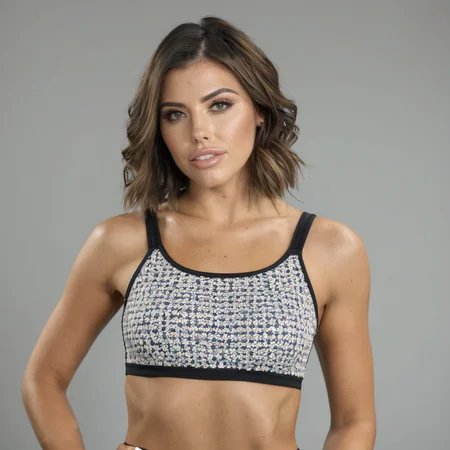
A LoRA for Adriana Chechik.
Process
Images (71)
Focus
30 "full" body (waist/knees up)
17 upper body (chest and head)
18 close up (head and shoulders)
6 weird angles/poses (range from "full" body to upper body)
Aspect ratio
30 1:1
41 3:4
Content (varied...)
faces (1 eyes closed, half smiling, 1 eyeglasses)
lighting
clothing
makeup
background
pose
Misc
I try to exclude any images that have a busy/complex scene/background. Abnormal clothing, hand gestures, etc. are cropped out when possible. My rule of thumb is that if I wouldn't want the image to be generated by the LoRA, I don't include it in the dataset. There are some exceptions to this rule, but it is a good starting point to trim the dataset.
As many duplicate clothing items, facial expressions, poses, pieces of jewelry, etc. are excluded as possible, but it can often be hard to avoid this.
Images are cropped by hand and left at whatever # of pixels achieves the desired final image. They are kept to 3:4, 4:3, or 1:1 aspect ratios.
Many others have commented that 71 images is unnecessary, and that 20 or so will do. I prefer to be in the 40-80 range.
Captions
All begin with "adriana chechik, a photo of a woman..."
I describe the clothing, jewelry, lighting, pose, angle, background, facial expression, makeup, and any other information I do not want showing up in the LoRA gens (abnormal hair color, for example) in sentence form.
I do not describe things I do want to show up in the LoRA, like eye color, hair color, skin tone, body proportions, etc.
I have experimented with adding a fake word "ohwx" to the captions with varying results. I did not do so for this LoRA.
Training Params
model: DreamshaperXL
text_encoder_lr: 0.0004
unet_lr: 0.0004
learning_rate: 0.0004
network_dim: 256
network_alpha: 1
lr_scheduler: constant
optimizer_type: Adafactor
train_batch_size: 1
dataset repeats: 20
epochs: 10 (sometimes up to 12 if I have a highly varied dataset)
max_train_steps: 20 * 10 * # of images (so for this one, it was 20 * 10 * 71 = 14,200)
How is it so small?
After training is complete, I am left with a 1.7gb safetensors file. I use the kohya gui to resize the lora with a rank of 256. This spits out a ~18mb safetensors file that is nearly identical to the 1.7gb file in practice.
I'm sure I missed something here, so let me know if there's any other info that would be useful.
Description
FAQ
Comments (13)
Love it. Can you make a SDXL Lora for Dasha Taran? She's very popular, and Aitreprenuer has a complex guide with the best strategies on how to make it, so idk if it can help..
On it! I'll see if I can find enough high quality images. Reviews go a long way to getting exposure for me, so I'd appreciate that too!
@tomdvs will do! I look forward to it too
@Dashdashie I just posted it. I wasn't familiar with her so it's a bit tough to tell how well I did. I can make an update to it if you think it needs it
@tomdvs Awesome! I saw it :) Yeah, maybe get the hi-res images from her latest youtube videos, it would also be her most up-to-date face. She was voted one of the top faces in the world.
@tomdvs Like you mentioned, it's similar but not quite exact. Great effort!
Extremely well done. Can I ask how many images you trained with, how many steps and epocs, and the base model? I'm having a stupidly hard time reach the quality you display, no matter how hard I try. :-)
Thanks
Hey bud. Awesome LORA! I am struggling to create a lora like this. could you tell me... how many base images did you use? how many face? how many body? dim, alpha, repeats, epochs, batch. all that. can you tell us your formula? thanks. I can tell your DIM must be very low, which is kinda surprising to me but it worked
10 stars for including your training process and parameters!
Details
Files
Available On (2 platforms)
Same model published on other platforms. May have additional downloads or version variants.