


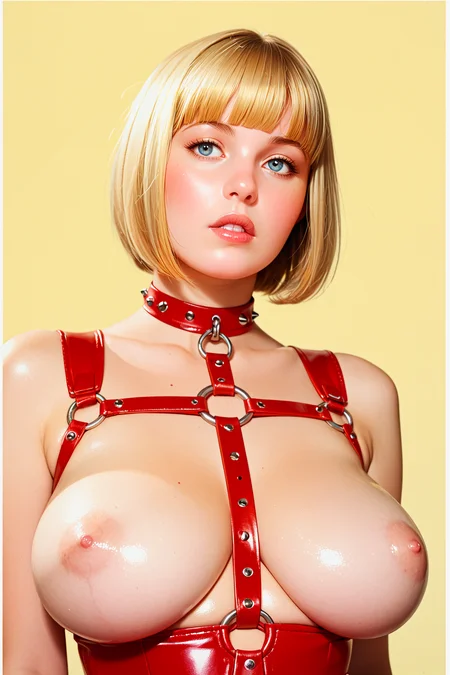
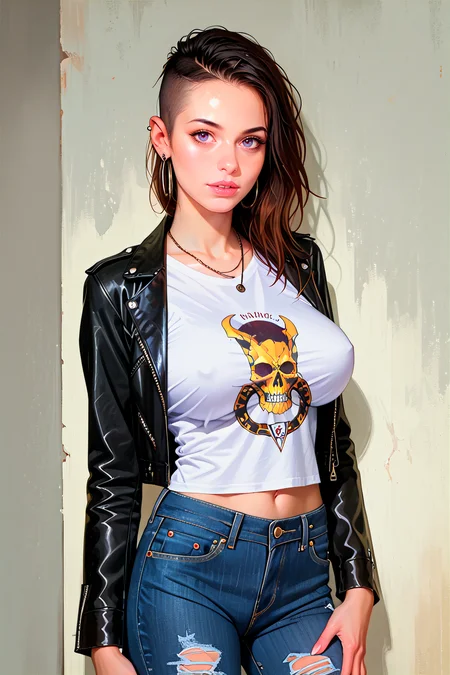
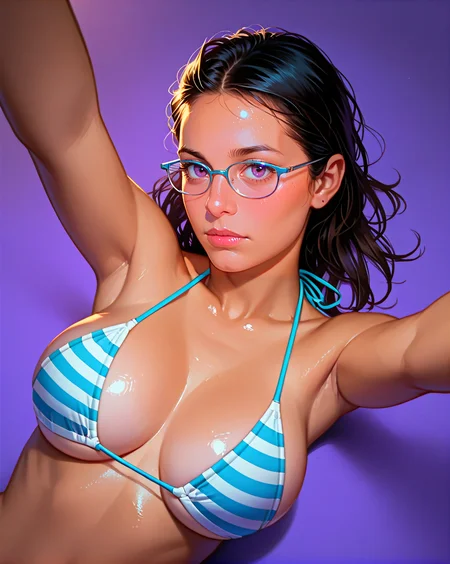
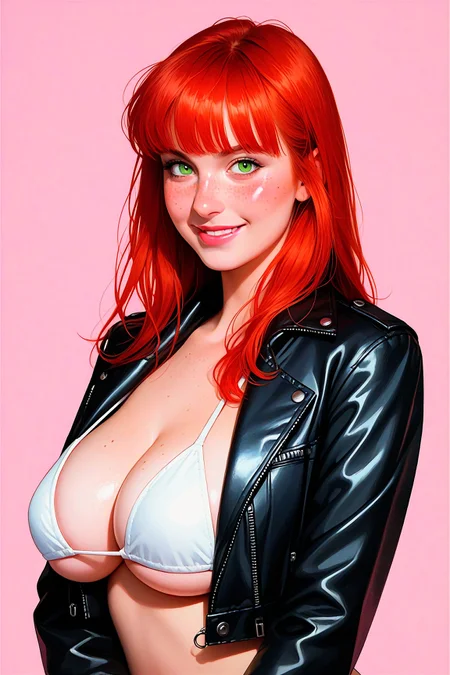
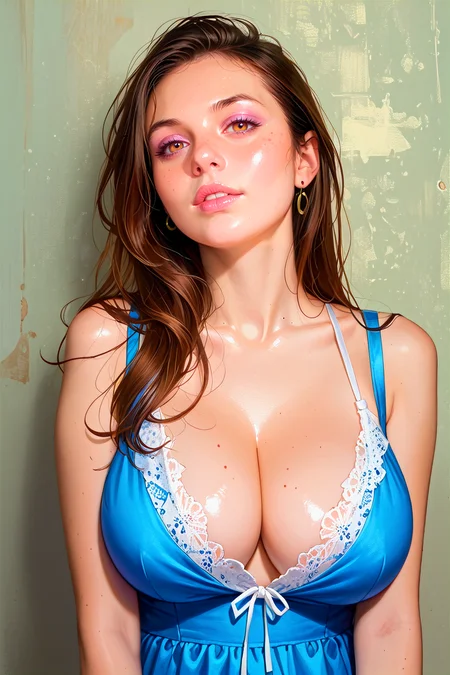
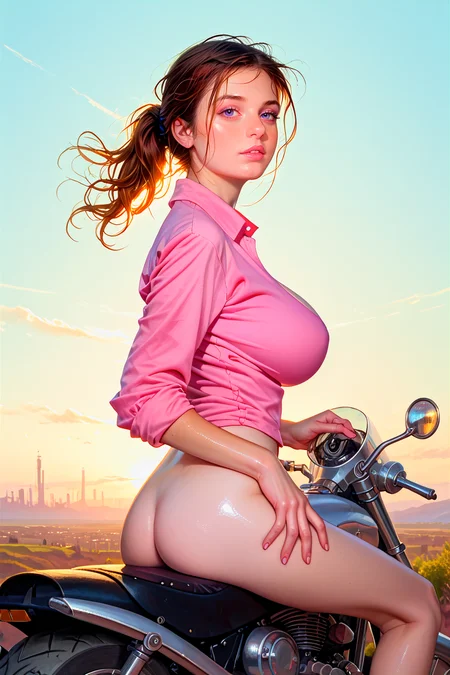
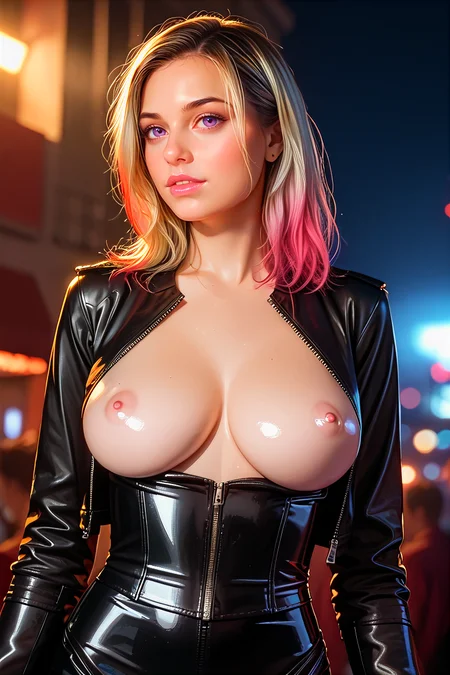
Back in the saddle n ready to ride!
Dear fellow Civitians! Please post your generations, be creative, push boundaries and explore the far reaches of your deepest desires! Buzz is cheap, I'll throw it around. Wow me with your visionary masterpieces. Party on dudes!
Description
This is the Apex Pony Realistic Hentai Merge according to me!
FAQ
Comments (12)
Where can I download this LoRa? <lora:S0NIAStripperSmall2:0.7> <lora:BUSTEEAlli02SMALL:0.3>,
i will reup soon
Is it the same PPPV5 as you released a month ago or another?
From trying things out, it seems more similar to the "realfeel" version. Or at least somewhere between the more painterly style of the previous pppv5 and the realfeel version.
@cgindust3 it's PPPV5 with a lil RealFeel
why r you deleting your ancient models ?
I love the style of this model and have been fiddling with it quite a bit this past day. One problem I'm running into, however, is that the ADetailer messes up the square area around whatever it fixes up, making it more brightly colored (or saturated, perhaps) than the rest of the image. This is without using a VAE. I see this particular artifact in some of the pictures posted by other people here as well, so it's clearly not just me. But some other pictures don't have this artifact at all. Honestly, I'm at a loss.
i notice the square artifact too from time to time, I think playing with the detailer settings might help
@AbsoluteReality I have experimented a bit further now. The cause appears to be the VAE, or lack of. There seems to be a built-in VAE in this model that saturates the image to a large degree. This saturation appears additive in a weird way when the ADetailer uses it. Using the standard sdxl_vae on the ADetailer by overriding it removes the square but desaturates the area with the ADetailer. Using the ADetailer without overriding the VAE saturates the area similar to the way the default image looks, but to a larger degree, creating contrast, Changing the overall image's VAE to sdxl_vae also removes the squares (no need to override in the ADetailer) but desaturates the image a LOT and honestly removes some of what makes this model pop. Using the VAE that shows up in one of the example images posted here (xlVAEC_f1) results in a similar saturation level as choosing to use no VAE at all, so I assume there is a baked-in VAE similar to it or exactly that one, but this also leads to the square showing up. If two squares for different ADetailer detections overlap, the overlapped area is further saturated.
I'm not sure what the fix even is for this. I might even be using the model incorrectly by aiming for this level of saturation when most of your example images use sdxl_vae, so this could all be my fault. Still, I like the look the saturated style except for the ADetailer artifacts.
Make of all this what you will.
@Arkintoofle I can see the inpaint edges sometimes with sdxl vae, but it is more obvious with the built in vae for this checkpoint. I think it might be an asymmetric encode/decode in terms of color saturation, because using the "hires fix" function also slightly increases the saturation over the whole image. For me I can only really see it if I have the adetailer denoising strength at 0.4 or higher, and I usually run adetailer at 0.26 for this model. Anyway, checking it out just now, it looks like the problem might be helped by increasing the "inpaint mask blur" setting. By default it's 4, and by setting it to 16, I can no longer see the inpaint seam.
Yeah the older versions of this checkpoint here much better. But I think after V3 the saturatino was turned up to a horrible degree and made the checkpoint much less nicer to use
@thisisarandomaccount2025 I use the standard sdxl vae which keeps the saturation more or less normal.