

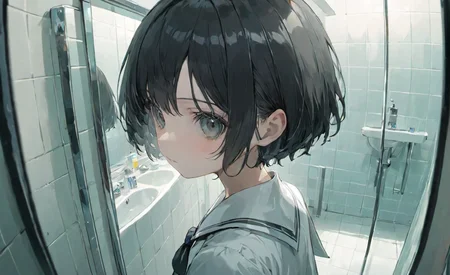
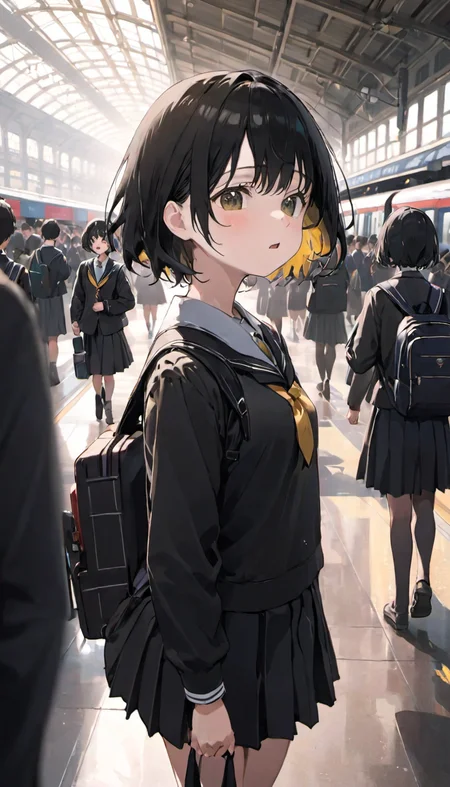

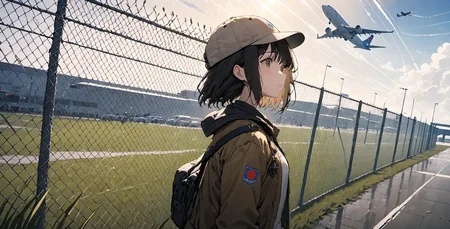
Support☕ https://ko-fi.com/sfa837348
hugging face https://huggingface.co/gsdf/CounterfeitXL-V2.0
Negative Embedding https://civarchive.com/models/118418/negativexl
Official hosting for online AI image generator.
A small update.
V2.5 is a revised version of V2.0.
This version has been retrained for style tags.
Tips
By inserting 'flat color, anime style' into negative prompts, you can achieve results with higher detail.
CounterfeitXL-V2.0 has been primarily trained on the latest illustrations but encounters a recurring issue with the appearance of halos. In such cases, please include 'halo' in negative prompts.
I have incorporated style tags into some of the training images. By describing these tags in the prompt, various effects can be achieved. Additionally, inserting style tags into negative prompts or combining them allows for the generation of images that align with your imagined.
Style Tags
masterpiece: Beautifully and intricately drawn illustrations.
cinematic style: Stunning illustrations with detailed backgrounds and lighting.
aesthetic style: Illustrations featuring beautiful color schemes.
cute style: Cute.
flat color: Illustrations with strong lines and a minimal color palette.
anime style: Anime.
comic style: Illustrations characterized by bold color choices and abstract representations.
Description
updated
FAQ
Comments (23)
Hi,
i'm wondering how to upgrade a model like counterfeit to counterfeitXL? Many thanks
There is no need to update the old model. Assuming you're using A1111, if you update the webui to the latest version (git pull in the command prompt) A1111 will natively support SDXL models. Afterwards, you can freely use this model like any other model in your web UI.
How to use?
very carefully
download the file, open your stable diffusion webUI folder, go to "models\Stable-diffusion" and copy/cut the file you just downloaded into the "Stable-diffusion" folder. fire up WebUI and change the checkpoint to this one.
about $2.50
Is this model based on Counterfeit 1.5's dataset (ie inherited from Anything/NAI)?
Does not follow prompts nearly as well. Some common prompts have little to no effect compared to every 1.5 model.
Still useable.
Have you tried doing natural language yet?
I noticed you need to use related tags and/or redundant prompts, something like:
breast cutout, cleavage, her dress have a hole in the chest area,
Instead of just breast cutout. Or use parentheses like usual, but it's true most of the time it didn't follow the prompt, I guess we need to wait for updates or merges.
Was this trained to use danbooru tags or should we only use plain language?
its great but generate strange line or some meaningless curve, would u train a weaken version of this xl checkpoint, i believe it would make better result
It's a great model!But when I use this model to generate a i2i picture,the result is a low-quality picture(It's grey,just like lack a vae),How can I solve this problem?
Noticed the same, dunno the cause, but I just use lightroom to increase the vibrance.
Try using the standard SDXL vae instead of the one the model provides, this should solve your problems, it did for me anyway.
A:Standard
B:Realistic
C:Anime like
What is D for?
I can't get this to draw see-through/semi-transparent clothes.
Is it necessary to credit the author when using this model, even when publishing the generated images?
Or is it only required when releasing a model that incorporates this amazing model?
Just based on how copyright works with SD generated content, there is no need to mention the model you used because no one owns anything.
@k3415353933 I see this differently; the author of the model explicitly prohibited uploading or selling the model on generation platforms and requires credit when using the model. Here is the license that this refers to: CreativeML Open RAIL++-M.
Credit refers to use cases such as merging, or using it in other models in some ways. Selling the model or using it on generation websites is prohibited.
I can't run the VAE and PT files you provided properly; they result in errors, UI crashes, and loading issues
This model can run successfully with regular SDXL VAE, but it fails to work with the VAE you provided. Please check what is causing the issue when running with SD 1.6
this is nothing similar to counterfeit sd model.
Details
Files
counterfeitxl_v10.safetensors
Mirrors
counterfeitxl_v10.safetensors
counterfeitxl_v10.safetensors
counterfeitxl_v10.safetensors
CounterfeitXL-V1.0.safetensors
CounterfeitXL-V1.0.safetensors
counterfeitxl_v10.safetensors
SDXL counterfeitxl_v10.safetensors
CounterfeitXL-V1.0.safetensors
counterfeit_XL-1.0.safetensors
counterfeitxl_v10.safetensors
CounterfeitXL-V1.0.safetensors
counterfeitxl_v10.safetensors