💖 Support My Work & Explore More
If this model is useful to you, your support helps me keep publishing free models and open-source AI tools.
Patreon: Support on Patreon
Ko-fi: Buy me a Ko-fi
Buy Me a Coffee: Buy me a Coffee
Discover more of my models, projects, and practical AI resources:
Portfolio: artificialguy.com — models, projects, and experiments.
Prompt library: FindGoodPrompt — curated prompts for image and language models.
AI tools directory: JustGoodAI — a curated directory of useful AI tools.
Twitter/X: @artificialguybr — new models announced here first.
360Redmond is here!
I'm grateful for the GPU time from Redmond.AI that allowed me to finish this LORA!
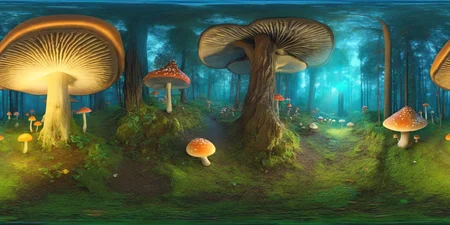
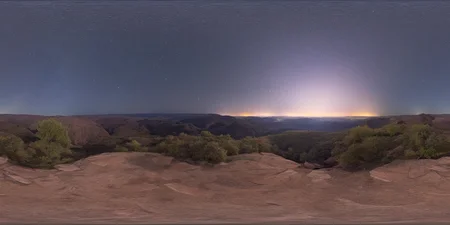
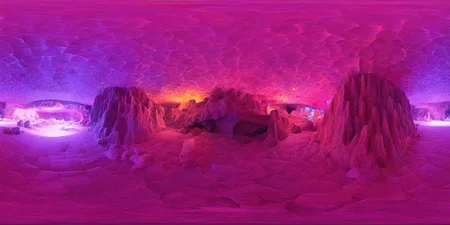
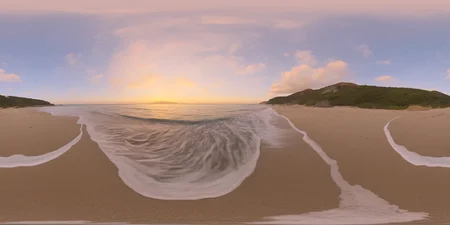
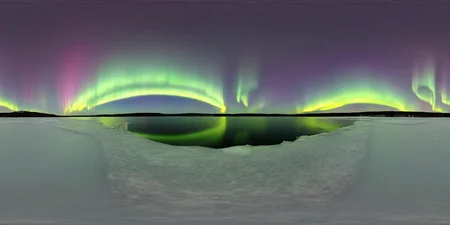
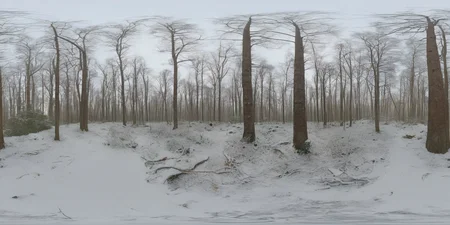
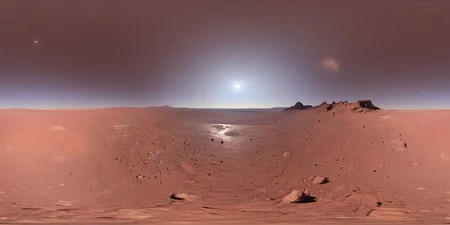
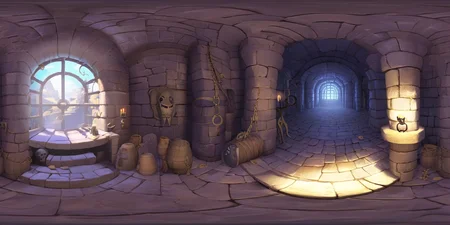
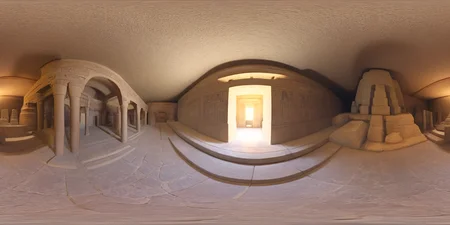
This is a 360 VIEW/PANORAMA LORA fine-tuned on SD XL 1.0.
Test all my Loras here for free and unlimited. Thanks, HF, for Inference API!
The LORA has a high capacity to generate 360 VIEW, 360, PANORAMA images in a wide variety of themes. It's a versatile LORA.
You need to use site like that to view the 360 Panorama:
360° Panorama Viewer Online (renderstuff.com)
I recommend gen in 1600x800 and then upscale 3x or 4x to have better quality.
You can use 360, 360 View to get better 360.
LORA is not perfect and sometimes needs more than one gen to create good images. I recommend simple prompts and not so complex scenes. LORA ends up making mistakes in very complex scenes (for example office interior or very dense forest).
I really hope you like the LORA and use it.
Description
It just half of the size of original LORA. 99% equal to the base LORA.
FAQ
Comments (5)
Thank you for the lora! I want to train also something like this so it would be great if you provide some information how you did it.
I have 3 questions:
1. How does an example caption look? (Current approach is auto captioning with captionr)
2. Can it be trained in 2k width*1k height or do i have to train on 1k*1k?
3. How to keep it most flexible in style but get good equirectangular projection?
Would be great if you find the time to answer.
Thank you, this is way better than 1.5.
Quick question though: ''Asymmetric tiling'' or something like ''seamless tile inpainting'' works good to prevent seam lines in generation but upscaling bring this problem back.
How would you guys deal with that?
Late to the party here, and I'm not entirely sure whether this would effect it or not, but if you're using the A1111 webui, you could try playing with some of the settings related to hires fix and see if that helps at all:
Settings -> Stable DIffusion -> "Hires fix: which pass to enable refiner for"
Settings -> Compatibility -> "For hires fix, calculate conds of second pass using extra networks of first pass"
Hey I'm new to this but you say that this is a LORA and other people have confirmed it. But when I put this under the lora folder it doesn't show. It does work in the sable diffusion models folder though.
The other thing is that it would be really helpful to have some example prompts
It is a SDXL Lora so make sure you are slecting a SDXL base model and then go to the Lora page, it should show up now. (if you are using A1111)
Details
Files
Available On (1 platform)
Same model published on other platforms. May have additional downloads or version variants.