

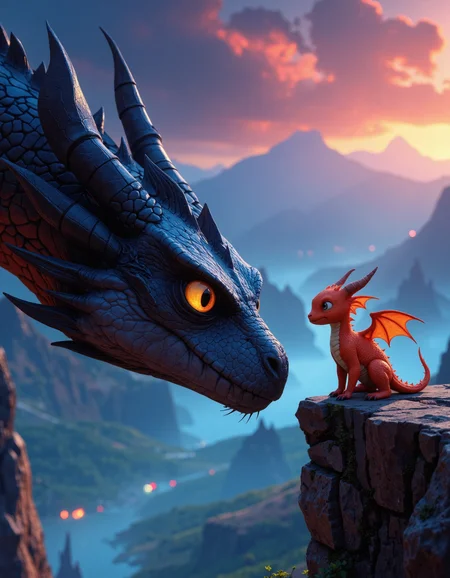
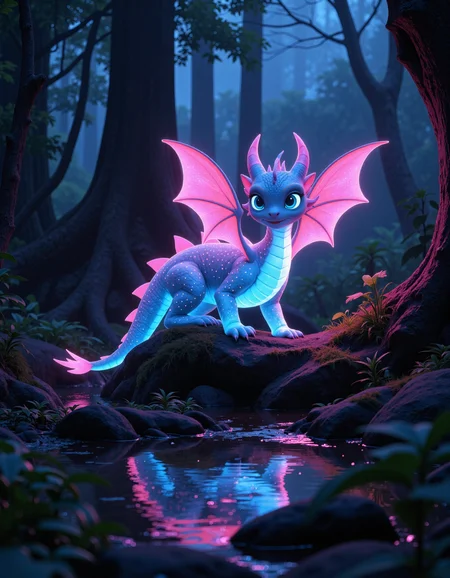
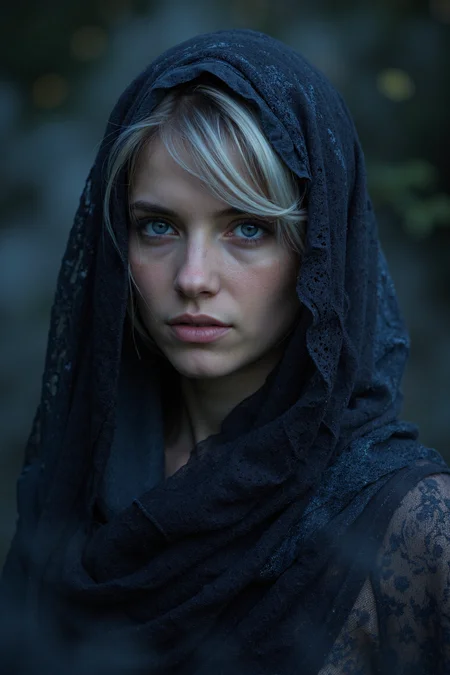
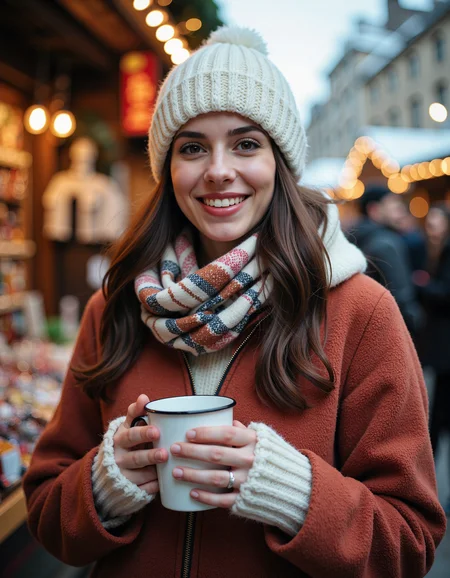
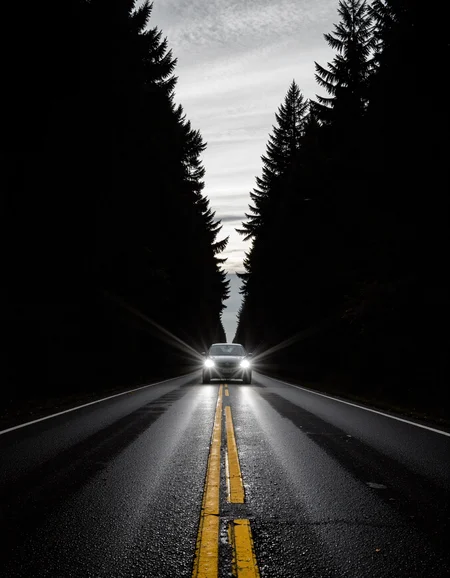

So… you want to hear a story, eh? One about creation, ambition, and endless possibilities? Haha, well… have I got a story for you!
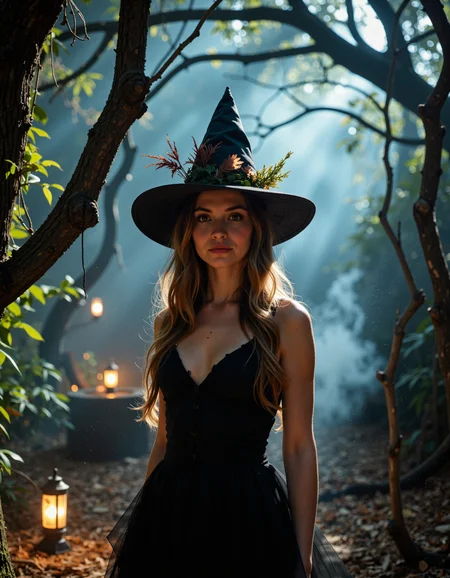
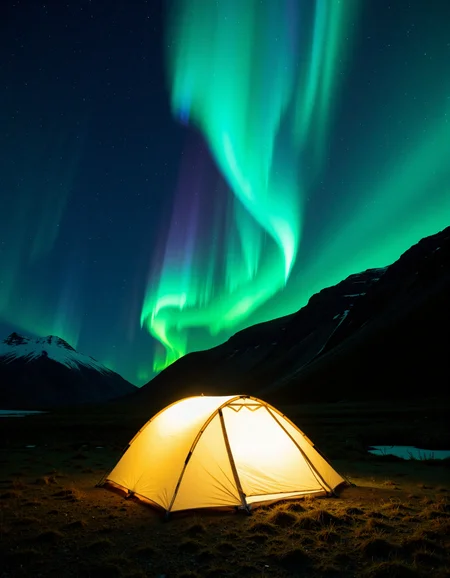
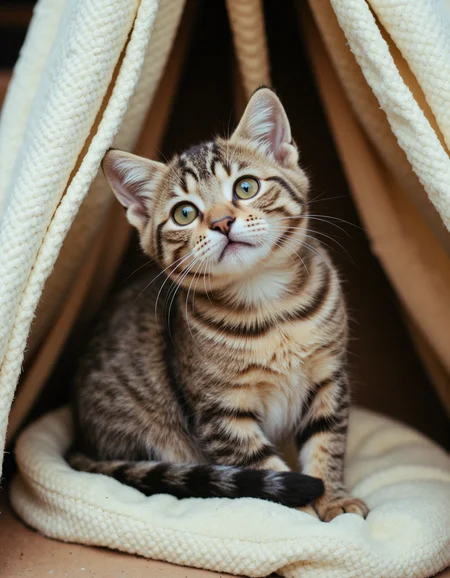
Pandora is an all-purpose model built to handle a wide range of creative outputs. It aims to blend flexibility, efficiency, and prompt comprehension into a cohesive model.
The model is composed of:
Photographic Content (75%)
Artistic and Anime (25%)
Key Capabilities
Portraits and Characters
Anime and Digital Art
Macro and Detail Work
Painting and Conceptual Art
Current Model Goals
Detailing and Realism: Enhancing overall detail, including skin textures, reflections, and lighting
Faces and Anatomy: Producing more realistic faces, chins, and accurate proportions
Art Styles: Supporting painting, digital art, and anime styles
Photographic Styles: Refining the ability to create photorealistic images with dynamic lighting and rich textures
Faster Generation: Performance optimizations and reduced generation time
Higher Resolution: Improving the ability to generate images with resolutions above 2MP
Negative Prompting (Pro Version): Enhancing negative prompting capabilities for more precise control (currently in progress and showing promising results)
Known Issues
Anime Style: While improved, anime could still be better, it is recommended to pair the model with my Pandora | Anime and Digital Art LoRa
Painting Styles: Painting styles are coming in a future update
Current Enhancements
Better Details: Enhanced textures and lighting across various styles
Photographic Style: Outstanding results with photorealistic images with better look and composition
Better Realism: Realistic scenes, faces, and settings have become more consistent and detailed
Improved Anime: Anime-style images are more polished compared to Flux-Dev or Schnell
Available Versions
Dev Version: Focused on adaptability and versatility.
Pro Version: A more refined version built from the dedistilled version for enhanced performance, including negative prompting and other advanced features. Mainly the use of CFG or Classifier Free Guidance, giving it an edge over the Dev version and allowing negative prompting, but making it harder to master.
Why Beta Testing is Key
Pandora is now in beta, meaning there is still room for growth and refinement. The goal is for it to become a well-rounded, flexible model that adapts to diverse creative needs, from realism and anime to conceptual storytelling.
The pro version uses a Flux dedistilled core, but there is a distinctive dev and pro branches created for different needs. Feedback is crucial at this stage to shape it into the all-purpose model it’s meant to be.
Description
Recommended Parameters
Distilled Guidance: 3 to 3.5
Steps: 25 to 40
Sampler: DEIS or DPM++ 2M
Scheduler: Beta
Upscaler: NKMD Siax or Nomos8kSC – 1.5x to 2x upscale
Note: This release does not include the t5_xxl, CLIP-L, or VAE files. You will need to download them separately for proper functionality:
Text Decoders: t5_xxl and cli-l (FP8 version recommended).
Recommended CLIP-L: CLIP-GmP-ViT-L-14.
VAE: Black Forest Labs VAE (ae.safetensors).
FAQ
Comments (39)
this is very important to know guys
CFG: 3-4 (not distilled guidance)
it is really big difference
Hi, thanks for sharing Pandora. I use forge and I am forced to use the DISTILLED CFG, are there recommended settings to use it with forge?
The only thing I noticed but maybe it is a forge problem is in some cases a little difficulty when there are complex prompts in following the age of very young and elderly subjects.
However excellent model and I hope it is still better.
It depends on the version you used I believe. Pandora-Dev uses distilled cfg and Pandora-Pro is not supposed to. If for whatever reason it’s pro you are using and it still ask for distilled cfg leave it at 3.5 and use both (do not use cfg at 1, and use recommended value eg. 3.5)
Thank you, yes now I'm using Pandora-Dev and Distilled CFG. Works.
As for age, try to add adjective like “teeenage”, “mid-aged”, “elderly”, etc. you may have to find synonyms or use repetition if necessary and if it’s really important, start your prompt with that. If you use “… year old” it might not work.
with prompt adjusted, better results..
Pandora-dev is very good with DCFG 3.5 and CFG 1, while Pandora-PRO I also tried it with DCFG 3.5 and CGF 3-3.5 but always the same.
@jazara930 Load it as schnell in forge! Sorry I’ve just remembered, on one of my other model some people were having the same issue and that fixed it.
thanks for the reply, i will try
yes, the problem is the prompt, if it is too complicated the model focuses on something else and leaves out the age, but it is a condition that affects all models in general. By changing the prompt the problem is solved.
Using lora age slider it is completely solved without problems.
I tried pandora-pro with forge and the recommended settings, the images are extremely realistic but the resolution is a bit low even with rescaling. It seems that rescaling (Hires.fix in Forge) even with denoise 0.6 has little effect on the image. In addition, the generation speed is much higher than the Pandora-dev. I have also noticed that using some more detailed negative prompts produces completely corrupted images, without negative prompts the images return to normal. Has anyone who uses Forge noticed the same problems?
For upscaling I personally use the Dev version for images generated with Pro. Both models understand each other very well and the time it takes to properly upscale with Pro is just not worth it.
I Use Nomos or Siax depending on the content with a strength of 0.35 and 15 to 30 steps. Sometimes to make it even faster I will use teacache with the upscaler but I’m not sure you have access to that with forge.
this is the best Flux model ever! ....its absolutely fantastic even on 20 steps ...different schedulers and samples ...it handles it all... pair it with NMKD Siax or 8x superscale and results are golden! ....it has professional Flux capabilities but it looks like mixed with realistic sdxl models for those more amateurish style photography (if you choose so) ...its fast ...no artifacts ..im so amazed ...prompt adherence to follow natural language is also really good ...with Swarmui it was just a simple download and it runs like clockwork... thanks for that, fantastic job!
Best review ever, thank you! And can you believe I’m still refining it? 😲
I’ve always known Flux had incredible potential, but those plastic, surreal outputs just weren’t for me. My main goal has always been to eliminate that uncanny "valley effect", when an AI-generated image looks realistic at first glance, but your brain senses something’s off.
Maybe one day my model will be as versatile as JuggernautXL, but with all the benefits and innovations of Flux.
@C47HERINE you absolutely nailed it, this uncanny effect of flux was reason why i still use SDXL to this day ....but this checkpoint damn its so good ....and the best part is that its incredibly consistent and precise, no weird hands and fingers, no weird proportions like some checkpoints have, so far what ive seen even text rendering is really good ...yes there are things like different styles like anime or nsfw that needs work, maybe a bit lighting ..but its really good at camera angles and camera types ....when it comes to realistic looking images this one is a win, DEIS sampler is really great never used it before ...anyway i hope this model gets a lot of recognition ..cant wait for all these artistic minds what they can create with it ...fantastic job again!! (and yeah ..main thumbnail of that smoke with name draw me in, nice choice there too)
even inpainting and img2img is awesome with this checkpoint ...its not as good as flux fill on 1.0 ...but it works exceptionally well on 0.4 ...damn!
@cptdurr I've just published a NSFW Lora if you were looking for one :) it has the same quality as my other models, if not even better!
@C47HERINE thanks, i tried it... tbh i dont use loras, they tend to brake checkpoint quality, especially when im doing more upscalings i never had good experience with loras ....but nsfw isnt even the problem like nude photos... its more like flux is ignoring erotic content or context lets say ....like when you prompt bent over ...sdxl make it look "naughty" ...flux would need to be trained for specific keywords in that regard ...i dont necesserily think you need to do that ...your model is already great for what its doing... 1 thing your model doing really great is the more "brave" clothing ....flux tends to do bikini and such very bad it doesnt even look like clothing ...your model makes bikini and underwear and night dressed look very real ...im also playing now with flux kontext that thing is insane! ...oh btw your loras are good ...i just dont use them personally : )
I really like this model! Desktop 3090 Dev-beta takes:
2.5s/it 1344x1344 euler 25steps 1:04mins
Both Pro FP8 and Q8 take the same amount of time:
5.1s/it 1344x1344 25steps 2:07mins!
Latest ComfyUI/CUDA12.9/576.80 Drivers
How about a SVDQuant INT4 version?
Better quality/faster than Q4
Or 4step version?
Noob here, where do I put this? Checkpoints folder or diffusion_models folder?
Diffusion models, feel free to ask if you have more questions
@C47HERINE Cheers. Got it working. Awesome model!
Please, can anyone share a workflow for this model?
Noob here.
I’ll exchange a workflow for a prompt, I’m running out of inspiration lately. And make sure you have Comfy manager installed.
C47HERINE Thanks, man. I already set up my comfyui with others' workflow. But need a workflow for this flux mode.
Drag and drop this image into comfy : https://civitai.com/images/91291707
C47HERINE Thank you❤️. But wow. How it works. Amazing🫡
How to avoid NSFW content? I added no NSFaw as negative prompt but it didn't help. However your model is great.
Which version and what is the prompt? I’ve worked hard to get nsfw to work, and to be honest I’m not there yet (most of the time it doesn’t want to). I wanna troubleshoot this for future release.
Not sure what's going wrong for me here... I downloaded the Pandora Dev Beta model - loaded it up on the Comfy Flux Dev template and all I could get out was black images...
So I tried the workflow you shared in the comments here and as I got to the first sampler, all I was getting was pixels, like an old TV with no signal...
All the text encoders, vae etc check out... I haven't changed anything from what you set in your workflow image... Any ideas?
A corrupted download? Without more infos I can’t help you.. but I assure you the model is fine and what you are describing sounds like a corrupted model.
@C47HERINE Now using Pandora Pro Alpha as my goto. My 'workflow' is to create a prompt in SwarmUI with 1/4 size e.g 448x576 and set Generate forever, wait a while (old 1070 with 8Gb of vram!) get maybe 3 or 4 decent images out of 10 or 12 and use those as init images for full (896x1152) at 60% generations, maybe the odd img2img tweak post production to fix the odd glitch. Really love the NSFW and especially negative prompts that reduce the needs for the pp tweaks.
I wondered whether you are planning on releasing a beta or even a release version of Pandora Pro
Amanda
There is one! I need to upload it and make the sample images. I've been extremely busy lately, but now Im on vacation sooooo.. I'll be working on that and Pandora-Pro Beta should be there by the end of the day =D
@amandalevres I do just that but with higher resolution! I use pro and fully generate a 896x1152 image, then I do an img2img run with the dev model, the trick with img2img is making sure you get at least 30 steps of denoising for details. Then I upscale x2 (still with the dev model).
In swarm use "refine image" instead of "initial image". Set the refiner control percentage, set it at 30% and refiner steps set at 100 (100x0.30=30 steps)! Also use Nomos8ksc for upscaling faces and Siax for landscape (both models are available here).
Then if you want larger images get Upscalyl with the custom models (all available for free on their website), use Siax and you'll get 4k images in no time. The results will be amzing !!!
@C47HERINE unfortunately a full size image on my very old card at 20 steps takes the best part of 20 mins (about 54 s/i ) but I will definitely try the refine steps rather than a basic img2img, Thank you!
@C47HERINE Thank you, my workflow is now:-
Create prompt and use Pro Alpha at small size 448x576 on generate forever until I find 1 (or More) that I like (usually not pretty but pose correct if a bit weird (negative prompt really works with this)) I then select the image in swarm, change the resolution to 896x1152 set pandora dev as the refiner model refiner CFG 1 Euler simple/normal 0.3 100 steps then More/Refine Image that upscales to a decent size at a good finish.
This seems to work fine :o)
Out of interest what CFG do you use with Pandora Pro? (I'm using 4-5 )
Once again thanks for your great work and help
@amandalevres For CFG, I start at 3.5. It’s good for most use case but I like to push it to 4-5 too and with some Lora’s I can even do 6-7 (at 7 it feels overcooked but sometimes it works well). With CFG you’ll get better prompt adherence but the higher you go, the longer it takes to generate an image.
Lately I was sticking with the latest Dev models for that reason (I’ve been able to generate images at 4K in about 2min with dev whereas IT takes the same amount of time to generate an image at 1-2k with pro). But now I’m actively testing Pro-Beta and it’s doing great. As soon as my showcase images are ready it’ll be here (I’m working on too many things at once XD)
it's been a while but its here :o
@C47HERINE Thank you! Downloading now :)
Details
Available On (2 platforms)
Same model published on other platforms. May have additional downloads or version variants.