


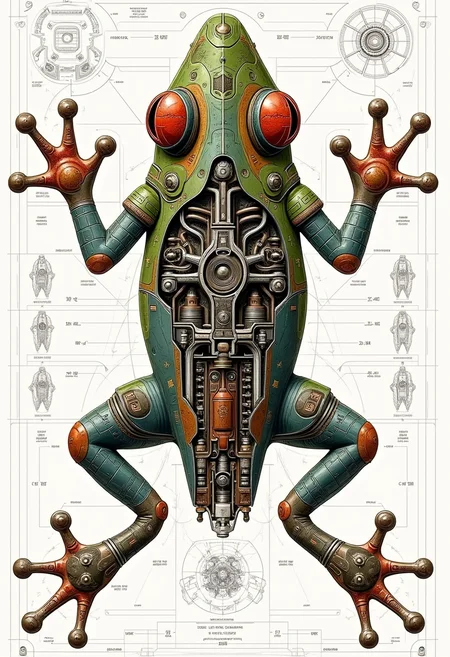
YFG Aarchy: CAD-Style Schematics & Balanced Design
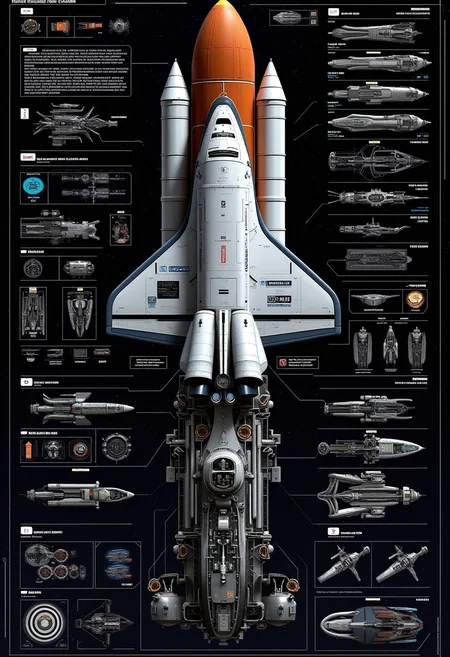
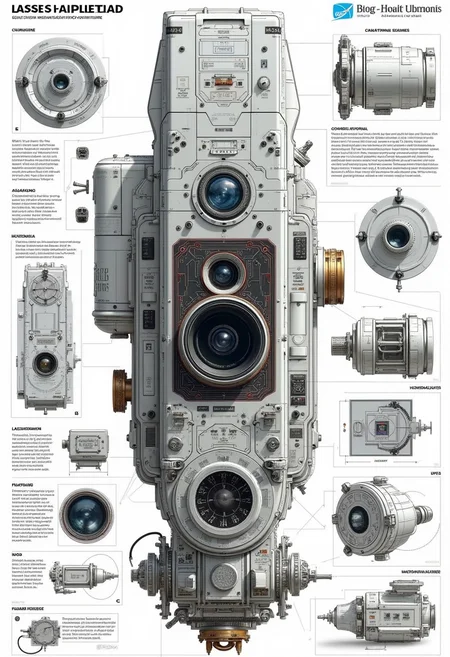
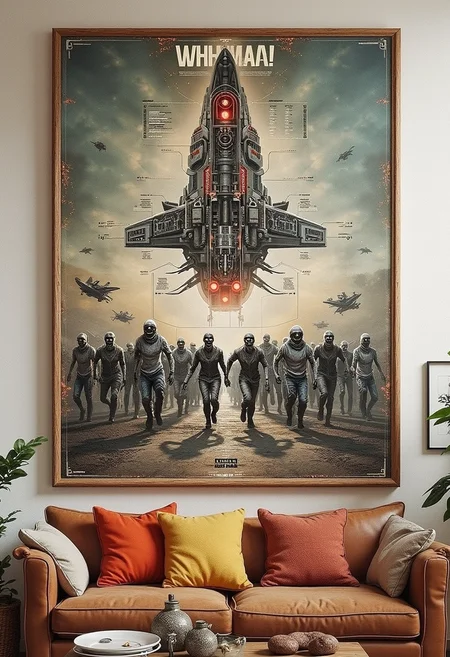
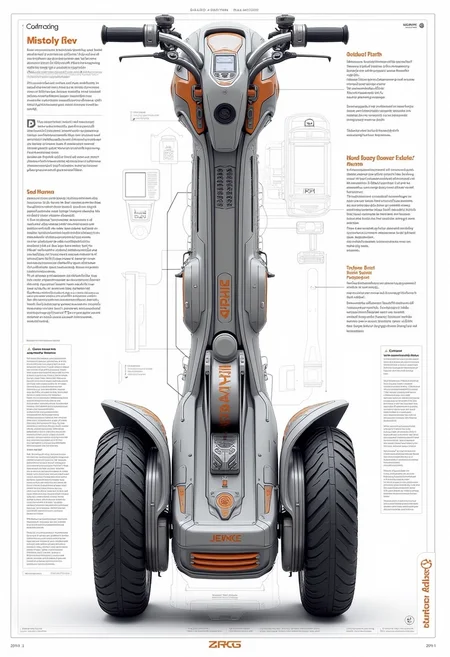
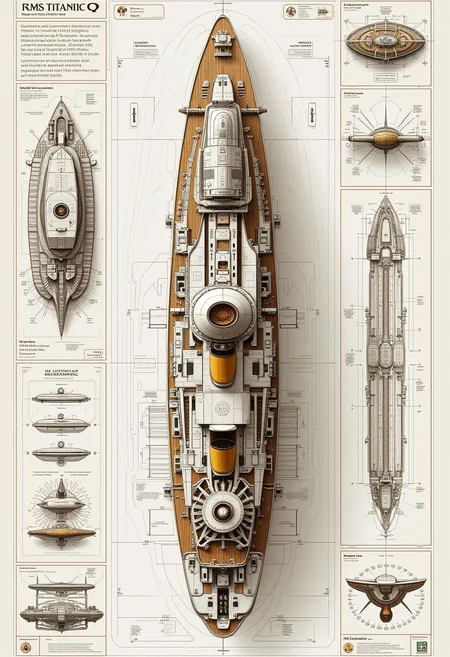
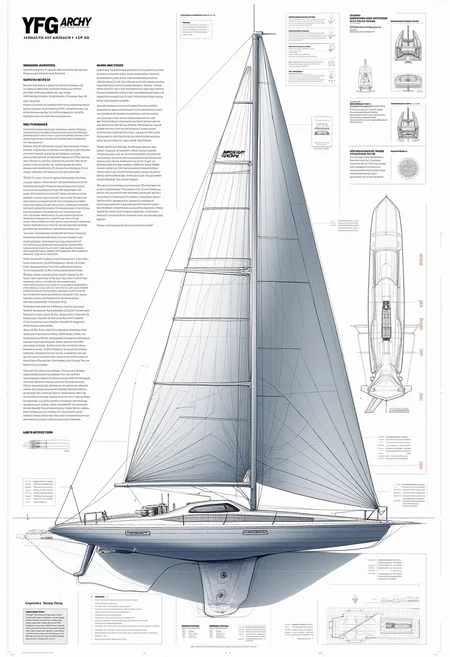
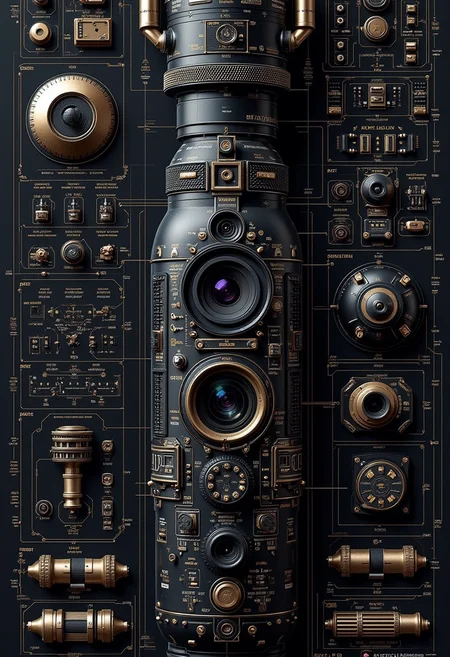
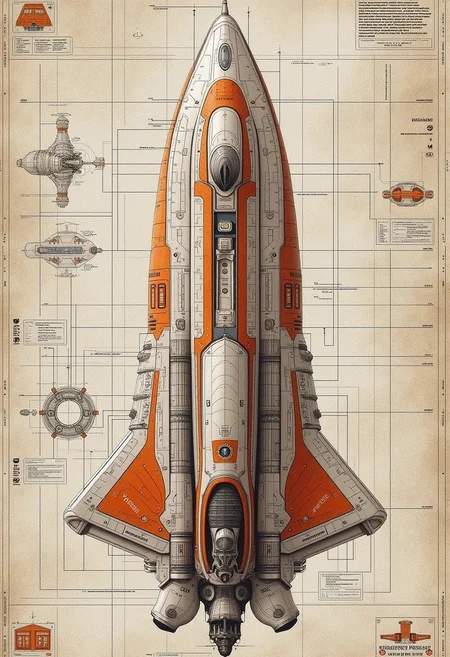
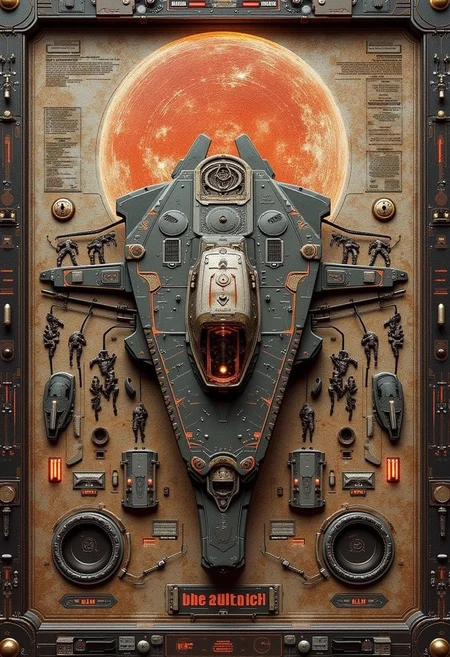
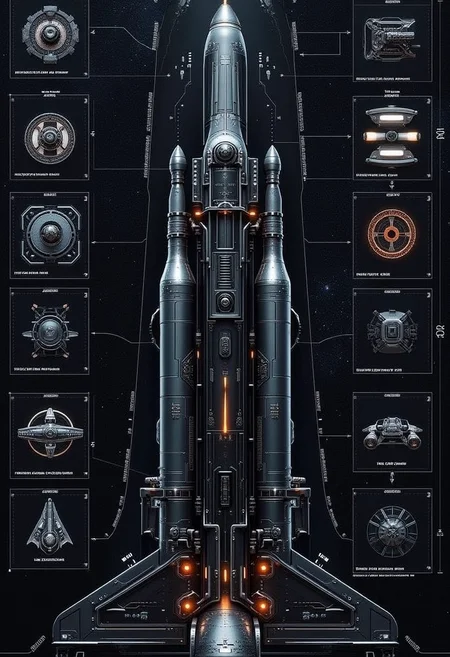
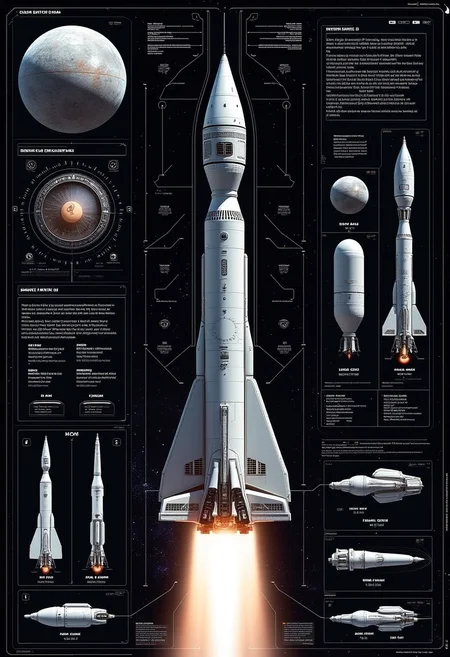
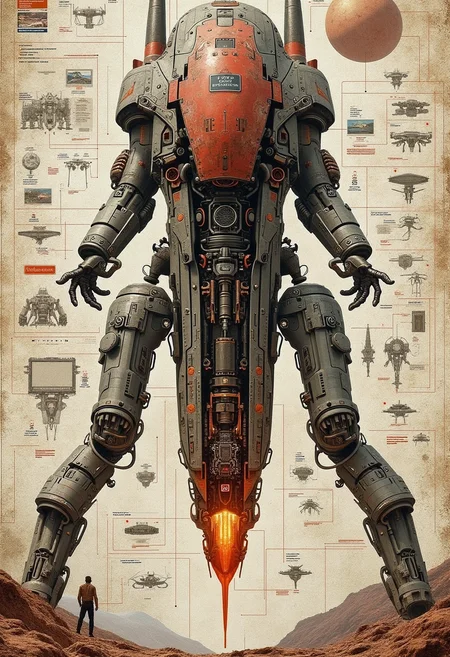
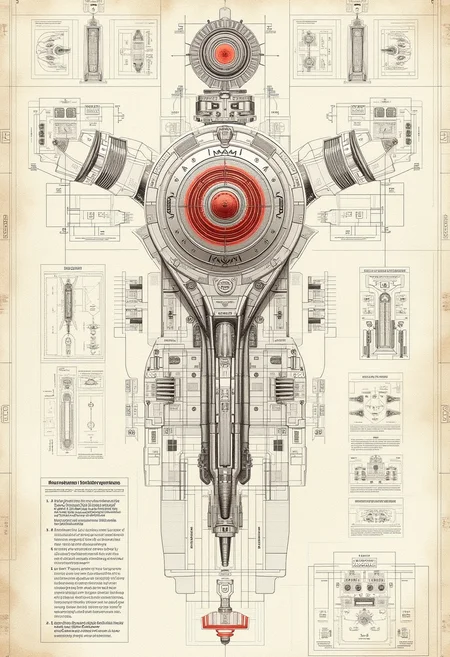
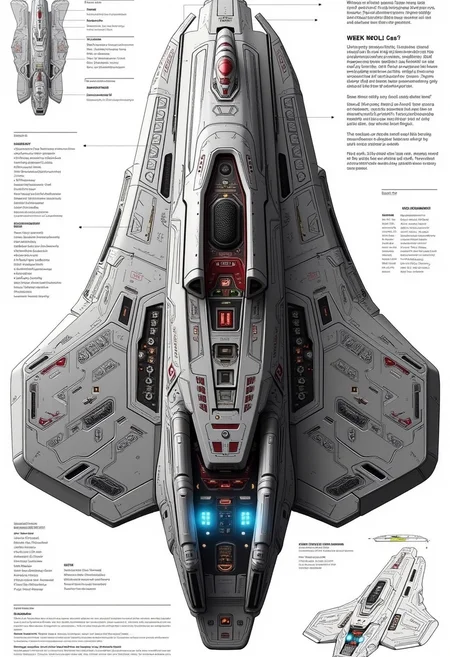
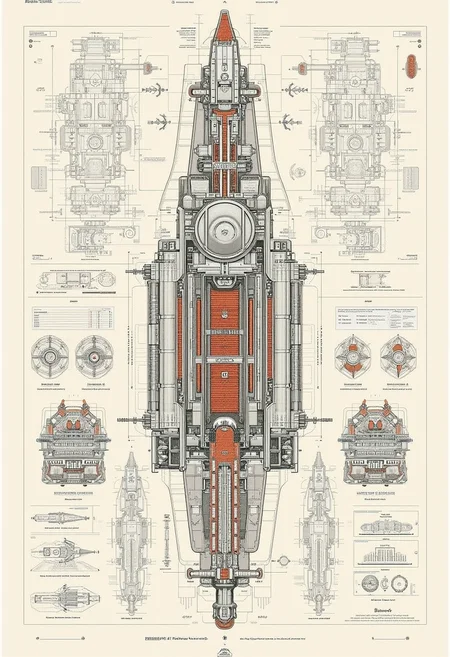
YFG Aarchy is a LoRA built to produce detailed schematic illustrations, ranging from complex architectural plans to topographic 3D diagrams. Its clean, precise style evokes a hanging wall-art aesthetic, with an emphasis on symmetry, balance, and clarity—perfect for projects requiring technical or CAD-style visuals.
Key Characteristics
Schematic & Diagrammatic Focus
Generates intricate line work, detailed blueprint features, and clear labeling.
Excels at technical perspectives, cross-sections, and topographic 3D schematics.
CAD & Architectural Flair
Depicts architecture, structures, and mechanical parts with near-scientific precision.
Utilizes balanced layouts and symmetrical proportions, enhancing visual cohesiveness.
Versatile Style Application
Adaptable to various subject matter: engineering concepts, interior designs, mechanical assemblies, and more.
Maintains a polished, finished look in both minimal sketches and richly annotated diagrams.
Recommended Usage
Trigger / Prompt Word
Use “YFG-Aarchy” to invoke the LoRA’s characteristic schematic style.
Combine with descriptive prompts like “technical blueprint,” “detailed architecture,” “3D topographic map,” or “CAD diagram” for optimal results.
LoRA Strength (Weight)
Aim for 0.6 – 1.0 to achieve balanced clarity and detail. All examples used a 0.8 weight.
Adjust the strength to either emphasize or subtly blend the technical style with other aesthetics.
Complementary Themes
Pair with terms like “engineering design,” “precision line art,” “architectural cutaways,” or “mechanical blueprint.”
Works well for futuristic or historical scenarios, adding a structured, methodical flair to your scenes.
Tips & Tricks
Enhance Layering & Depth
Use prompts such as “transparent overlays,” “exploded views,” or “labeled cross-sections” to highlight mechanical or architectural complexity.
Focus on Symmetry & Balance
Include words like “symmetrical composition,” “golden ratio,” “harmonious layout” to push the model’s natural inclination for balanced designs.
Refine Lighting & Contrast
Dark outlines against lighter backgrounds can help replicate a blueprint vibe.
Experiment with minimal color palettes or grayscale to underscore the technical nature of your diagrams.
Usage Disclaimer
Always adhere to relevant usage and licensing terms for this LoRA and any included assets.
Adjust your prompts, negative prompts, and LoRA weighting to achieve the best balance between accuracy and creative freedom.
With YFG Aarchy, transform your ideas into polished schematic diagrams, comprehensive architectural drawings, and precise CAD-style visuals. From futuristic cityscapes to mechanical blueprints, let this LoRA bring clarity, balance, and impeccable detail to your projects!
Description
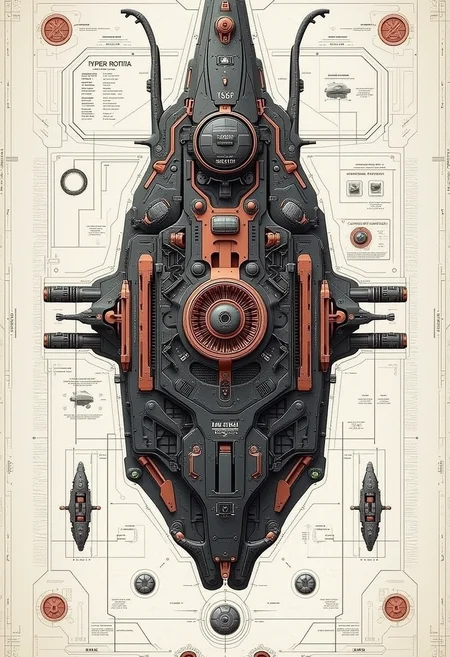
This version leans heavily towards futuristic symmetrical space vehicle designs but will apply the style depending on how crafty the prompt is. Use the example prompts in the examples for guidance.
FAQ
Comments (8)
This scratches a very nerdy itch. Great for infographics ideas. When showing spaceships, you really got to push it to not show a top-down view.
Thanks for the kind words...
It was designed solely to do just that style... if you get anything else, you are lucky :P
Nice, Nice. I'm noticing that there's a lot of cool scifi images mixed in here. Does this also have some kind of inherent sci fi element enhancer?
No, I just used about 30 images for training that were of the same format...
Thanks for the kind words.
Thanks for sharing the workflow to the sample images. Makes it very helpful.
Cheers,
T9.
Thank you and my pleasure. Glad you like it :D
Great Lora ! I really apreciate you sharing the workflow make my life easier since I"m newbie !
one question tho I get an error message when trying to run it
'float' object cannot be interpreted as an integer
the node that is in red is Load Single Prompt From File (Inspire)
do you have any idea what could that be cousing that ?
thanks in advanced !
Sorry for late reply. You need to go to the custom folder for the Inspire pack and create your own prompts file or edit the existing ones.