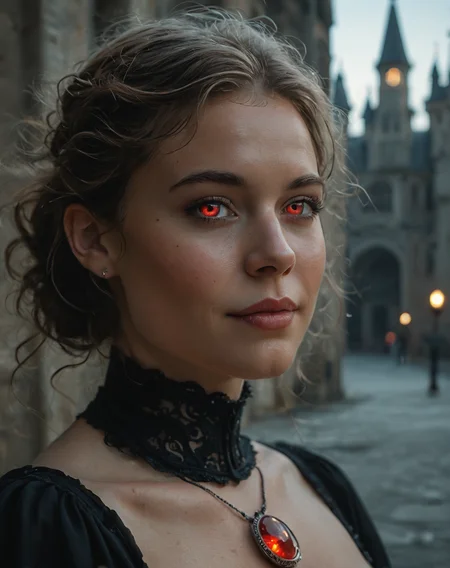
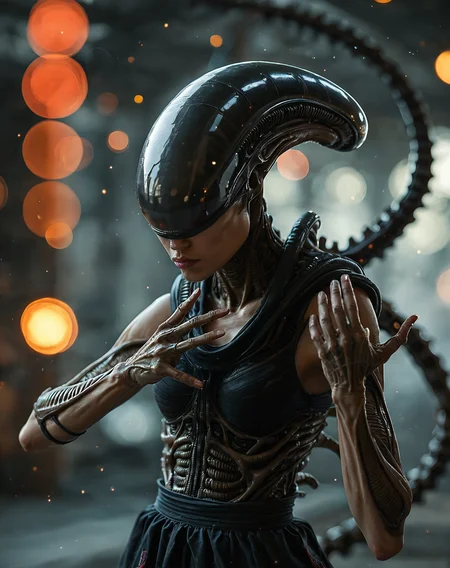
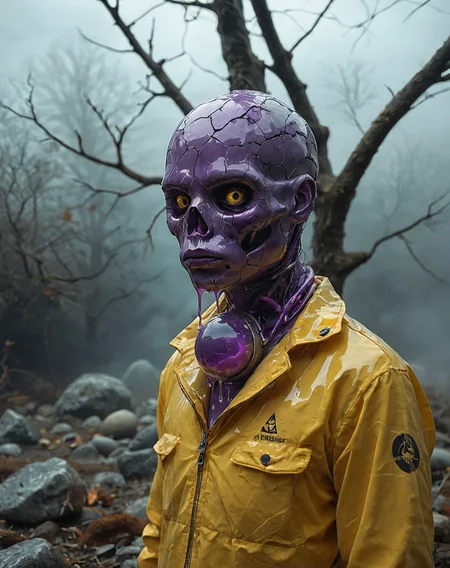
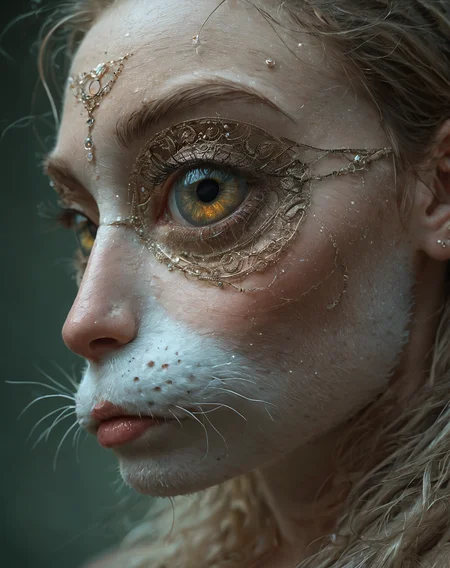
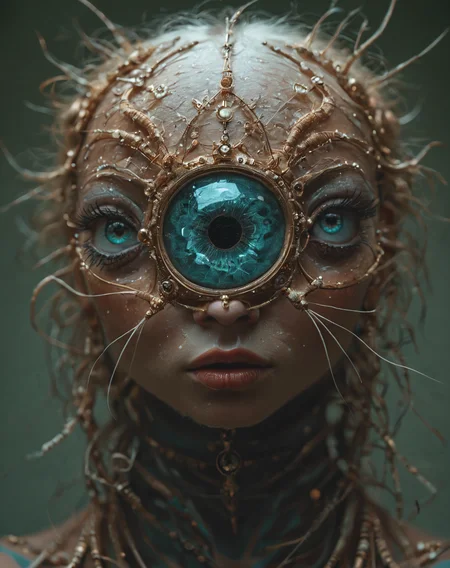
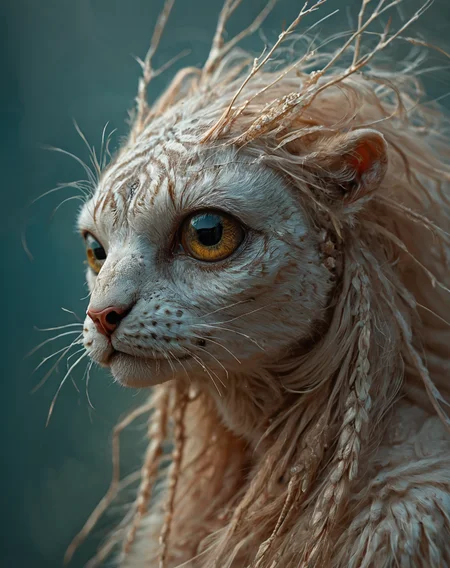
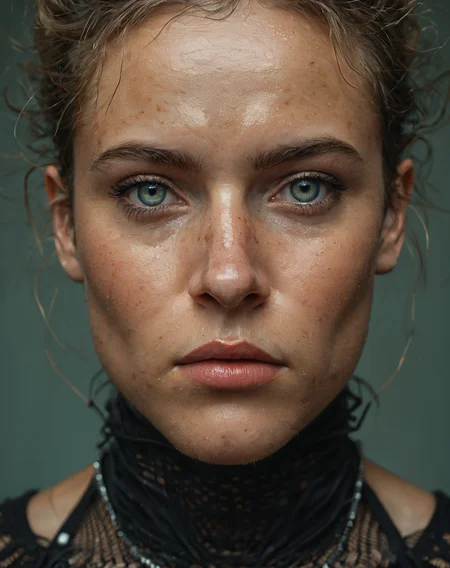
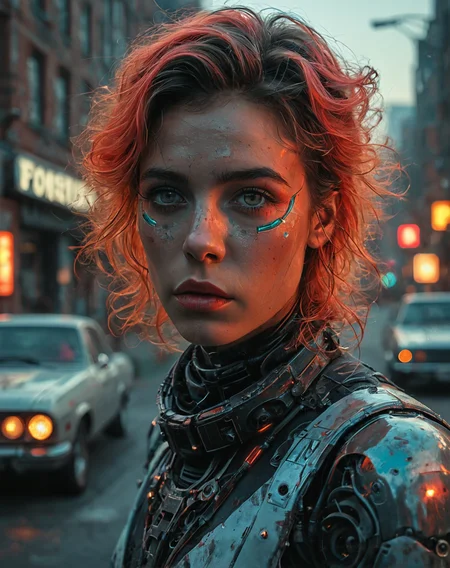
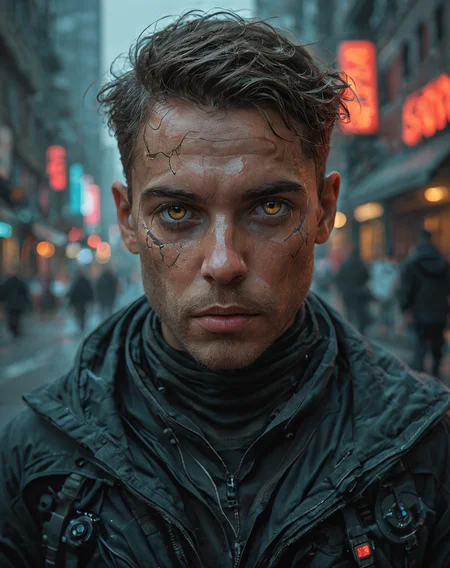
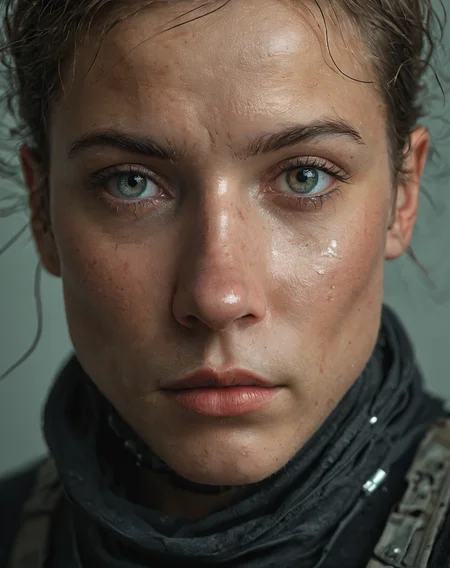
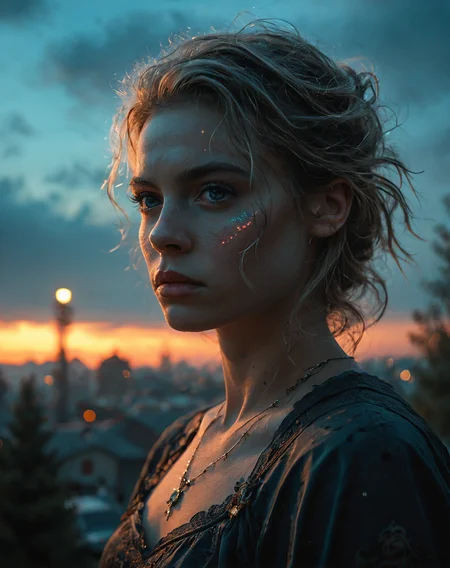
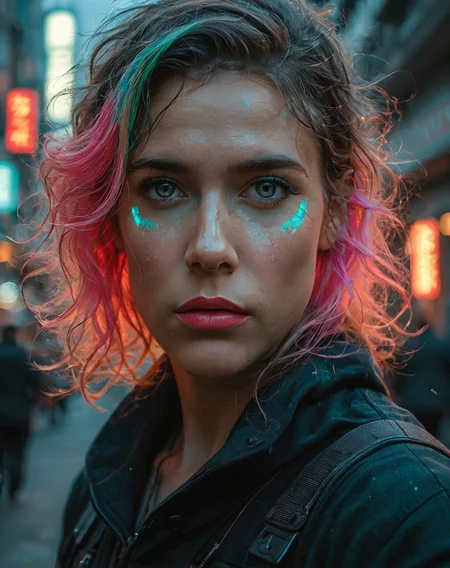
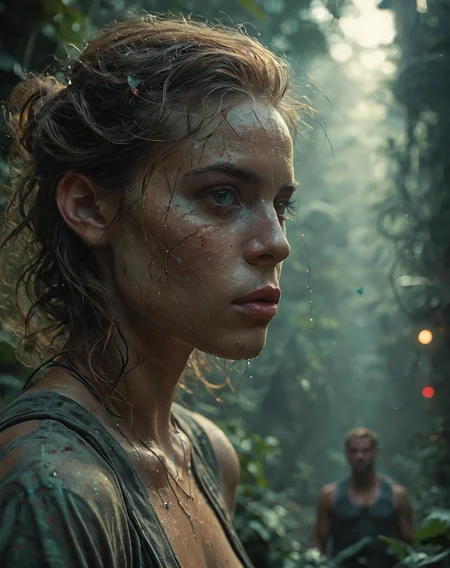
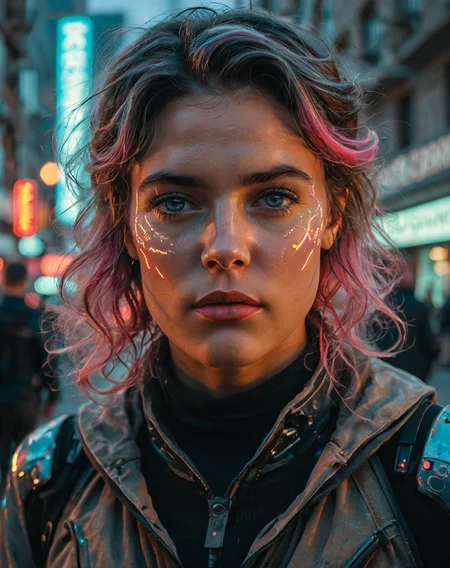
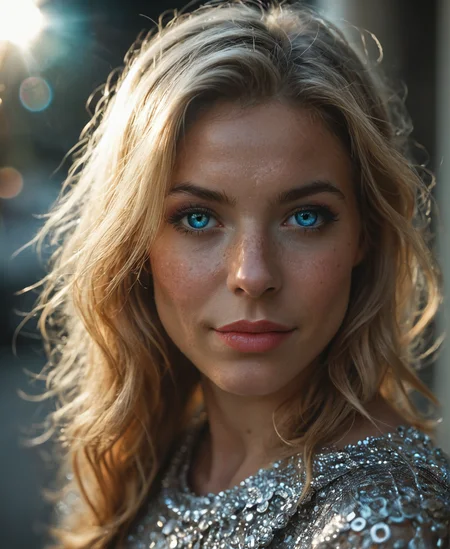

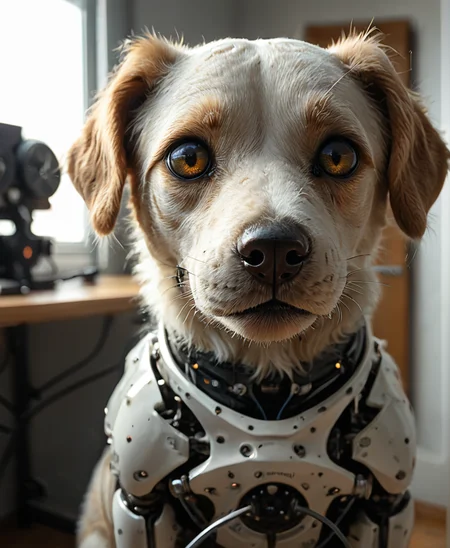
TL;DR; CinEro Reworked. Wide CFG range. Read params recommendations notes.
This model takes the best from CinEro (XL | PONY), XenEro, XenoBooru.
Goal: combine the Pony / Booru prompts adherence with cinematic qualities of CinEro series and creativity of XenEro series.
VERSIONS
V2_Razor
It renders awesome glass, metals and sharp-edged stones. It renders the picturesque landscapes. It produces a quite good crispy skin textures. Slightly biased toward feminine chars, but can easily render males if you ask it specifically.
Wide CFG range: 3 (realism) ... 11 (digital art) - use CFG 5 for better realism (slightly lower adherence); use CFG 9-11 for digital art style (higher adherence but lower creativity).
Better PONY prompt adherence
Higher sharpness - sharpness of small details increased
Better anatomy - feminine poses, hands, fingers, eyes; use HiRes Fix or ADetailer for best results
Less cinematic because of much greater sharpness.
V1_CintaClaws
Initial experiment of combining the UNet blocks from CinEro/XenEro and CLIP from XenoBooru with multi stage adjusting, tuning and flaw fixing via Elemental Merges.
In total I spent few weeks and about 100 iterations of merging and testing to get a satisfying result. Hope all these efforts worth this small EA donation.
Highlights
Good BooRu tags adherence
More stable anatomy (in comparison with CinEro)
More diverse faces
Stable at high CFG (tested on CFG 9)
Better eyes, fingers (higher chance to get good anatomy details without ADetailer)
Can draw furry (tested with anthropomorphic cat-woman prompts)
Moderate creativity
Cinematic lighting
More dynamic poses, better feminine anatomy
High resolution images without body duplication (tested at 1024 x 1440, 1200 x 1200, 960 x 1216)
Params Recommendations
CFG 12 == semi-Realistic image with higher contrast but slightly unstable (look for examples in main image post).
CFG 5 == low contrast, dimmed colors, smaller details, more realism.
Steps for DPM++ 2S a: 30 for balanced speed and quality; 45-60 for good quality and realism with low speed.
Steps for Euler, DPM++ SDE **: 30 - smooth, lower quality but fast; 45 - good balance of quality and speed; 70 for better quality and more detailed textures.
Low CFGs give more realistic and less contrast picture.
Euler A, DPM++ 2M SDE Heun with SGM Uniform == smoother results.
DPM++ 2S a, Heun with Karras == more realistic and detailed results BUT slow.
DPM++ 2S a with Karras at CFG 5 == good realism with smooth lighting and shadows, moderate colors, consistent background
Use DDIM-based samplers and DDIM scheduler if you need better chance of good anatomy.
DDIM CFG++ with DDIM at CFG 12 == good contrast, semi-realistic, slightly unstable but gives interesting combination of smoother textures and more contrast medium-to-small objects like fluffy clouds and foliage.
DDIM CFG++ with DDIM at CFG 9 == more stable and more realistic but still have artistic look.
Lowering CFG with "DDIM CFG++" produces smaller details but leads to instabilities.
After notes
Thanks for reading to this point. If you don't feel yourself convince for small EA donation, but can't wait for EA ending, you can send me a "I <3 CinPony" into the chat. I will give a BUZZ for EA to the first 5 users who will send a promo code. You nickname will be added to the version About notes if you don't mind.
Description
Wide CFG range: from 3 (low contrast; realism) .. 11 (high contrast; digital art).
Better prompt adherence (PONY style), better composition.
Improved background objects consistency.
Improved anatomy and poses (nude art photography).
FAQ
Comments (16)
V2 shows quite good adherence not only in PONY style prompts. Natural language understanding on very long prompts is also satisfying (to me at least). See my samples with metro station.
Tried many realistic Pony models, but V1 is easily one of the most convincing Pony models I´ve tried so far. Really, really good output. Great lightning and convincing shadows, skintones and luckily not the standard "Pony Faces".
Faces in V1 are not diverse enough by my opinion. V2 is better in this regard... I would say V2 gives more fun to me. It's just crazy sharp when you do upscaling with I2I.
https://civitai.com/posts/11707807?returnUrl=%2Fmodels%2F1096167%3FmodelVersionId%3D1289716
just look how it is SICK with many LoRas and HiRes applied. It blows my mind with details...
Faces also quite new.
No luck for me. Tried DPM++SDE, Euler A, DPM++2S A, Huen, low CFG, high CFG, high steps, usual prompts, shorter prompts, removed negatives, removed all scores and negatives. Tried both v1 and v2, and just can't get any acceptable results with CinPony. Absolutely love CinEro and grew to really appreciate XenEro, but just can't get any decent image quality and realism out of this one for now (at least using the samplers/scheduler in Easy Diffusion).
Think the gallery has some fantastic results with the subject close-up, but IQ starts to suffer with mid to full-body portraits, which is the problem I seem to be having.
Why don't you post the samples. Don't think @homoludens are not interested in debugging the issues and fix it...
@dioxidin Yes, HL's always been interested in improving and revising things. I'll have to run them again. Let v2 work overnight and out of 100+ samples, I couldn't find a single one that I felt was worth saving (at least I didn't get frustrated and rage delete the models again, lol). I'm going to try some close-ups, since this model seems very capable of that, but even in the gallery a lot of the mid to full-body portraits seem to exhibit the same results I'm getting. Honestly, I just really hate posting pics that don't have at least some resemblance of photorealism, but I guess I could always delete them later.
@AFD_0 I'm using the 2-pass approach. forex, 832*1216 1st run with Euler A + SGM_Uniform
2nd pass with ADetailer using the Yolo Person as 1st detector and Yolo Face as 2nd detector.
If you set for each detector a resolution 1200*1200 in Inpainting section you most likly will get a closeup on face and hires fix on body.
Also try settin the Heun + Karras samplers for ADetailer 2nd pass. This pipeline mostly give a good result (for my opinion of course)
BTW, there is a thing with V2 and CFG. It can render images at CFG higher than 7 without overburn, but image looks much less realistic. I feel that CFG 3 ... 3.5 gives more real image and let you use higher weights in prompt.
And one additiona thing I discovered: Img 2 Img Noise Multiplier. There is a global parameter in A1111 WebUI and there is corresponding parameter in ADetailer.
1. Value less than 1 - make image smoother (similar to FLUX)
2. Higher than 1 - adds more noise and can give more details on final image.
Maybe you can also play with it j4fun
0.97 ... 1.03 - this range is optimal to me. Outside of this - too smooth or too much noise.
@dioxidin Good suggestions, thanks! Think HL also recommended doing multiple passes with his models to me before. Unfortunately, I'm using Easy Diffusion, which is pretty limited vs A1111 or ComfyUI. It has a decent selection of samplers (but not everything) and no choice of scheduler or ability to do multiple passes afaik. There's an older ControlNet, img2img, 3 upscalers and 2 choices for face correction that actually work pretty well most of the time. It's a lot more versatile than what the CivitAI UI offers, but it certainly has its limitations.
Still plan on switching/learning a full-featured UI eventually (whenever I get a better GPU and build a new PC), but for now I really enjoy the simplicity. Even with limited options, I still find myself constantly wasting massive amounts of time testing different settings rather than enjoying the creative process. Like everyone else, I'm still learning things, but really try to focus on quickly getting an "acceptable" result and then having fun tweaking things and experimenting from there. When I get stuck on that first step, it stops being fun and starts to become frustrating if I keep at it too long before thinking, "maybe this one just isn't for me". It's actually rare when that happens, but HL's early builds often tend to do that for me. And that certainly doesn't mean they're bad or anything, especially given some of the amazing results that are posted (especially yours!)
I really love a lot of HL's models and revisions and just like to give a bit of basic feedback on which ones I enjoy, or if one does or doesn't work for me. Only reason I started posting my results was when HL kindly reached out when I was having trouble with early builds of XenEro (using something that reflected my usual style/workflow and generally turns out "acceptable" for most Pony Realism models with just a slight change in sampler, CFG and steps).
I'll probably never enjoy a simple one-sentence prompt, and after too many words, it's all about trying to get the best image quality without sacrificing too much adherence. At least for what I'm looking for. Some models just hate wordy prompts, negative, certain LoRAs, etc. And sometimes a model is a bit more specialized than what I'm able, willing or wanting to work with, and some models/revisions just excel in certain things and less in others, and that's 100% okay. As long as others are getting good results and enjoying a particular model/revision, then it was absolutely worth creating imo.
@AFD_0 As far you use a simplistic tool which is less popular than mainstream... its hard to help you that much. I suspect your tool had some non-optimal params whaich affect quality. You should try smth more complex, IMHO. With A1111 you can just take any good png and then load it in A1111 PNG info. This way you can learn quickly. This is what I did with images of HL and others.
The realism is strong in this one. I'll have to alter some of my standard go-to parameters for this one, but I recon it will be worth it.
Keep working on this model. It really stands out from most of the "standard" pony models.
The CFG impact is rather interesting. I need more tests to figure out the precise impact this has.
@homoludens wrote that CFG range made wider and it's seems that yes I can use very high CFG without results damaged. But if I want Tex-to_image Realistic I keep CFG under 6 (usually 3.5-5).
If I need realistic Image-to-Image I prefer lower CFG to 2.0-3.0.
CFG 7 - Semi-Realistic
CFG 9+ - closer to digital art.
It would be awesome, but hell it needs a lot of steps, karras doesnt work only with euler, which sucks, sgm sucks, other options ultraslow.
Great details and realism, but aint no time for this:)
Euler + Beta is fast and gives good result to me.
Details
Files
Available On (3 platforms)
Same model published on other platforms. May have additional downloads or version variants.