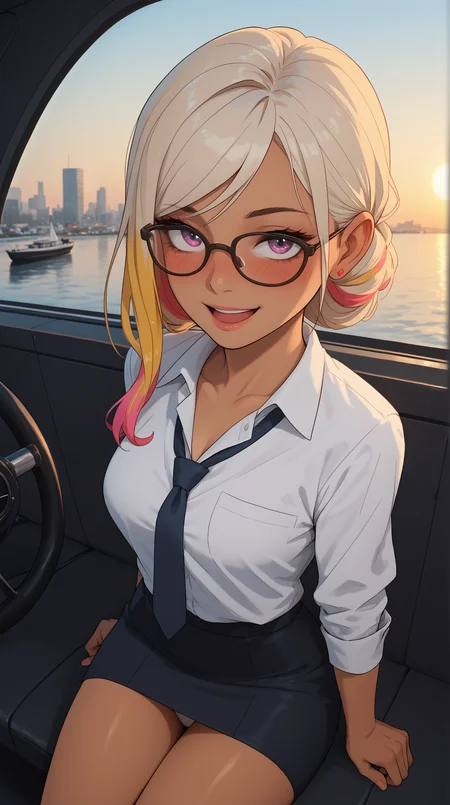


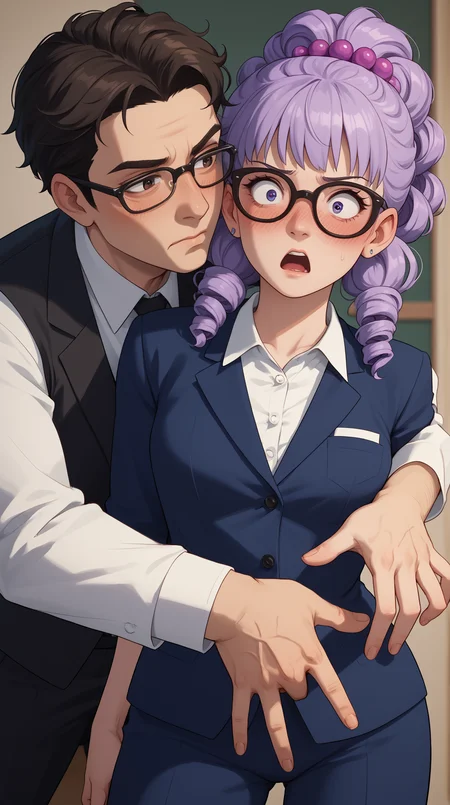


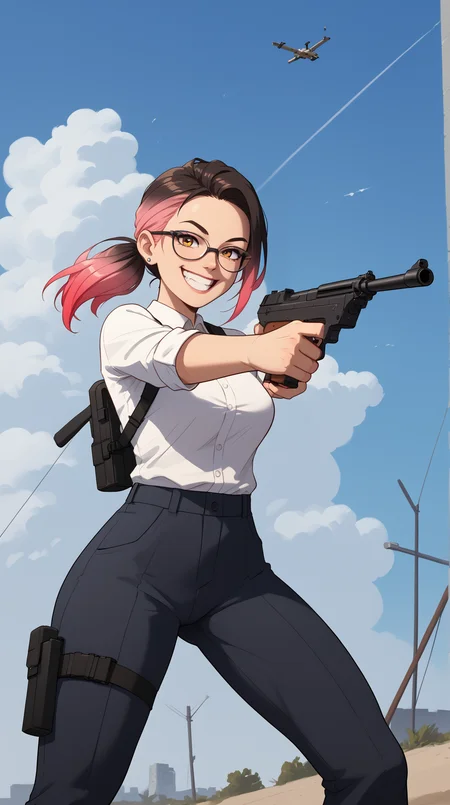

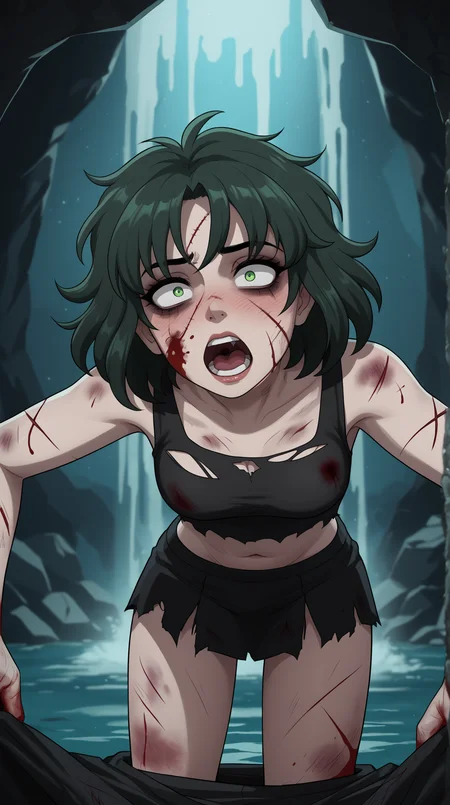


This is fucktastic. A porn-generating machine for Pony/PDXL.
It's focus is on creating high quality, anime images with a focus on women.
Do not use the Normal scheduler. Use Simple or Beta!
Use euler_a, dpmpp_2m_sde or dpmpp_3m_sde as your sampler.
To use the faster low-step settings, you need to use the DMD2 LoRA. This allows you to use 8 or 16 steps and generate very fast. Remember to generate in 2 passes, either using "Hires fix" in Forge/A1111, or by creating and chaining a second sampler node in ComfyUI. A sample workflow if included in the sample images of the model. Use this as a reference.
Each sample/preview image contains the used workflow. Here's a quick article with simpler more beginner-friendly workflow. This is a recommended starting point.
Base Generation
Steps: 24
CFG-scale: 4
Sampler: DPM++ 3M SDE
Scheduler: Simple (beta upscale scheduler)
Upscale/Refine
Steps: 8
CFG-scale: 6
Sampler: DPM++ SDE (dpmpp_sde)
Scheduler: Beta
Denoise: 0.35
Description
FAQ
Comments (10)
OP thinks we have enough buzz to download it or donate enough to make it available before the time...
Support is entirely optional of course. That's the benefit of the whole "Early Access" system.
I don't mind if you use the free versions :)
Feel free to click on the 1.5 version above, it's all free to use, download, generate and do exactly whatever you want with. Or the version 1.3, or any other model ^^
Man paying 5k buzz for yet another anime checkpoint that can't generate men or SFW... Op doesn't understand that's the point of a style LORA, not a whole checkpoint. A checkpoint is supposed to be good and versatile, or there are better checkpoints out there already.
I'm not sure why but for some reason, in every pictures i generate, there's always one of the two eyes that's messed up. Does anyone have or had the same issue?
Is this even if the character is very close? It sounds like it could be a resolution or steps issue.
I generate at a small size first, and then upscale, and refine the generation after (all automatic in one workflow), for higher quality outputs.
@6tZ i think you might be right, i've tried generating 1024x1024 pictures and 2048x2048 pictures and the eyes became normal.
@SQKILL2 Alright! Yeah this happens.
I suggest prompting for "Closeup" if you want a more zoomed in view of your character.
Otherwise, you need to look into "Hires fix", or other methods of upscaling your image after generating.
You normally first create a medium resolution image that the models are trained on primarily.
You then upscale it, and process the image a second time, with a lower denoise level (around 0.3/30%), to refine the image.
This basically makes it "image to image" automatically, with the first image as a base pass.
This way the model doesn't have to create the shapes from scratch at a higher resolution than it's used to.
If you generate with 2048x2048 straight up, it's likely it won't work well!
@6tZ Thank you for the advice.
This one is unique VS other models.
Please make a Illustrous version :)
Lovely image you posted!
I'm working on an Illustrious anime version. I might blend this a little bit into the mix, or train a LoRA with images from this one. I'll see how it goes.
For now if you want to help out, any donations towards the auction system is appreciated, to help keep the model on the generator for everyone to use!