
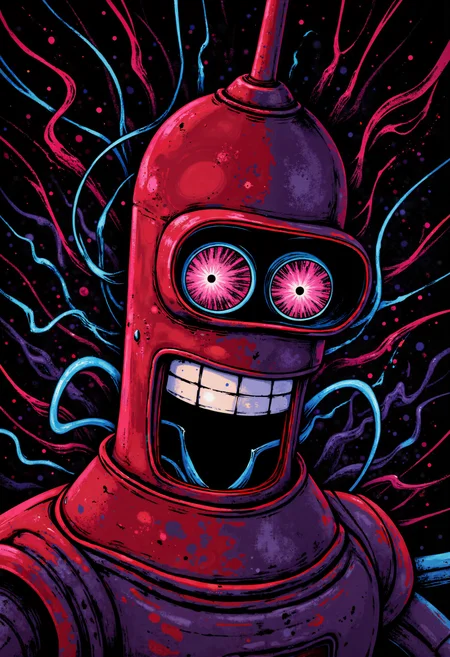

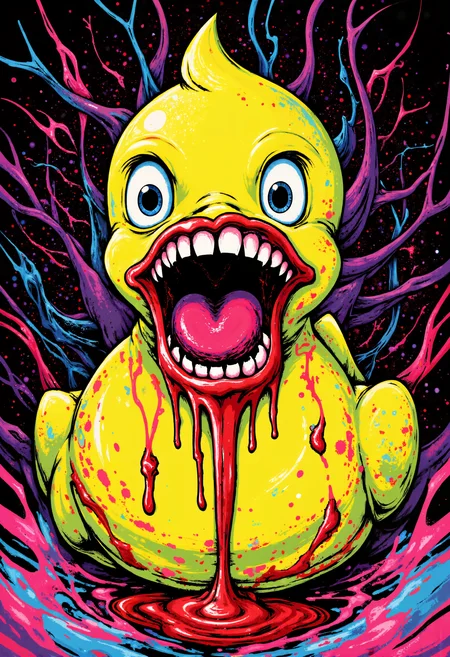
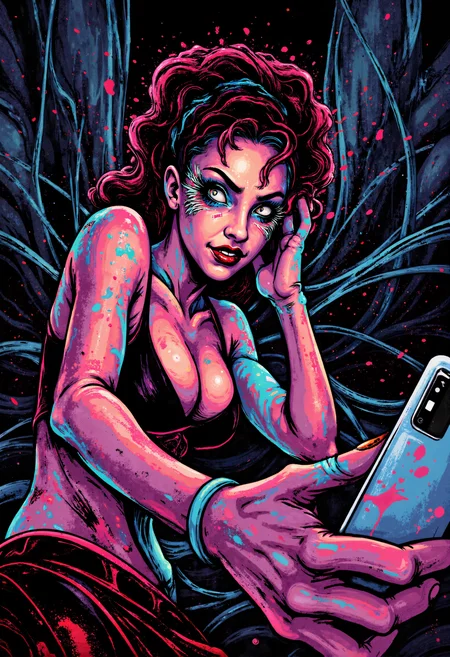
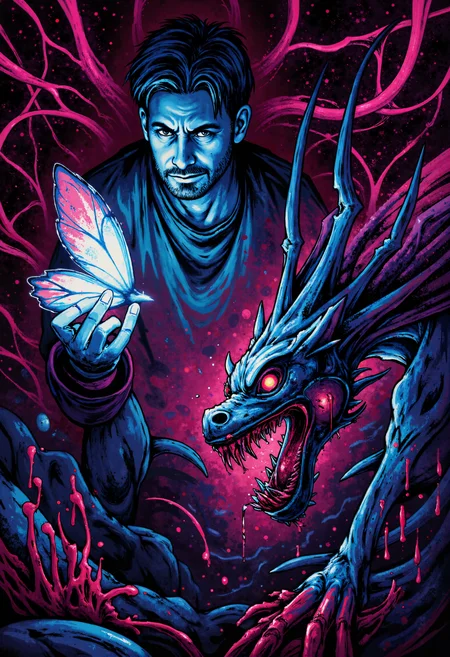
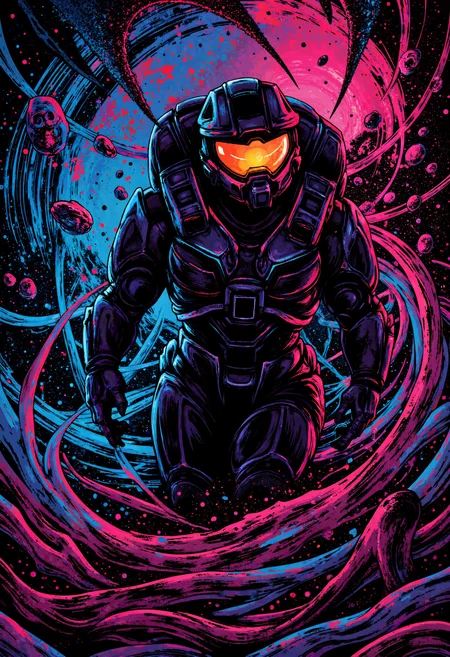
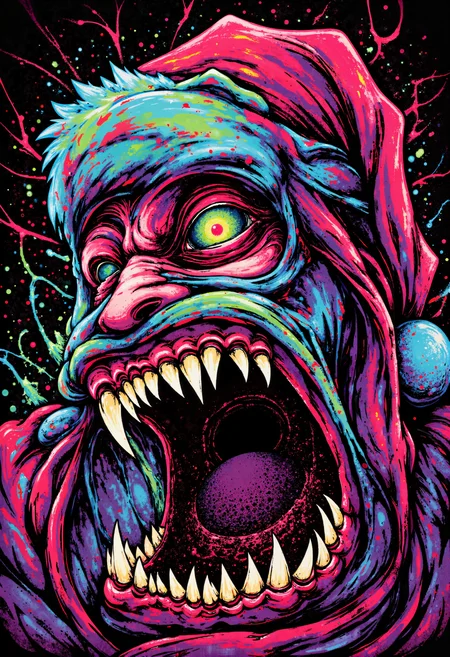
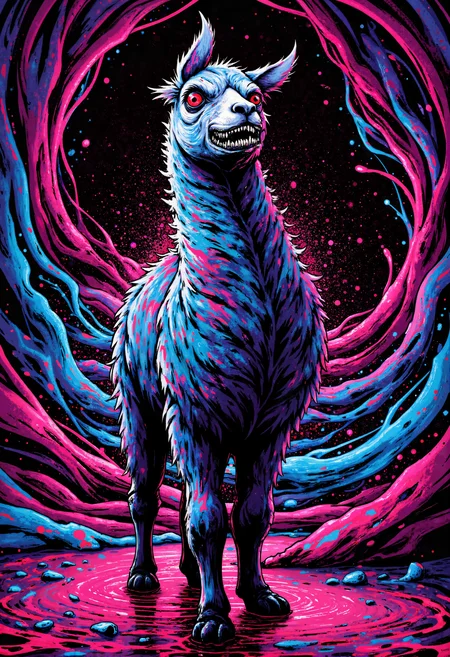
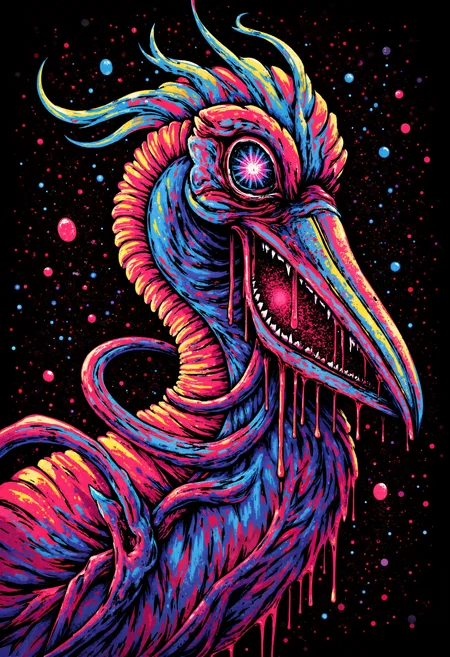
Usage recommendations (Settings I used for cover images):
Sampler: euler
Scheduler: sgm_uniform (recommended but works well with others)
Upscaler: UltimateSDUpscale node in comfyui using 4xultrasharp
Strength: Works well at all strengths,
adds extra definition at 0.1 - 0.6.
Full activation at 0.7+
recommended: 0.8-1 while using common triggers in prompt.
Stronger strength may be necessary when using simple prompts, or prompts that do not contain common triggers.
Workflow for comfy users: drag any cover image in to comfy.
Common Triggers: digital illustration, monster
This LoRA dose not require a specific trigger word and can be controlled via the strength alone, however, there are some common words and phrases used during captioning that can help you refine results and ensure the full effect of the model is present, these include:
digital illustration, monster, sharp teeth, dripping blood, contorted features, swirling lines, vibrant splashes of neon colours, psychedelic, multi coloured.
Training details:
This model is a result of me experimenting trying to add more colour and definition to my Dreamlike Surreal Digital Style lora and I accidentally created this. I absolutely love this affect so decided to post it. When training, I was experimenting with the idea of not using trigger words in captions which is why this model has no specific trigger word. Allot of the prompts did include the phrase "A digital illustration of" and all the images I used to train the model where images of monsters, So these phrases tend to be the best way to get the lora to activate. In all cases if your image dose not take the affect of the lora simply increase the model strength, some simple prompts like "A cat" may require high lora strength. As with all flux loras being incredibly detailed in prompts gets better result. You can see example prompts and ai prompt enhancer workflow I used in all cover images by dragging the images in to comfyui.