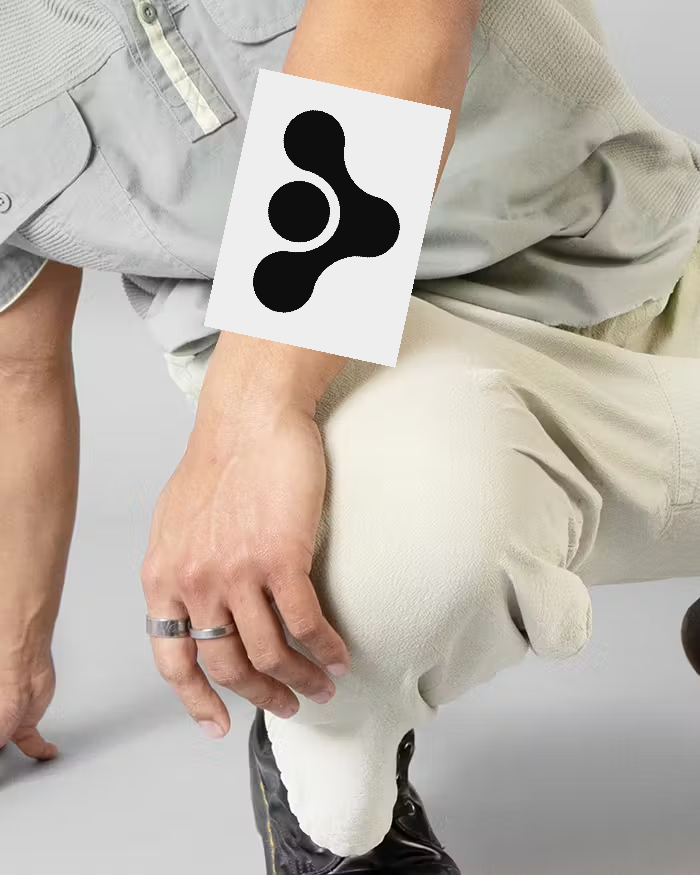
# Tattoo Kontext Dev LoRA
This LoRA model enables precise tattoo placement on human bodies with realistic integration and natural-looking results. Perfect for visualizing tattoo designs before actual application.
## Table of Contents
- [Model Details](#model-details)
- [Uses](#uses)
- [Advanced Tips](#advanced-tips)
## Model Details
**Model Description:** A LoRA fine-tune of `black-forest-labs/FLUX.1-Kontext-dev` specifically designed to place tattoo designs realistically on human bodies with natural integration and accurate positioning.
* **Trained by:** [ilkerzgi](https://huggingface.co/ilkerzgi)
* **Model Type:** LoRA for Tattoo Placement Generation
* **Language(s):** English
* **License:** [flux1-dev-non-commercial-license](https://huggingface.co/black-forest-labs/FLUX.1-Kontext-dev/blob/main/LICENSE.md)
* **Parent Model:** [black-forest-labs/FLUX.1-Kontext-dev](https://huggingface.co/black-forest-labs/FLUX.1-Kontext-dev)
* **Download Model** [File](https://huggingface.co/ilkerzgi/Tattoo-Kontext-Dev-Lora/resolve/main/Tattoo-Kontext-Dev-Lora)
*
#### Training Procedure
Training was trained using the [FLUX Kontext Trainer on fal.ai](https://fal.ai/models/fal-ai/flux-kontext-trainer/playground).
## Uses
#### Direct Use
This model places tattoo designs realistically on human bodies with natural skin integration, proper shading, and anatomically correct positioning.
The model works best when using the trigger phrase: **"place this tattoo"**. Specifying body locations (like "on arm" or "on shoulder") is optional - the model works effectively with just "place this tattoo" as well.
#### Prompt Examples
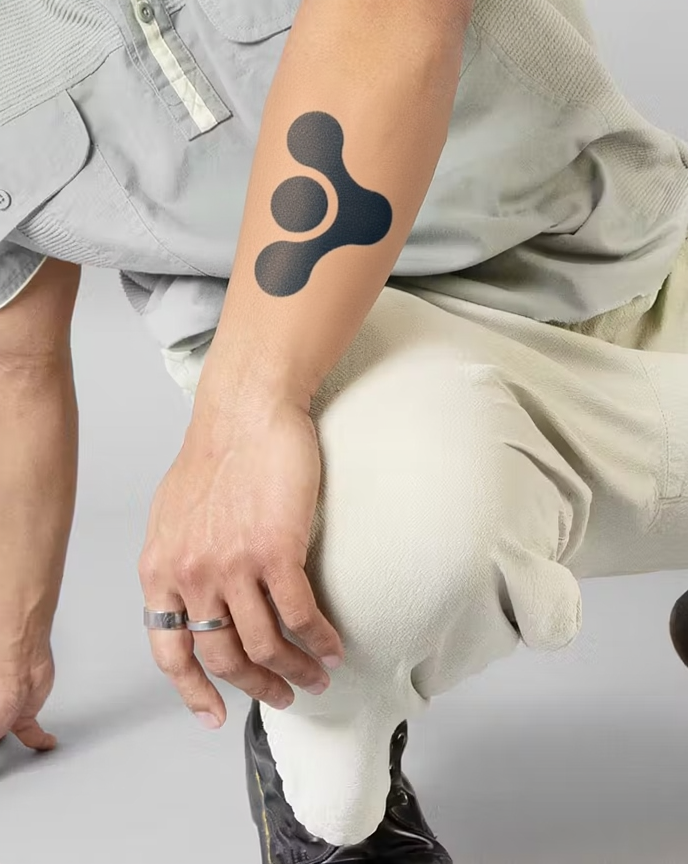
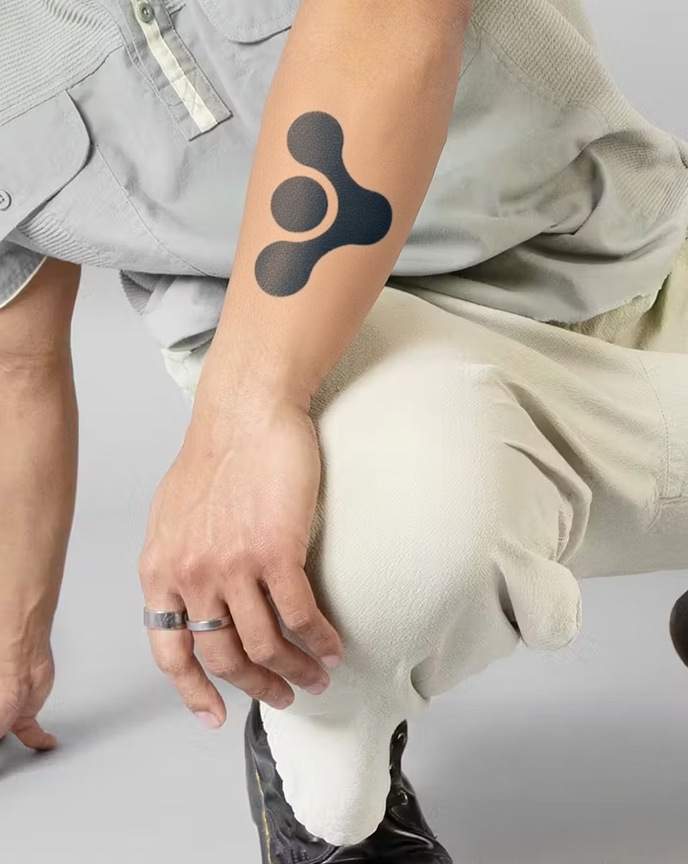
- **"place this tattoo on forearm"** - Places geometric design on forearm with natural integration
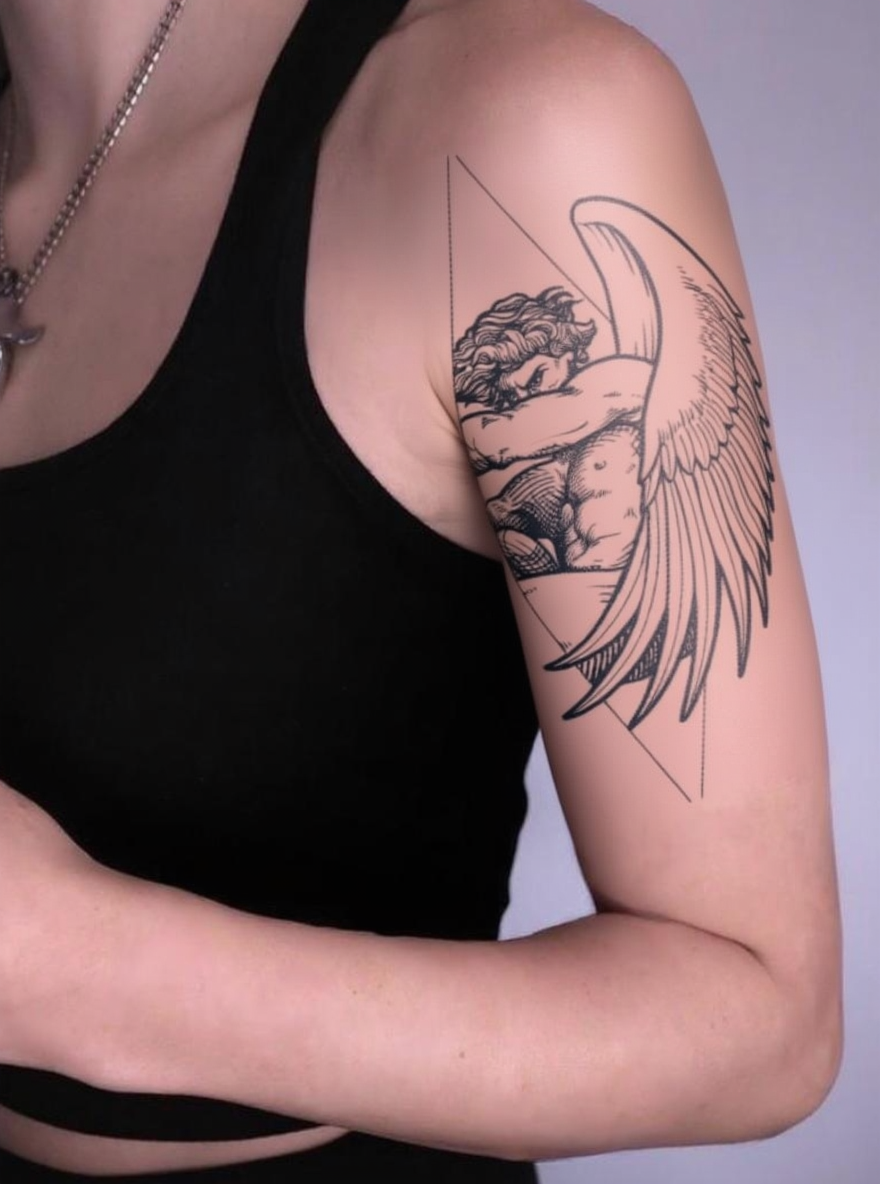
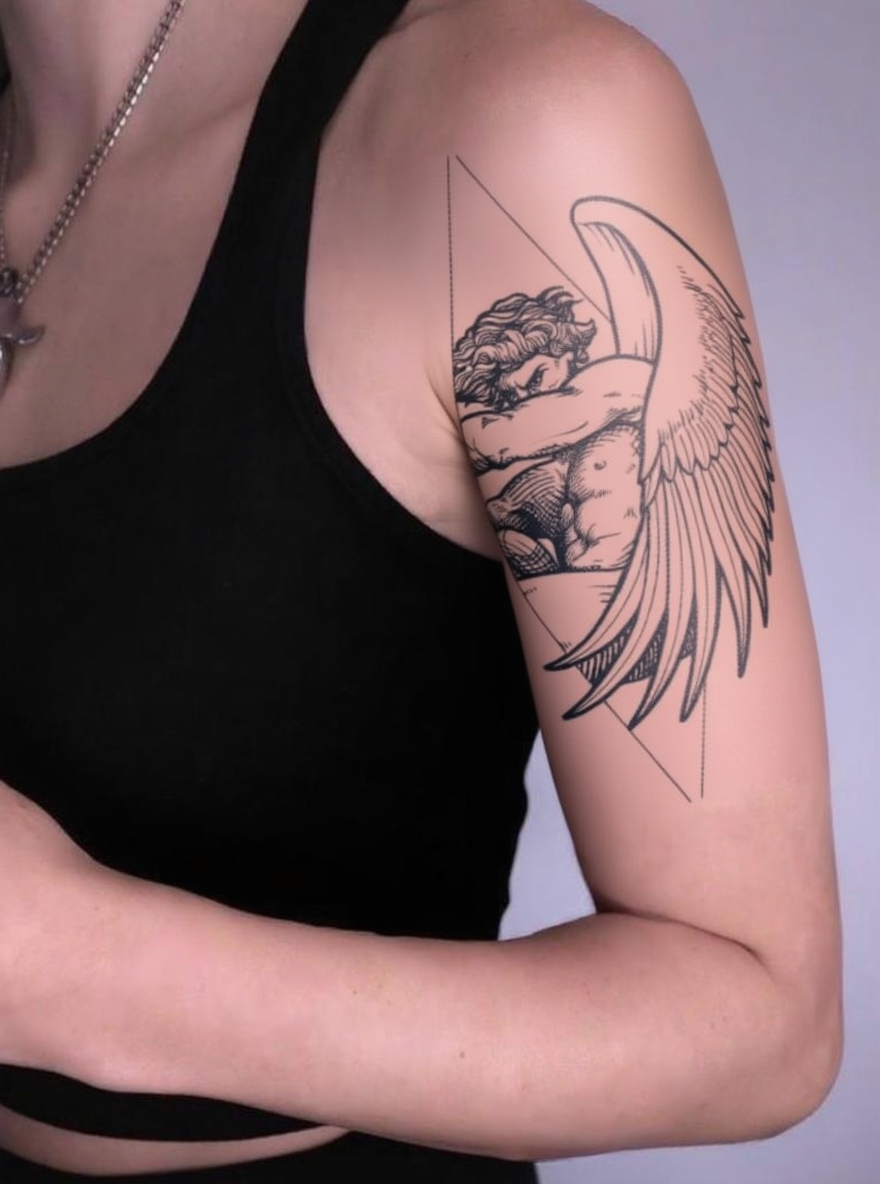
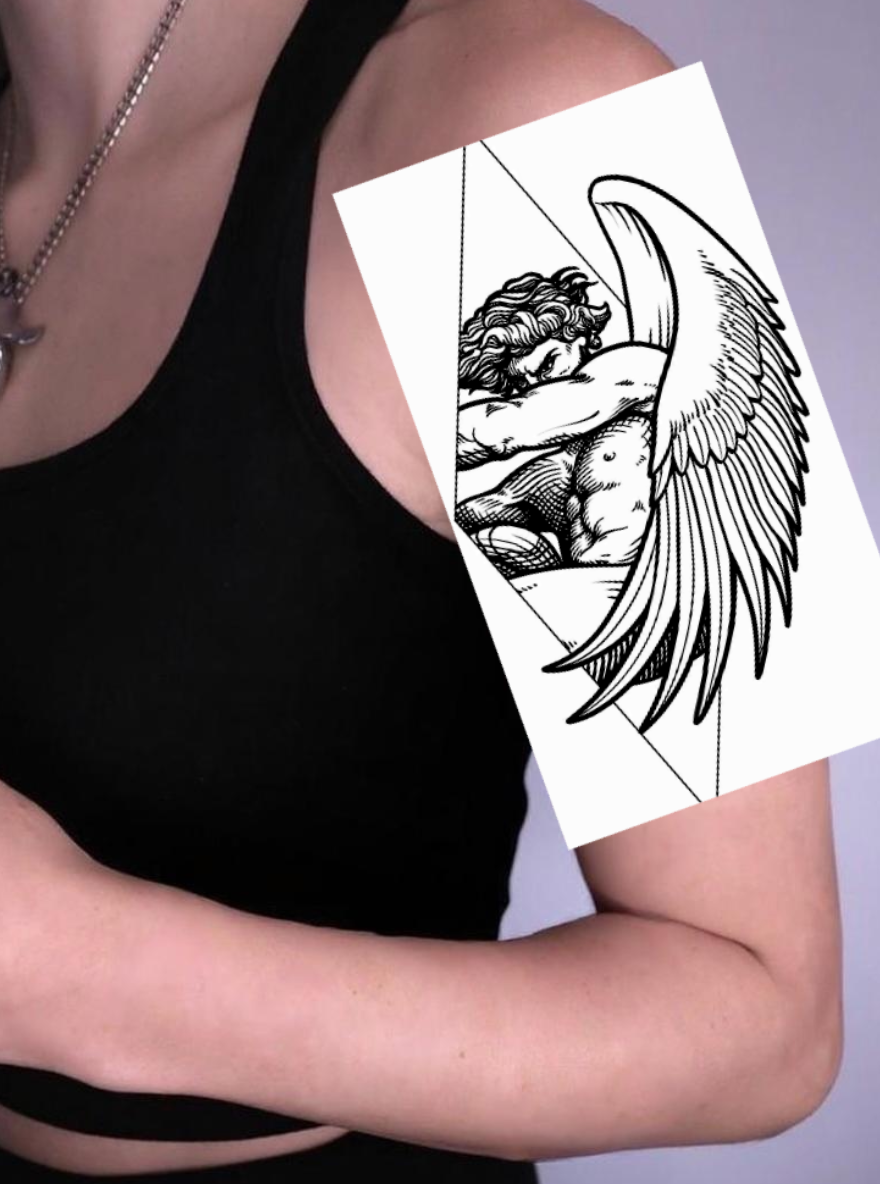
- **"place this tattoo on upper arm"** - Positions angel design on upper arm with proper curvature
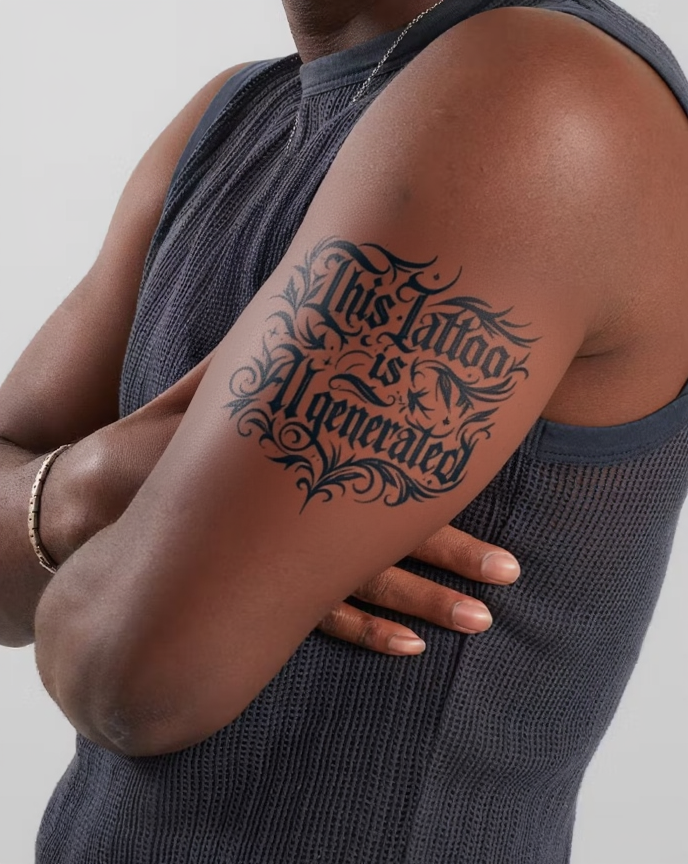
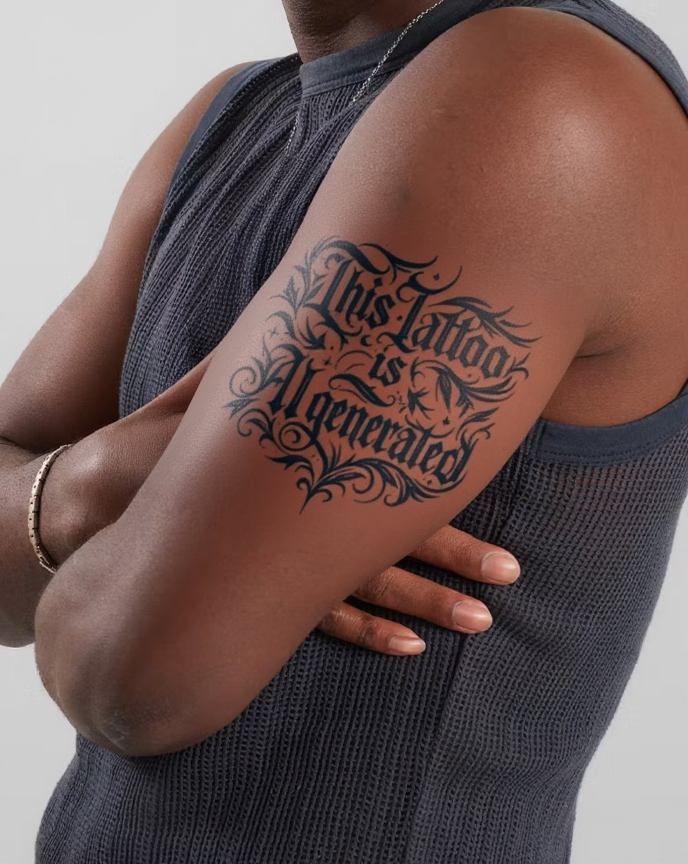
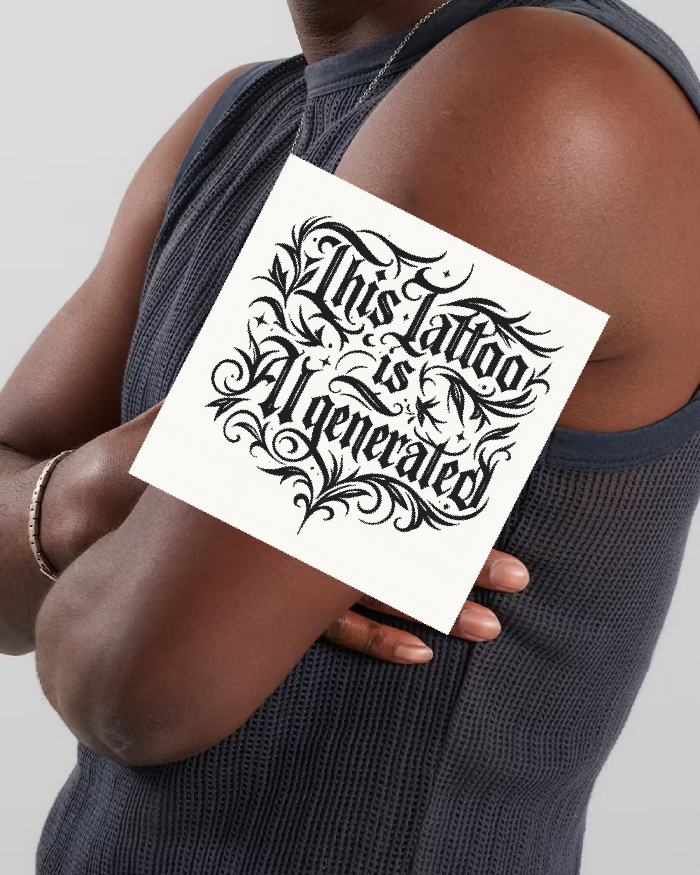
- **"place this tattoo on ribs"** - Places text-based tattoo on ribs with realistic positioning
- **"place this tattoo on leg"** - Applies tattoo design to leg area with anatomical accuracy
#### Recommended Settings
- **LoRA Scale:** 1.0 for optimal results (recommended default setting)
---


