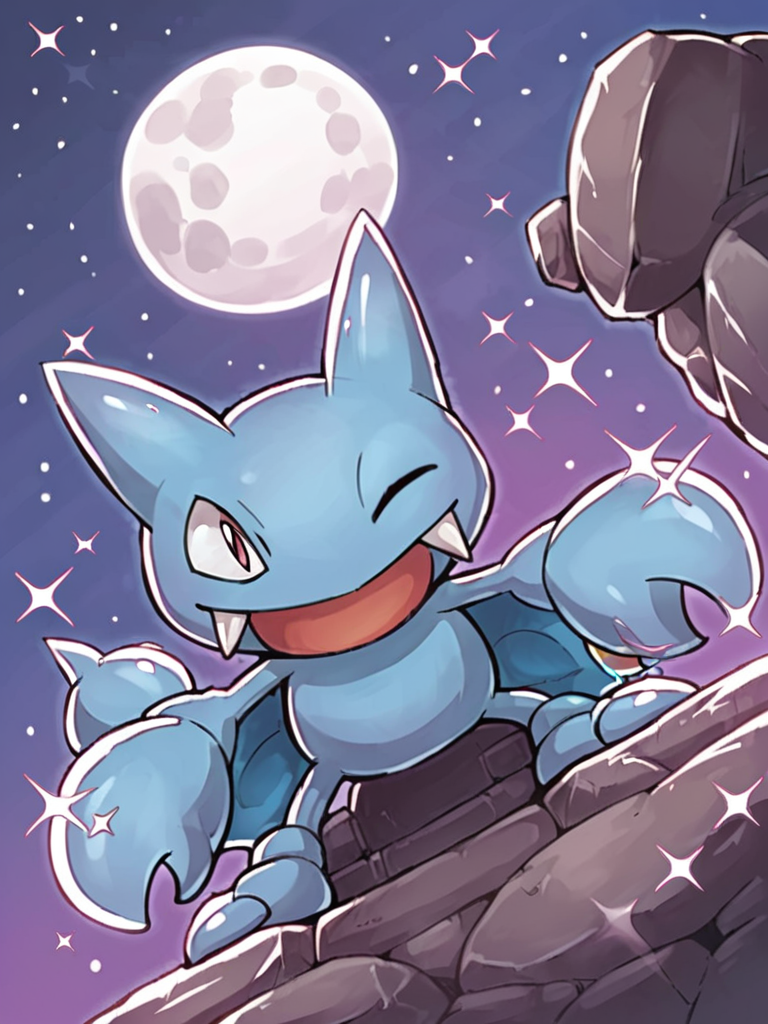
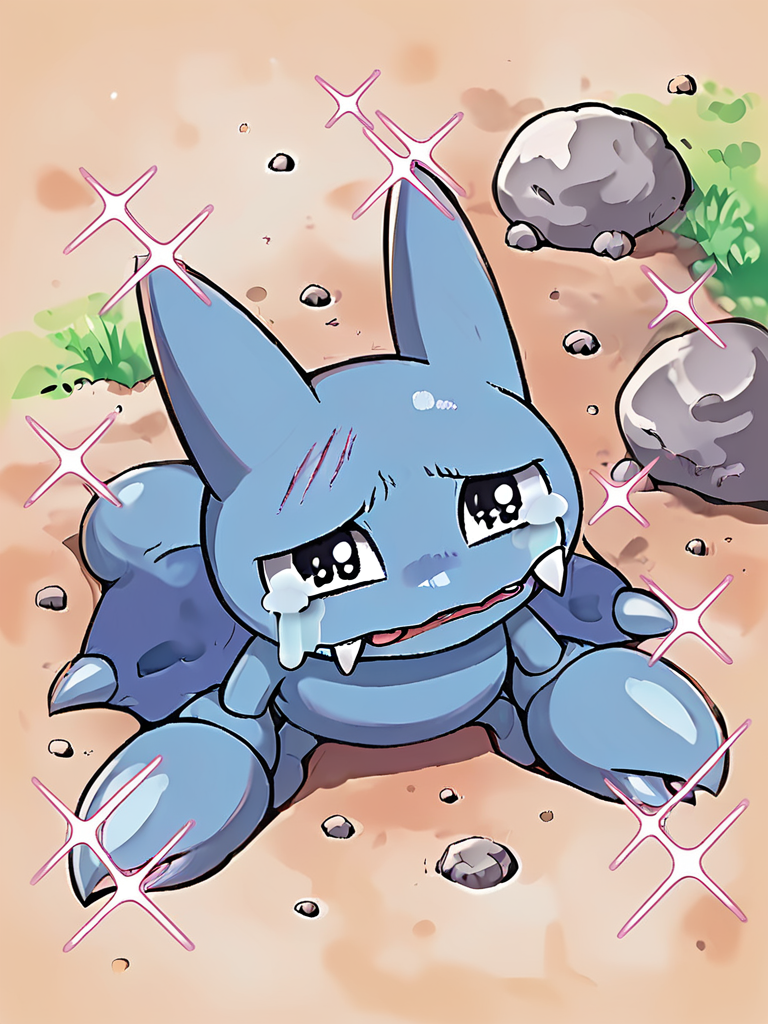
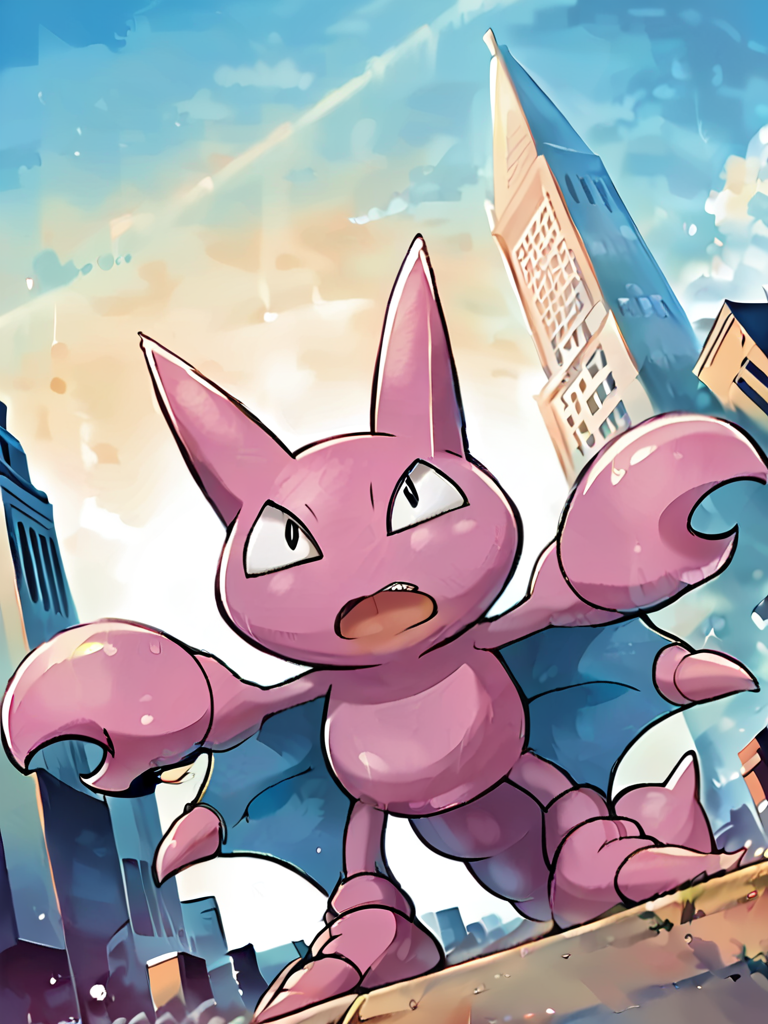
This is my first Attempt to create a LoRa.
The preview images were generated with the following settings:
Seed: 782643275974298
30 steps
cfg: 7.5
sampler: dpm++ 2m Karras
clip skip: 2
Checkpoint: ponyDiffusionV6XL
To create a shiny Gligar use the following informations:
P-prompt:
raGligar, light_purple_skin, dark_purple_inner_wings, shiny,
N-prompt:
raGligar, pink skin, blue_inner_wings
Description
v1 - first attempt ever ^^
Comments (7)
I've been checking back ever since you commented on my guide. Did you use my reference for this? It does not look half bad, especially for a first attempt.
(PS, you have in the usage tips to use a clip skip of 1, but the one Pony uses is 2. Figured I would mention it incase you put 1 in as an accident.)
yeah i used your reference =) worked much beter than the ones i tested before.
Yeah i clicked too fast on generate LoRa and forgot to swotch to ClipSkip 2 but for some reason i don't get any picture when i use clipskip 1 :D. But while i was at work i created another gligar LoRa with ClipSkip 2. I'll try them now if they look better ;)
@LittleApe Nice, I'll be checking back for it in case you post the clip skip 2 version. Want to see how how that turns out.
@LittleApe Also, I updated the steps part of the guide. There's some clarification in there. I also said where to find examples. Don't know when you last looked at that part though. It still has the same gist, but I figured I would mention it.
@LittleApe I don't know if you tried it yet, but someone said that the on-site generation uses the recommended clip skip for the checkpoint and not for the lora. So, it does not seem like it would make a difference.
@Diamond_Letter oh yeah i tried but it really looks almost like the ClipSkip1 version. The first Epoch was a little bit better
@LittleApe I guess that lines up well with what the other person said then.