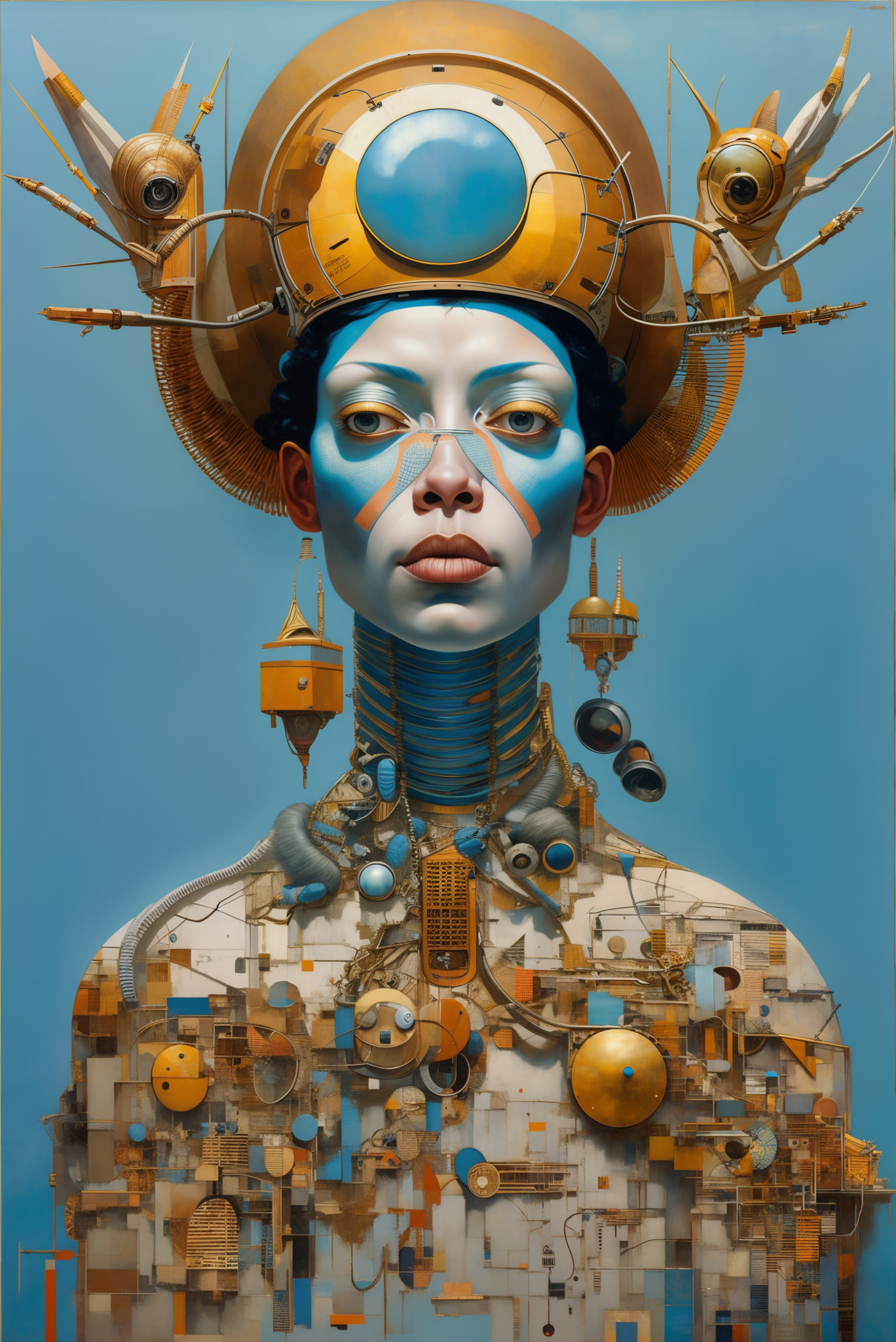

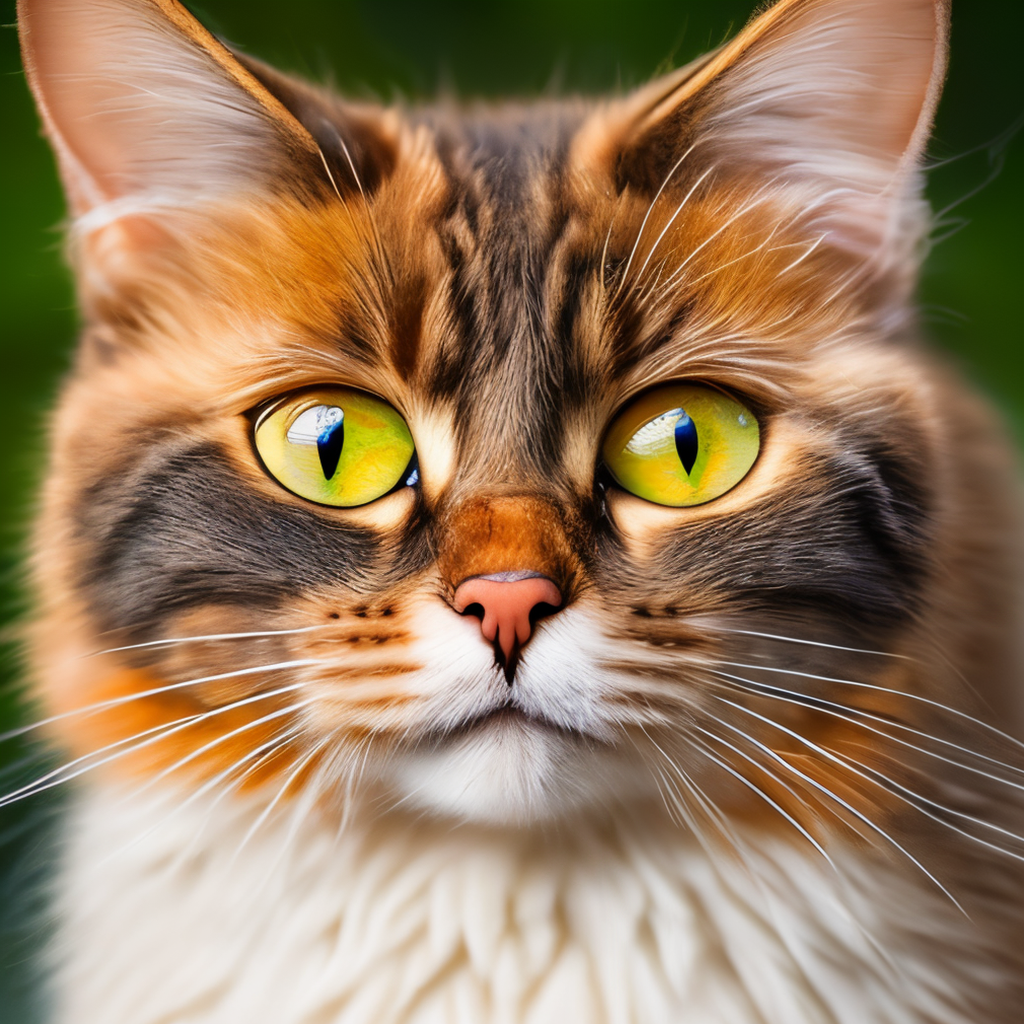
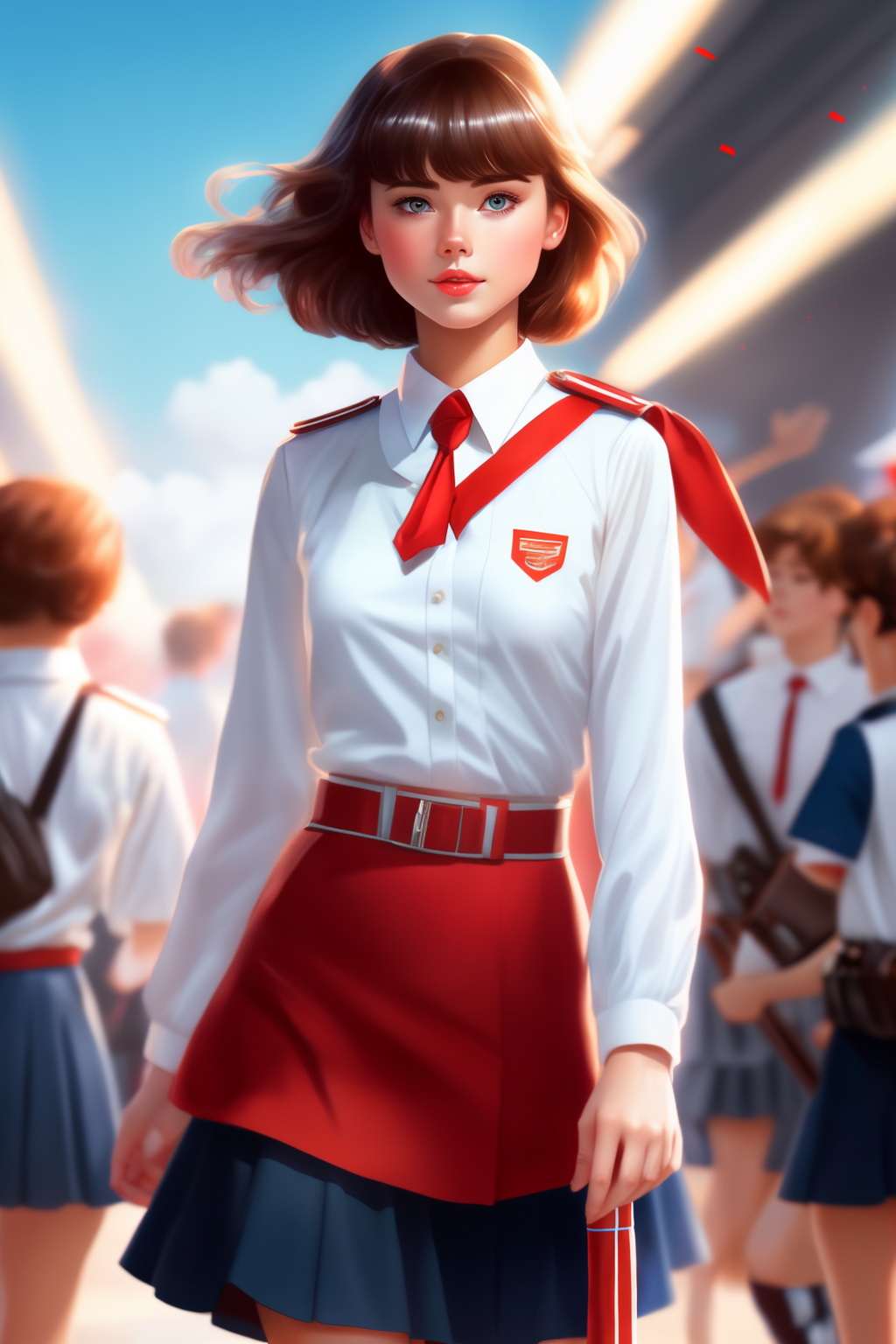
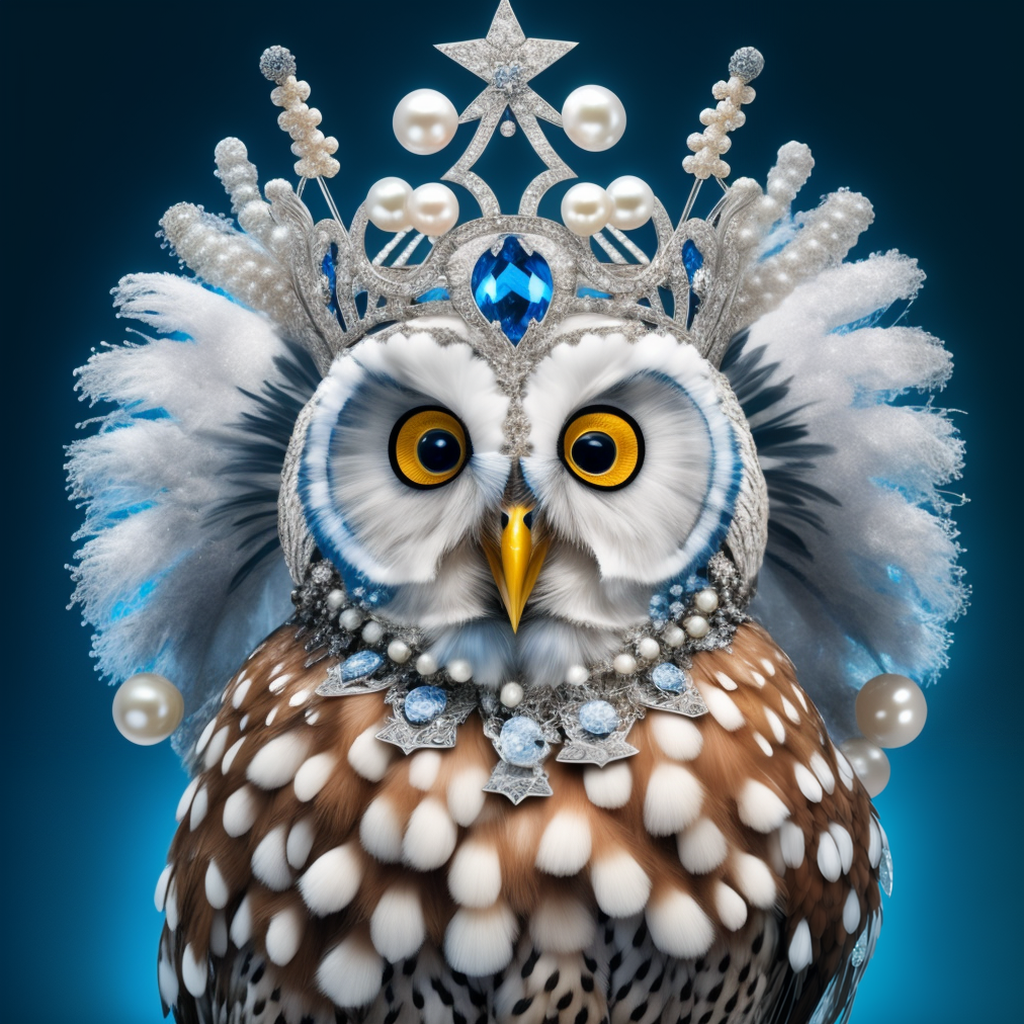
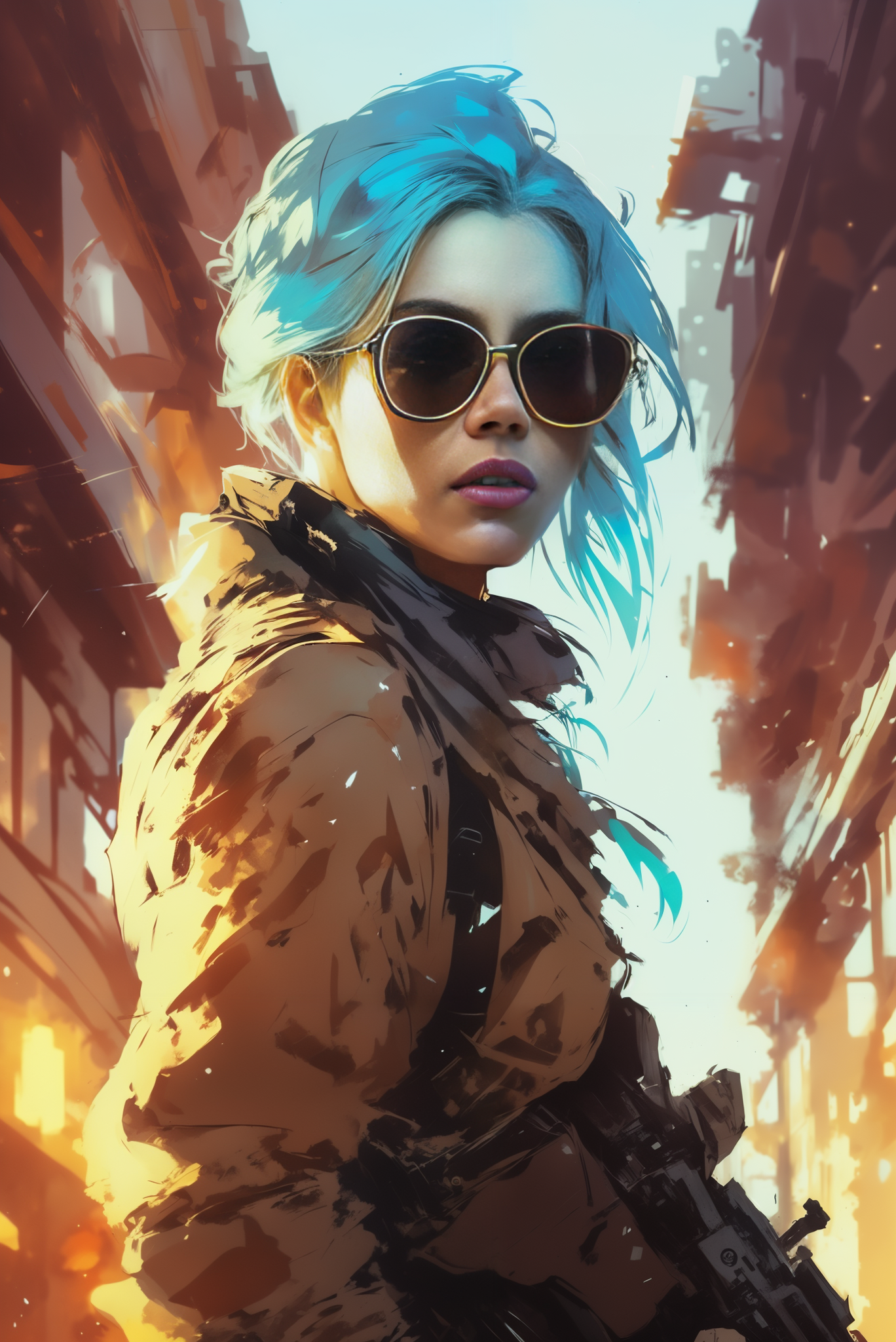
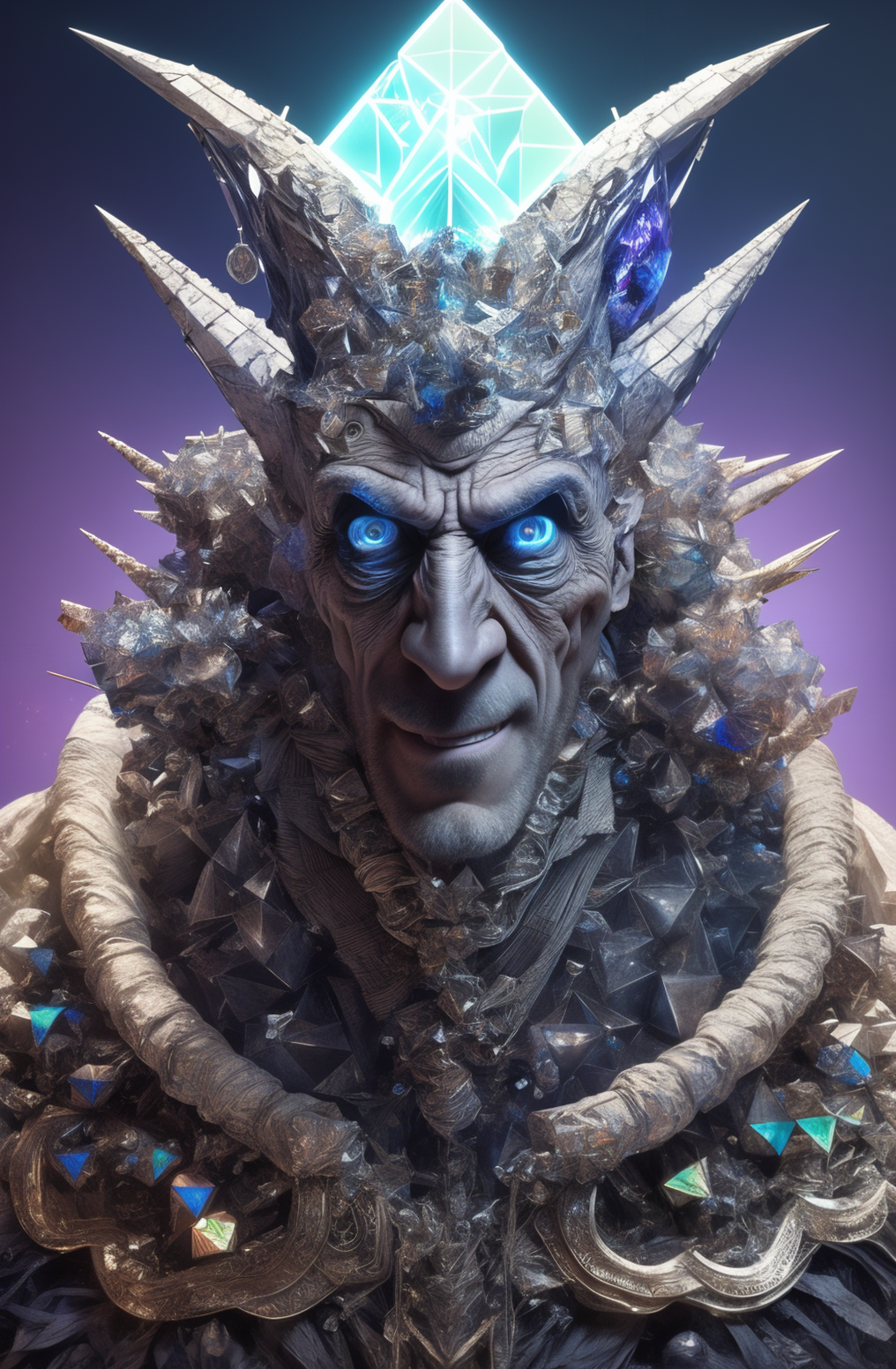
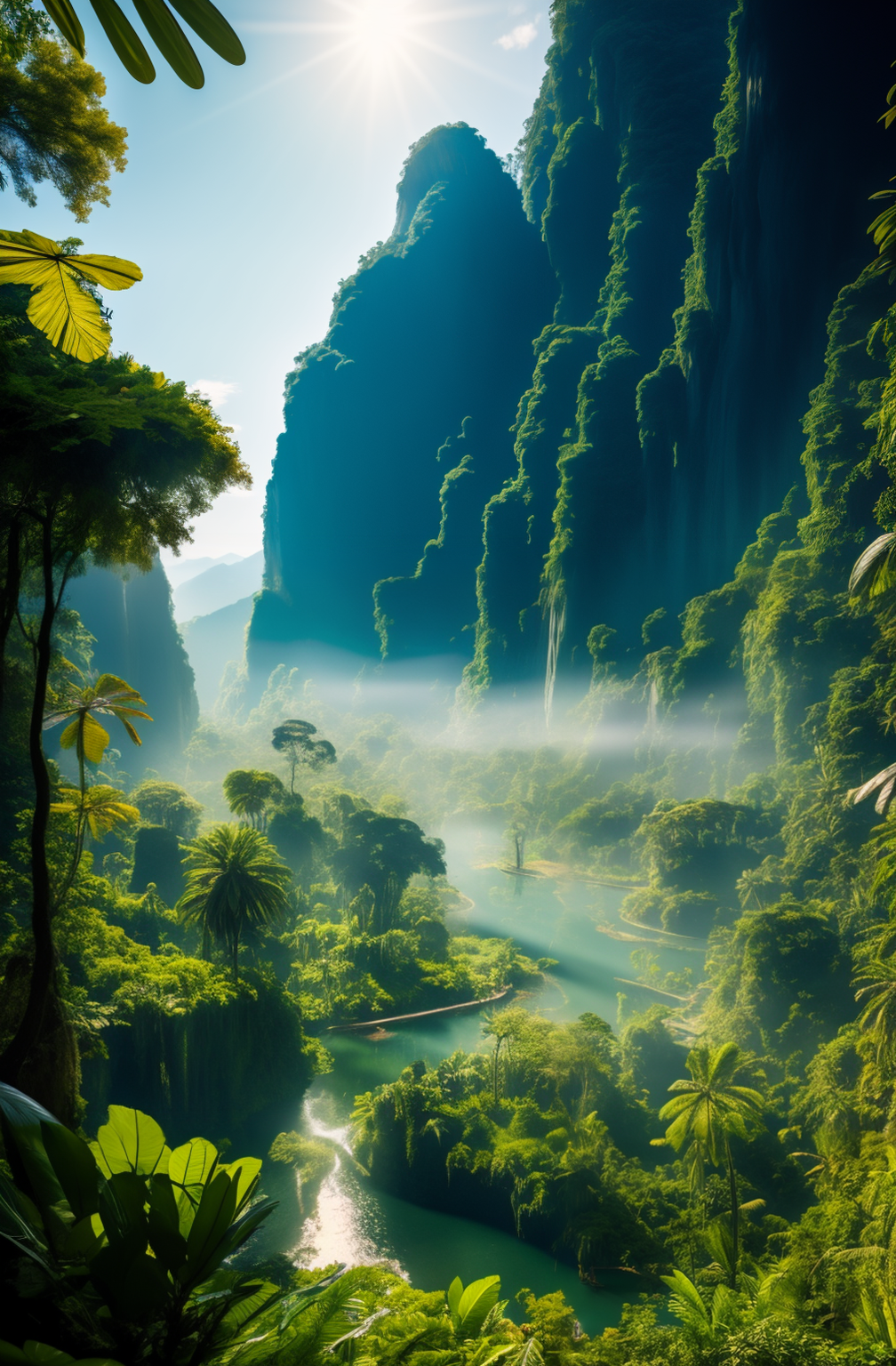
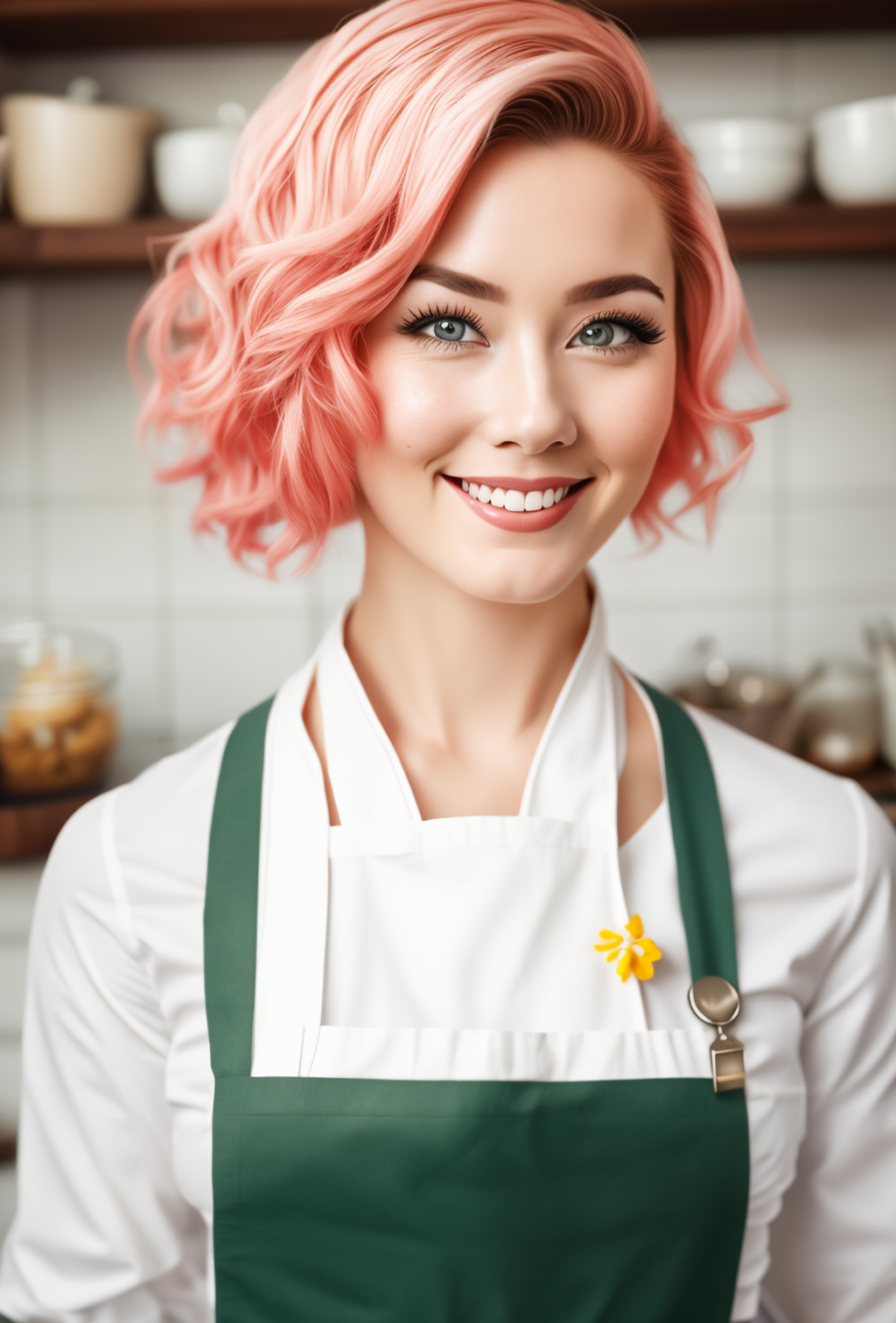
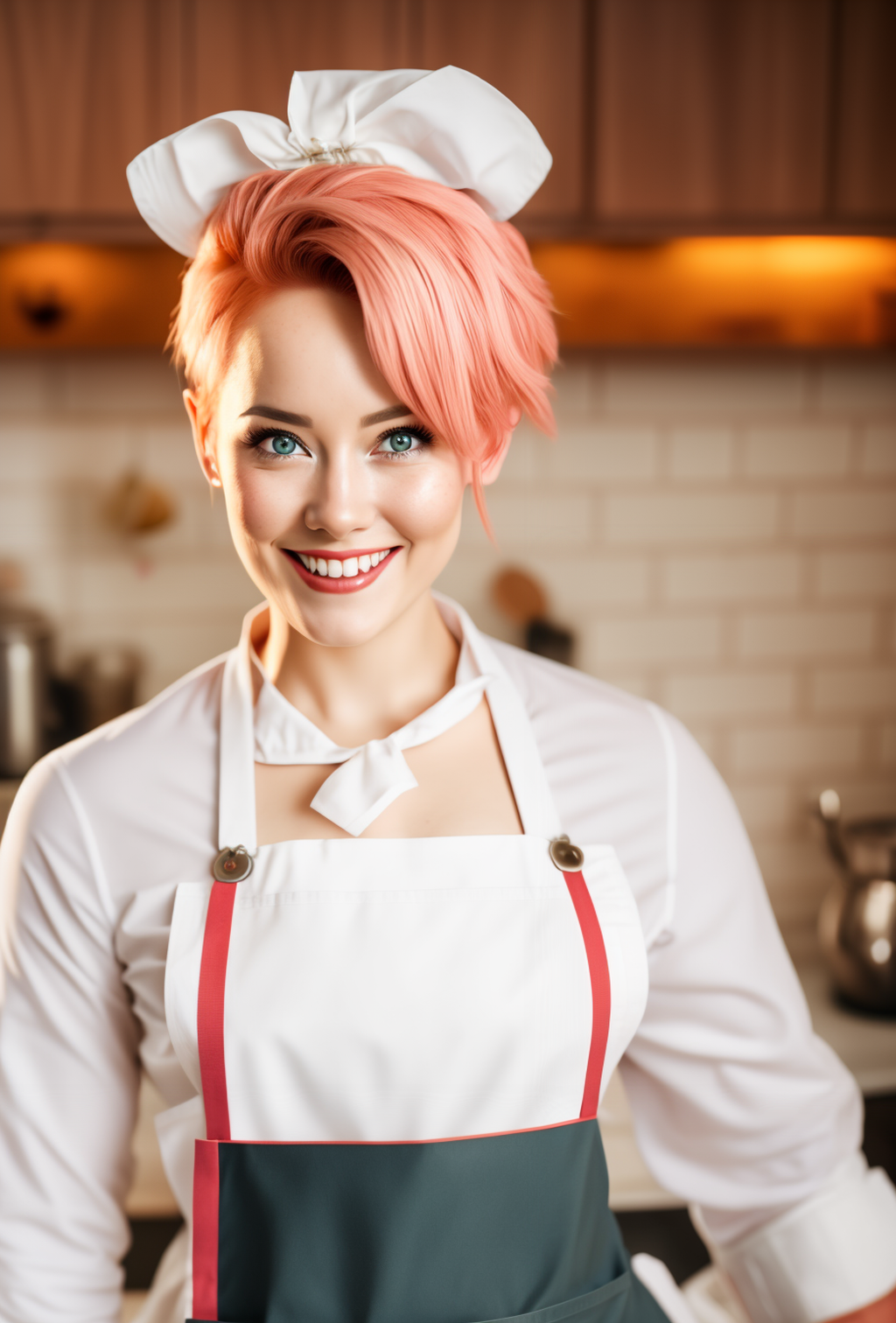
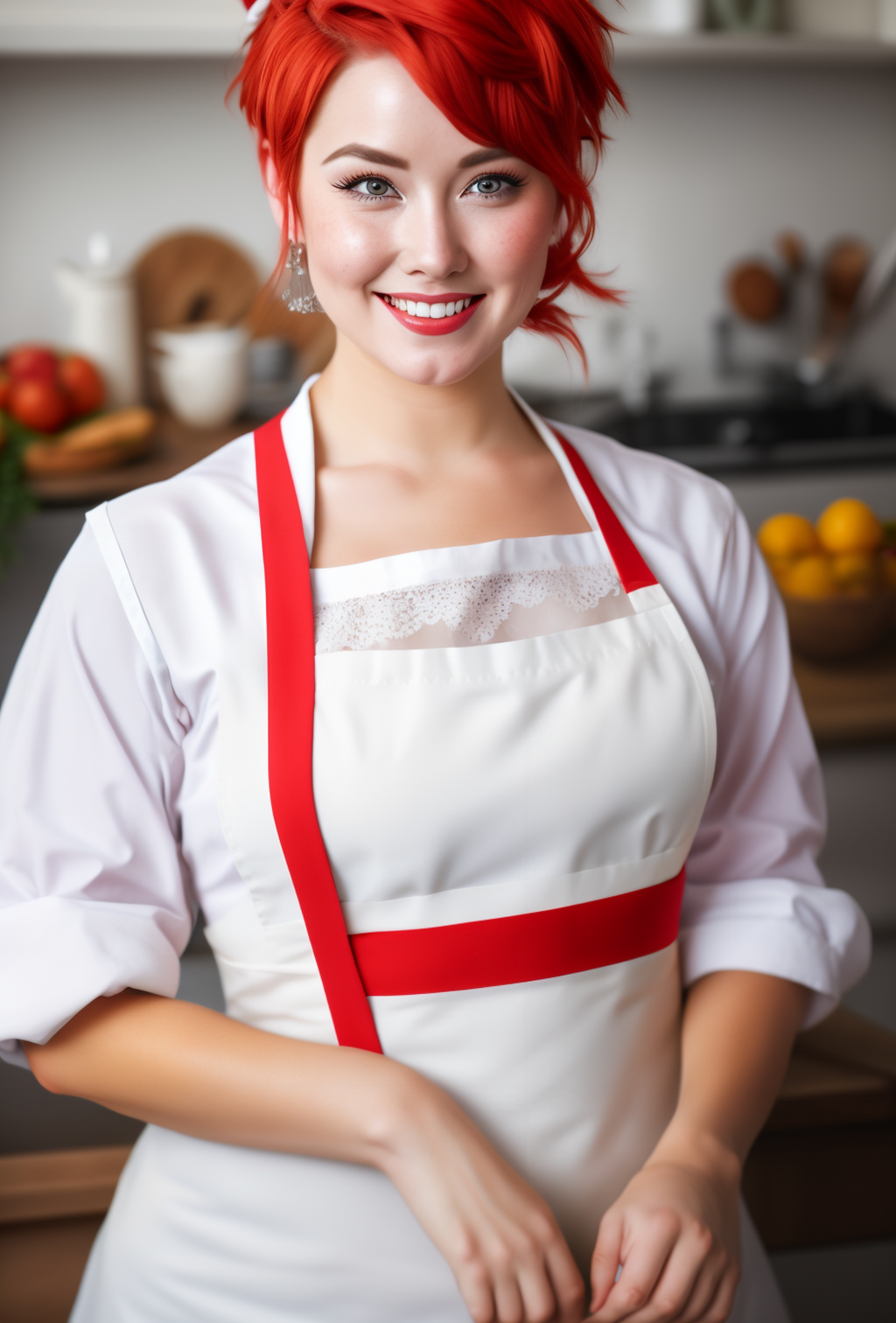
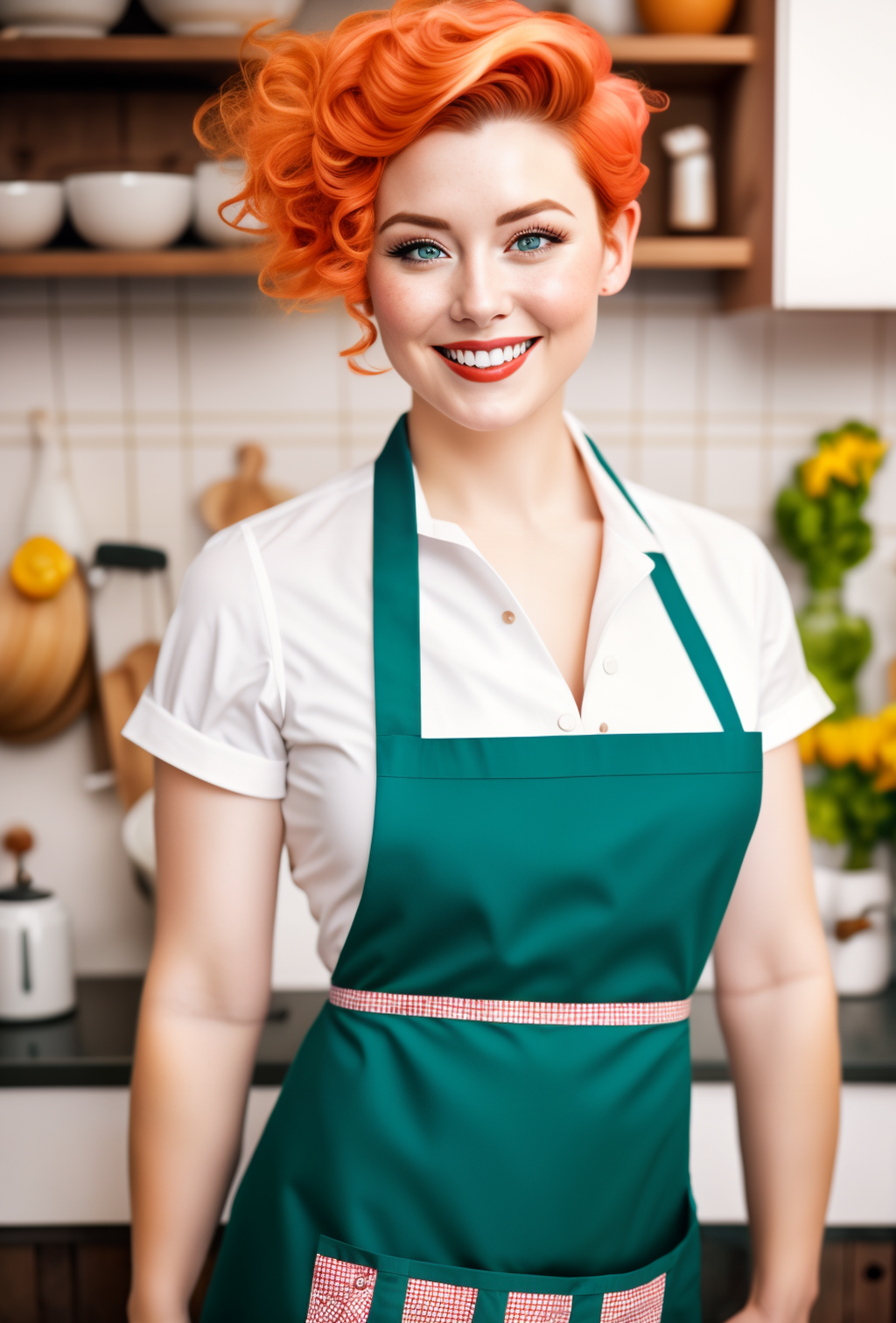
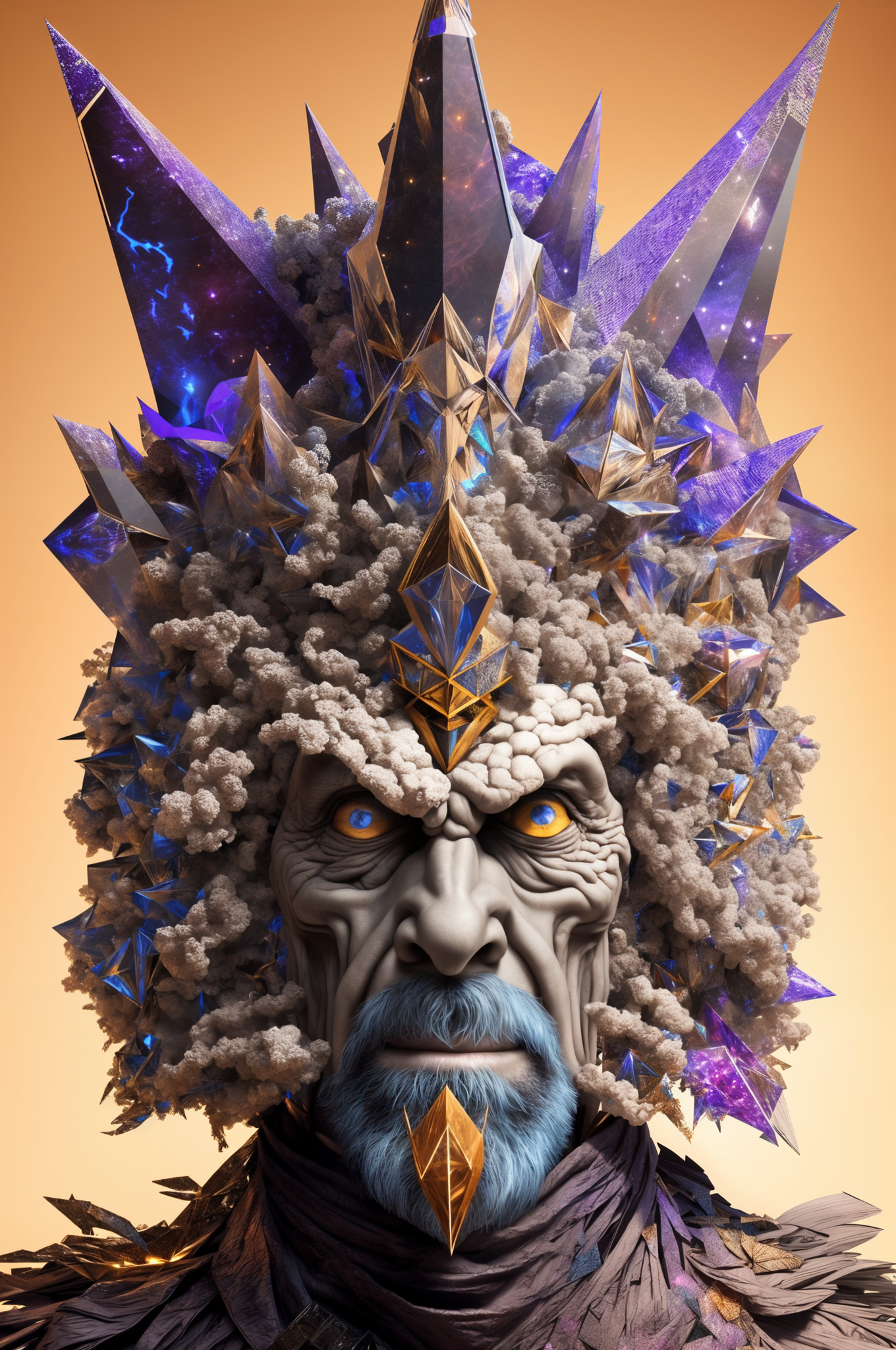

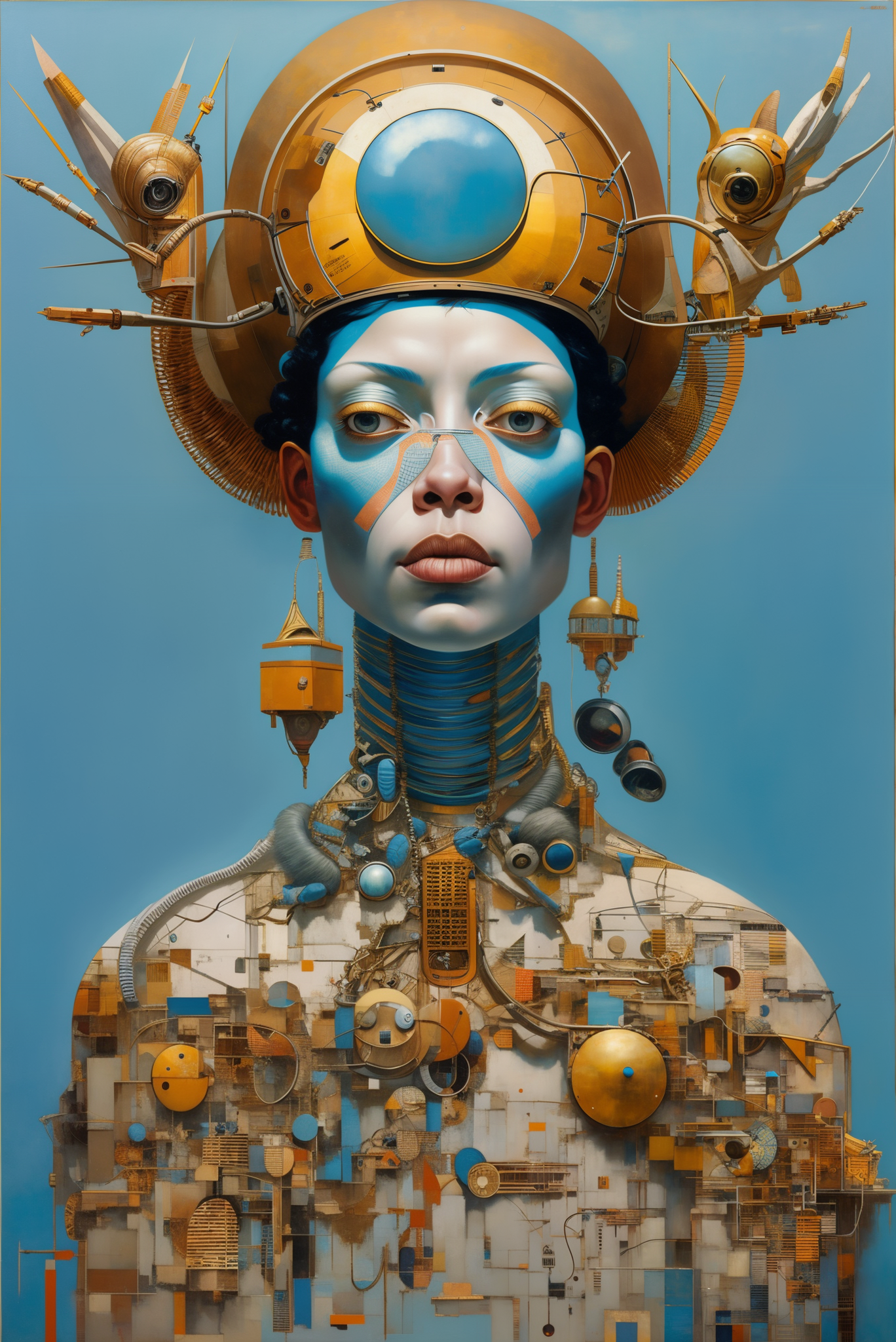
V3 is now live!
As always you can check all the details, get all the data we used, parameters, and code snippets on our substack https://followfoxai.substack.com/p/impact-of-tags-on-sd-general-model
Check out our upcoming roadmap below - lots of exciting things ahead!
About V3
note - this might be a great base for your LORA needs - model is very neutral, can react to all ranges of prompt styles, and can perform across multiple image types
We have added a subset of Booru tags to our images, so now it can react to those tags!
Tags that you should try:
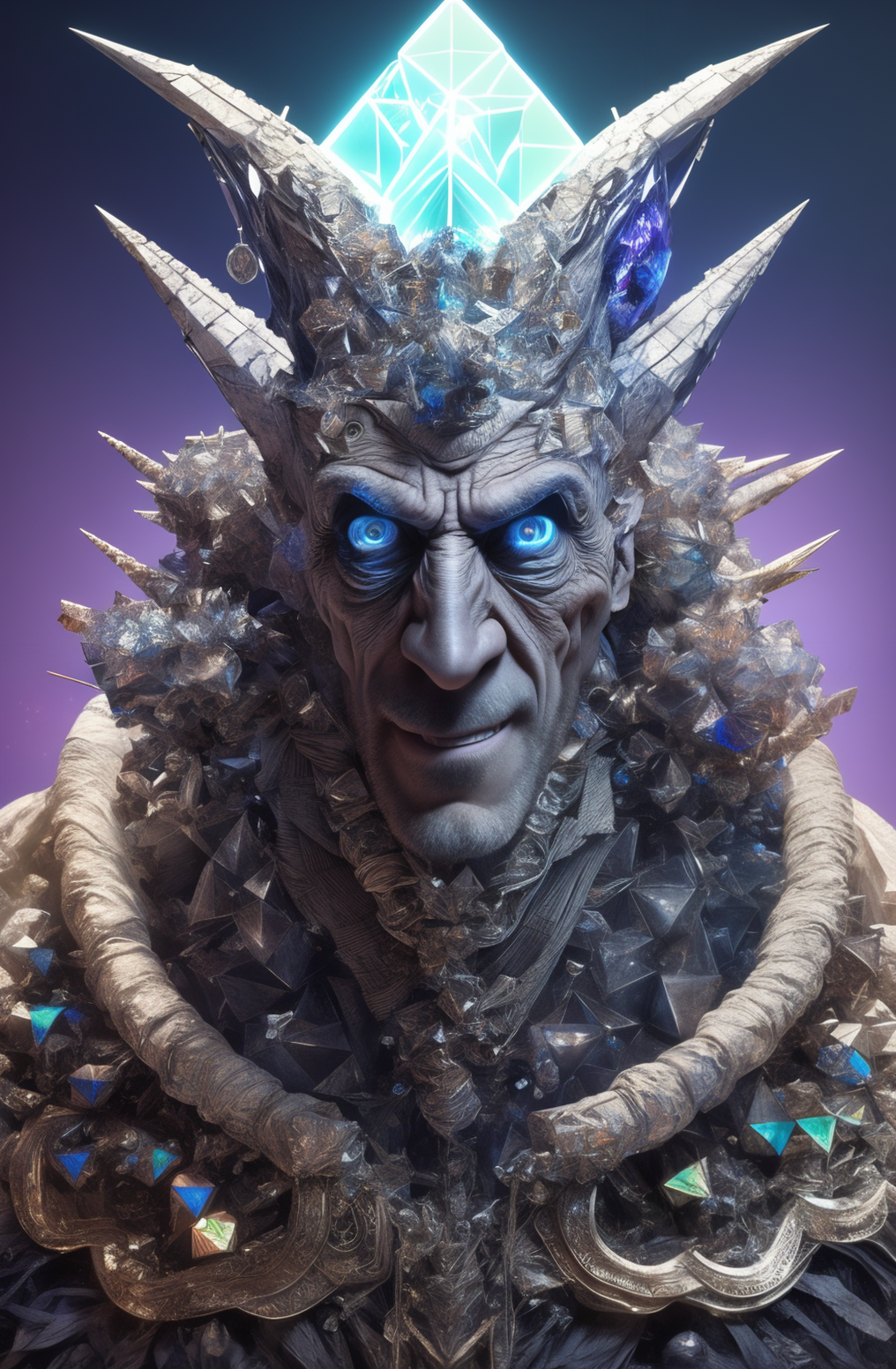
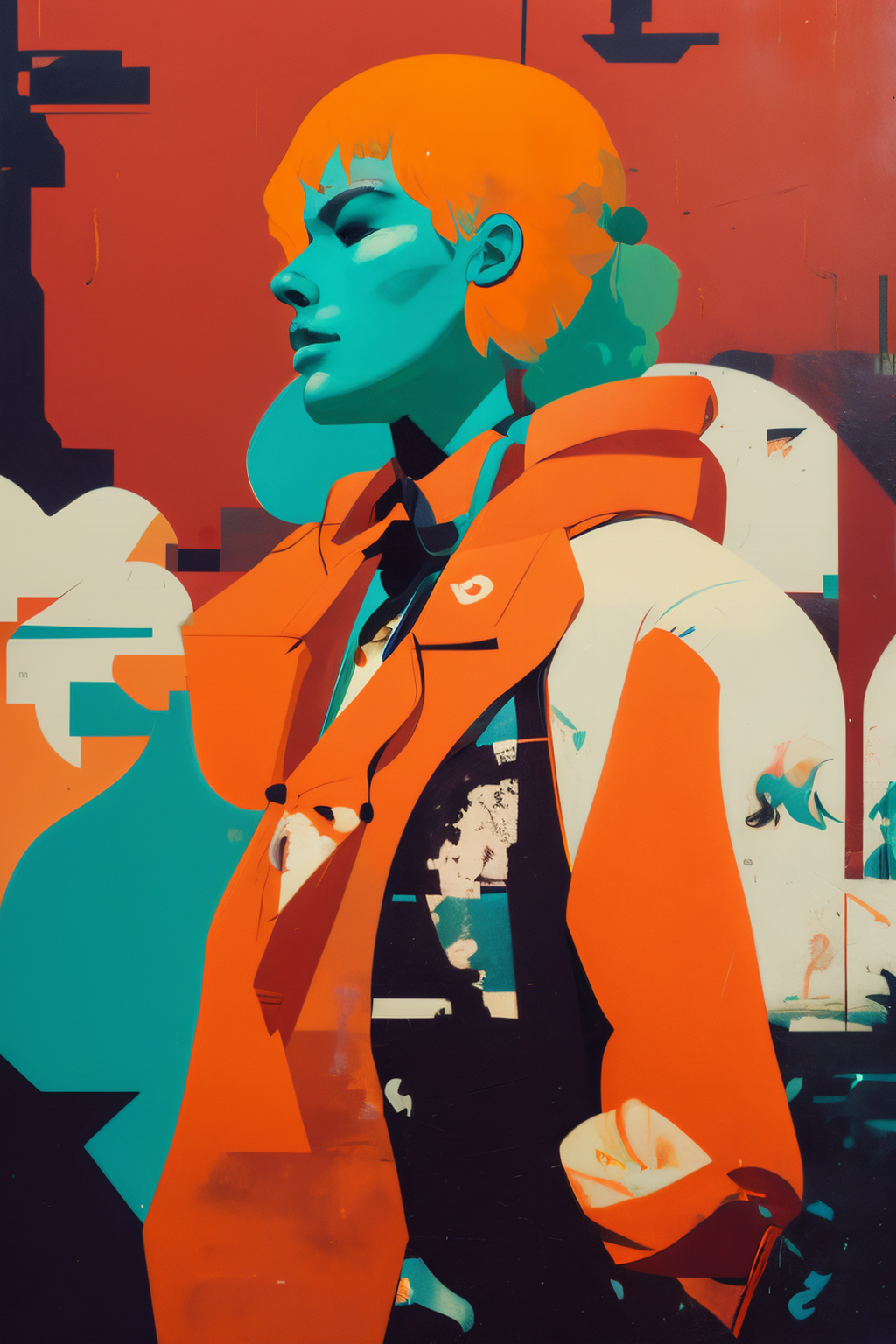
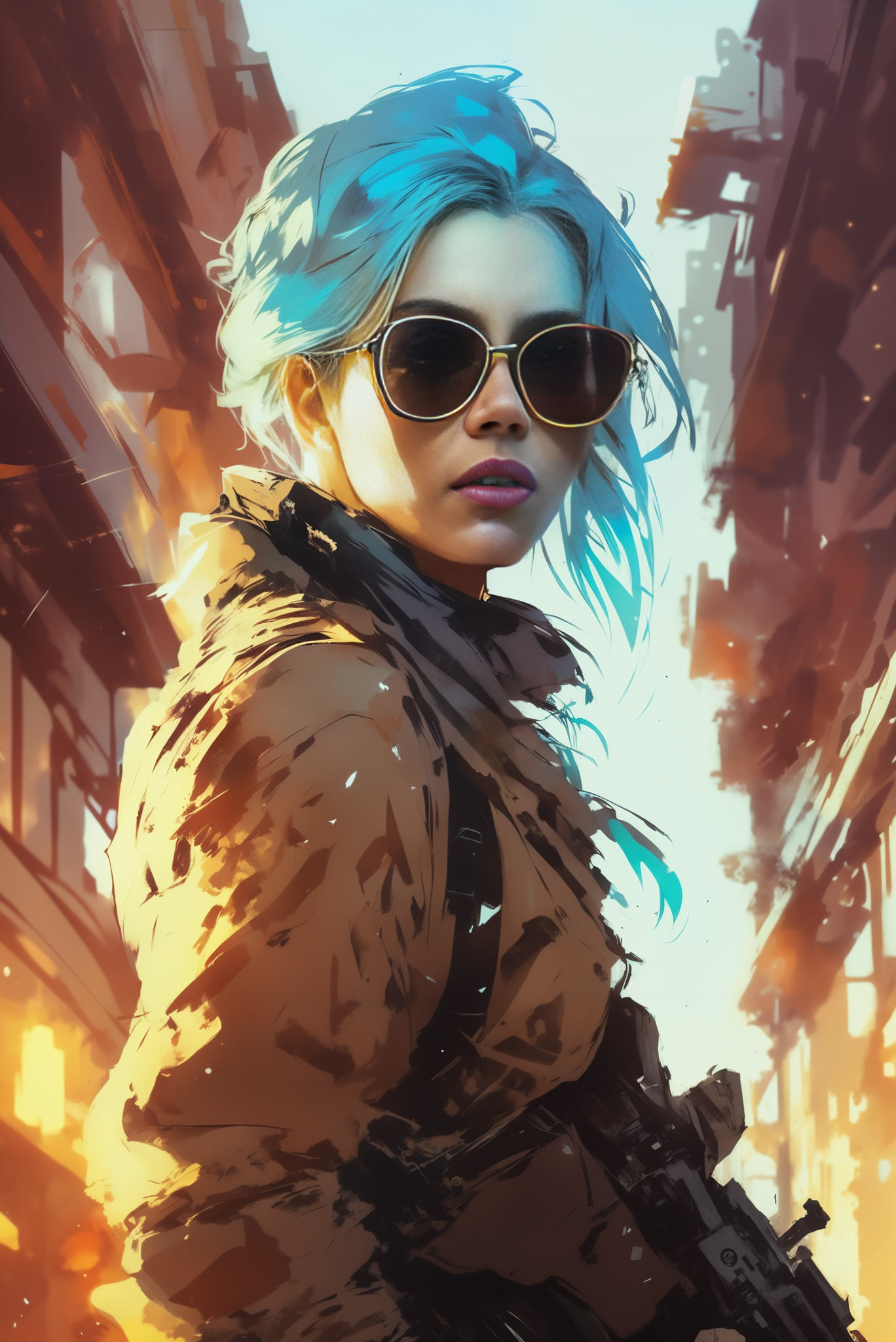
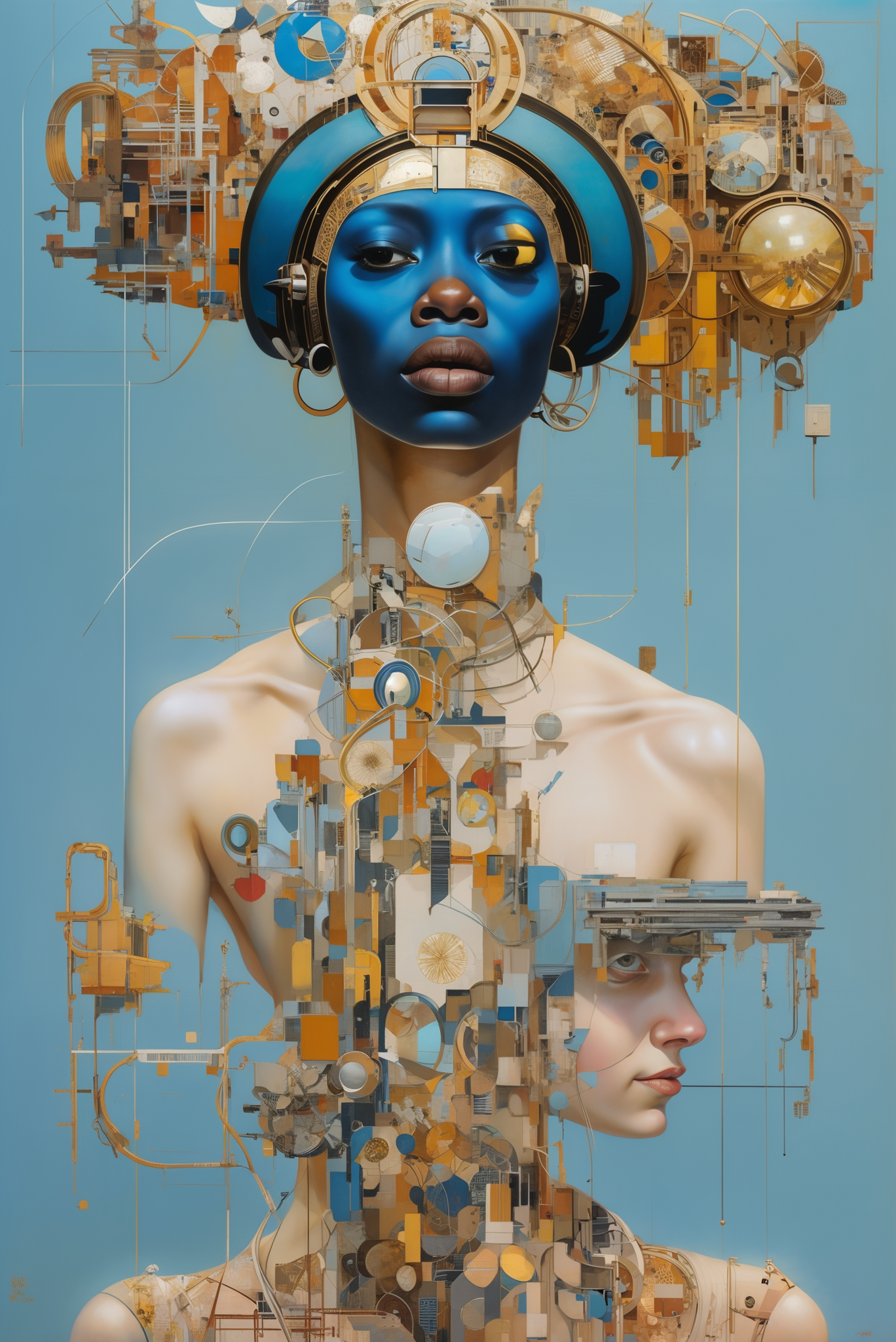
Solo- puts one character in the generated image, works quite consistentlylooking at viewer- has a strong female bias but does a good job of making the character to be centered and look at the cameraoutdoors- works consistently to generate an outdoor environment or place characters there.blurry- empty generations consistently generate blurry images. When tested as a negative prompt, it has some improvementsBlurry background- works quite well to mimic the bokeh style of MidJourney. Here is an example of using it as a positive promptJewelry- generates images of jewelry or adds them to the generationindoors- works similarly to the outdoor prompt
Image Generation Recommendations
The model is versatile, and you can prompt it in almost any style. Whether it is MidJourney style prompts or anything from Civitai or Lexica, you should expect some interesting results in most cases.
Additionally, you can now experiment with the tags that we discussed above.
And finally, we highly recommend using some form of upscale method. Here are two of our favorites:
Hires. Fix
Enable Hires. Fix, set denoising strength between 0.3-0.5, upscale by 1.5-2x, and use Latent (nearest exact) or 4x-Ultrasharp upscaler. The rest of the parameters are quite flexible for experimentation.
ControlNet + Ultimate SD Upscale
Check the ControlNet tile upscale method from our previous post (link).
Upcoming Roadmap
Vodka Series:
Vodka V3 (complete) - adding tags to captions to see their impact
Vodka V4 (in progress) - addressing the ‘frying’ issue by decoupling UNET and Text Encoder training parameters
Vodka V5 (data preparation stage) - training with a new improved dataset and all prior learnings
Vodka V6 (TBD) - re-captioning the whole data to see the impact of using AI-generated captions vs. original user prompts
Vodka V7+, for now, is a parking lot for a bunch of ideas, from segmenting datasets and adjusting parameters accordingly to fine-tuning VAE, adding specific additional data based on model weaknesses, and so on.
Cocktail Series:
These models will be our mixes based on Vodka (or other future base models).
Bloody Mary V1 (complete, unreleased) - Our first mix is based on Vodka V2. Stay tuned for this: Vodka V2 evolved from generating good images with the proper effort to a model where most generations are very high quality. The model is quite flexible and interesting.
Bloody Mary V2+ (planned): nothing concrete for now except for ideas based on what we learned from V1 and improvements in Vodka base models.
Other cocktails (TBD) - we have plans and ideas to prepare other cocktails but nothing is worth sharing for now.
LORAs, Textual Inversions, and other add-ons:
We have started a few explorations on add-on type releases to boost the capabilities of our Vodka and Cocktail series, so stay tuned for them.
Please note that we will share the posts on these explorations regardless of the success. Some will likely fail, but most importantly, we will learn from the process.
Full User Experiences and Solutions:
This is just the first hint on some of our upcoming releases. We are working on translating some of our accumulated experience and our vision into full release products. Stay tuned as we will be sharing more and more about some of our most exciting projects!
Older Versions and History of Vodka
Overview
TLDR: We are releasing Vodka_V2 by FollowFox.AI, a general-purpose model fine-tuned on an updated dataset - now from Midjourney V5.1. And as usual, in this post, we will share all the details how we got there. What you should expect from the mode:
We used an objectively better dataset - 2.5x larger, which was cleaned better.
The resulting model is quite similar to V1 but marginally better. It’s a step up but not a breakthrough-type improvement.
In the current state, we can generate some cool images with some effort
The model is still far from effortlessly and consistently generating MidJourney or even top SD models level output
You can read all the details about the model training process on followfox.ai (link to the post), as we can embrace the open-source nature of this community. You can recreate the process, see exactly how we got here, and provide feedback and suggestions on individual aspects of the protocol.
Parameters and Workflow that Works Well for Vodka V2
There is a lot more to test here, but we will share a few observations:
Compared to V1, you can try a wider range of CFG values; anything from 3 to 7.5 can generate good output
Booru tag-only prompts do not work well since we didn’t tag the dataset
Human sentence-type description followed by adjectives and “magic words” works quite well
Almost all samplers seem to generate interesting results.
SD upscale workflow (outlined below) with tile ControlNet enhances the image quality of this model
Using EasyNegative TI (link) is recommended. “blurry” in negative prompts also helps.
Upscale Workflow to Try in Automatic1111
After generating the initial image you like in the txt2img tab (we recommend doing a grid of different samplers and CFG values for each prompt to find the promising ones), send it to img2img.
Use the same prompt and sampler as in the original generation
Set sample steps high; in our case, we used 150 for most of the images
Set width and height to 2x the original. So 512x512 should have 1024x1024
Set the denoising strength to something low; we used 0.2 to 0.25.
For the CFG value, we used the (original - 0.5) formula. So if the original image was generated at 7.0, we would set it to 6.5.
ControlNet settings: enable it; for preprocessor select “tile_resample,” and for model ‘control_v11f1e_sd15_tile’. You can also switch to the “ControlNet is more important” option. No need to adjust any other settings.
Make sure to have the “Ultimate SD upscale” extension installed. Select it from the Script dropdown, select the 4x-UltraSharp upscaler, and set tile width and height to 640x640.
Press generate, wait a bit, and you should have a decent output. You can repeat the process to go even higher resolution.
Conclusions and Next Steps
We believe the model development is going in the right direction, and we will continue releasing the new versions. And, of course, we will document and release every step of that journey.
For the V3 release, we already have a working hypothesis of where the blurriness and lack of details in some of the generations might be coming from, and we will try to deal with that.
Description
We are continuing our Vodka distilled model training series.
You can see all details and changes implemented in V2 on https://followfoxai.substack.com/
The model was trained on MidJourney 5.1, ~10k images using the original prompts that were used for generating.
Parameters and Workflow that Works Well for Vodka V2
There is a lot more to test here, but we will share a few observations:
Compared to V1, you can try a wider range of CFG values; anything from 3 to 7.5 can generate good output
Booru tag-only prompts do not work well since we didn’t tag the dataset
Human sentence-type description followed by adjectives and “magic words” works quite well
Almost all samplers seem to generate interesting results.
SD upscale workflow (outlined below) with tile ControlNet enhances the image quality of this model
Using EasyNegative TI (link) is recommended. “blurry” in negative prompts also helps.
Upscale Workflow to Try in Automatic1111
After generating the initial image you like in the txt2img tab (we recommend doing a grid of different samplers and CFG values for each prompt to find the promising ones), send it to img2img.
Use the same prompt and sampler as in the original generation
Set sample steps high; in our case, we used 150 for most of the images
Set width and height to 2x the original. So 512x512 should have 1024x1024
Set the denoising strength to something low; we used 0.2 to 0.25.
For the CFG value, we used the (original - 0.5) formula. So if the original image was generated at 7.0, we would set it to 6.5.
ControlNet settings: enable it; for preprocessor select “tile_resample,” and for model ‘control_v11f1e_sd15_tile’. You can also switch to the “ControlNet is more important” option. No need to adjust any other settings.
Make sure to have the “Ultimate SD upscale” extension installed. Select it from the Script dropdown, select the 4x-UltraSharp upscaler, and set tile width and height to 640x640.
Press generate, wait a bit, and you should have a decent output. You can repeat the process to go even higher resolution.
FAQ
Comments (19)
This looks amazing, keep up the great work! I will definitely be adding this model to my collection
thank you, and let us know what you think after testing it!
I appreciate this very much and can't wait to experience this journey. So far so good! Keep it up :)
thank you! we have a lot of testing to do, and the model should keep improving over time, so stay tuned!
Really love this model, it adds great style
thanks! we gonna keep progressing on this one too so stay tuned
Is it 40% alcohol?
that's the only detail I won't disclose
@irakli_ff
Maybe you can release the training of V2 as a minor version?
You can put it between V1 and V2 in versions, so the current V2 still will remain the default version.
@alexds9 that’s a good idea, I’ll try to upload it here too, I assume I can arrange versions as I want?
Meantime, if you want to check all clean v2 checkpoints it’s on huggingface https://huggingface.co/pxovela/vodka_v2_by_followfoxai/tree/main/Vodka_v2_model_card/1_Initial_4_checkpoints
@iraklieth487
Yes, you can move and order models as you wish.
@iraklieth487
I've heard from a few people that training SD models based on SD or other AI-generated images, introduce patterns that burn into a model and can destroy it.
You haven't noticed such an effect yet with Vodka V2?
I can't get v2 to work at all -- i'm just getting noise.
Any chance you can share what are you getting? Happy to look into it and what might be wrong
ah man.. I really thought you had cracked the code on controlnet upslace with ultimate upscaler, I have looked at a couple of videos and tried their methods and it fails everytime with an error. I tried your method and get this error each time. controlnet is either a scam or broken or I dunno. its super buggy.. have never gotten it to work - RuntimeError: Given groups=1, weight of size [64, 3, 3, 3], expected input[1, 4, 192, 192] to have 3 channels, but got 4 channels instead
Time taken: 58.12s
Torch active/reserved: 4900/6148 MiB, Sys VRAM: 8325/12288 MiB (67.75%) - i have a 12 gig GPU
it seems like your installation / hardware issue if I had to guess. Do you run it on Automatic1111? do you get errors on all kinds of controllers?
add me on discord if you want and send me what are you doing and I'll look into it from time to time when I have a moment
pxovela#2604
its on auto1111. eveytime I use ultimate upscaler it happens. if I use normal sd upscaler (with controlnet tile) its very fast, works everytime and I get great results
I got ultimate upscaler to work only once. so my image size was 576x768 and I went with double size upscale. I had to set the widt and height to 576x768 in UltiSDupscaler. but it was slow compared to using just SD upscaler.
if that is a control net error, I believe I get the same error when I've accidentally picked the version 2.1 control net on a 1.5 model rather than the 1.5 control net
Details
Available On (1 platform)
Same model published on other platforms. May have additional downloads or version variants.