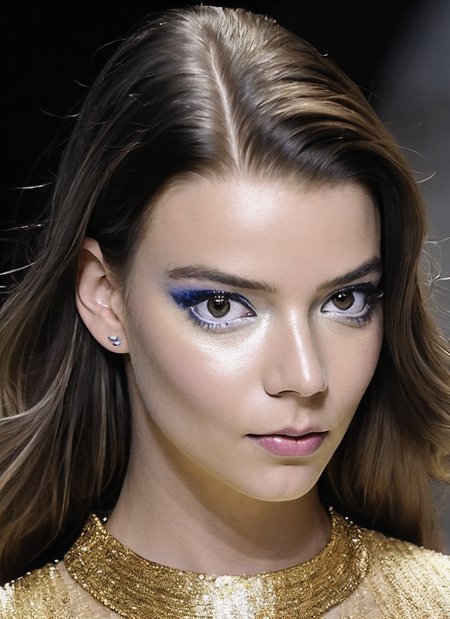
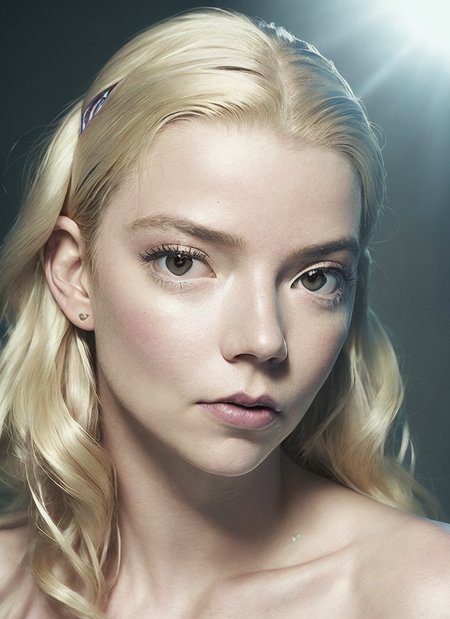

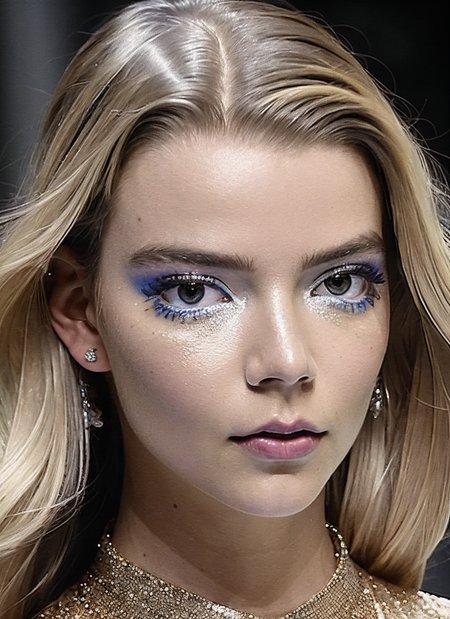
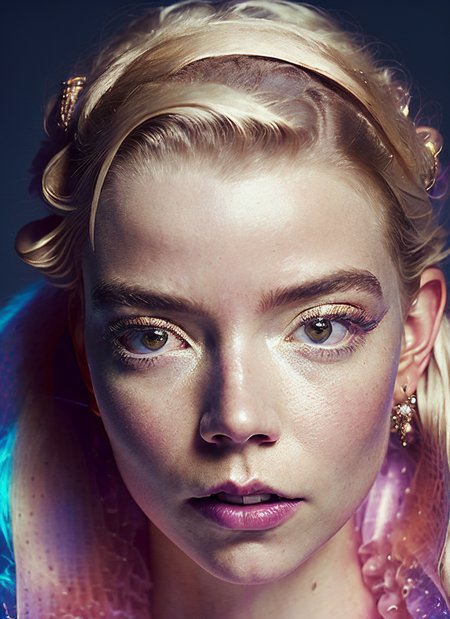



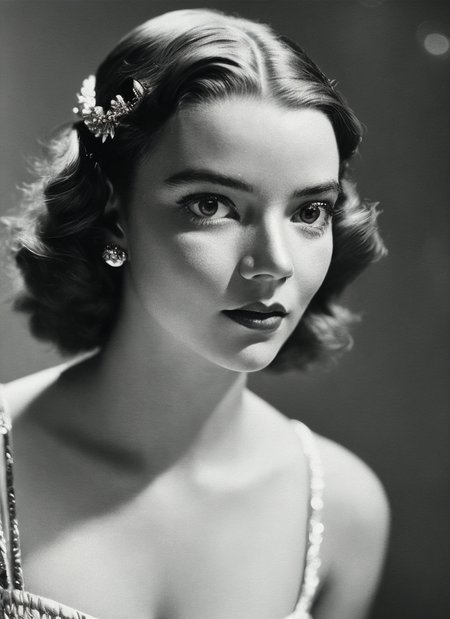

LyCORIS of Anya Taylor-Joy
Dreambooth version available at: https://civarchive.com/models/59622?modelVersionId=66695
Description
this version uses my default 'sks' token
FAQ
Comments (9)
How did you use this with Realistic Vision 2.0? I get "RuntimeError: The size of tensor a (9) must match the size of tensor b (4) at non-singleton dimension 1"
It works with realistic Vision 1.5, but your 2.0 results look much better. I just can run it for some reason.
I haven't tested it yet but similar errors to that usually are related to the VAE. Try adding --no-half-vae to the execution or a different VAE model.
those are my settings so perhaps @Trahloc is on to something: --vae-path models/VAE/vae-ft-mse-840000-ema-pruned.ckpt --no-half-vae --xformers
personally i have not had this error
Check if you use inpainting model. After I switched from Realistic Vision 2.0 inpaint, to just Realistic Vision 2.0 the same error disappeared for me.
Dose this model goes with full body, or it only works with close-up portrait?
you can prompt everything, it is more focused on faces to make them right, but you can do other stuff, and always you can use the controlnet to force some pose
really amazing model, thankx
@malcolmrey I have found that using the extension adetailer (https://github.com/Bing-su/adetailer) to replace the face works really well. That way you can generate the initial image with a low weight eg <personLora:0.5>, (sks woman:1.0), other features here
And then use adetailer to replace the face with something like:
<personLora:1.4>, (sks woman:1.2)
That way you can get much more variety with the initial prompt, and can combine with more lora's without compromising the image. Also works better if the image is low res and the face is far away.
This is pretty much just the same as inpainting the face manually but its just a cleaner workflow.
@zzzzzzerza interesting! thanks, will have to take a look :)