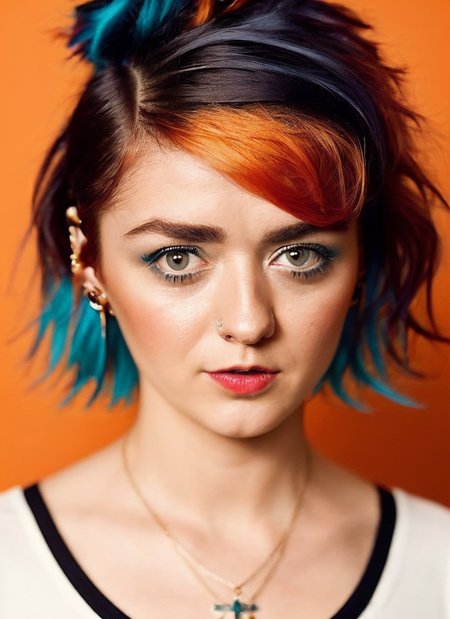
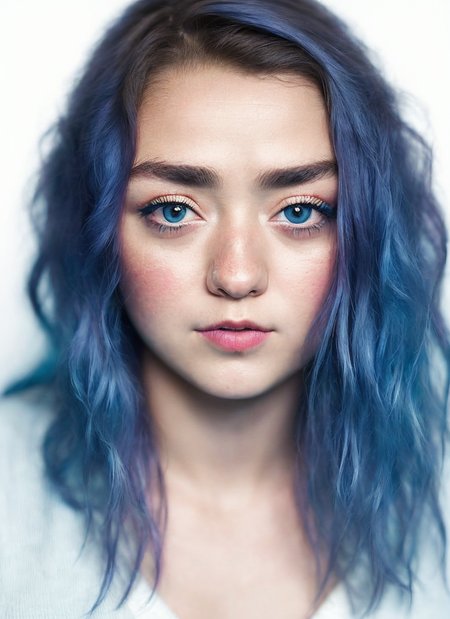
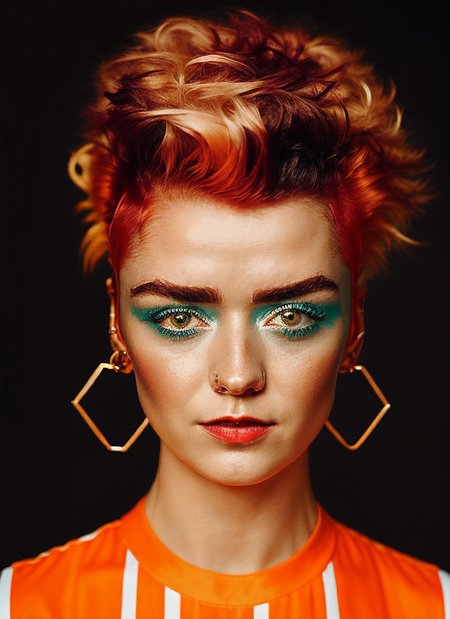
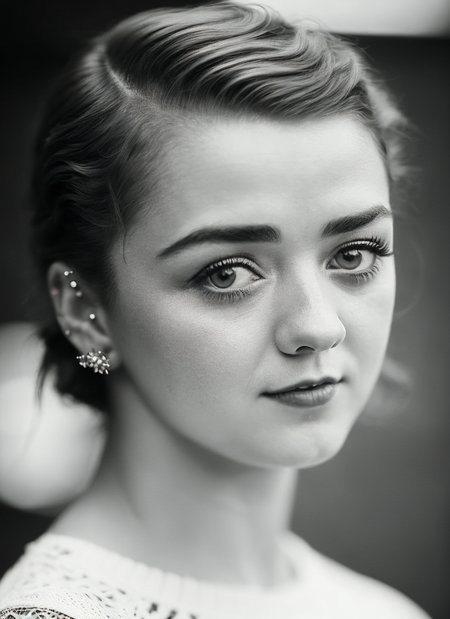
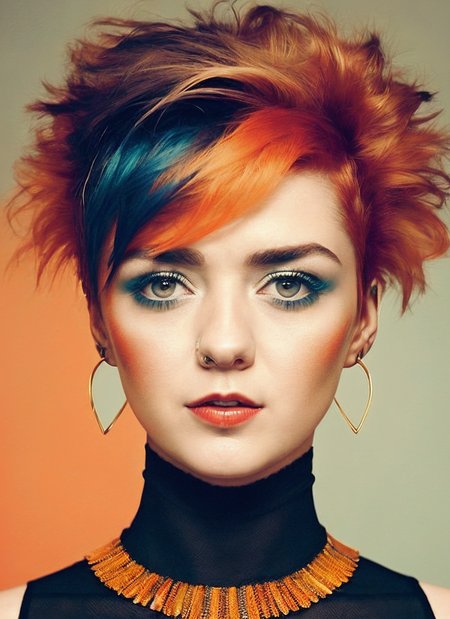
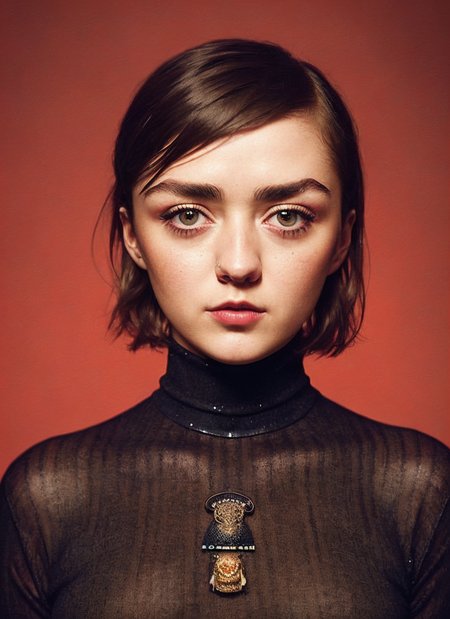

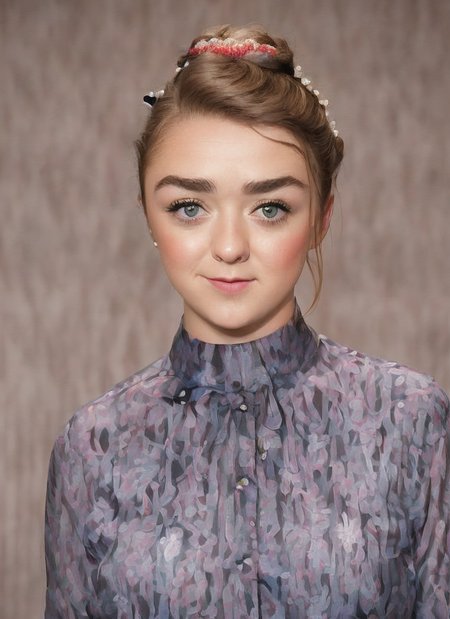
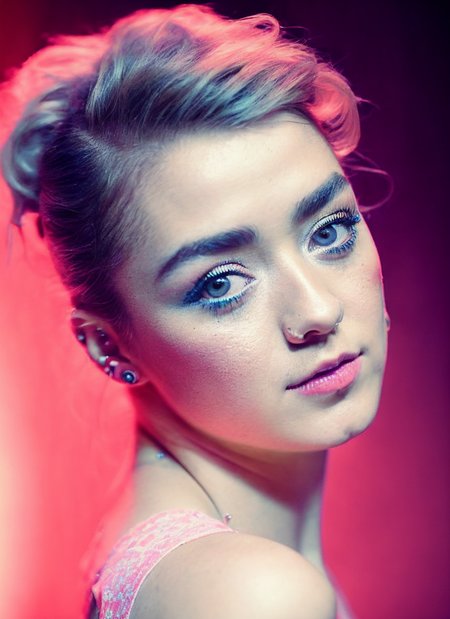
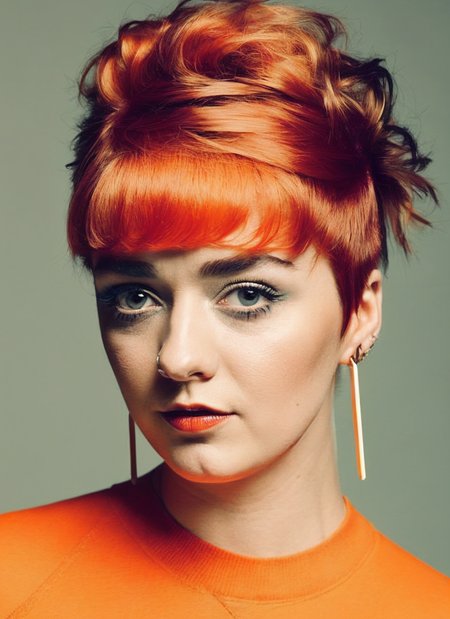
LyCORIS of Maisie Williams
Dreambooth version available at: https://civarchive.com/models/59622?modelVersionId=68205
Description
FAQ
Comments (10)
Nor bad,
thnx, i try my best :)
Where can I go to learn how to use these Locon and Lycoris's? I was sick when we all had this lesson.
you need this extension for AUTOMATIC1111 -> https://github.com/KohakuBlueleaf/LyCORIS
to use them, in A1111 below "Generate" the third icon "show extra networks" and then pick Lora.
You need to place the files in your subfolder on a1111 under models/Lora
GL!
how do you make them so accurately?, high quality images? captioning? please give some hint of your secrete sauce
:-)
the key to everything is as you said it -> high quality images!
what I have been recently doing is following: go to duckduckgo image search, set wallpaper size, use some downloader to get the images, then I sort them by filesize and I go from top to bottom and I select those that are not only crystal crisp but also where the face is not obstructed AND the face does not look off (sometimes weird angle, light, pose or makeup can make someone look nice but not as usual self - I avoid those like a plague)
i select like 30-40 of such photos, once that is done, I cut them to 512x512 and then go through them to remove blurry, grainy ones (or whatever flaws i see), then out of that i pick the best 20~ that look like the target
then i use my usual setup, i make a dreambooth model (yes, a ckpt using the old good shivam shirao fork) and then using kohya i extract it into lycoris, and that's it :-)
NO CAPTIONING, just a standard dreambooth token (yes, the 'very old' sks token :P)
@malcolmrey Any particular reason why you start by making a checkpoint? Or why you use Lycoris/LoCon over standard Lora? Do you find Dreambooth training & Kohya's Dreambooth extraction are simpler than Lora-specific training?
My only critique with your excellent work is that many of your models have the same trigger, which could conflict. Best practice would seem to always use a unique trigger for cross-compatibility. This one (and the majority of yours) are excellent BTW!
@booboo1
"Any particular reason why you start by making a checkpoint?"
My top priority is quality. If you look at my initial uploads then you will see that those were full checkpoints (the quality of those is debatable since I was still learning).
I have only made ONE public TI as I've found them unreliable for perfect character interpolation. Later the LORAs became more popular and they had much better quality than TIs. This combined with some complaints (to me, it was debatable at that point since there was nothing better quality-wise than dreambooth) that there was no need for full dreambooth for a single character. So I explored LORAs but because I still wanted the best quality - I went in the direction of extracting the trained content out of the dreambooth into the Lora so it could be uploaded for those who did not want full checkpoints.
I actually was contemplating uploading both Loras and Dreambooths but LyCORIS came about and after experimenting with it a bit I realized that the drop in quality was so small that it would not make much sense to also upload the checkpoint.
"Do you find Dreambooth training & Kohya's Dreambooth extraction are simpler than Lora-specific training?"
For me particularly it is, because I have a great dreambooth setup, and installing kohya was very easy.
From what I understand you have to make the text files with descriptions (like with TIs) to get bests results but with dreambooth you just use one token.
I haven't actually made a pure LORA (just TIs) but since I like the results of my current process I just didn't bother :)
"My only critique with your excellent work is that many of your models have the same trigger, which could conflict"
Ah yes. One other person mentioned that as well. Well, there are pros and cons to that. I have a lot of saved prompts and it's just simpler to use the same token (with small variation between male and female). Also "historically" it was quite difficult to get more than one different person in the output. Usually, it would be the same person cloned (and that would be without even using the tokens, on the base models).
I do know that it is possible to get more people (one dreambooth even allowed for training multiple concepts easily). However it is sometimes difficult to get a specific person in a specific pose and emotion, to have it done well with multiple in one output makes that even harder and that is why if I needed more people in an output I would always fix the other people using inpainting.
Also another issue would be with remembering which token is for which person :-)
"Best practice would seem to always use a unique trigger for cross-compatibility."
I will give it more though. One idea is to upload two versions, with same token and with unique token so that everyone is happy (except my GFX card :P)
"This one (and the majority of yours) are excellent BTW!"
Thank you! This is great to hear! I try to upload the best!
Cheers!
@malcolmrey what about the lower body? how do you get that right? everything face below, your lora works perfectly with other sd models too, no big head small body, stuff like that
@RedKrits i haven't had any issues, full or partial shots work fine; you can add sometimes "close up" to negatives if some prompt is not responsive or specific pose to the positives
and there is always control net which works perfectly!
also, with loras, you can change weights so you can lower the weight, get the person in proper position and then fix the face in inpainting
Details
Files
Available On (1 platform)
Same model published on other platforms. May have additional downloads or version variants.