


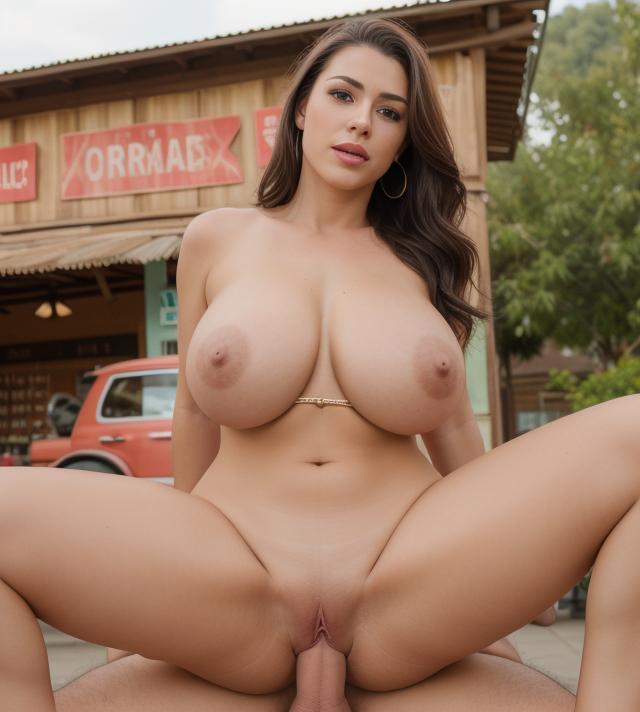
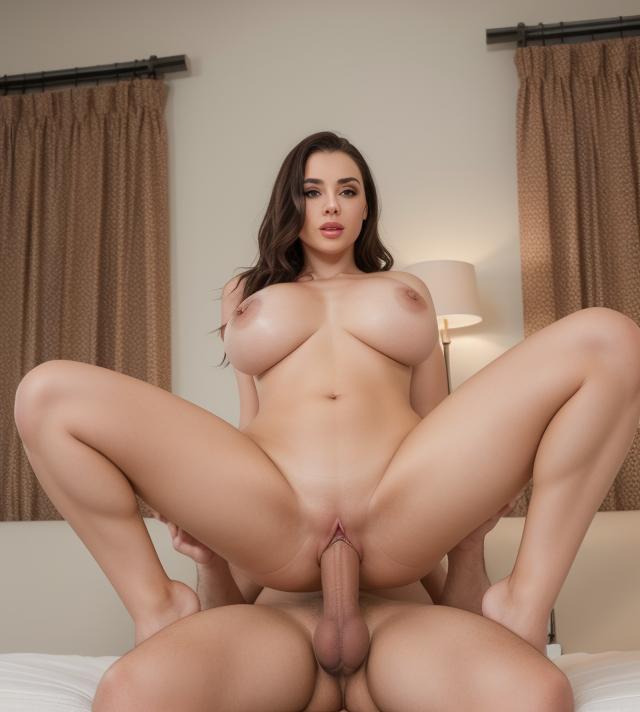
Model Info
Prompt Keywords: reverse cowgirl sex position
Demo: https://colab.research.google.com/drive/1BDMiPrI9fuuA1pxZY-OAd4xM7BKUglfy?usp=sharing
**Note: Change the prompt in demo, must include Keywords.
works better if used with ControlNet
The LoRA model is created by "train_dreambooth_lora.py" script provided on official diffusers github repo (https://github.com/huggingface/diffusers/blob/main/examples/dreambooth/train_dreambooth_lora.py)
LoRA compatible with AUTOMATIC1111 or other WebUI.
You can also load this LoRA with few simple lines of code:
#Load any model (Base Model->SD 1.5) of your choice
pipeline = DiffusionPipeline.from_pretrained("runwayml/stable-diffusion-v1-5", use_safetensors=True)
#Load LoRA
pipeline.load_lora_weights(pretrained_model_name_or_path_or_dict="path where lora is stored", weight_name="<lora_name>.safetensors")
Description
FAQ
Comments (11)
Any idea what "Error message: 'lora.down.weight'" Indicates?
yes you can get rid of this error by installing peft, Latest LoRA models requires integration of peft package. you can read more about it here: https://huggingface.co/docs/diffusers/v0.25.0/en/using-diffusers/loading_adapters#peft you can install this package locally with "pip install peft"
@olly917 Thank you!!!
Looks really good, but when I use any of your Loras, nothing changes in my pictures. All other Loras work. Any idea why?
Can you tell me more how you are using it, I have given a link of demo. you can try it there.
I use AUTOMATIC1111, nothing special
Couldn't make it work as well, it does nothing at all on my attempts
install peft package with "pip install peft", then try. try udating other packages also(diffusers, accelerate, transformer)
I can also confirm, unfortunately no effect on the generated picture.
Not working:
Error: Could not load the lora model! Reason: 'StableDiffusionPipeline' object has no attribute 'text'
when used with SD 1.5 model.
copying gen data does nothing and the image have no data