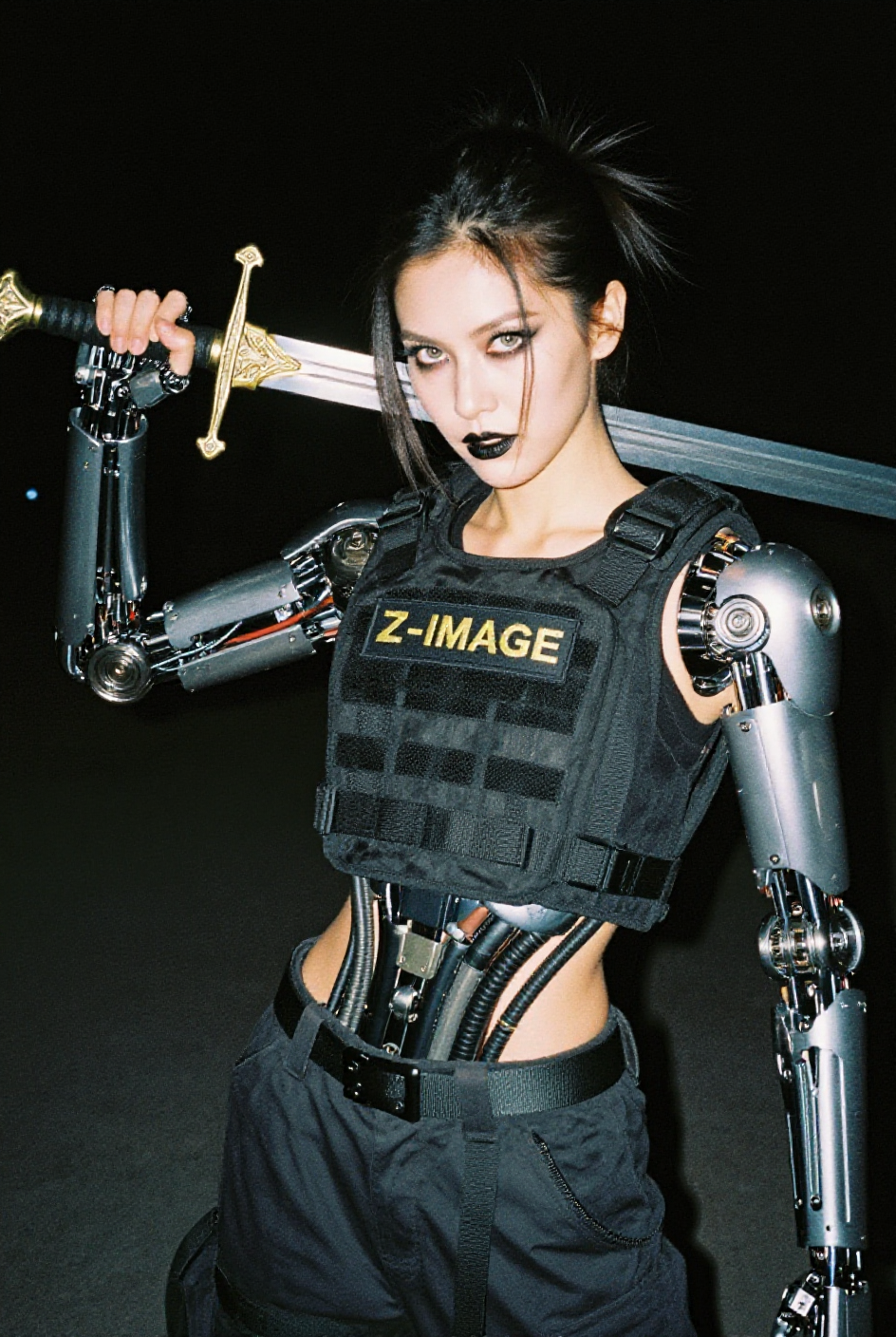


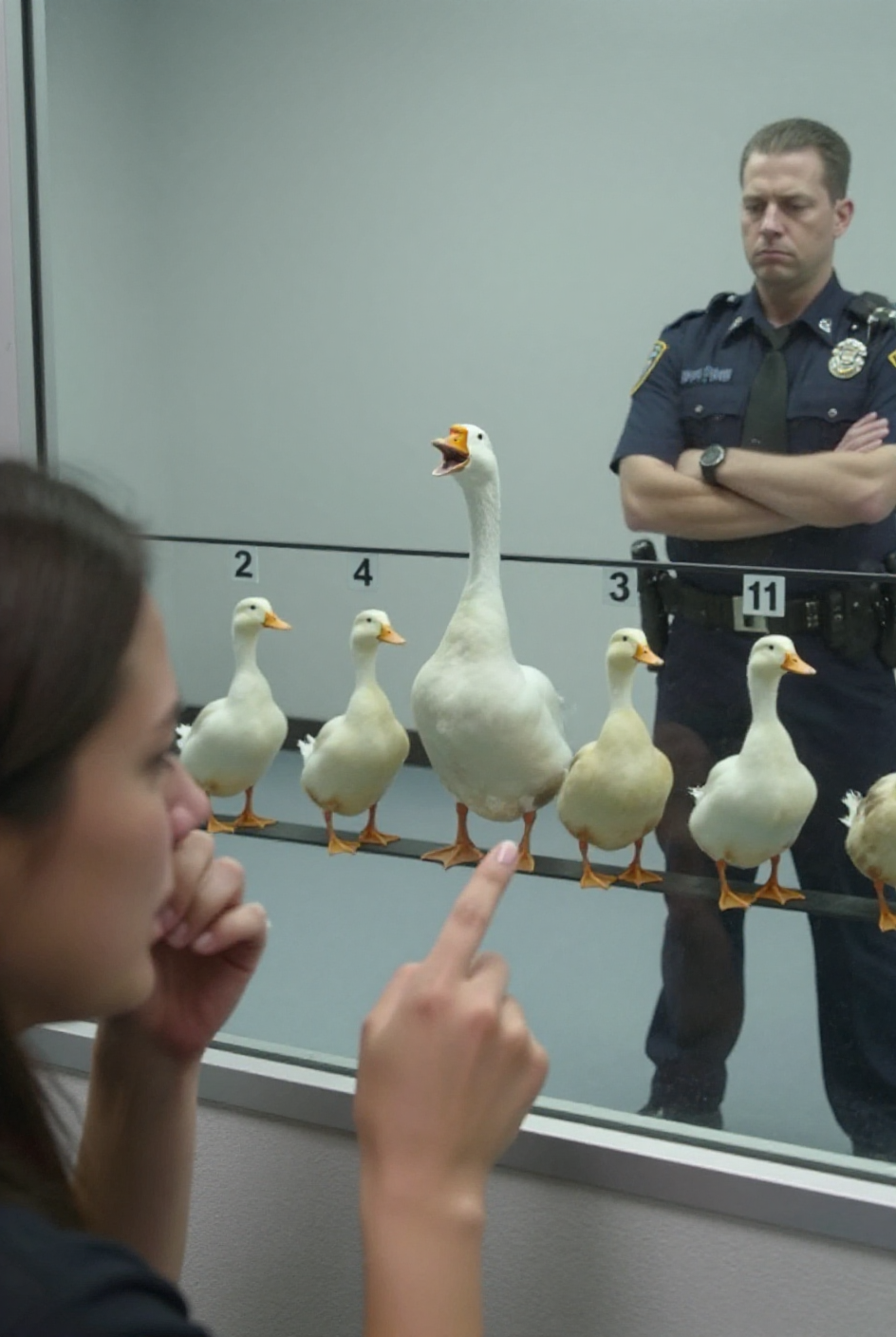
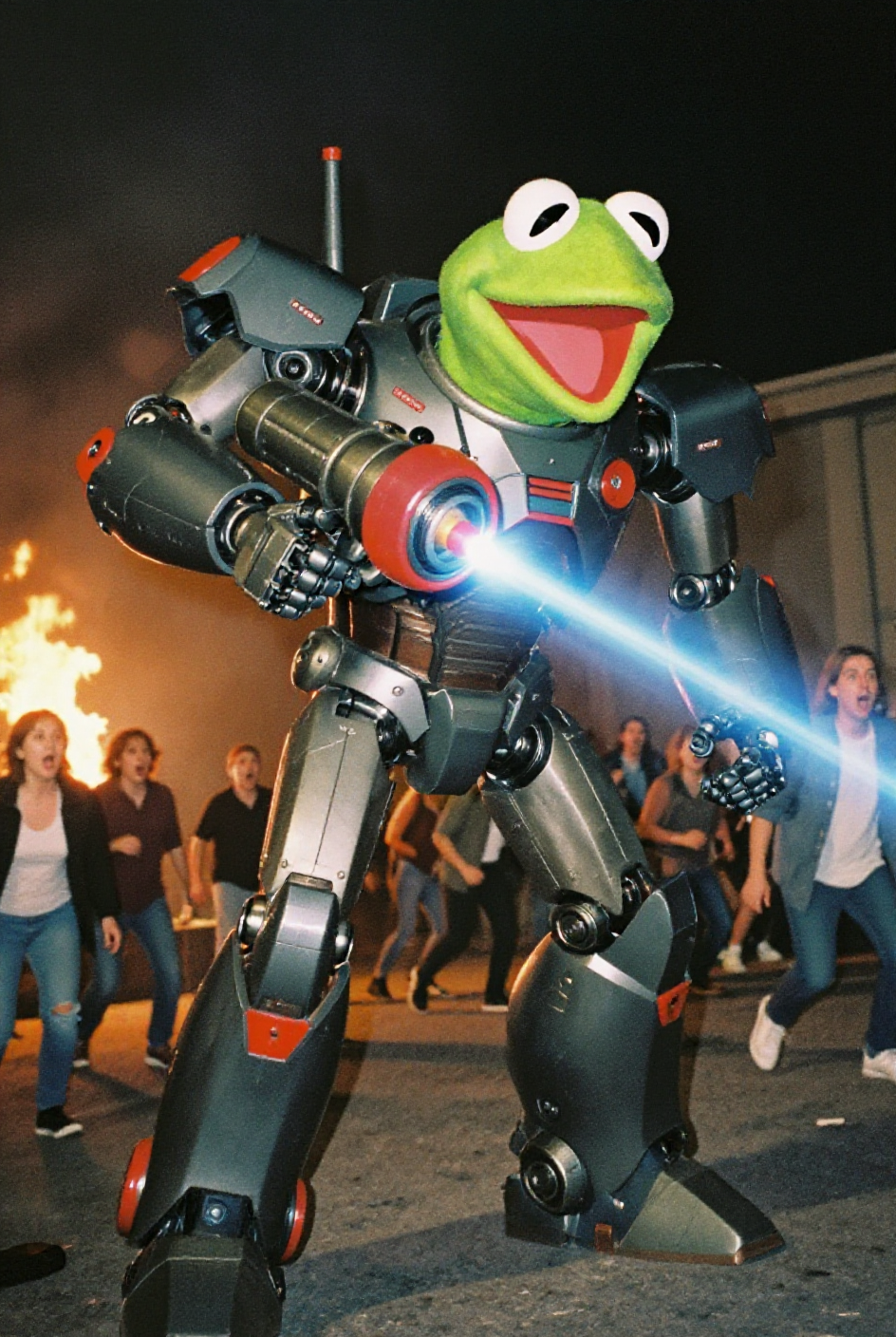






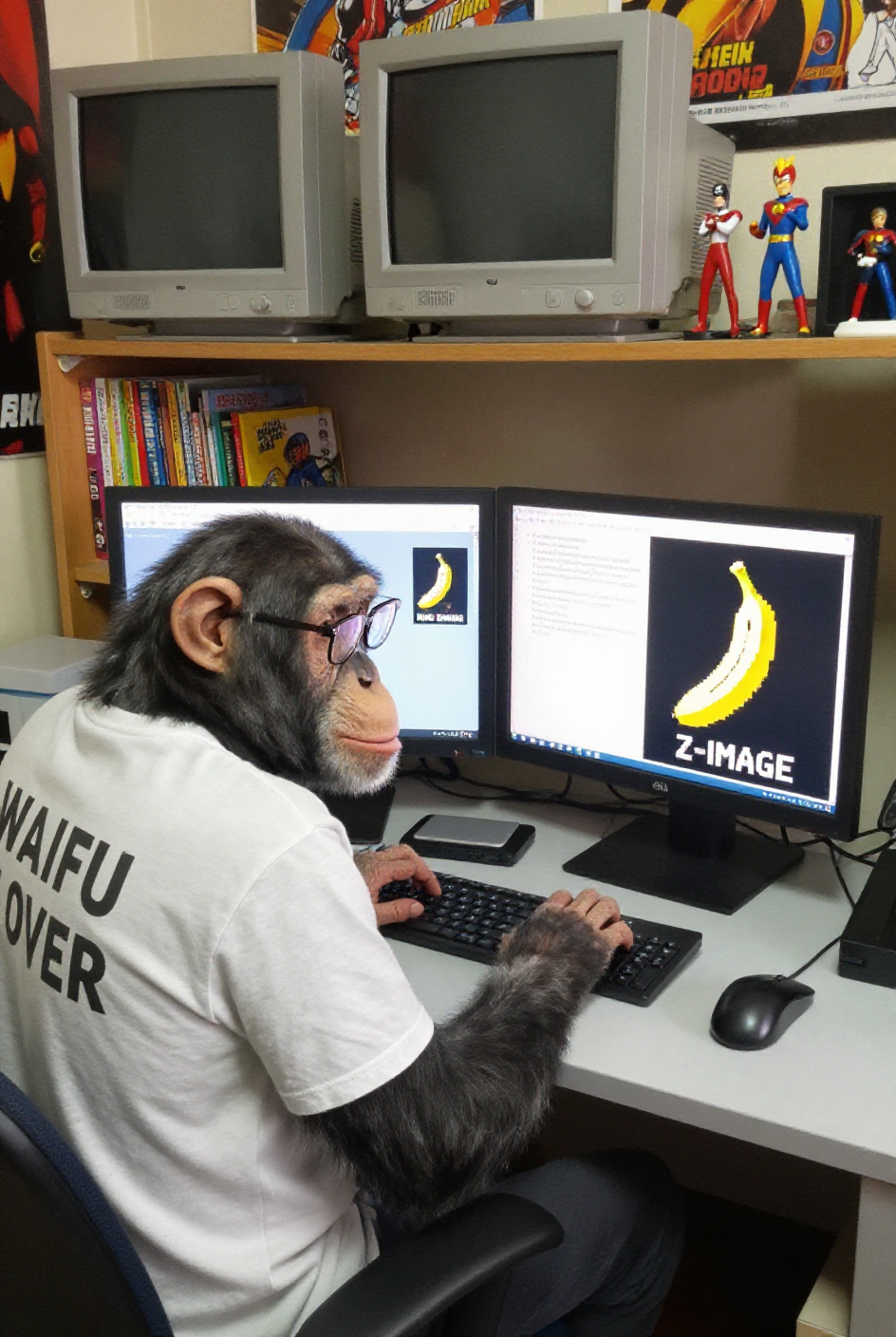
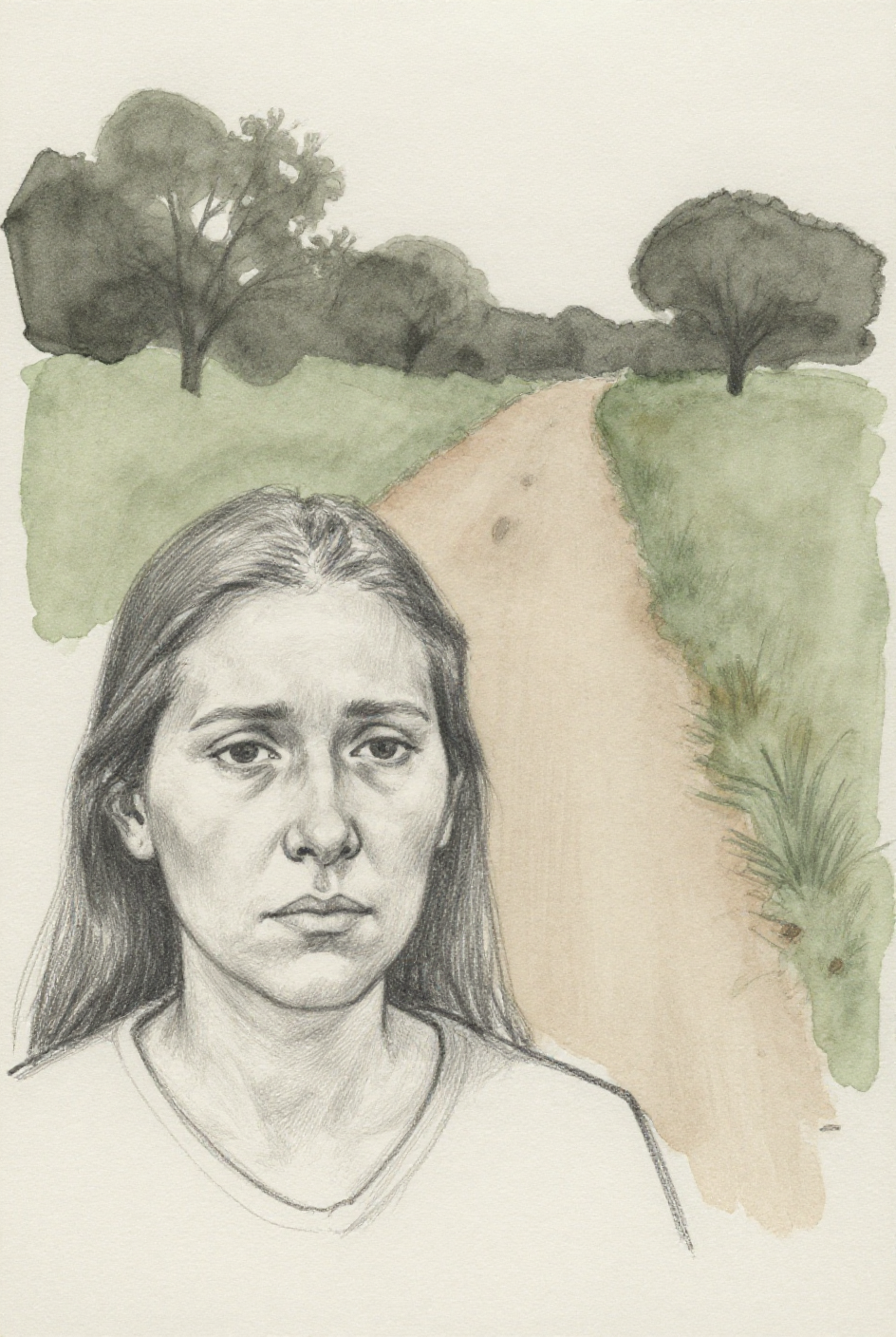



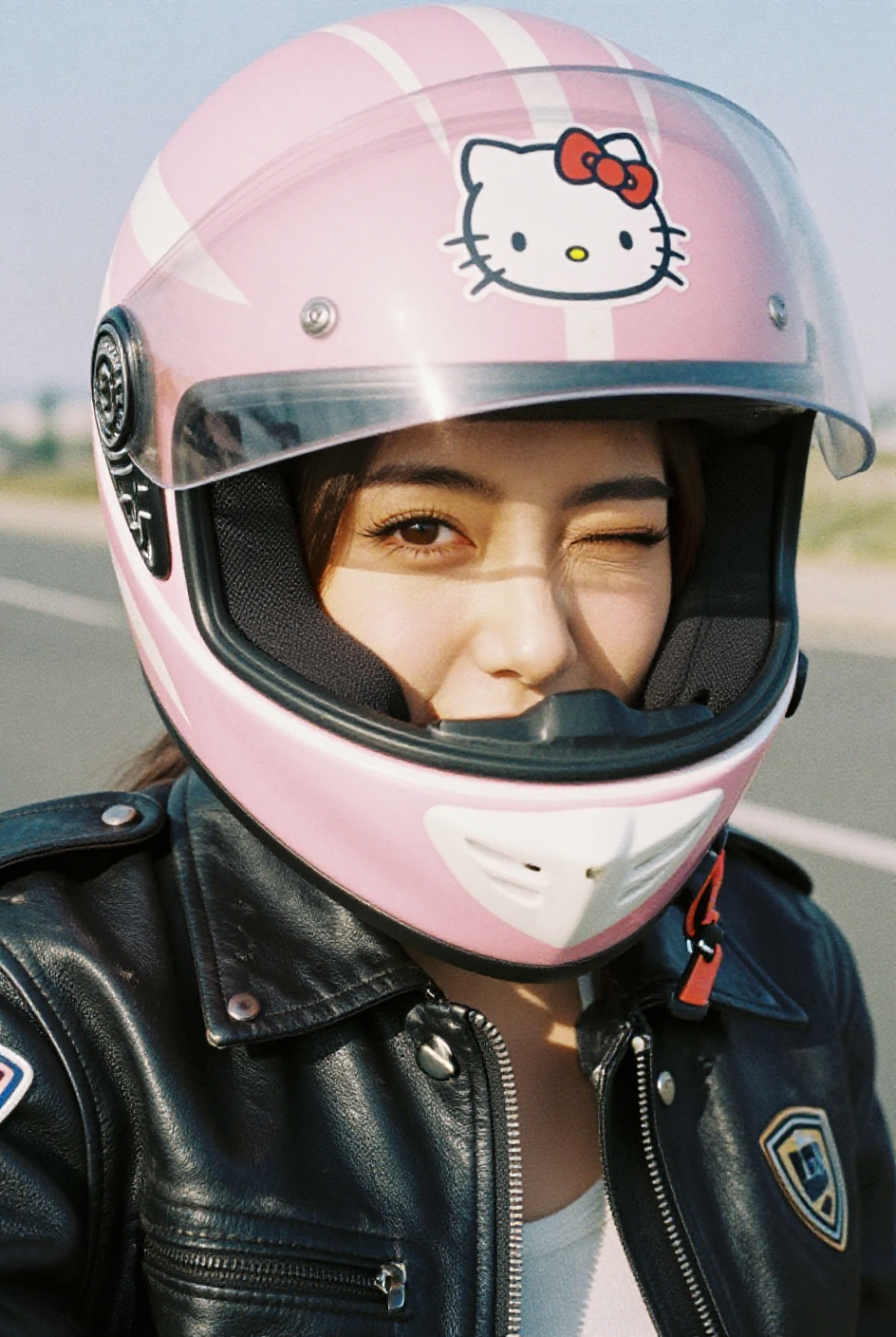
A workflow for Z-Image-Turbo focused on high-quality image styles and ease of use.
Style Selector: Choose from eighteen (x2) customizable image styles.
Refiner: Improves final quality by performing a second pass.
Upscaler: Increases the resolution of any generated image by 50%.
Speed Options:
7 Steps Switch: Uses fewer steps while maintaining the quality.
Smaller Image Switch: Generates images at a lower resolution.
Extra Options:
Sampler Switch: Easily test generation with an alternative sampler.
Landscape Switch: Change to horizontal image generation with a single click.
Spicy Impact Booster: Adds a subtle spicy condiment to the prompt.
Preconfigured workflows for each checkpoint format (GGUF / SAFETENSORS).
Includes the "Power Lora Loader" node for loading multiple LoRAs.

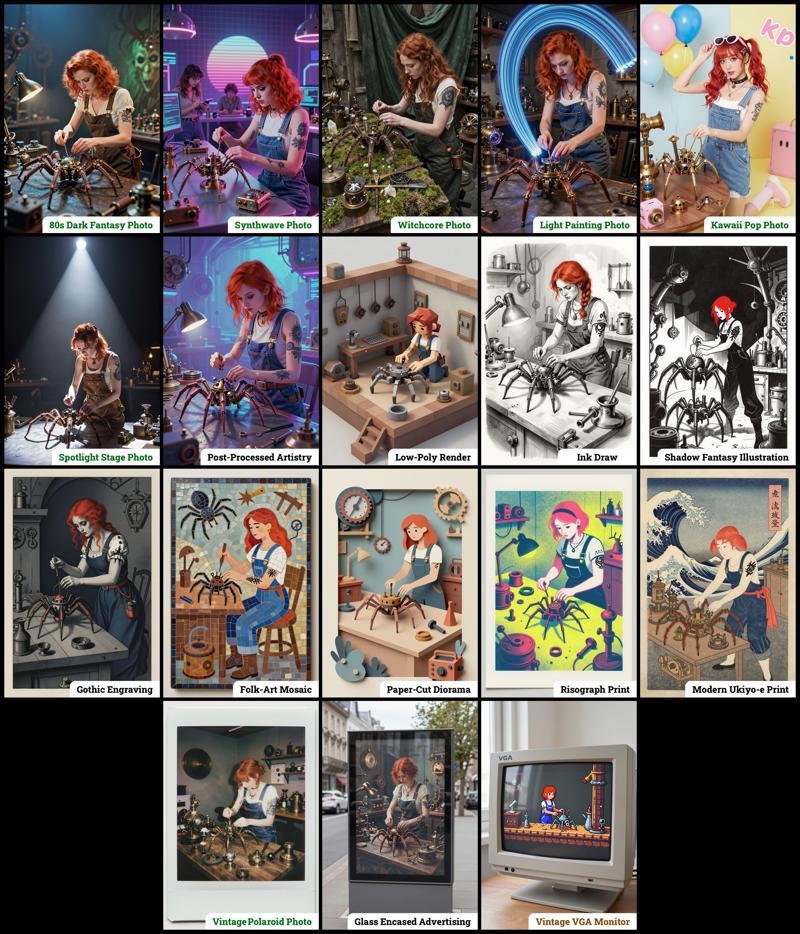 The zip contains four workflow files:
amazing-z-image-a_GGUF: Recommended for GPUs with 12GB or less.
amazing-z-image-b_GGUF: similar workflow "a", but with more experimental styles.
amazing-z-image-a_SAFETENSORS: Based directly on the ComfyUI example.
amazing-z-image-b_SAFETENSORS: similar workflow "a", but with more experimental styles.
When using ComfyUI, you may encounter debates about the best checkpoint format. From my experience, GGUF quantized models provide a better balance between size and prompt response quality compared to SafeTensors versions. However, it's worth noting that ComfyUI includes optimizations that work more efficiently with SafeTensors files, which might make them preferable for some users despite their larger size. The optimal choice depends on factors like your ComfyUI version, PyTorch setup, CUDA configuration, GPU model, and available VRAM and RAM. To help you find the best fit for your system, I've included links to various checkpoint versions below.
Required Checkpoints Files
: for "amazing-z-image_GGUF"
z_image_turbo-Q5_K_S.gguf [5.19 GB]
local directory:ComfyUI/models/diffusion_models/Qwen3-4B.i1-Q5_K_S.gguf [2.82 GB]
local directory:ComfyUI/models/text_encoders/ae.safetensors [335 MB]
local directory:ComfyUI/models/vae/4x_foolhardy_Remacri.safetensors (for illustration refining) [66.9 MB]
local directory:ComfyUI/models/upscale_models/
: for "amazing_zimage-SAFETENSORS"
Based directly on the official ComfyUI example,
z_image_turbo_bf16.safetensors (12.3 GB)
local directory:ComfyUI/models/diffusion_models/qwen_3_4b.safetensors (8.04 GB)
local directory:ComfyUI/models/text_encoders/ae.safetensors (335 MB)
local directory:ComfyUI/models/vae/4x_foolhardy_Remacri.safetensors (for illustration refining) [66.9 MB]
local directory:ComfyUI/models/upscale_models/
: for Version 3.x
If, for some reason, you need to use the older version 3.x, you will also require the following additional file:
4x_Nickelback_70000G.safetensors [66.9 MB]
Local Directory:ComfyUI/models/upscale_models/
Required Custom Nodes
The workflows require the following custom nodes:
(which can be installed via ComfyUI-Manager or downloaded from their repositories)
rgthree-comfy: https://github.com/rgthree/rgthree-comfy
ComfyUI-GGUF: https://github.com/city96/ComfyUI-GGUF
License
This project is licensed under the Unlicense license.
More info:
Description
Initial Version.
FAQ
Comments (36)
Hi! Thanks for the workflow! I don’t use it directly, but I did pick up a couple of interesting features from it - really appreciate it. By the way, I wanted to let you know there’s a small typo in the Vintage Candid section. You wrote "vibrant warn colors", but I think you meant "warm".
Thanks again for your work. Your prompts are amazing as always - I’ve been a fan since the Photon days!
Thank you so much! It means a lot to hear from someone who followed me since the Photon days!. And thanks for catching that typo, english still trips me up sometimes.
I'm glad the workflow was useful! I was actually planning on adding some documentation to explain each part, especially for someone wanting to expand or use pieces of it. But honestly... I lost this whole weekend playing with z-image haha. It's seriously addictive!
Cheers
@Photographer The Argentinian social worker is my favorite. I’m not exactly sure what it meant to you, but for me, it was one hell of an adventure and a lot of fun. Best of luck with your creative endeavors!
@Akalabeth That "Argentinian social worker" genuinely made me laugh and brought back so many memories of Photon at its finest! As an Argentinian myself, I knew the model's training data had a good number of striking images of beautiful local models. But why 'social worker' worked so well remains a mystery! It was likely pure chance while I was experimenting with prompts, looking for anything that might yield those natural and "attractive" results. haha
All the best!
"Style Selector" - very cool.
Thanks! Glad you're enjoying it, version 2 just launched!
Hello, I'm a newbie and I wanted to know why when I enter my promt (and I tried to enter promt in all 3 nodes that are there) and when I start the process, my promt disappears and the old promt that was there initially appears.
Hello! Some nodes within the workflow are part of the processing pipeline and are automatically overwritten. It's possible you're entering your text in those nodes by mistake. I just released version 2.0, which clarifies where you need to enter your prompt.
Here's an image illustrating v2: https://raw.githubusercontent.com/martin-rizzo/AmazingZImageWorkflow/refs/heads/master/files/banner.png.

The green node titled 'PROMPT' is the only place you should input your text. Please let me know if you continue to experience any issues.
@Photographer Thank you very much, everything works great, it would be cool to add more lora.
I'm still having the exact same issue using v2, inputing prompt in the green node but still generates the same women every time
@Pugne Add Load lora node as usual and then toggle 'add_noise' to false in SamplerCustom node, then your lora's will work!!!
@yesnt102 that's because the seed is fixed, either change the prompt or select 'randomize' in the SEED node in 'control after generate'
@yesnt102 you might want to try changing your prompt and selecting 'randomize' in the SEED node, as torc007689 suggested. If you're still encountering issues, please let me know!
@torc007689 thanks! Really appreciate you stepping in to help out.
@Photographer i am encountering the same issue, even if change the prompt or keep the seed randomize, i am getting the same default prompt output.
i am using v4 the latest one
Nice work. I made a workflow that added your styles picker toggle to it, and wanted to ask it would be cool to post it on Civitai? If you rather I not use a part of your workflow, I understand and can come up with something from scratch, but wanted to ask.
Absolutely! Please feel free to use whatever you need from the workflow. It's designed to be open and freely adaptable. There's no license attached, so please make the most of it. It would be fantastic if you could include a link to either https://civitai.com/models/2181458/amazing-z-image-workflow or https://github.com/martin-rizzo/AmazingZImageWorkflow, but it's not required. Thanks for sharing!
@Photographer I'll be sure to link so everyone knows where I got the workflow from. Thanks for sharing
I'm new to comfyui so is it possible to add a lora loader to this workflow? I tried but it just bypasses it.
Toggle 'add_noise' to false in SamplerCustom node, then your lora's will work!!!
For some reason the style selector is blank for me, any idea why?
same for me. I have to use the very first reference box and count down (or up) to the style I want, then do the same for the selector. I tried to get the selector to show the name of the style, but it is "cut off" after the first few characters.
@rlm77dd @Hooch88 Thanks for letting me know about this! It looks like the issue might be related to the recent 'Nodes 2.0' update in ComfyUI. Custom 'rgthree' nodes seem to be having some compatibility problems with it. As a temporary fix, try disabling 'Nodes 2.0' in ComfyUI. You can find this in 'Settings' from the main menu, and just deactivate the first two options: "Modern Node Design (Nodes 2.0)" and "Auto-scale layout (Nodes 2.0)". Then, reload the workflow completely to make sure the changes take effect. If you're still having trouble, please let me know!
@Photographer That worked. Thanks!
Is there a way to get wildcards in the prompt to work with the text encoder? If I put something like a {red|white|blue} dress then she gets a dress that is red white and blue instead of just one of the colors.
The style selector is kind of neat. I don't understand what that Karras node does though.
Regarding the Karras Scheduler, it allows for fine-grained control over the amount of 'noise' the model attempts to remove at each step of the diffusion process. It's essentially the same as using 'scheduler = karras' within a KSampler node, but with a few extra adjustments.
I incorporated it into this workflow primarily as an experiment to try to adjust the noise reduction at each step and see if I could improve the final image quality. It was a bit of a trial-and-error process to see what worked best. I tested various approaches, and this particular node with its current configuration achieved the results I liked the most.
As for the wildcards, implementing them is a bit tricky because ComfyUI has a very hardcoded approach to dynamic prompts (wildcards) within the 'CLIP Text Encode' node, and I can't directly use that node on my workflow. To support wildcards, we'd need to find a node from rgthree or another custom nodes that supports wildcards and has a 'String' output. We could then use it to replace the 'PROMPT' node in the workflow.
I hope this helps, even if my explanations got a little convoluted!
@Photographer the mikey_nodes wildcard processor has a string output - is it just a matter of reconnecting that node to the This node is used to node and the clip text encode node? (I'm very new to comfyui sorry). If so I think I'm doing it wrong, it just kind of takes the style as a prompt suggestion instead. Edit: never mind, I wasn't actually connecting the clip node - the mikey wildcard node works great @ptangwai700 !
Wildcards via "__" and lora calls via "<lora:" (hence no need for lora loader nodes) like in auto1111 text input (in early stage and author is working on it so it is not one of those one off nodes) here:
https://github.com/Tinuva88/Comfy-UmiAI
It works with basic setup and has minimal requirements, looks very promising.
I did not test it thoroughly.
That one time I had all nodes already installed. Very nice style selector and workflow.
The switches etc dont work. Any idea why they arent showing?
Absolute GAS!!!!!! 🔥🔥🔥🔥
Style Selector doesn't show any styles
Could be a compatibility issue with newer versions of ComfyUI. Try disabling Nodes 2.0 in ComfyUI and let me know if that helps.
This is an amazing workflow. So fun! Well done.
It's not just a workflow... It's so much more! Switching between styles is incredibly enjoyable and efficient.
I have a slight preference for Drone mode!
Doesn't work. I get errors with CLIPLoader.
Error(s) in loading state_dict for Llama2: and gives me a page of errors.