Like the work I do and want to say thanks? Buy me a coffee or Support me on Patreon for exclusive early access to my models and more!
Wow guys, you have to try this for yourself! 😲😲
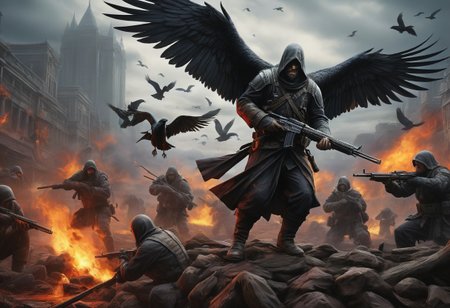
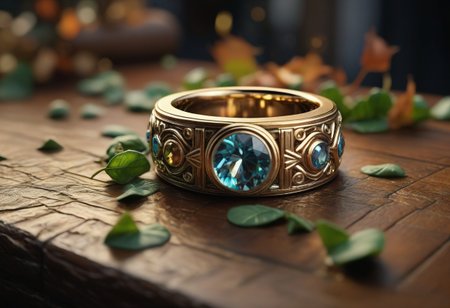
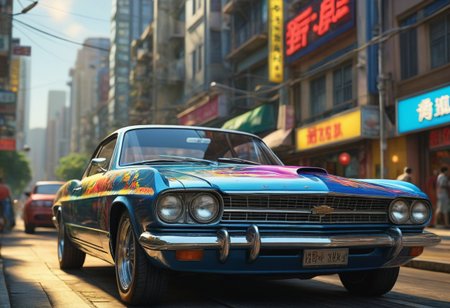
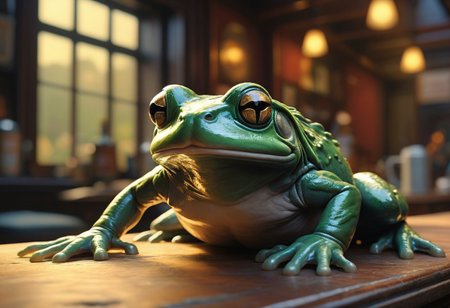
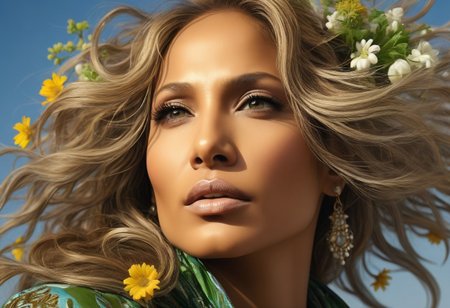
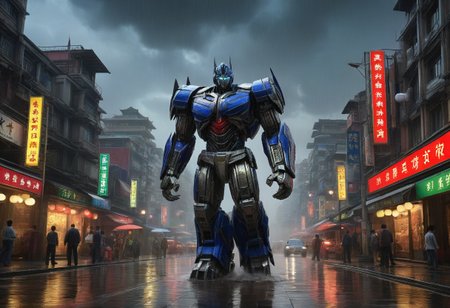
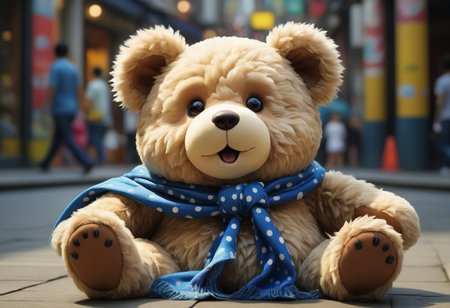
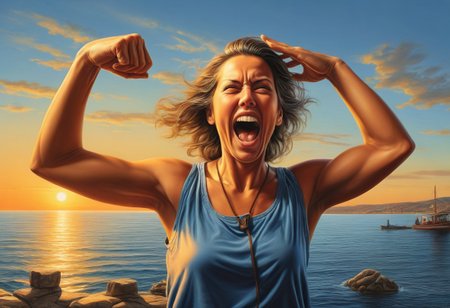
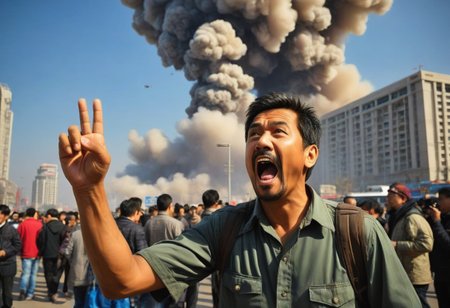
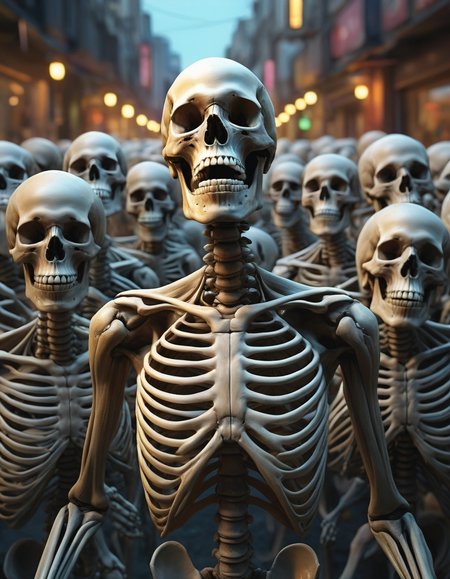
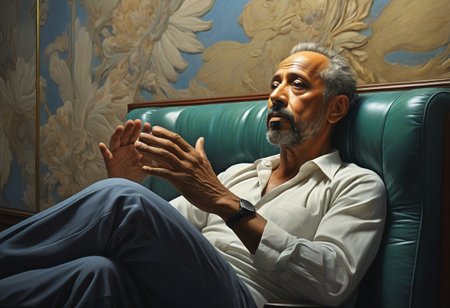
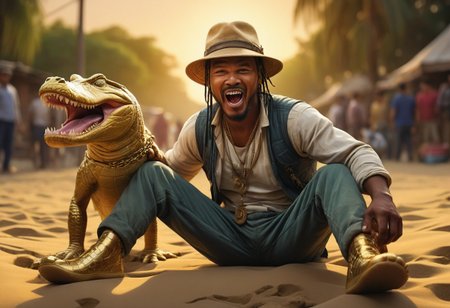
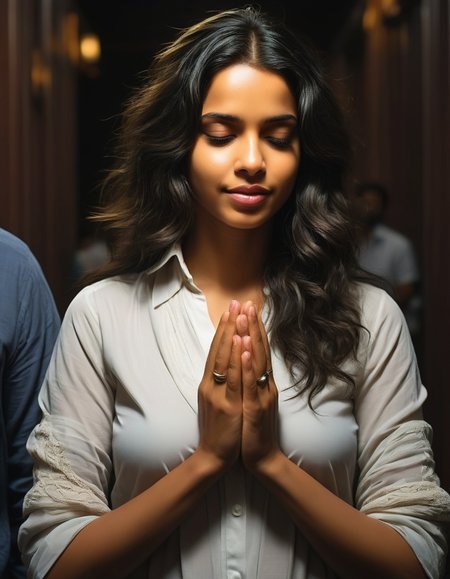
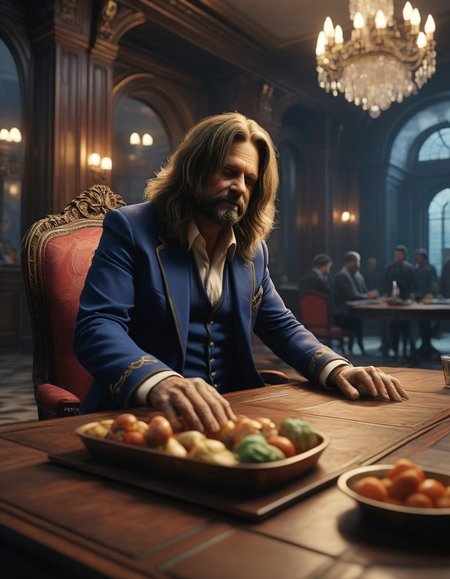
Super fast generations at "normal" XL resolutions with much better quality than base SDXL Turbo!
Suggested settings for best output
Sampler: DPM++ SDE or DPM++ SDE Karras
Steps: 3 - 5
CFG: 1 - 2.25
You can run this model in Automatic1111 like a normal XL model, however not all samplers work with it. I've found DPM++ SDE is the best output performance in the 3 - 5 range, while DPM2 looks really good in the 6 - 10 step range if you're willing to wait just a bit longer. The LCM sampler and Euler A produce almost identical output, which is usable at low steps, but really lacking in detail vs. the other options.
LoRAs work fine, I've tested multiple LoRAs and they appear to still produce expected results, tho YMMV of course.
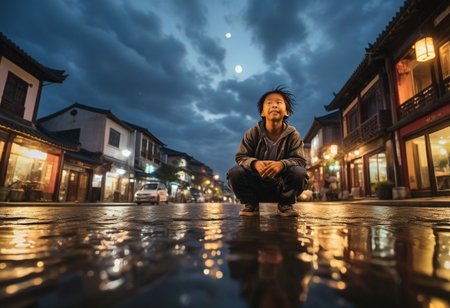
Coherence is a work in progress with this model. 1024 x 1024 is pretty well solved now, and I very rarely see errors even in 4:3 and 2:3 formats. 16:9 does result in some twinning, but it's not too bad. 21:9 is rougher with an annoying amount of twinning and errors, though not too much worse than normal mainline models.
NOTE ON LICENSING - This model is based on the SDXL Turbo model released by Stability AI. They have flagged the model as being released under a non-commercial research license and permits personal, non-commercial use only. Be aware this model cannot be used for image generation services at this time. If you have questions, please reach out to me on Discord.
Description
TurboVisonXL V4.3.1 Release Notes
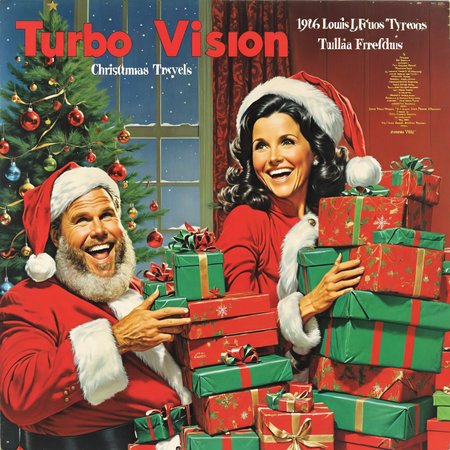
Merry Xmas!!! This version includes multiple trainings working on coherence, especially for widescreen (16:9, 21:9) output. While it's not perfect, I venture to say that TurboVision is as good as any "normal" SDXL model at this point, and in fact surpasses most models in terms of output quality and detail. While this model excels at outputting detailed coherent output in the low 3 - 6 step range, it continues to add more detail and quality the higher you get. One of my favorite tricks right now is to generate images at 5 steps then img2img with the same prompt for 30 steps with DPM++ 3M SDE Karras with denoiser at 0.55. You can even use Turbo as a FInisher for other models as well, try it!
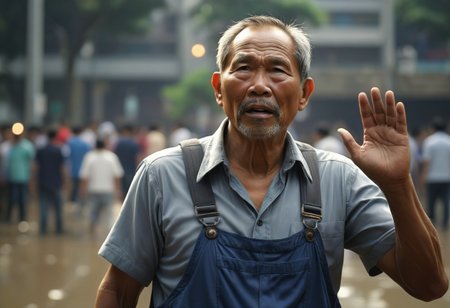
Eyes, faces, hands. all are greatly improved. hands especially seem to really have improved, especially when inpainting.
Changelog 12/23/23
2 new trainings with several hundred widescreen images of different aspect ratios and dimensions, resulting in much improved wide coherence
low-value back-merge with CineVision
Known Issues
male genitalia
output is on the warm side. My next trainings I'm going to focus on cooling the color temp down a bit, but in the meantime if it's too warm, add "Yellow tone, sepia" to your negs and it should cool it off.
hands and faces can be goofy at medium distances
FAQ
Comments (17)
Just for full transparency as the Civit metadata doesn't show it, I did use HRF for about half of the listing images, and of those about half were using an extra 8 steps at 1.5 latent scaling with 0.55 denoiser, and others I did with 20 steps of DPM++ 3M SDE Karras at 1.5 latent scaling at 0.55 denoiser. Both methods create very detailed output!
Simply amazing!!! Can't stop playing with it!!! WELL DONE!!!!! THANKS A LOT for the model! Best I've seen so far!!!!!!!!
Great job. thank you for your work
3.2 seems way better than 4.X so far
Used 4x, did a 10x10 grid i can't post here because the site won't allow >50meg images, all in 7:4 single seed using dpmpp_sde_gpu and karras. It becomes useable at 4 steps, peaks at 9, but doesn't degrade past that ( i went up to 15).
From a CFG pov, 1.44 to 3.68 seemed 'optimal' with no artifact of 'burn in'.
Love it!
I have a question, does this model need negative words? because turbo doesn't need negative words, but I see that the sample diagram contains negative words.
3.2 is definitely better for photo-realistic images than 4.3.1
Love this. However, for some detailed prompts I can tell that the chkpt isn't following the prompt closely due to the low required cfg scale for good generations. I can check this by increasing cfg to 5 and I see the dramatic change (because it is now following my prompt), but I lose all the photorealism. Is there any workaround to this?
Thank you very much! However, when I use it on Macbook M1 Pro 16GB, it always took almost 2 minutes to prepare and then draw it every time. How to fix this problem? Thank you.
Thank you so much for your great job.
Socal - have you tried Lightning yet or is it not worth it? Wonder if this will work with it but Ive been already using this with LCM lora for like 1ms gens
Been playing with this, since it would be nice to have a checkpoint that doesn't take 20 steps considering my low-power GPU. I have found that running the cfg below 1.5 causes almost guaranteed twinning, and above that causes excessive noise. 1.5 is the sweet spot. I got useable images at 5 steps, but they're not very crisp. Grainy like a 1970s TV show.
Pretty sad to read through all these comments and not a single response from the creator.
i need 10 steps in ComfyUI. Also i keep cfg at 1.0; increasing it drastically slows it down
Thank you for your model. By far this is my favourite model.
When you say you've tested multiple LoRAs, are you talking about SDXL Turbo LoRAs or SDXL LoRAs? I still don't know if you can mix and match those.
Thanks for your time!
I don't think this is meant to produce nsfw photos :)
Details
Files
turbovisionxlSuperFastXLBasedOnNew_tvxlV431Bakedvae.safetensors
Mirrors
turbovisionxlSuperFastXLBasedOnNew_tvxlV431Bakedvae.safetensors
turbovisionxlSuperFastXLBasedOnNew_tvxlV431Bakedvae.safetensors
turbovisionxlSuperFastXLBasedOnNew_tvxlV431Bakedvae.safetensors
TurboVisionXL.safetensors
TurboVisionXL.safetensors
turbovisionxlSuperFastXLBasedOnNew_tvxlV431Bakedvae.safetensors
Available On (1 platform)
Same model published on other platforms. May have additional downloads or version variants.