
When the model version is updated, I'll put new prompt in "About this version" if necessary.
V1.0
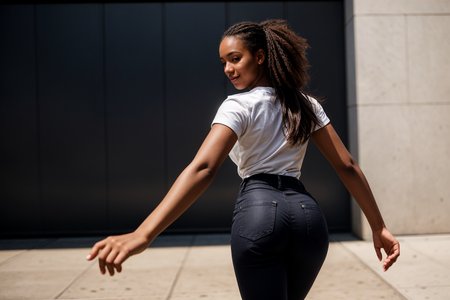
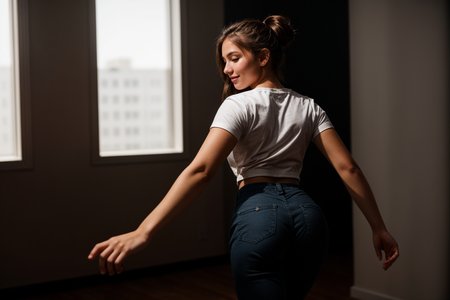
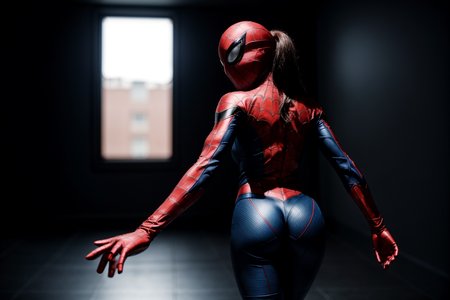
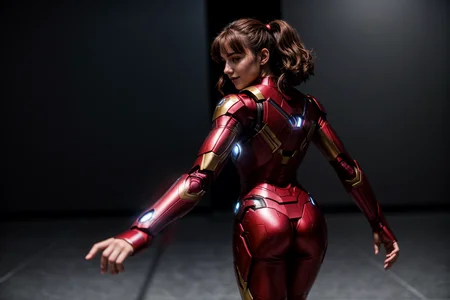
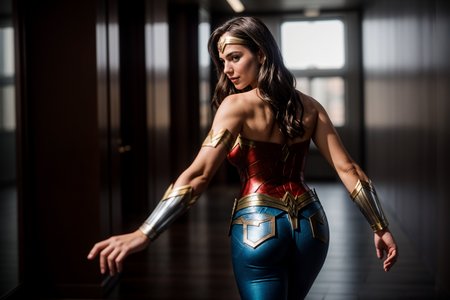
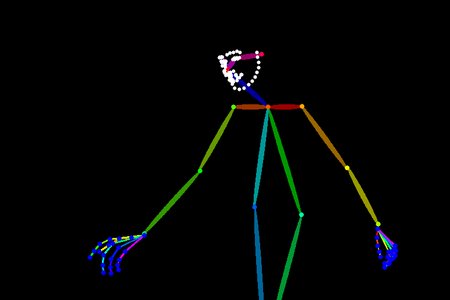
OpenPose bone structure and example image with prompt information.
Positive prompt: from behind, stretching right arm
Welcome to share your creation here!
Note: The hit rate of the prompt is pretty low.
Description
9th from behind pose.
FAQ
Comments (2)
How to install this model???
How to use openpose/depth/lineart file?
1. Install ControlNet extension
2. Find ControlNet interface
3. Select ControlNet Unit 0
4. Select "Enable" and "Pixel Perfect"
5. Select Resize Mode as "Just Resize"
6. Select openpose or depth or lineart
7. Import openpose or depth or lineart file
8. Change preprocessor to "none"
9. In case you want to use second openpose or depth or lineart file together, select ControlNet Unit 1, and repeat step 4 to step 8
10. ControlNet weight suggestion: Openpose weight 1, depth/lineart weight 0.3 to 0.5
11. Set your image size same as openpose or depth or lineart file
12. Positive prompt suggestion: include pose, outfit, background in the prompt
13. Generate image
Note: For step 8, when you import "photo" instead openpose or depth or lineart file, preprocessor shall not be "none".