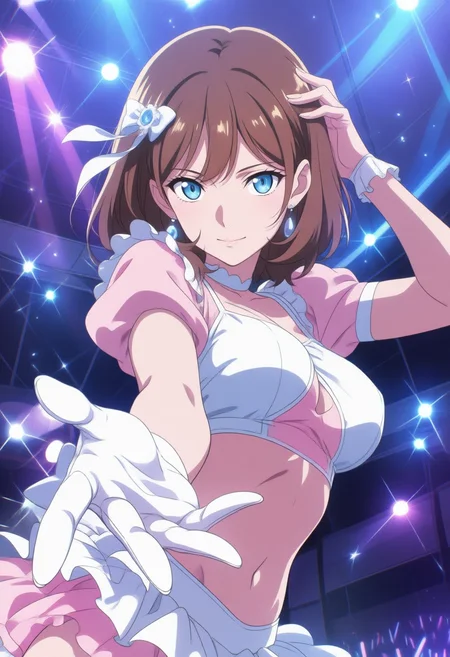
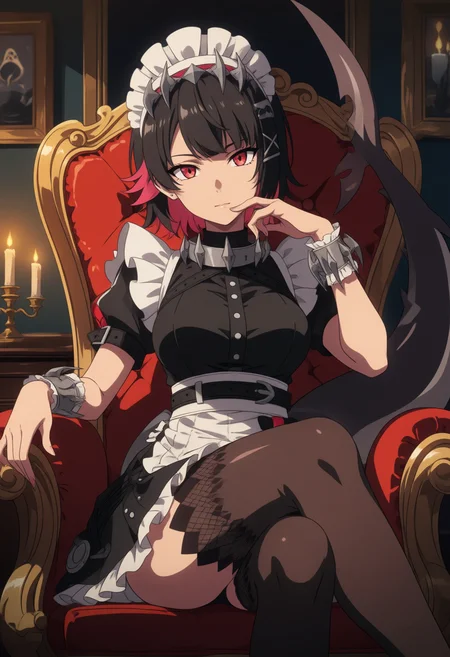


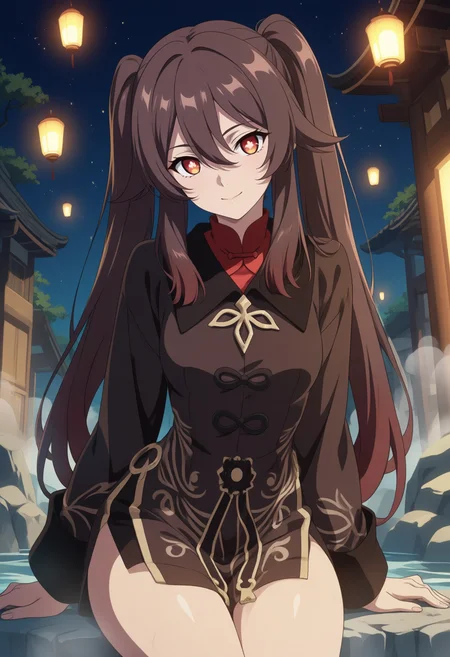
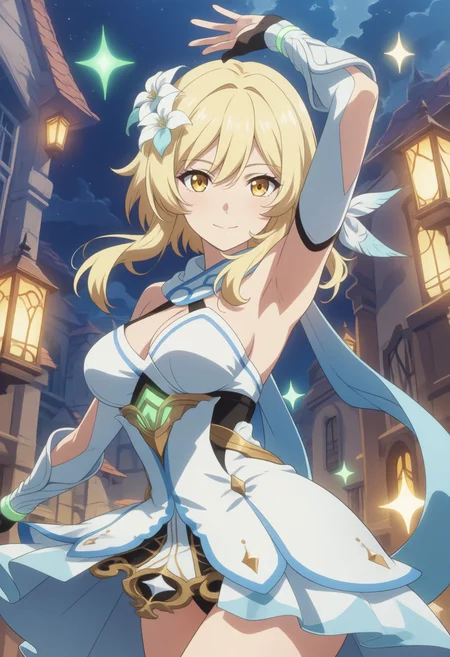


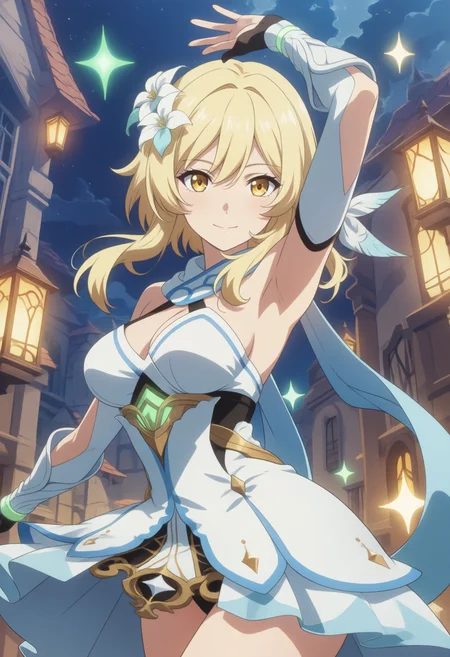


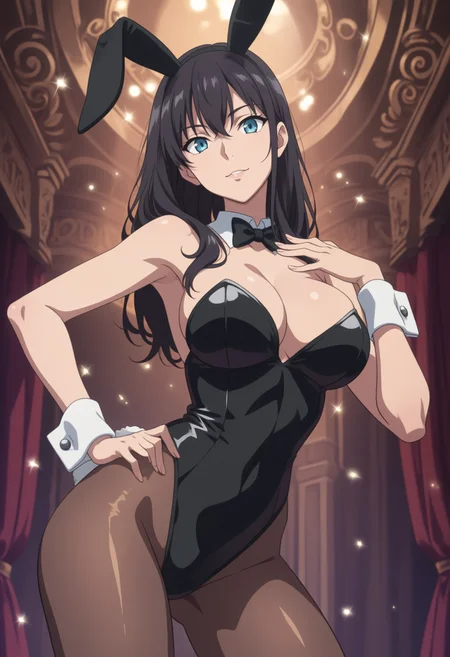


The Checkpoint is now available!
It's more stable than the LoRA version. Check it out!
✨ BAS - Better Anime Style - Anima Model / Checkpoint ✨
Anime Style LoRA for Anima Base v1.0
This LoRA is designed to apply a high-quality anime-style aesthetic to images generated with Anima Base v1.0.
It works especially well when used with anime-related trigger tags such as:
anime, anime_coloring, anime_screenshot, anime_screencapThese prompts help reinforce the intended style and produce stronger anime-like results, including vibrant coloring, clean linework, and the appearance of anime screenshots or screencaps.
Recommended Settings
LoRA Weight: 0.3 - 0.5
Description
FAQ
Comments (7)
Seems both the model strength and clip strength needs to be set at 0.5 or below for this lora to work properly. I had the lora strength (only) set 0.5 and it misbehave, giving some junk result. Only after I put one sample picture to ComfyUI and found out it has clip strength at 0.4 that I managed to run it properly.
Thanks for your comment! 🙇
That's exactly the issue with this LoRA — it's overfitted.
I'm wondering if this LoRA can be used in the Anima workflow. Why is it that when I use this LoRA with the basic Anima workflow, without adding any artist strings, the details in the generated images don't turn out as good as they appear in the preview images?
I'm very sorry for the inconvenience.🙇
Sorry! This LoRA is overfitted, so images may break or become distorted unless the weight is kept between 0.2 and 0.5.
A checkpoint version is now available, and it generally performs better and more consistently than this LoRA version.
https://civitai.red/models/2665985/bas-better-anime-style-or-anima-base-v10-or-model-or-checkpoint
@news_v_com Thank you for your reply. I'll try using this checkpoint to see how it works!
This LoRA seems to work best at a strength of around 0.1 to 0.2.
Thanks so much for your comment!🙇
That's really helpful.