CivArchive
    Preview 117469837
    Preview 117469841
    Preview 117469838
    Preview 117469845
    Preview 117469842
    Preview 117469823
    Preview 117469846
    Preview 117469839
    Preview 117469824
    Preview 117469844
    Preview 117469840
    Preview 117469828
    Preview 117469843

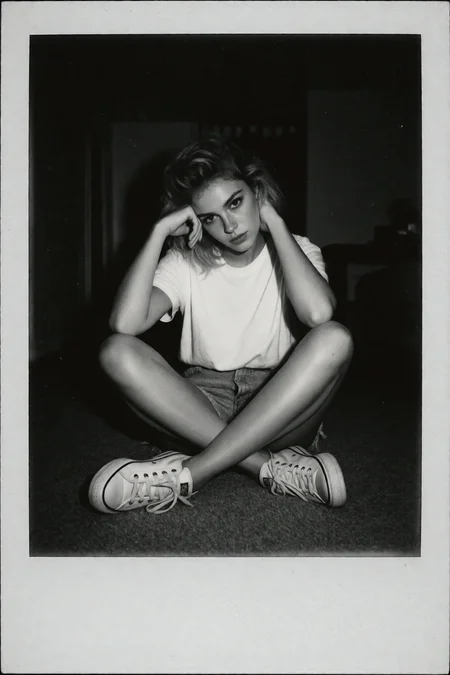
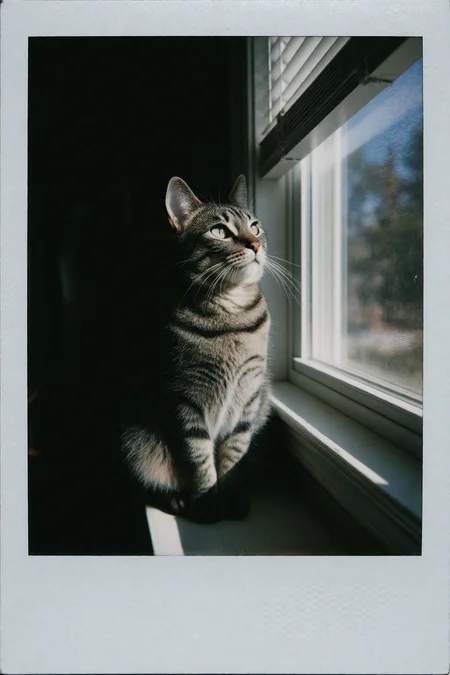
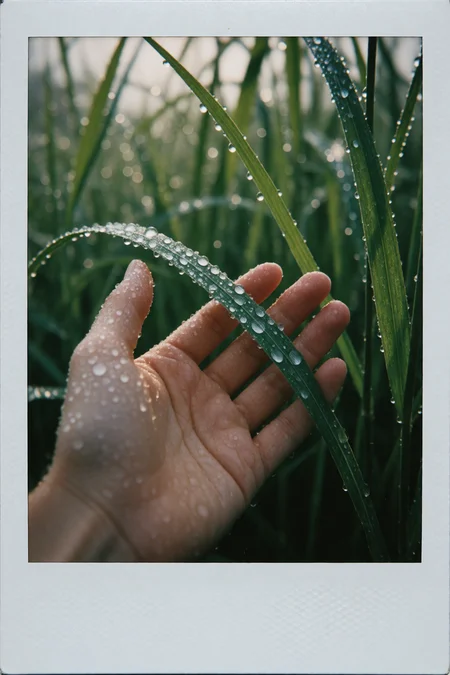
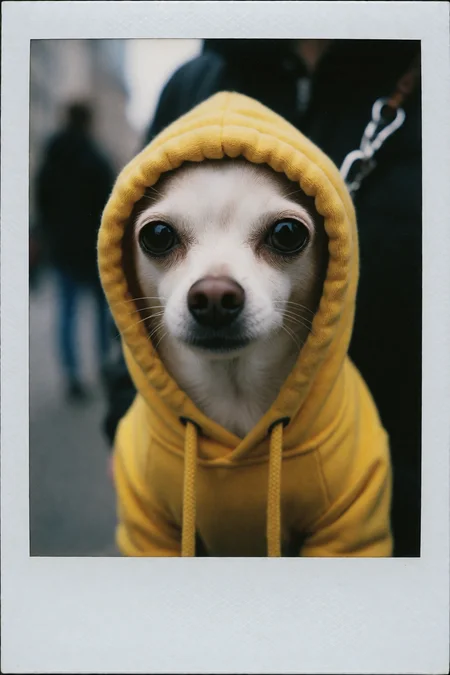
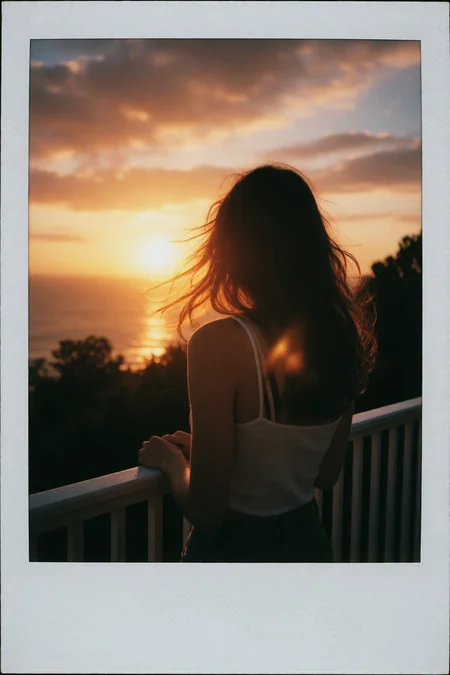
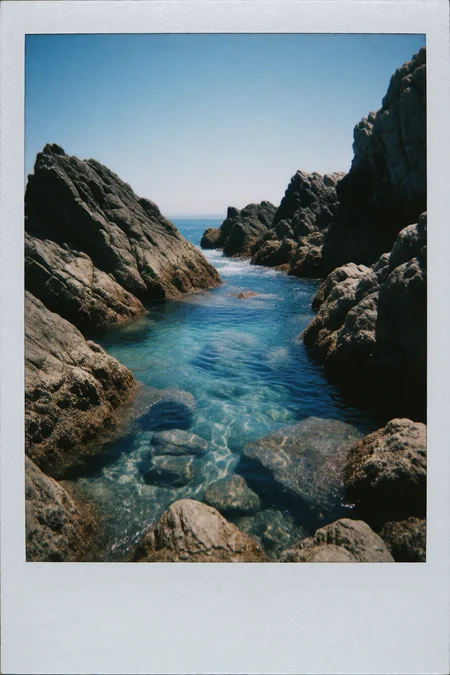
    Candid Instax Photo
    I set out to capture the unique aesthetic of instant film photography, specifically emulating the Fujifilm Instax Mini format. Most images in the dataset follow its signature 62×46mm proportions (≈4:3 ratio), optimized for 1264×944 and 944×1264 generations.

    You can also use 1152×896, 896×1152 (632×472 for SD1) to stay true to the Instax Mini look, but the LoRA performs well across various aspect ratios.

    Built around candid, spontaneous moments, this LoRA recreates the soft focus, flash-heavy lighting, and gentle color shifts typical of Instax film.

    Perfect for generating nostalgic snapshots with a modern twist — like fleeting memories printed and preserved.

    Mini version Update:

    I initially began work on a new version by greatly expanding the dataset — adding a wide range of nature scenes, landscape and cityscape shots, as well as various lighting conditions (Golden Hour, Neon, Overhead Flash, Deep Shadows) and camera angles (mirror selfies, top-down views, over-the-shoulder shots).

    But at some point, I realized that nearly all the images I really liked shared one thing in common - Instax Mini portrait format and its distinctive signature framing.

    So instead of pushing forward with a full V2 with all kind of formats, I decided to make a major change and created this specialized "Instax Mini" version, focused only on that unique format. For now, I’ve removed all other aspect ratios from the dataset to keep things clean and consistent.

    The recommend aspect ratio close to 1:1.6 like 1376×864, 1024 x 600, 688 x 432

    Expect more versions in the future as I want to add dedicated "Square" and "Wide" format datasets + a true v2 that will support all 3 formats in 1 LoRA :)

    Description

    Based on v1 Dataset.
    ZImageTurbo has already a pretty good undestanding how Instax Photo should look like.
    The Lora mainly enchances this and shifts the colors more towards Instax and away from Polaroid.
    It reduces the amount of images that are "A photo of a Photo" and shifts the bias of the subjects away from "Asian Portrait".

    FAQ

    Comments (8)

    JellaiJan 19, 2026· 6 reactions
    CivitAI

    I love the visuals, but the white border basically becomes a waste of generation time, and lowers the end resolution. White borders are the easiest thing to add later with outpainting, or as simple as a fill bucket in photoshop, and if this were trained with full-screen images, it would just be more useful in general, and we'd get higher resolution results. It would be easier to mix visual styles too.

    ArsMachina
    Author
    Jan 20, 2026· 2 reactions

    This is how Instax look. Even when they are digital, so this is how the training data looks like.

    JellaiJan 20, 2026· 1 reaction

    @ArsMachina Yes. I understand the data is like this. I just think the data could be prepped through cropping to allow for the look being a total style that can be mixed with other styles, and can show in the full frame. What people do with that look is up to them, whether they want to add a border, or not.

    There are a number of advantages, while keeping it as-is has negatives but with the only advantage being that you don't have to use a fill bucket if you want it to have the border. Maybe a good middle-ground is to split the data between cropped and not, and have "with border" key phrase. That way, one could have both.

    hamstornadoFeb 3, 2026· 1 reaction

    It's better that the white border is present. you're forgetting that the white border is a part or the artefact - it's a part of the experience of looking and touching it. which means it can accumulate wear and tear, marks, scribbles, have it's own texture. it's never really a white border - it's part of the entirety of the image and it's characteristics would show up on a scan of the physical photo.

    hamstornadoFeb 3, 2026· 1 reaction

    @ArsMachina totally agree, it's part of the characteristics of the physical media and I'm glad you're keeping it :)

    JellaiFeb 5, 2026· 1 reaction

    @hamstornado I'm not forgetting it. I mentioned it. Did you forget that I mentioned it? I even went through how people can have it, and everyone could be happy. I went over multiple ways to get there, including having the border in half the data, and mention it in the captions, so that it can be optional for people who want it, and they could access it by a simple prompt. I'm surprised you missed all the times I mentioned the white border and how to get it in the final image. Not just how to remove it. I thought of everything.

    You talk about all of the wear and tear accumulated on it, but it's not showing up in the output images, so it's better just to let people use a fill bucket if that's what they want. If you train that wear and tear in, then it would weaken my case for removing it from the data, because then it wouldn't be as easy as a fill bucket fix. But the benefits you get from removing it are infinitely more complicated to recreate than a fill bucket. For instance, it would allow you to save generation time for the same resolution. How do you replicate that? It also allows you to get higher resolution. It would allow for more detail to really capture all that wear and tear that you love. Wouldn't that be nice? My suggestion actually gives you MORE of what you're saying you value.

    I mean, it's fine if you don't want full-screen images, but don't tell me what I'm forgetting. I laid it out pretty clearly and thoughtfully, and there are ways to make everyone happy.

    TigonTXFeb 7, 2026· 1 reaction

    @Jellai Try adding borderless?” Or put border in neg?

    purpleladyFeb 3, 2026· 2 reactions
    CivitAI

    Awesome, I loved the SDXL version of this and now we have a ZIT one too :D

    LORA
    ZImageTurbo

    Details

    Downloads
    1,339
    Platform
    CivitAI
    Platform Status
    Available
    Created
    1/18/2026
    Updated
    5/12/2026
    Deleted
    -
    Trigger Words:
    Candid Instax Photo,

    Files

    CandidInstaxphotoZ.safetensors

    Mirrors

    HuggingFace (1 mirrors)
    TensorArt (1 mirrors)