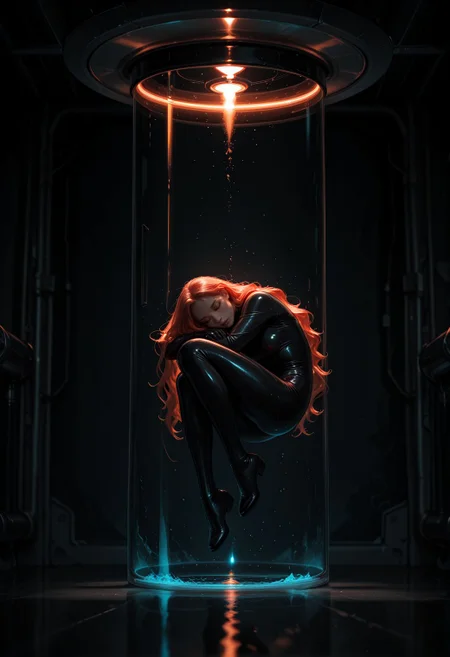
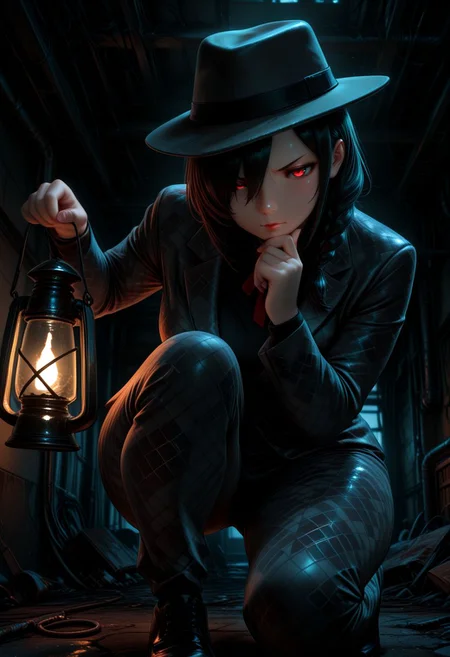
SMOOTH LIGHTING v.2!
Can be used on NoobAi/Illustrious/Pony Checkpoints.
NoobAI is proving to be very VERY susceptible to oversaturation and overexpose. This new version is an attempt to mitigate this a little bit while still giving improvement to lighting.
General use:
Weight between (-0.5 ~ 0.5) should be enough for 90% of anything you are trying to make!
Negative weight can be useful to mitigate oversaturation on some images.
Using Negative Weight (-1.0 ~ 0.0) will put an emphasis on add/strenghening shadows and dark colors while Positive Weight (0.0 ~ 1.0) will put an emphasis on add/strenghening light sources and bright colors.
For "Smooth Mix - NoobAI" use CFG between (2.0 ~ 4.0)! In fact, low CFG (3.0 ~ 5.0) works really well on any NoobAI Checkpoint!
High weight or high CFG with this Lora will easily lead to oversaturation/overexpose on NoobAI Checkpoints UNLESS you use advance tools, so only experience users should go for it.
Advanced use:
To reduce or eliminate oversaturation/overexpose the most effective way I have tested so far is using "DynamicThresholding (CFG-Fix)".
DynamicThresholding Settings: When Using CFG 4.0 ~ 6.0 - Mimic Scale: 2.5 ~ 3.5 / Mimic mode: Half Cosine Down / CFG Mode: Half Cosine Down
Every image on the showcase with this Lora weight 1.0 or CFG over 4.0 used DynamicThresholding.
Other tools include "Rescale CFG" and "Latent Modifier", but I haven't had enough time to test those. Feedback on those would be greatly appreciated.
With anyone has others suggestions on how to mitigate oversaturation be sure to share in the comments! =)
Have fun!
SMOOTH LIGHTING ENHANCER!
A companion to Smooth Detailer Booster with emphasis on lighting. It should work really well on Smooth Mix Checkpoint by giving more stuttle contrast between bright and dark areas while making light sources brighter.
Be sure to try Smooth Detailer Booster and Smooth Lighting Enhancer together!
Already tested on other Checkpoints with great results, so check them out! The weight can have a huge impact on the images depending on the Checkpoint used.
Have fun!
Description
FAQ
Comments (8)
Hm. For some reason it seems very very easy to oversaturate and overexpose on smoothmix once you put smooth lighting on, regardless of weights, with the only other lora(s) being detailer and smoothe embeds. The issue seems to be exclusively on the Noob branch. The lighting gets vastly improved but I've had to take most of my images out to editing software to fix colour grading; might be a site gen issue though haven't tried taking it off to local.
I'm trying to resolve the oversaturation issue on my next update. It should be up this weekend. Be sure to check it out and test it. I'm going to need a lot of feedback. >.<
@Qvoheu Yeah for sure :) I found it to be quite a bit more tame, and excellent in low light but still finnicky in brighter scenes. It's seemingly much more of an issue with my particular use case of very very few loras and more of a focus on prompting than it would be with people who lora stack (and probably who tinker more with off site) but that's more likely an issue with my being used to models like imagen and dall-e and getting more comfortable with that and falling off of open source models the last few years; can always hmu on discord same name as here to nudge me to give it a shot too and I'll give a whirl.
With Rescale CFG tool it's very simple - the closer to 1 you set, the more CFG gets 'deducted'. :)
Negative strength worked wonders for darkening images from checkpoints trained on brightly lit imagery. Works amazing overall.
This really helps with noobs saturation/shadow problem.
good for beginners
Pretty good, can recommend
Details
Files
Available On (2 platforms)
Same model published on other platforms. May have additional downloads or version variants.