









UPDATE YOUR COMFYUI AND INSTALL MISSING CUSTOM NODES OR THIS WORKFLOW WILL NOT WORK!!!!!!!!!
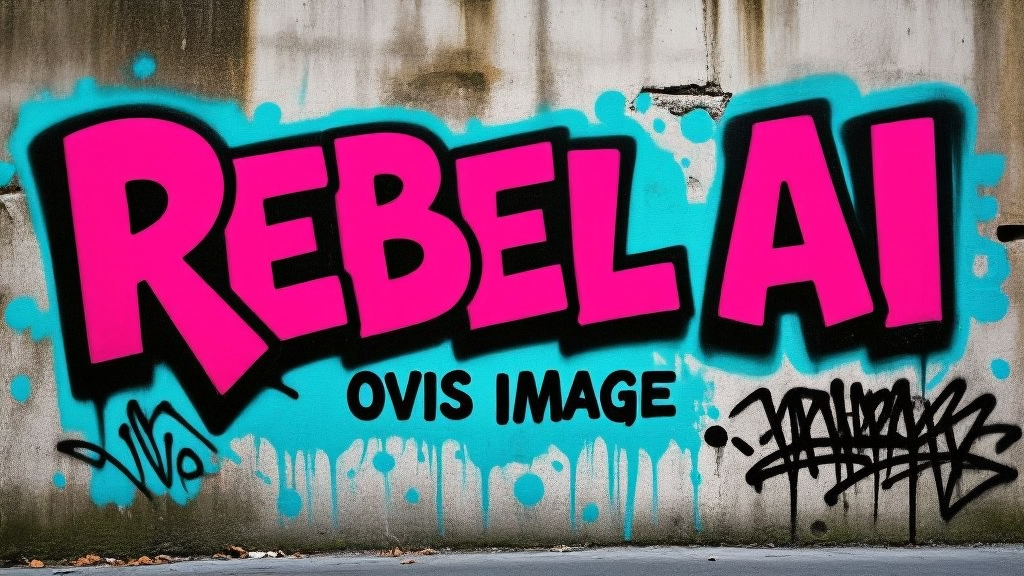
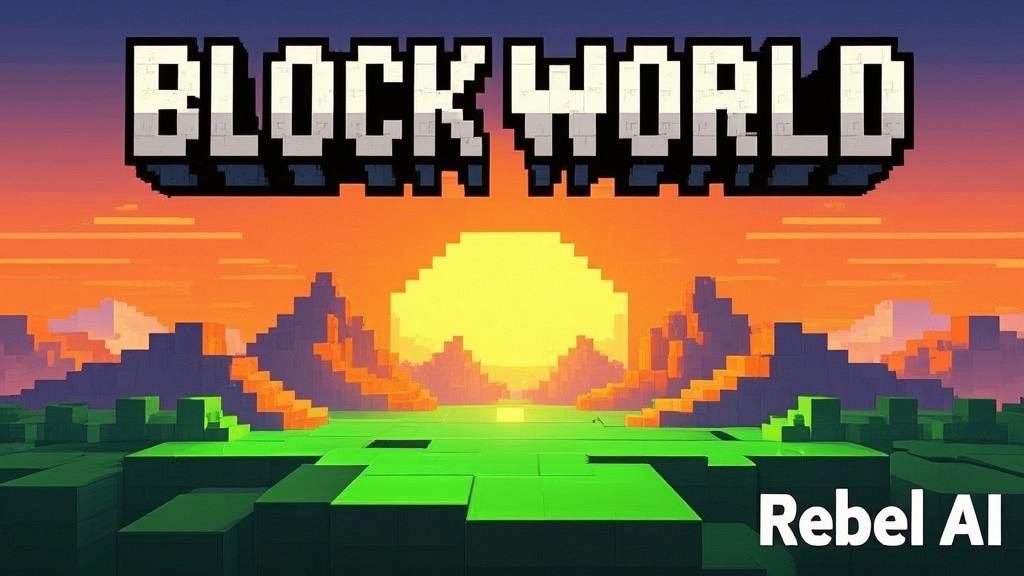
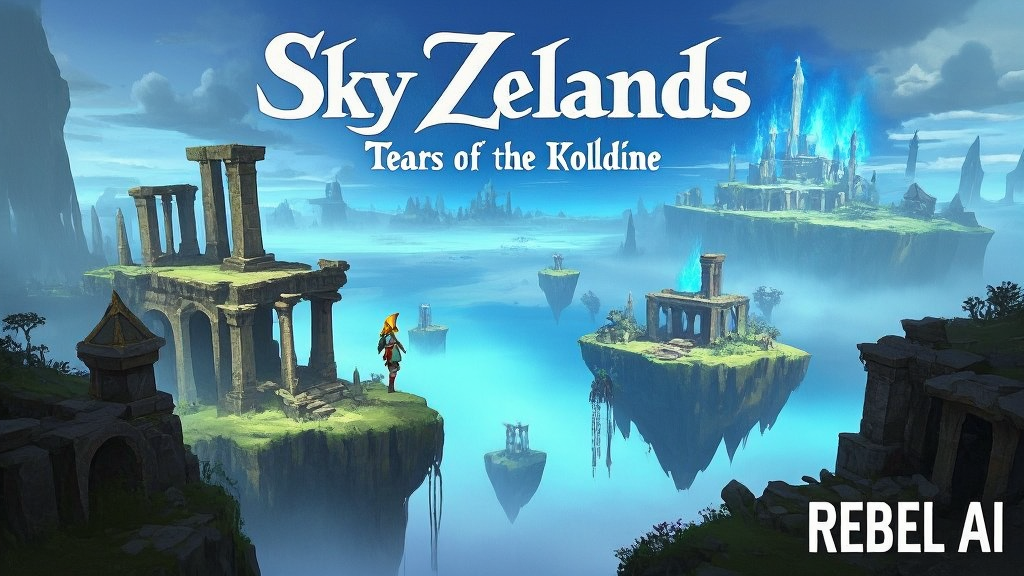
This is a condensed workflow for the NEW Ovis-Image 7B text to image model.
bf16 and GGUF (for low vram)
this model excels in TEXT BASED image generation, meaning it will generate proper text graphics, in various styles and ways, efficiently in about 20-50 steps. this is essentially VERY good for Youtube thumbnails, Flyers, Meme posts, etc.
GGUF and bf16 perform essentially the same with only minor detail change between the 2.
LINKS:::
bf16 Model
https://huggingface.co/Comfy-Org/Ovis-Image/tree/main/split_files/diffusion_models
fp8 Model
https://huggingface.co/qpqpqpqpqpqp/Ovis_Image_7B_fp8
GGUF model
https://huggingface.co/convertor/ovis-image-gguf/tree/main
VAE
https://huggingface.co/AIDC-AI/Ovis-Image-7B/blob/main/ae.safetensors
Text Encoder
https://huggingface.co/Comfy-Org/Ovis-Image/tree/main/split_files/text_encoders
Tutorial/Showcase:
Description
version 1 includes both the bf16(15gb), the fp8(8gb)and the GGUF(3-8gb) files to choose which is more efficient for you.